 Loop Forge
4 November 2026
MOSS-Image add-ons, tested locally
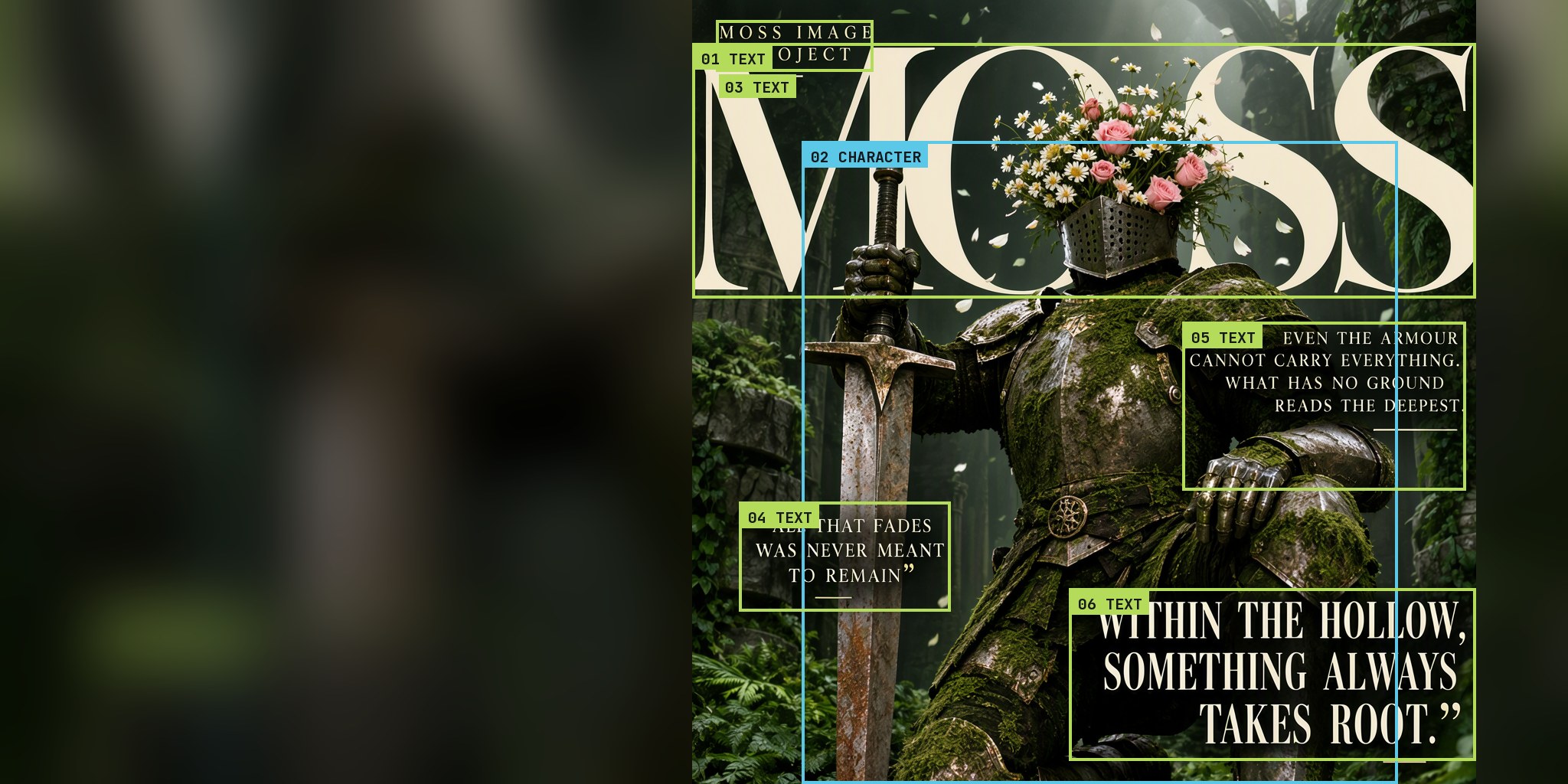
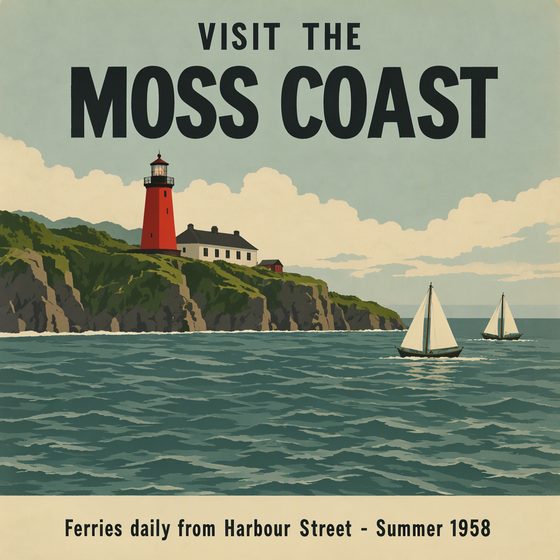
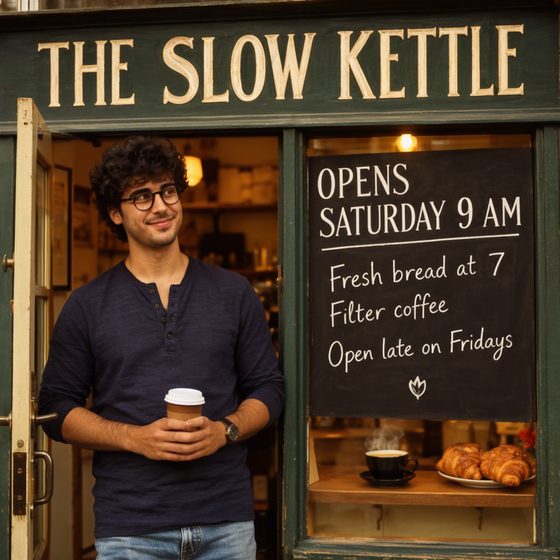
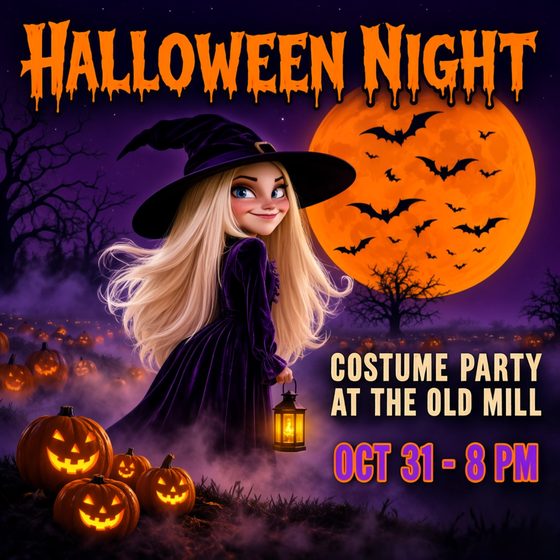
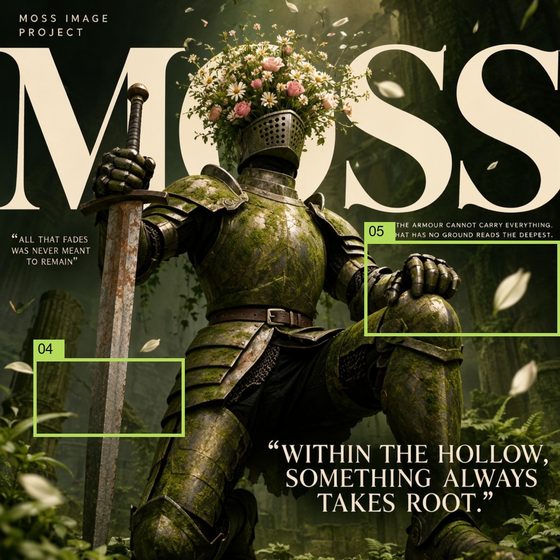
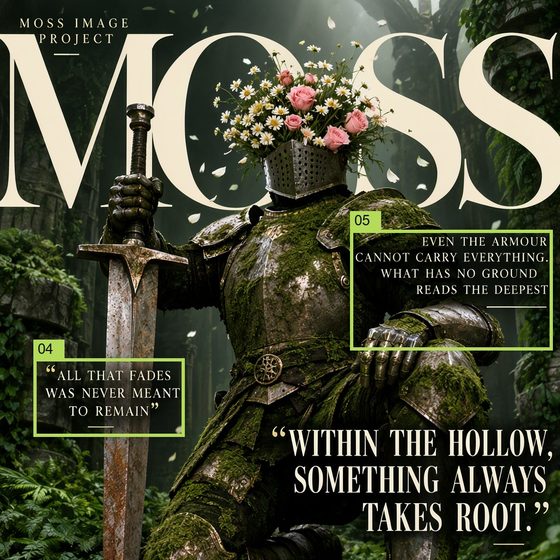
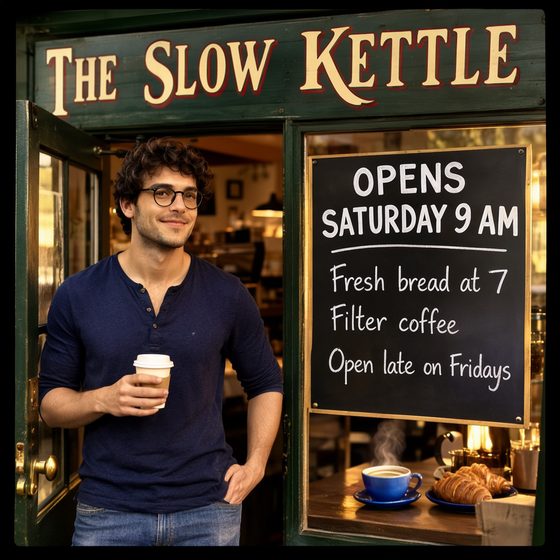
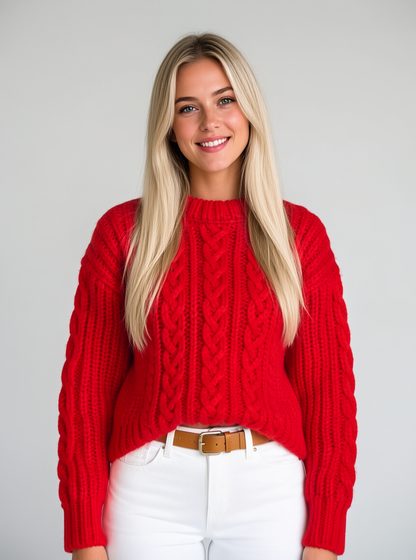
MOSS-Image is OpenMOSS's open image model, released in October under Apache 2.0. Most of the interest is in its text: it spells long lines and follows a layout prompt that says where everything goes. I ran it in ComfyUI on my RTX 3060 with the official templates, then tried the add-ons people are downloading: layout boxes, chinoll's edit LoRA, two Anime2Real LoRAs, CharRef, depth control, three comic page LoRAs, two transparency LoRAs, the DMD 8-step LoRA, Spectrum, a hi-res LoHa and Scale ROPE and three smaller text encoders.
Each test has the images, the exact prompt, the ComfyUI workflow that ran and the inputs it loaded. Where an add-on goes on top of the template, the same prompt and seed without it sits next to it.
What I'd actually install: the smaller text encoder and the DMD LoRA for speed, chinoll's edit LoRA, and the depth control LoRA. The rest depends on what you make.
47 prompts
The official template
Times are the median wall-clock of the warm runs of each setup on my RTX 3060 (the first run after the models load is left out), the same figures as in the video. Peak VRAM is the highest reading over those runs.


Layout boxes

Edit LoRA

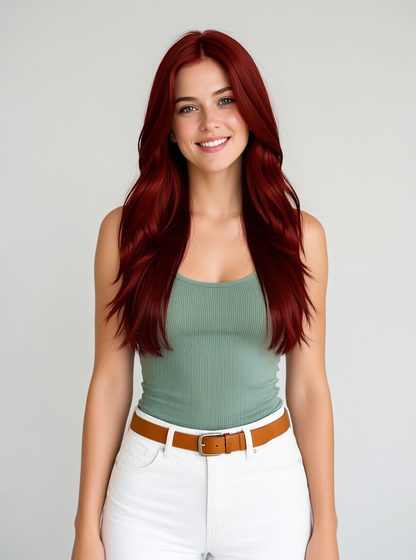
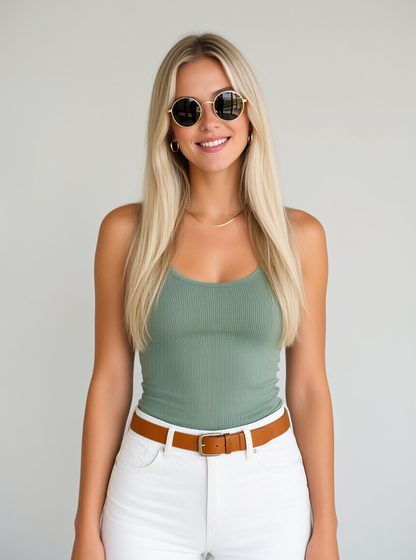

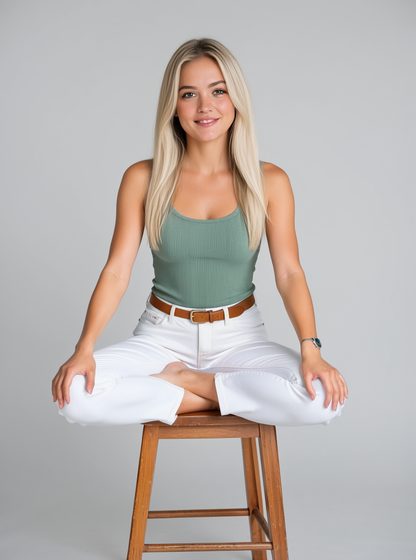
Anime2Real
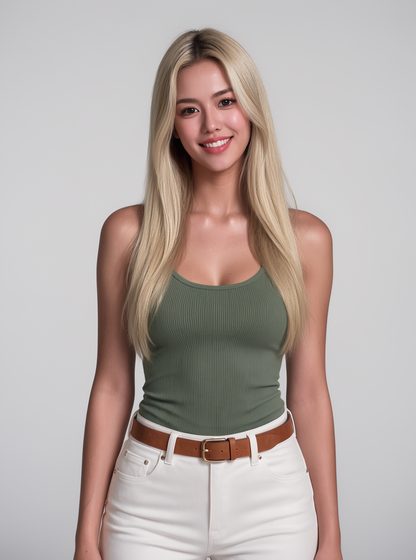
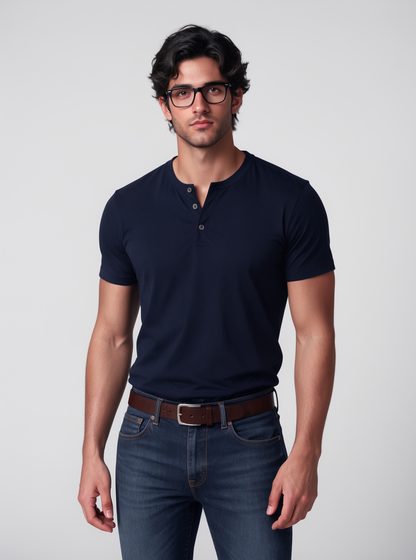
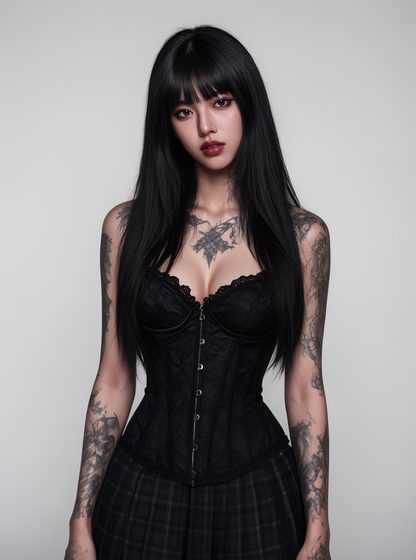
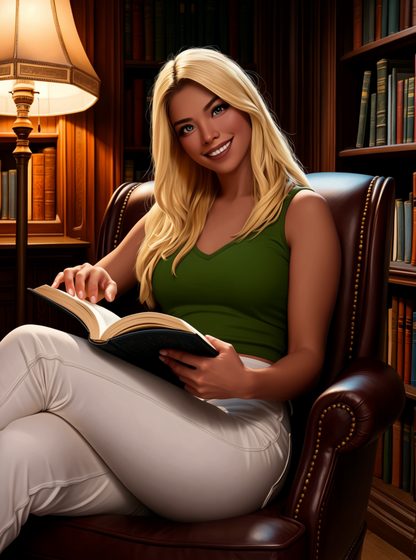
CharRef


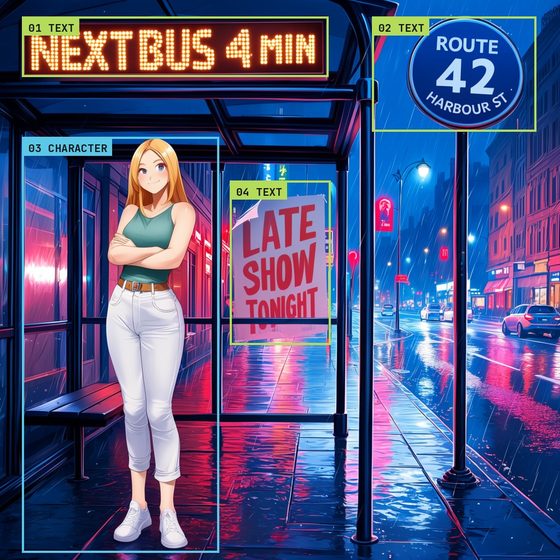
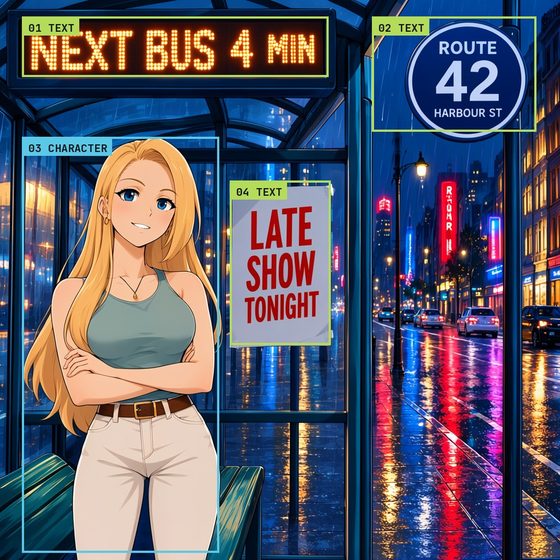
Depth control
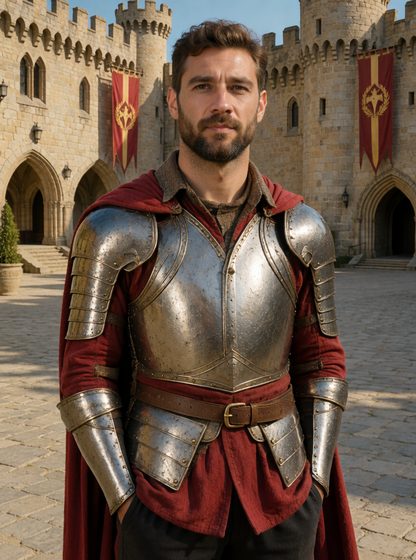
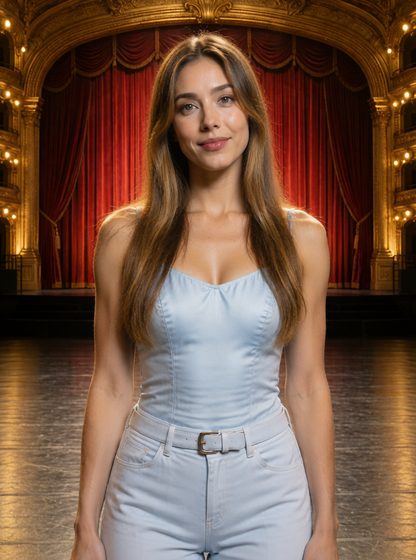
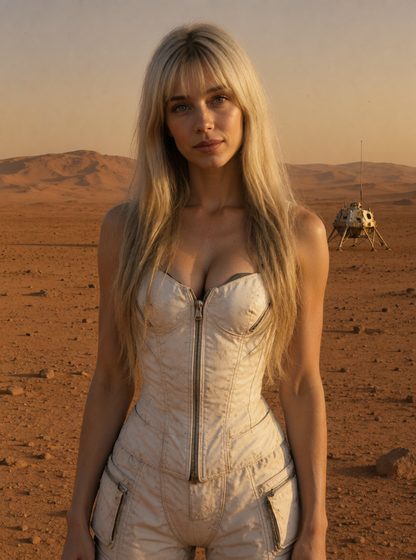
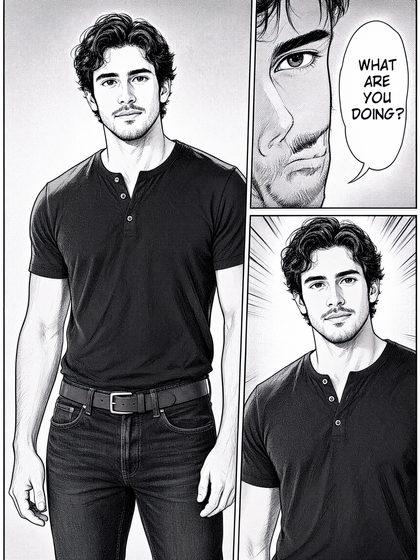
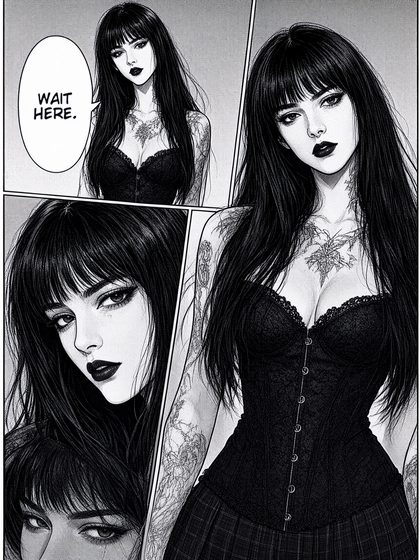
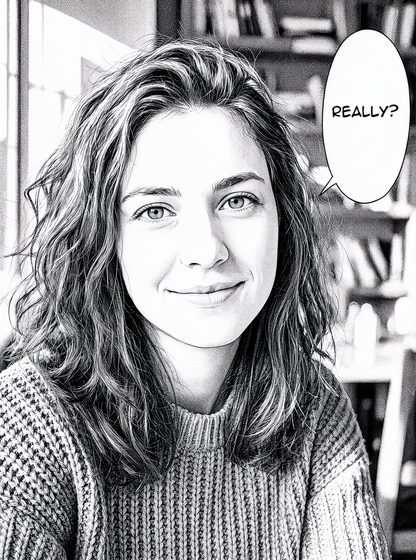
Comic page LoRAs

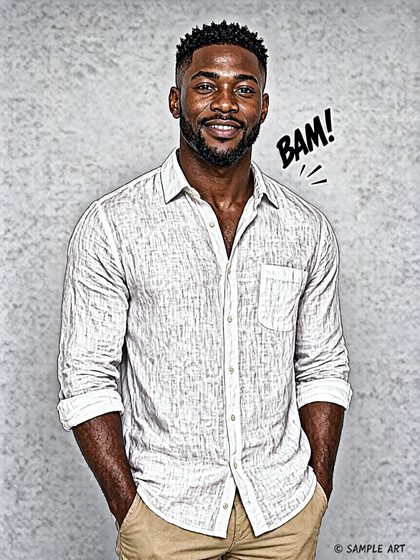
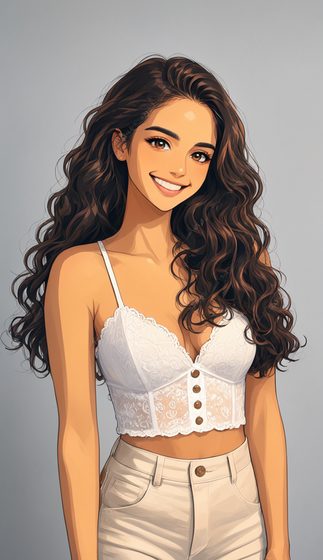

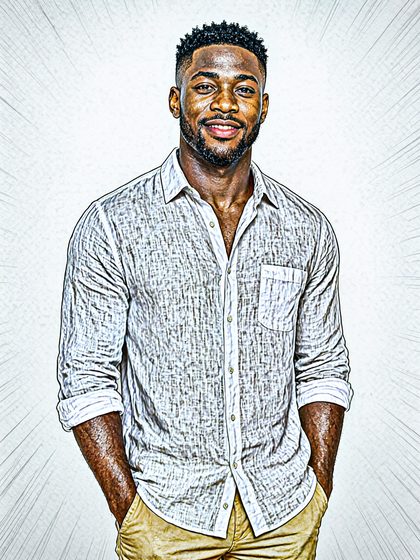

Transparency
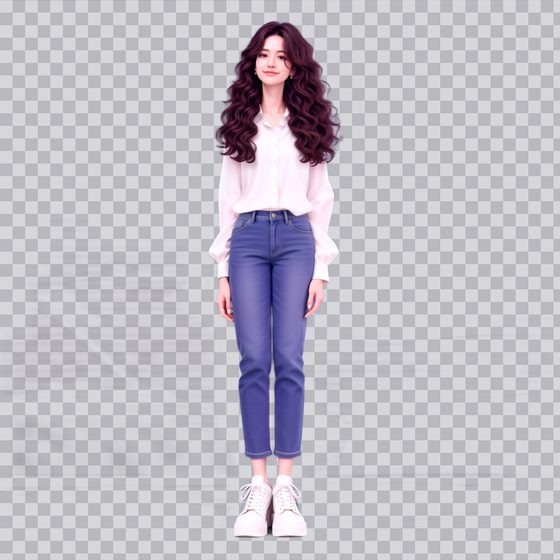
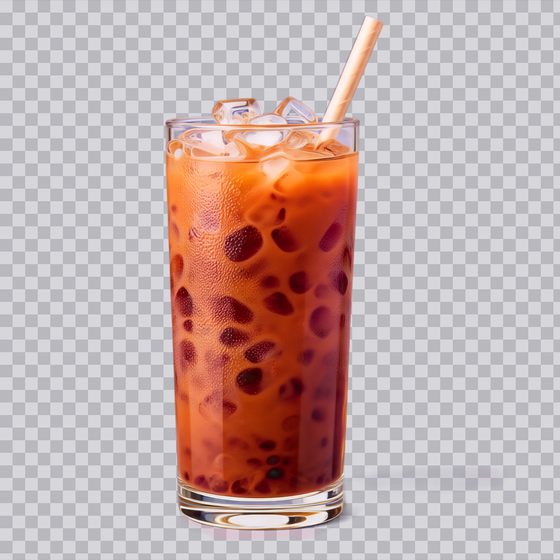
Speed and size




Smaller text encoders

Run it yourself
Every test page has a zip with its workflows, every input they load and a README listing the models. Unzip it, copy the inputs into ComfyUI/input, put the models in the folders shown below and drag a workflow onto ComfyUI.
Where ComfyUI has a template for the test (text to image, layout boxes, edit, colour/depth control), the workflow is that template with only my changes, and a note on the canvas says what they are. Settings sit on the template's main node, as in the template browser. The transparency workflow is paralaif's own, from the LoRA's repository. The rest are graphs I built, laid out left to right in named groups. Every workflow was loaded back in ComfyUI and checked to queue exactly the graph that made its images.
Several add-ons were renamed when I downloaded them; the table gives the name each workflow loads and where the file comes from. LoRAs go straight in models/loras.
I ran everything on an RTX 3060 with 12GB of VRAM, an i5-13400F and 32GB of RAM.
Software
- ComfyUI 0.43.1 (frontend 1.57.6, templates 0.11.100)
- ComfyUI-Spectrum-MOSS 0.8.1, for the Spectrum tests
- ComfyUI-MOSS-Toolkit at commit 53ee3b3, for the comic page LoRAs
- ComfyUI-MOSSLiteTE, for Lite TE
- moss-image-mini-encoder 0.1.0, for Mini 0.8B and Mini 4B
- ComfyUI-RGBA-VAE from paralaif's repository, for the transparency tests
Models
Inputs
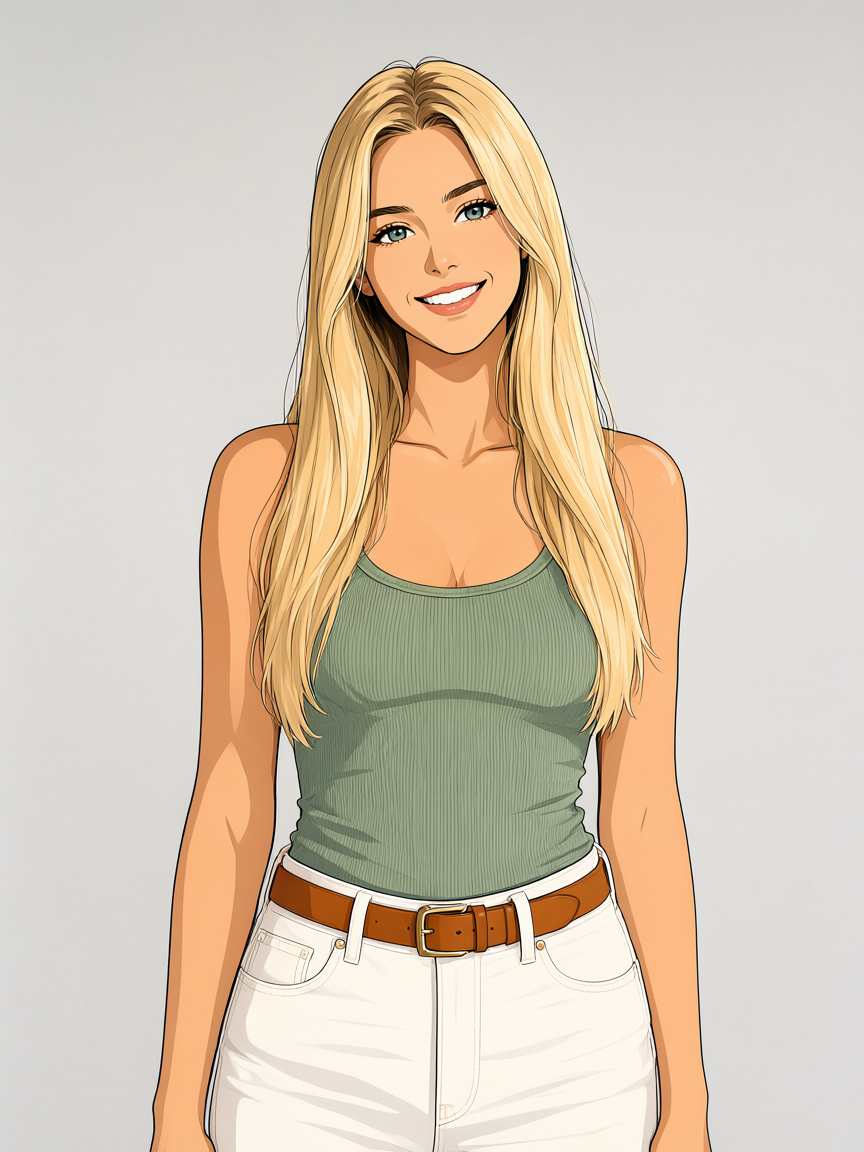

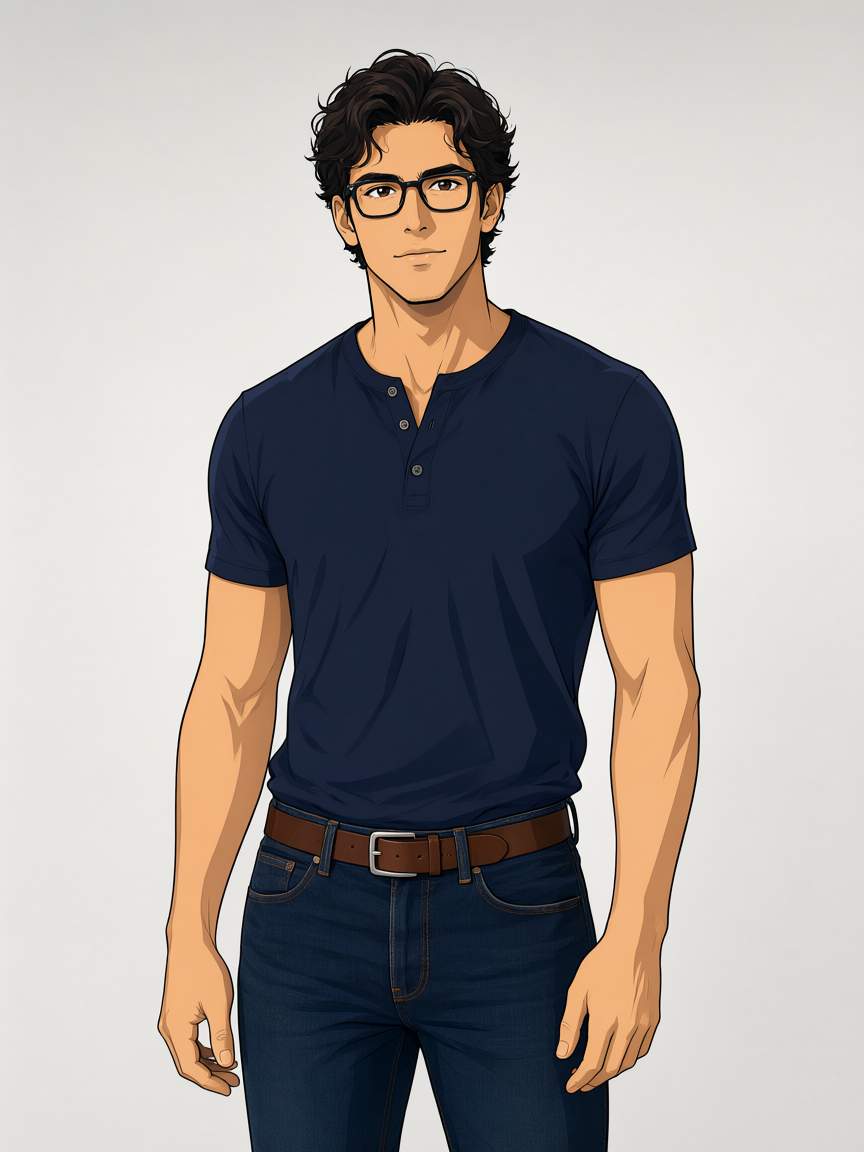
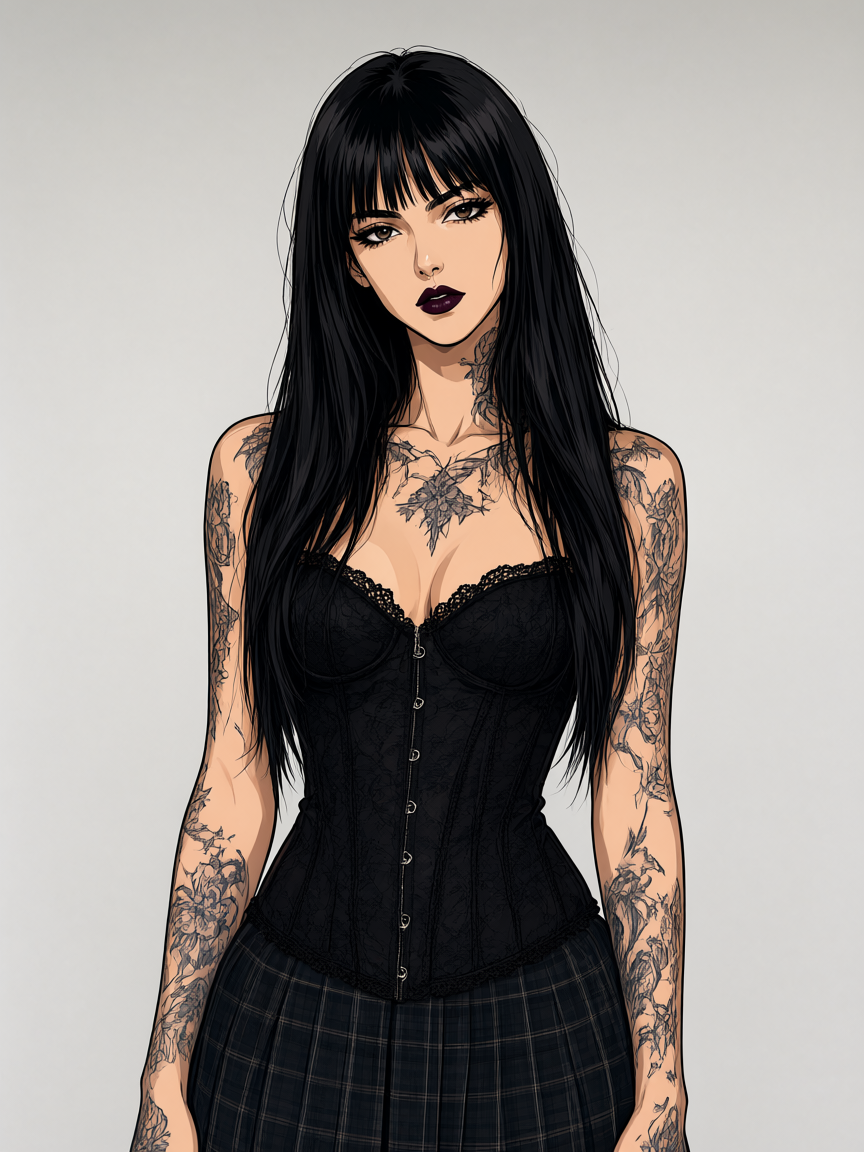


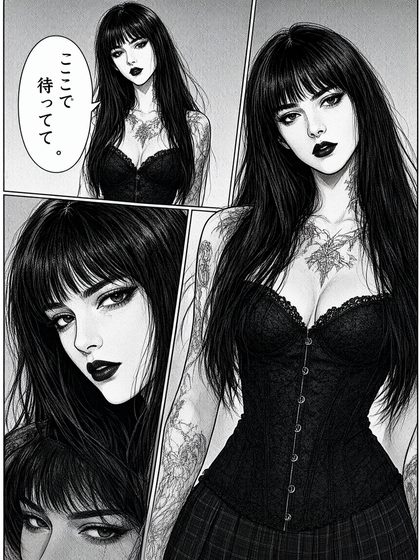
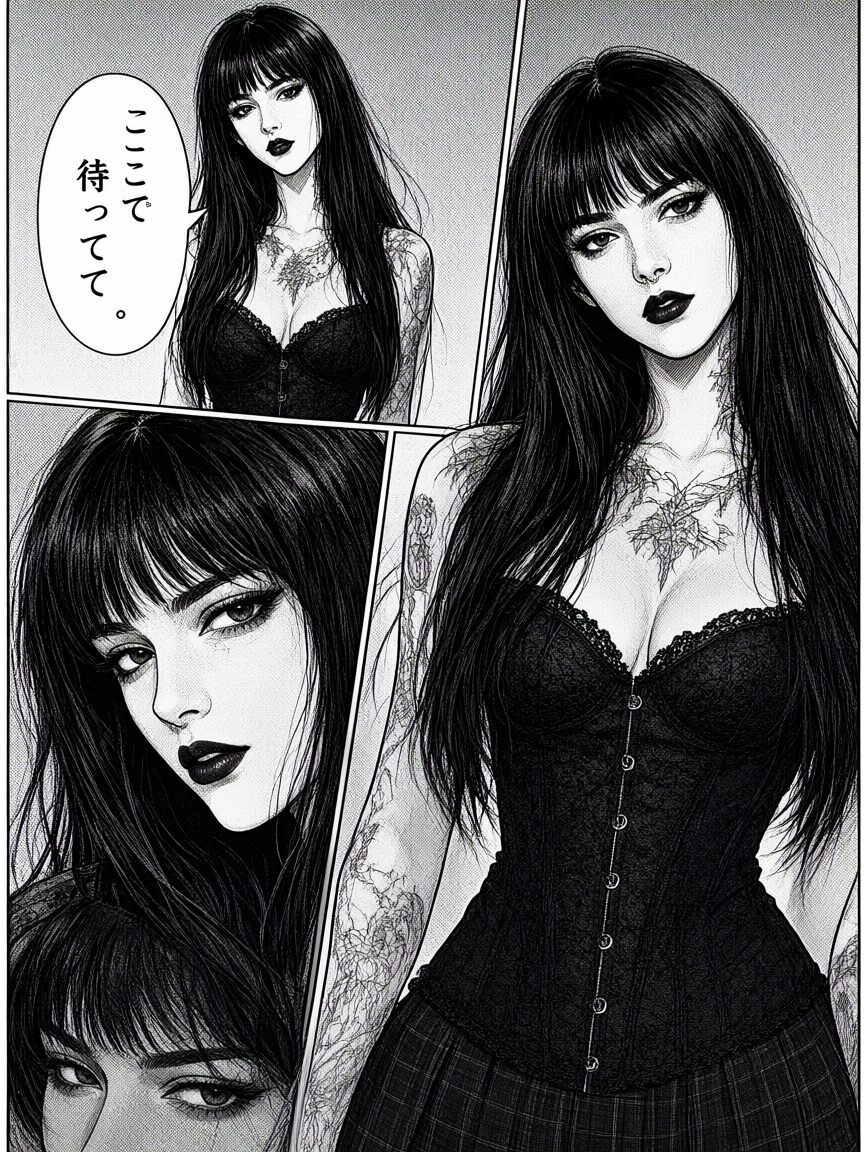
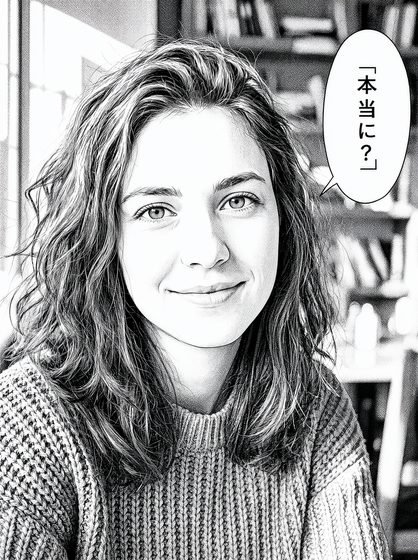
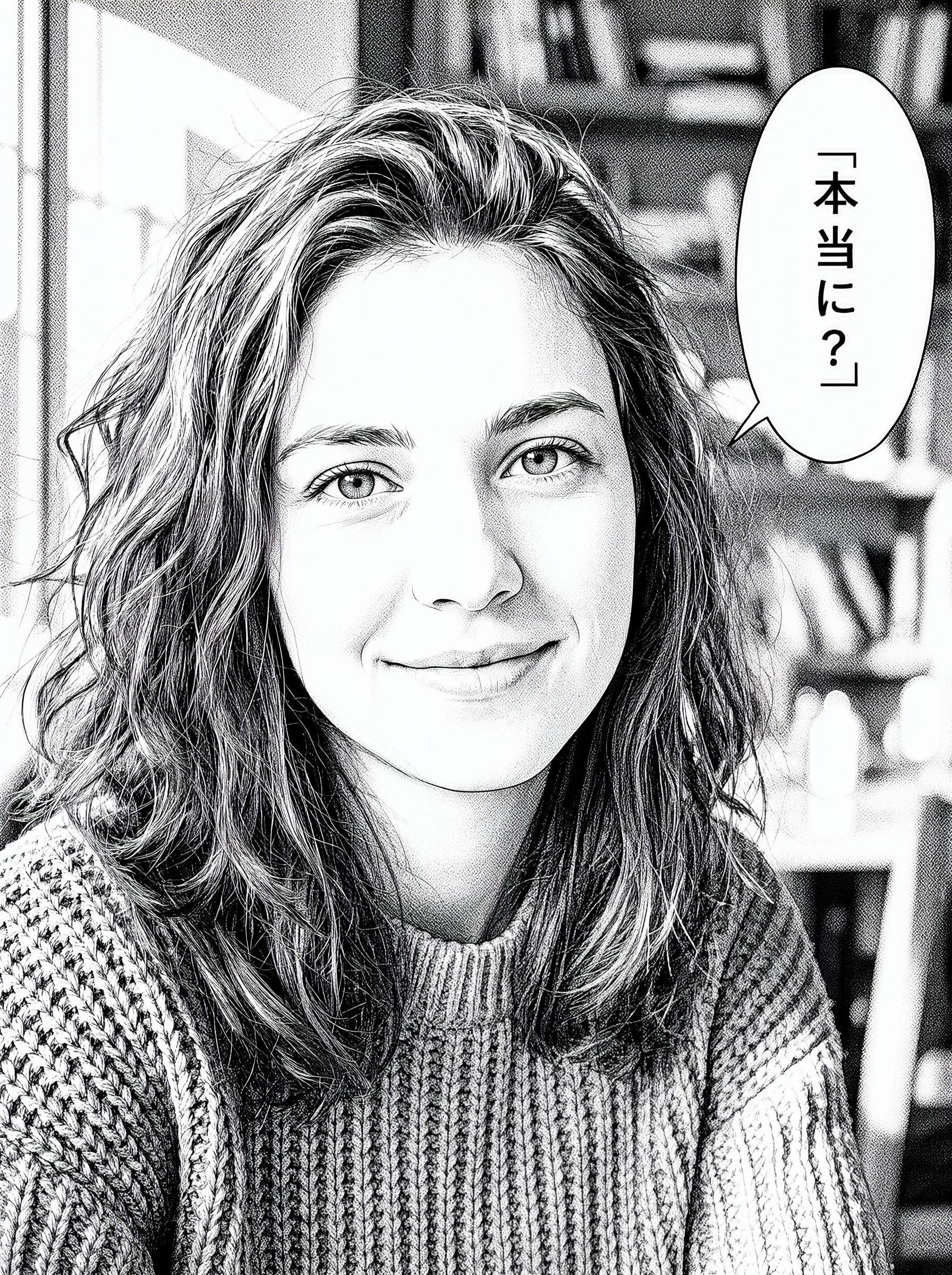





The model, and the machine
- Model
- MOSS-Image SFT and Base by OpenMOSS, Apache 2.0, int8 ConvRot files from the Comfy-Org repack
- Text encoder
- qwen3.5_9b_w4a8_gptq.safetensors (Qwen3.5-9B, w4a8)
- VAE
- flux2-vae_small.safetensors
- Template settings
- 25 steps, CFG 2.5, er_sde / simple, layer 22 skipped on the negative for the first half, 1024×1024
- Tests
- 47 test pages, 88 workflows, 17 input images
- Lowest peak VRAM
- 6.6 GiB with Mini 0.8B as the text encoder, against 10.2 GiB with the 9B encoder
- Software
- ComfyUI 0.43.1 (frontend 1.57.6, templates 0.11.100), PyTorch 2.11.0+cu130
- Ran on
- My RTX 3060 with 12GB, i5-13400F, 32GB RAM, PyTorch on CUDA 13