 Loop Forge
A transparent cut-out: a woman
From MOSS-Image add-ons, tested locally
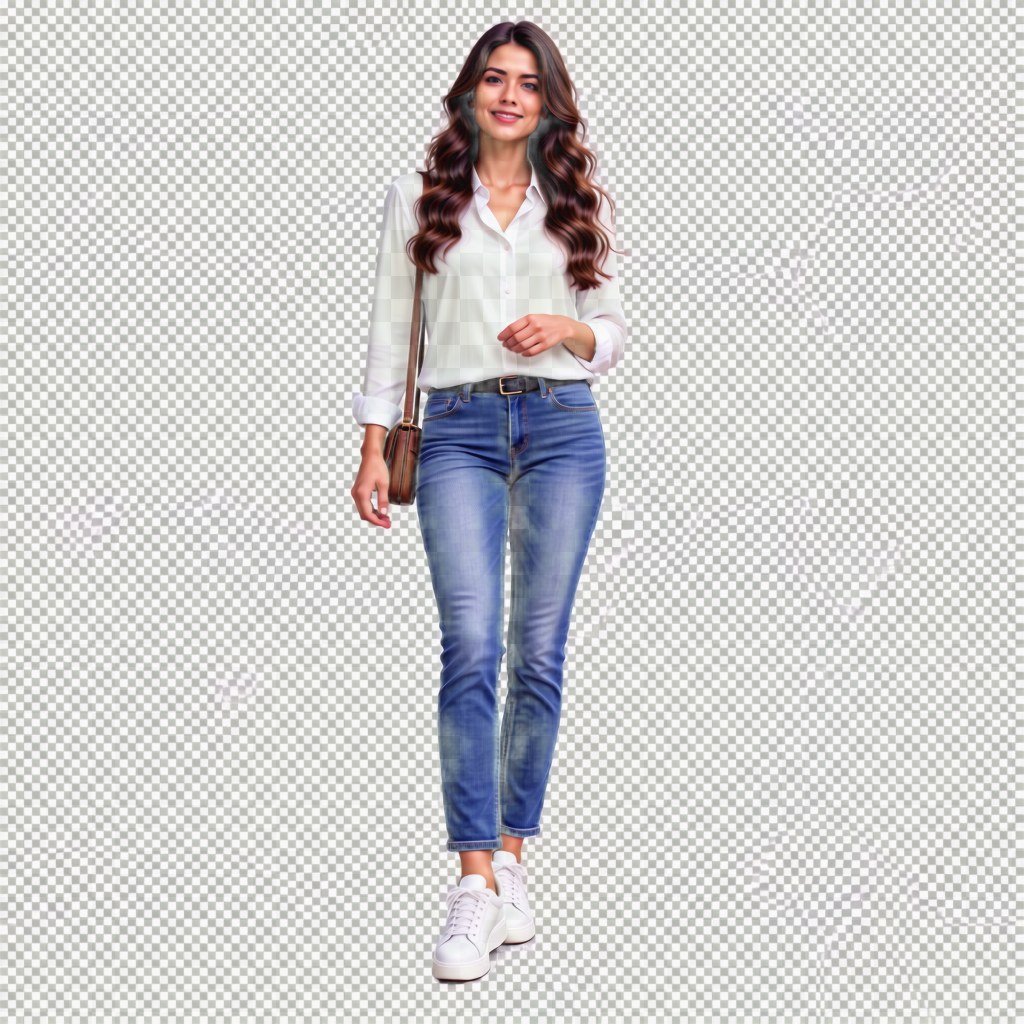
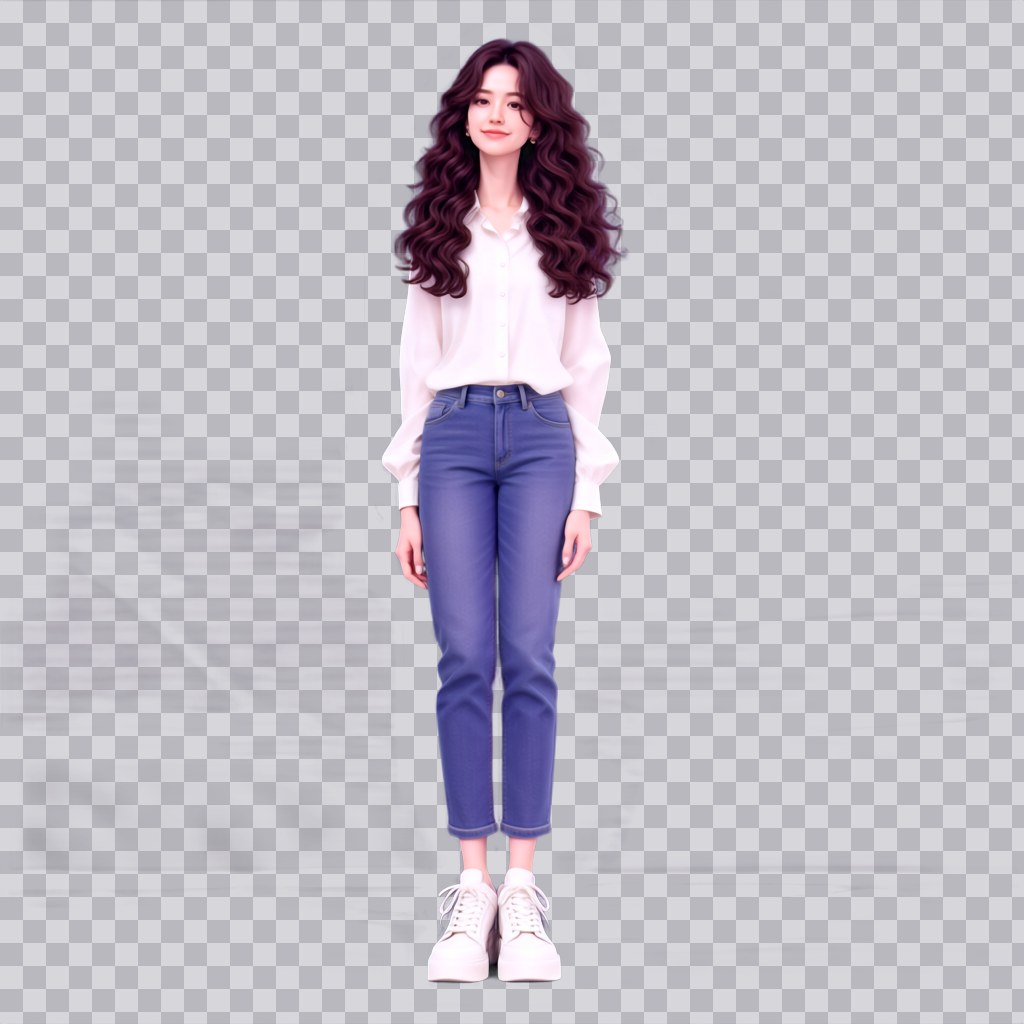
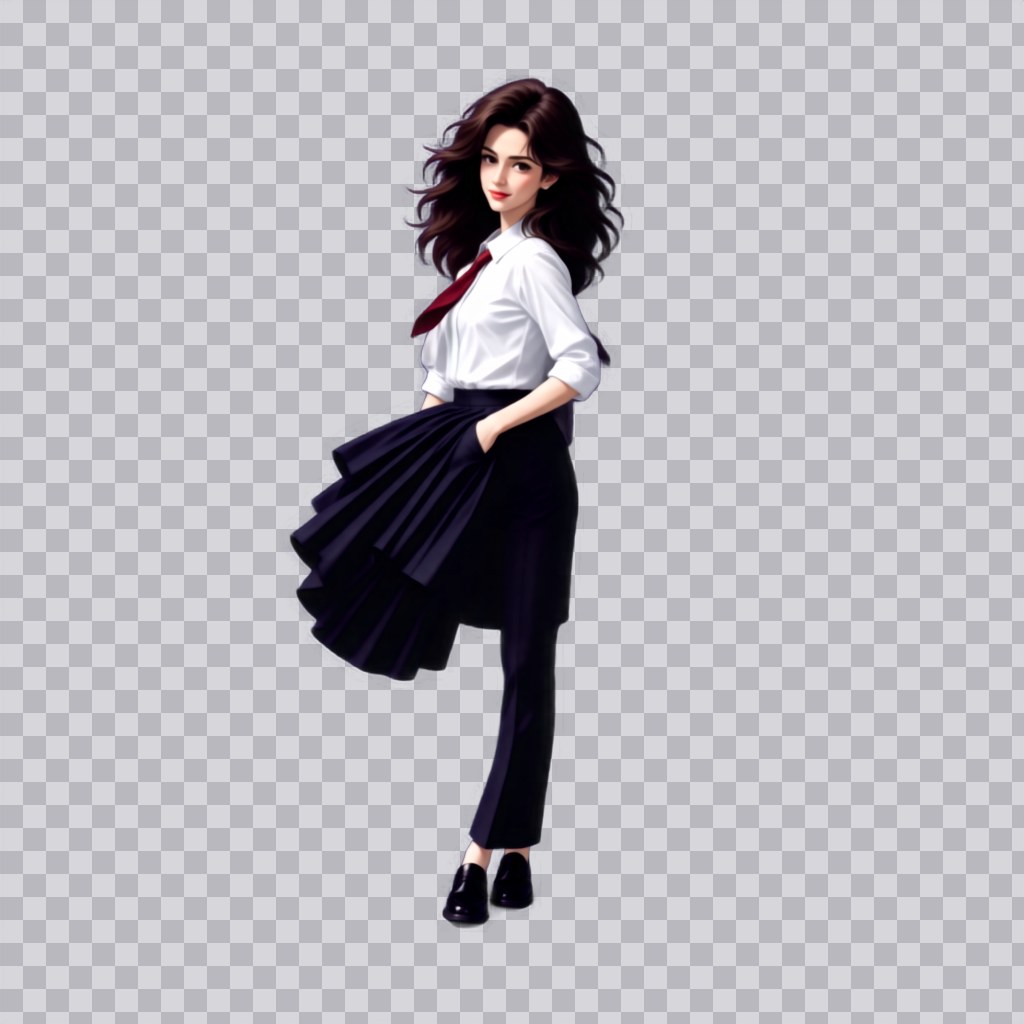
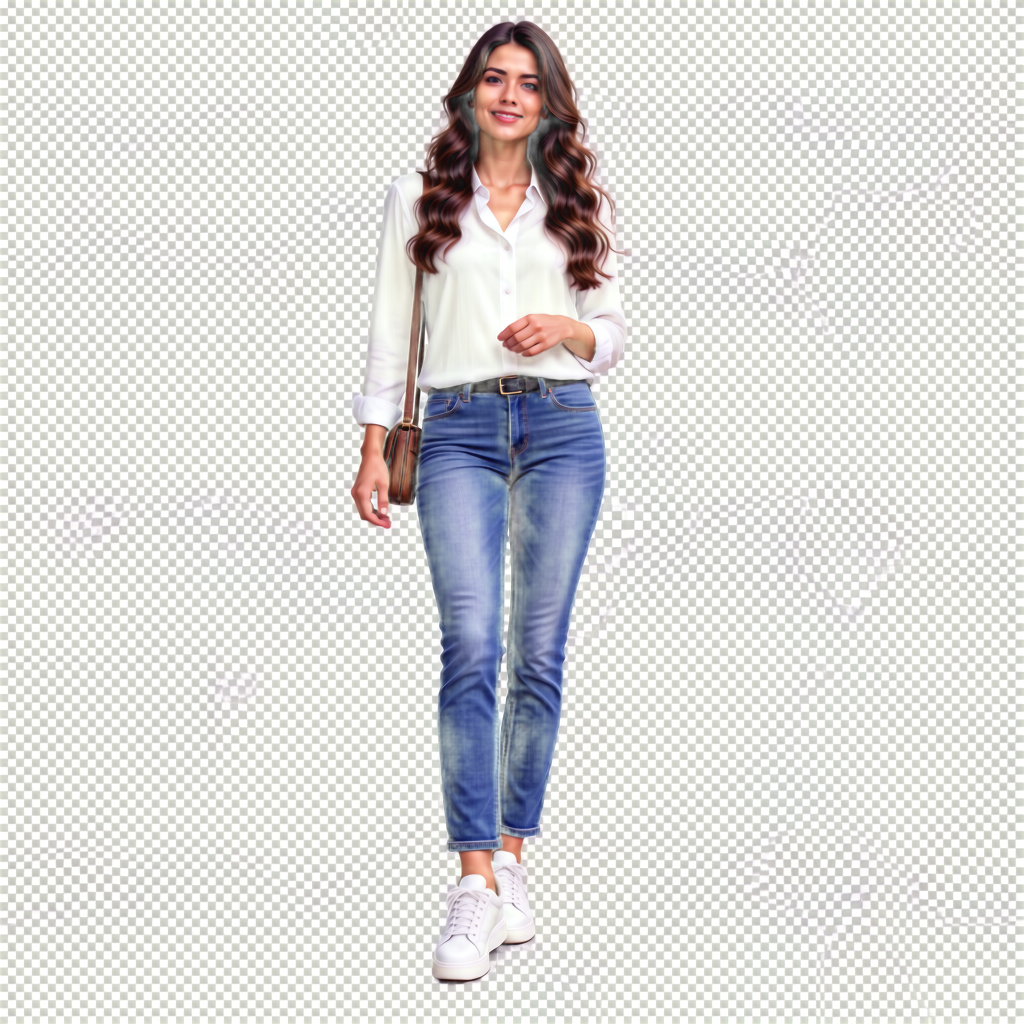
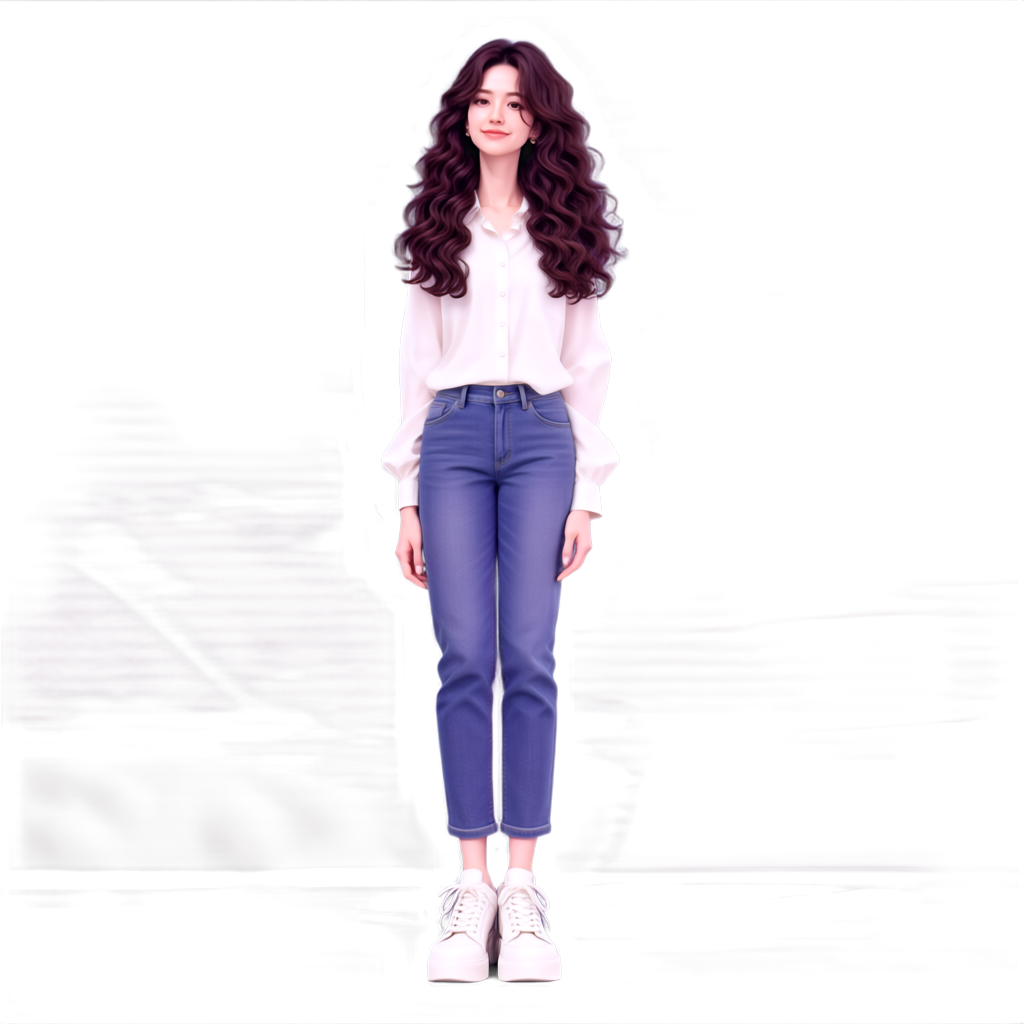
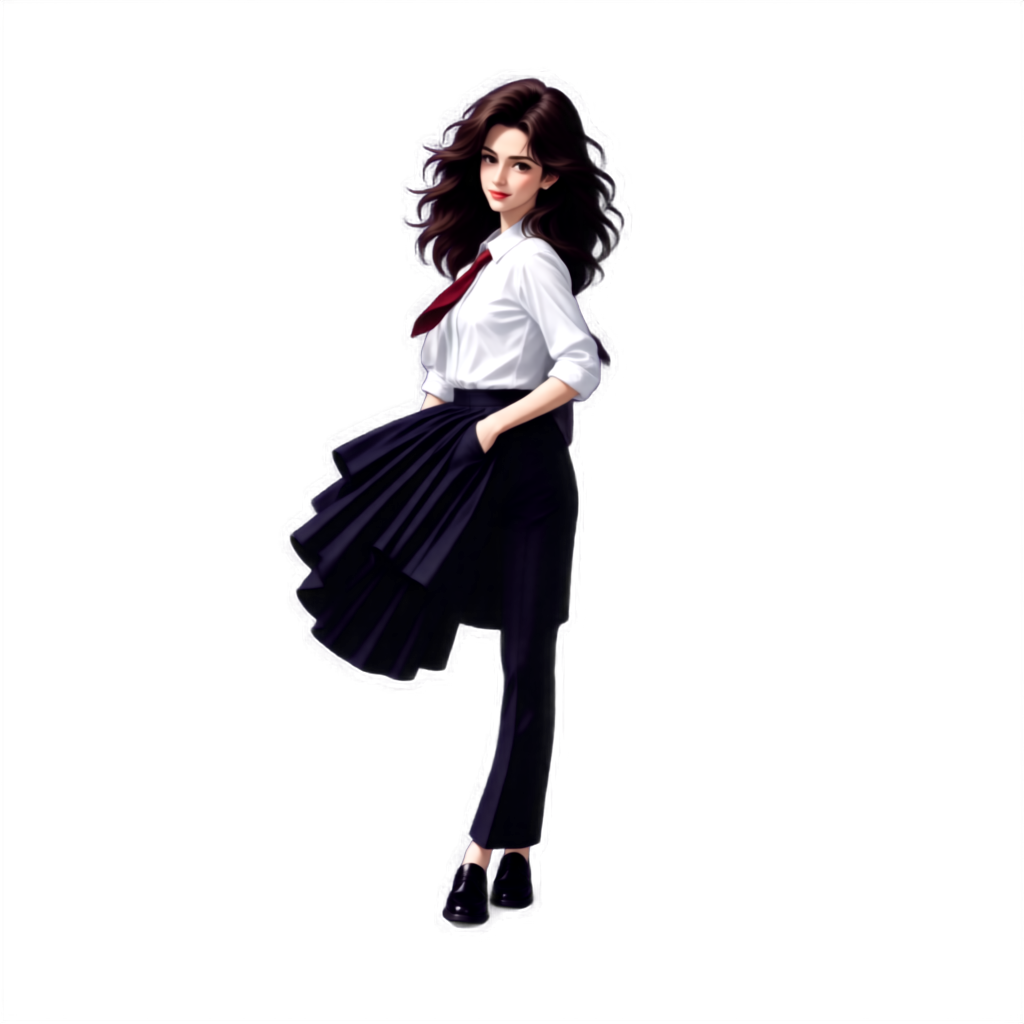
- Model
- MOSS-Image SFT (moss_image_sft_int8_convrot.safetensors)
- Output
- 1024×1024, RGBA
- Seed
- 7
- Without LoRA
- 8 steps, CFG 1, er_sde / simple. 8.1 s, peak VRAM 10.3 GiB
- paralaif
- 8 steps, CFG 1, er_sde / simple. 8.3 s, peak VRAM 10.5 GiB
- genai-craft
- 8 steps, CFG 1, lcm / simple. 8.1 s, peak VRAM 10.5 GiB
- Ran on
- RTX 3060, 12GB (local)
paralaif's cut-out picks up a purple tint, so the white blouse comes out lilac. genai-craft keeps the colours truer but drifts from the prompt more: the woman came out as a drawing in a skirt.
photo of a woman with long curly brown hair, in a white blouse and blue jeans, full body, standing, isolated on a transparent background
Notes
paralaif's own workflow from the LoRA's repository: MOSS SFT with the 8-step DMD LoRA, CFG 1, and a second decode through the RGBA VAE. The text encoder is swapped to the w4a8 file. genai-craft's LoRA goes in the same graph with its card's lcm sampler. The workflow saves an RGB and an RGBA image; the RGBA one is shown here on a checkerboard and is the download.
Without a LoRA the checkerboard is painted into the picture, and the cut-out comes out partly see-through. genai-craft's card says it was only tested with its own script, so it may do better there than in ComfyUI.
paralaif/MOSS-Image-Alpha-LoRA on Hugging Face, with its workflow and RGBA VAE node
genai-craft/transparent-lora-for-moss-image on Hugging Face
trmz/flux2-klein-alpha, the RGBA VAE
lodestones/MOSS-Image-SFT-8-steps-dmd, the speed LoRA the workflow uses
Run it yourself
This test loads no input files. Put the models below in place and drag the workflow onto ComfyUI.
| File | Put it in | Size |
|---|---|---|
| moss_image_sft_int8_convrot.safetensors | models/diffusion_models | 5.4 GB |
| moss_sft_8step_dmd.safetensors (published as lora.safetensors, renamed) | models/loras | 1.2 GB |
| qwen3.5_9b_w4a8_gptq.safetensors | models/text_encoders | 7.3 GB |
| flux2-vae.safetensors | models/vae | 336.2 MB |
| flux2_klein_alpha_rgba_vae.safetensors (published as vae/diffusion_pytorch_model.safetensors, renamed) | models/vae | 336.2 MB |
| moss_alpha_v1.safetensors | models/loras | 132.2 MB |
| genai_transparent_v1.safetensors (published as transparent-lora-for-moss-image-v1.safetensors, renamed) | models/loras | 148.7 MB |
Custom nodes: ComfyUI-RGBA-VAE (from paralaif's repository, comfyui/ComfyUI-RGBA-VAE). Everything else is part of ComfyUI 0.43.1 (frontend 1.57.6, templates 0.11.100).