 Loop Forge
A colour palette on two boxes
From MOSS-Image add-ons, tested locally
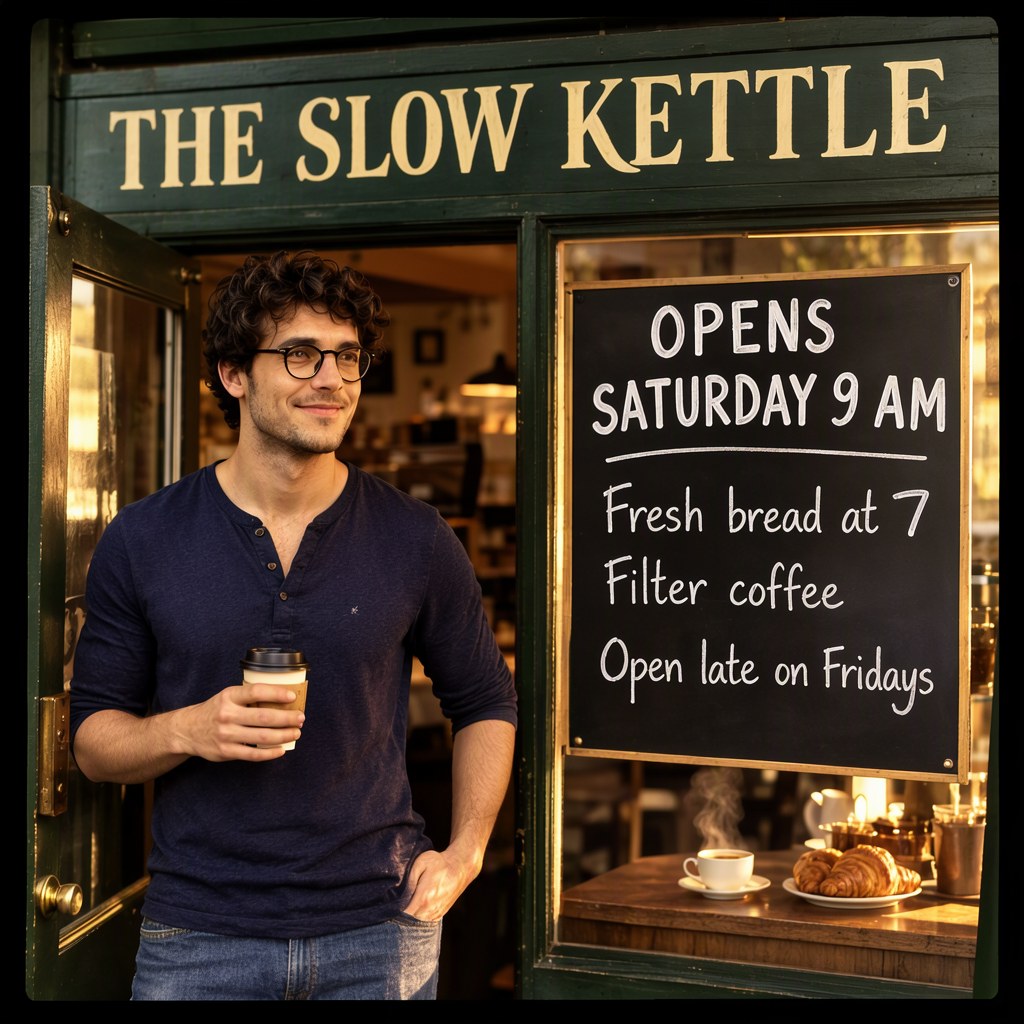
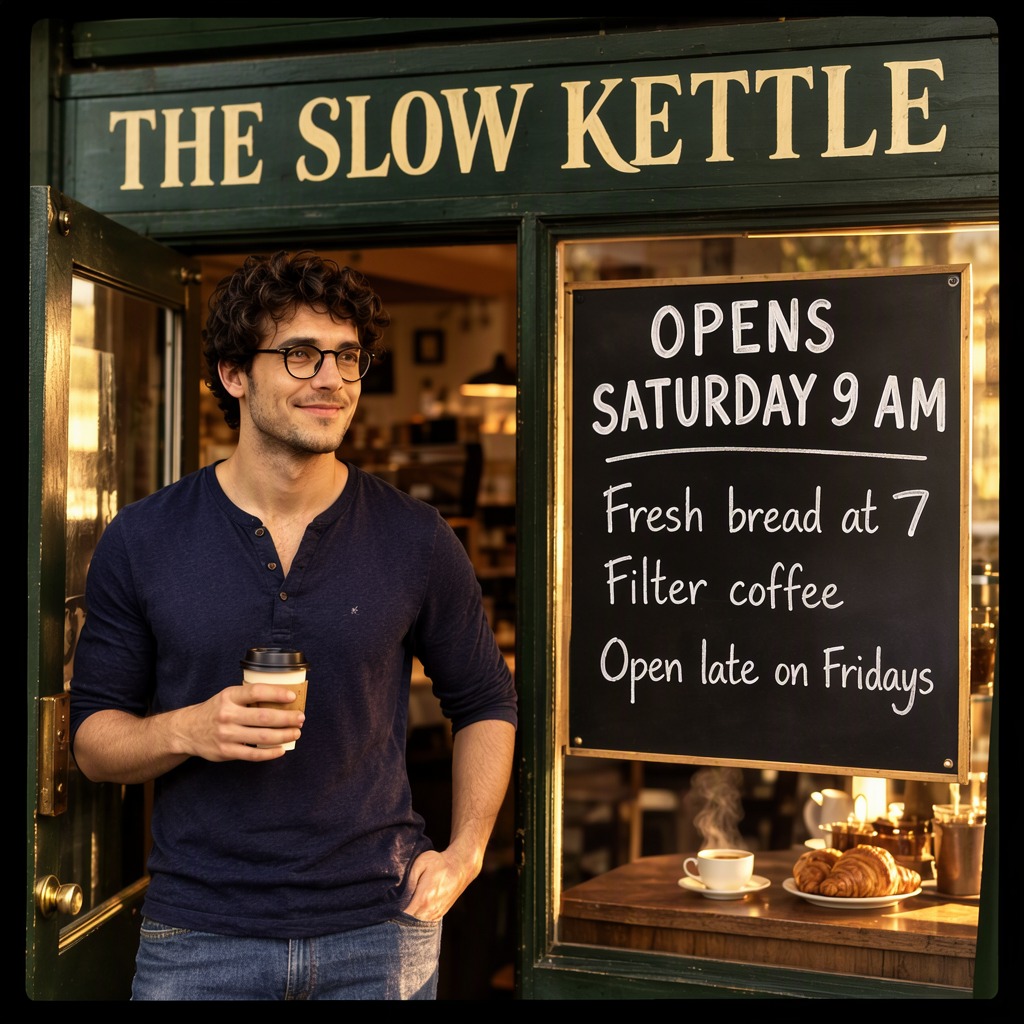
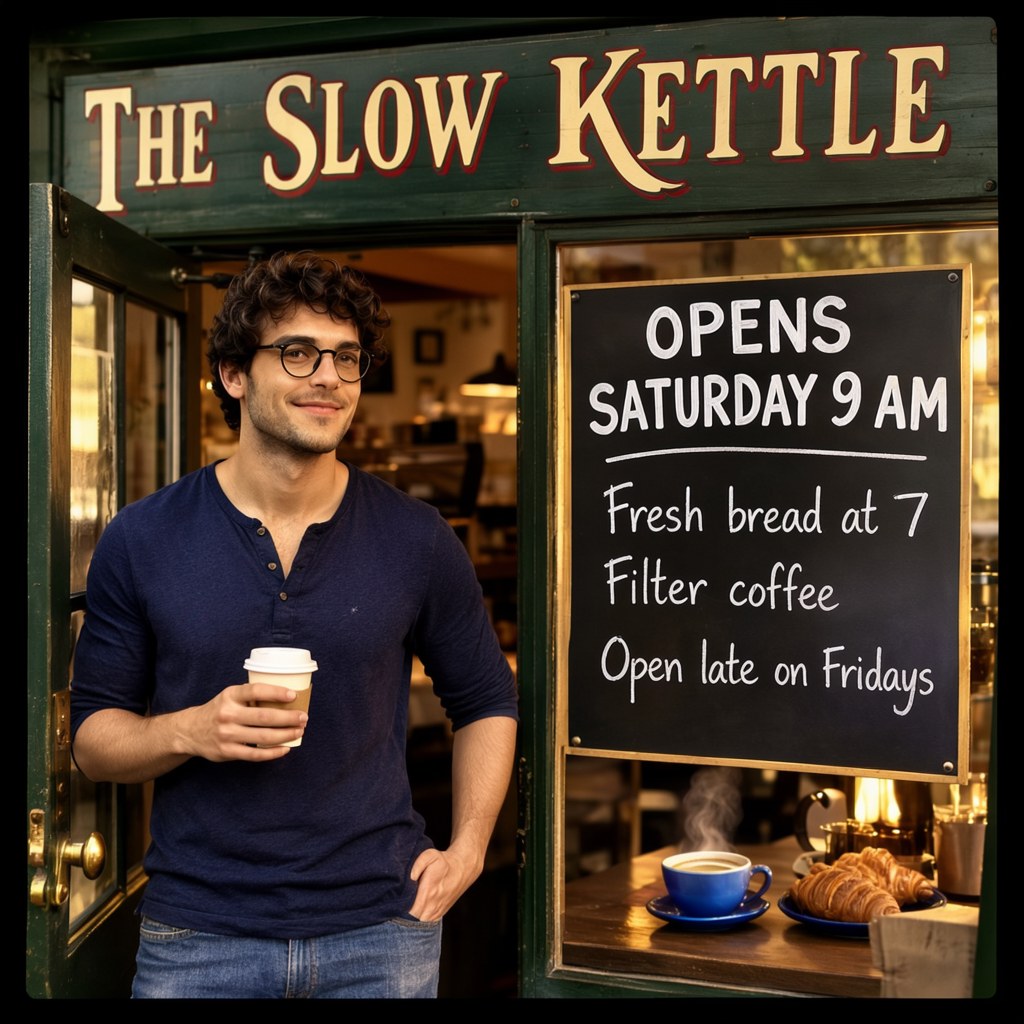
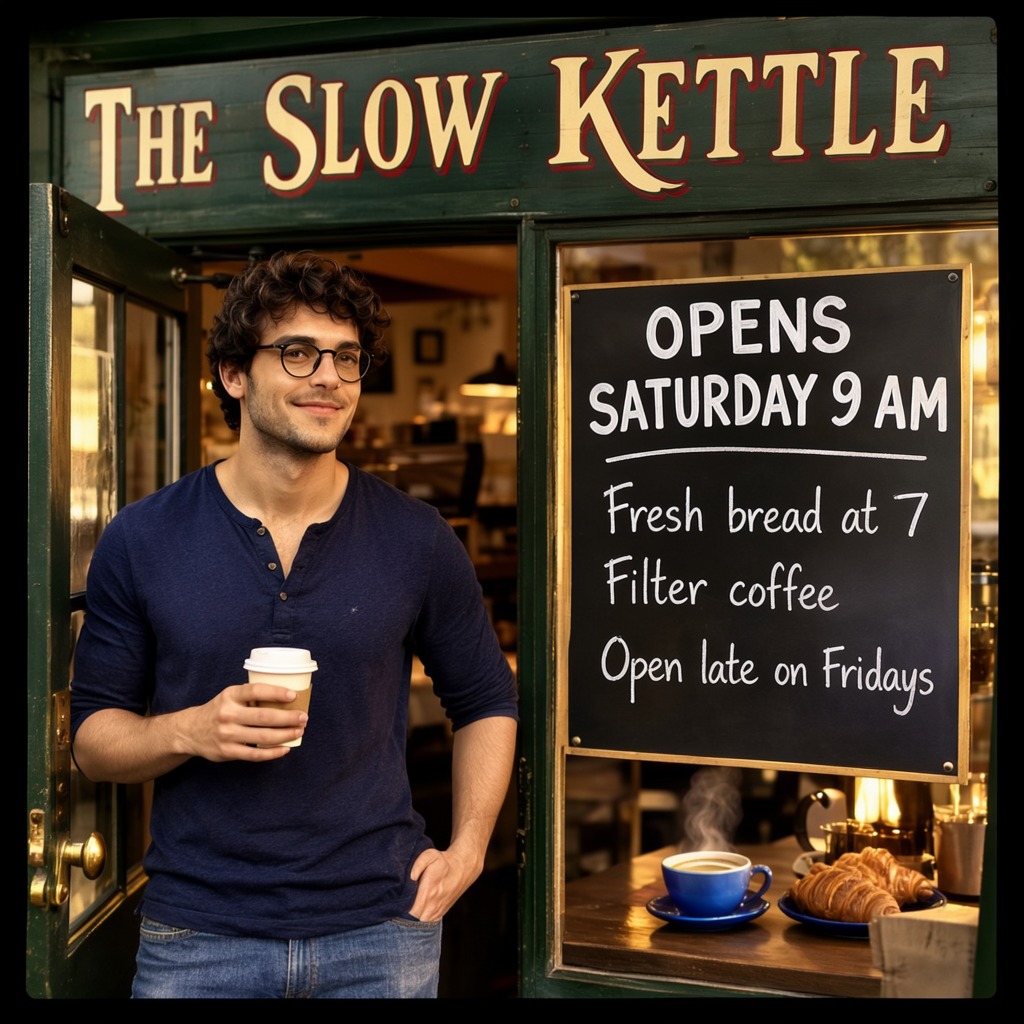
- Model
- MOSS-Image SFT (moss_image_sft_int8_convrot.safetensors)
- Output
- 1024×1024
- Sampling
- 25 steps, CFG 2.5, er_sde / simple
- Seed
- 7
- No palette
- 43.0 s, peak VRAM 10.7 GiB
- Palette on the sign and the counter
- 42.0 s, peak VRAM 10.2 GiB
- Ran on
- RTX 3060, 12GB (local)
Warm photograph of the front of a small corner cafe at golden hour: a young man stands by the open door holding a takeaway coffee cup, a dark green wooden shop sign above, a standing chalkboard beside him, a small counter with a steaming cup and croissants in the window. Soft warm light, shallow depth of field, 35mm photo.
[
 {
  "x": 64,
  "y": 40,
  "width": 896,
  "height": 170,
  "metadata": {
   "type": "text",
   "text": "THE SLOW KETTLE",
   "desc": "A long dark green wooden sign across the top of the shop front with large hand-painted cream serif capitals",
   "palette": []
  }
 },
 {
  "x": 70,
  "y": 250,
  "width": 450,
  "height": 750,
  "metadata": {
   "type": "obj",
   "text": "",
   "desc": "A young man with dark curly hair, round black glasses, a navy henley and blue jeans, standing relaxed by the door and smiling, holding a white takeaway coffee cup",
   "palette": []
  }
 },
 {
  "x": 570,
  "y": 290,
  "width": 390,
  "height": 150,
  "metadata": {
   "type": "text",
   "text": "OPENS SATURDAY 9 AM",
   "desc": "Bold white chalk capitals at the top of a black standing chalkboard",
   "palette": []
  }
 },
 {
  "x": 590,
  "y": 470,
  "width": 350,
  "height": 250,
  "metadata": {
   "type": "text",
   "text": "Fresh bread at 7\nFilter coffee\nOpen late on Fridays",
   "desc": "Three lines of smaller white chalk handwriting on the same chalkboard",
   "palette": []
  }
 },
 {
  "x": 560,
  "y": 780,
  "width": 420,
  "height": 210,
  "metadata": {
   "type": "obj",
   "text": "",
   "desc": "A wooden counter in the window with a steaming cup of coffee and a plate of croissants",
   "palette": []
  }
 }
]
[
{
"x": 64,
"y": 40,
"width": 896,
"height": 170,
"metadata": {
"type": "text",
"text": "THE SLOW KETTLE",
"desc": "A long dark green wooden sign across the top of the shop front with large hand-painted cream serif capitals",
"palette": [
"#C8102E",
"#D4AF37"
]
}
},
{
"x": 70,
"y": 250,
"width": 450,
"height": 750,
"metadata": {
"type": "obj",
"text": "",
"desc": "A young man with dark curly hair, round black glasses, a navy henley and blue jeans, standing relaxed by the door and smiling, holding a white takeaway coffee cup",
"palette": []
}
},
{
"x": 570,
"y": 290,
"width": 390,
"height": 150,
"metadata": {
"type": "text",
"text": "OPENS SATURDAY 9 AM",
"desc": "Bold white chalk capitals at the top of a black standing chalkboard",
"palette": []
}
},
{
"x": 590,
"y": 470,
"width": 350,
"height": 250,
"metadata": {
"type": "text",
"text": "Fresh bread at 7\nFilter coffee\nOpen late on Fridays",
"desc": "Three lines of smaller white chalk handwriting on the same chalkboard",
"palette": []
}
},
{
"x": 560,
"y": 780,
"width": 420,
"height": 210,
"metadata": {
"type": "obj",
"text": "",
"desc": "A wooden counter in the window with a steaming cup of coffee and a plate of croissants",
"palette": [
"#1F4E9C",
"#6FA8DC"
]
}
}
]nsfw, worst quality, bad anatomy, watermark, jpeg artifact
Notes
Each box in Create Bounding Boxes can carry up to five colours. Here the sign box got red #C8102E and gold #D4AF37, and the counter box blues #1F4E9C and #6FA8DC. Everything else is the cafe layout, same seed.
Comfy-Org workflow templates (the MOSS-Image templates ship with ComfyUI)
Run it yourself
This test loads no input files. Put the models below in place and drag the workflow onto ComfyUI.
| File | Put it in | Size |
|---|---|---|
| moss_image_sft_int8_convrot.safetensors | models/diffusion_models | 5.4 GB |
| qwen3.5_9b_w4a8_gptq.safetensors | models/text_encoders | 7.3 GB |
| flux2-vae_small.safetensors | models/vae | 249.5 MB |
No custom nodes. Every node is part of ComfyUI 0.43.1 (frontend 1.57.6, templates 0.11.100).