 Loop Forge
CharRef with an anime character: kitchen
From MOSS-Image add-ons, tested locally
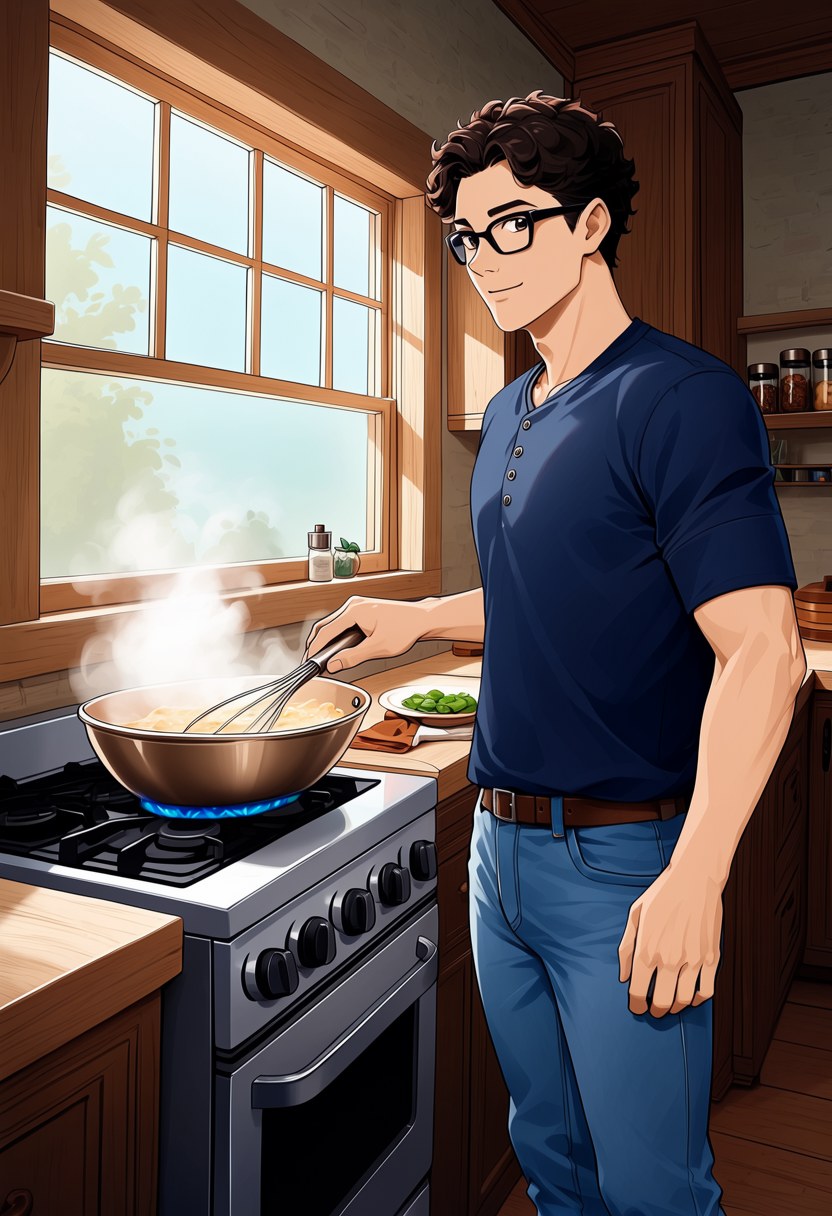
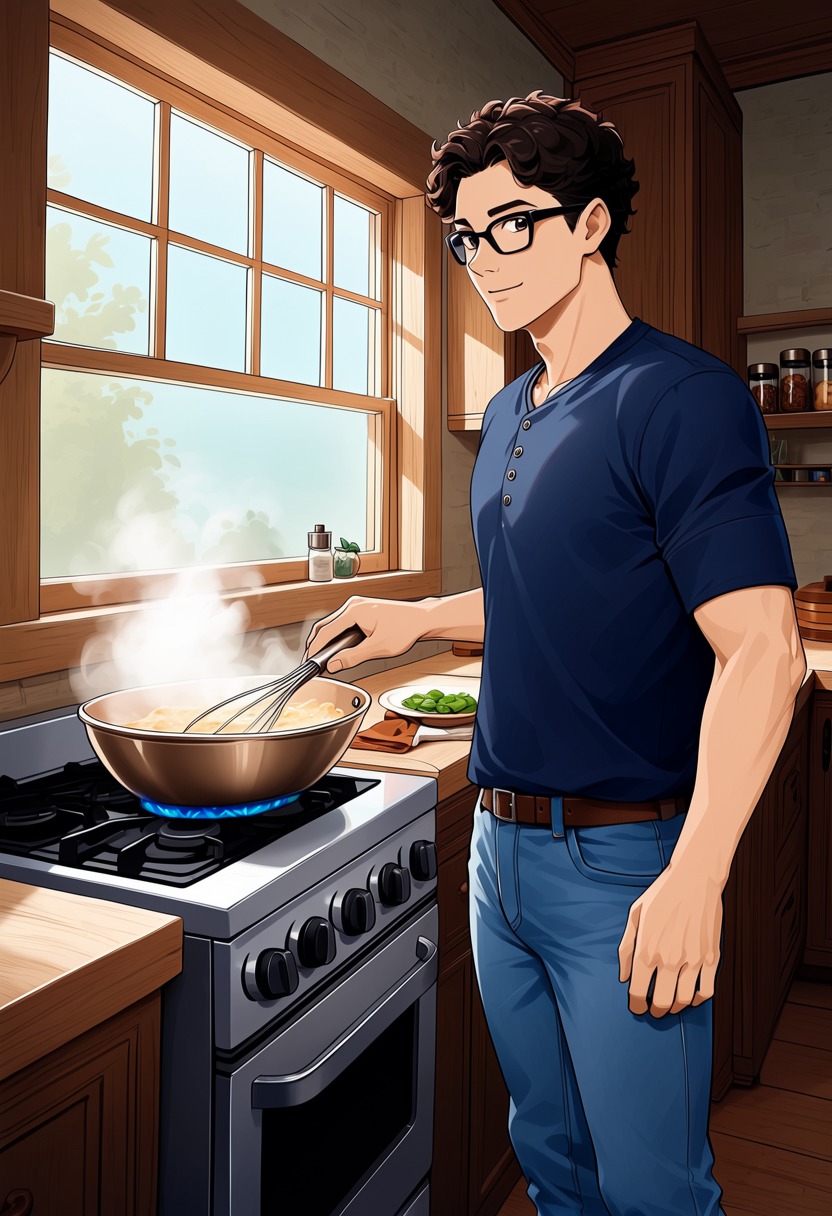
- Model
- MOSS-Image Base (moss_image_base_int8_convrot.safetensors)
- Output
- 832×1216
- Sampling
- 50 steps, CFG 3, euler / sgm_uniform
- Seed
- 42
- Card prompt
- 107.5 s, peak VRAM 10.5 GiB
- Style named in the prompt
- 103.3 s, peak VRAM 10.4 GiB
- Ran on
- RTX 3060, 12GB (local)
What was wired in
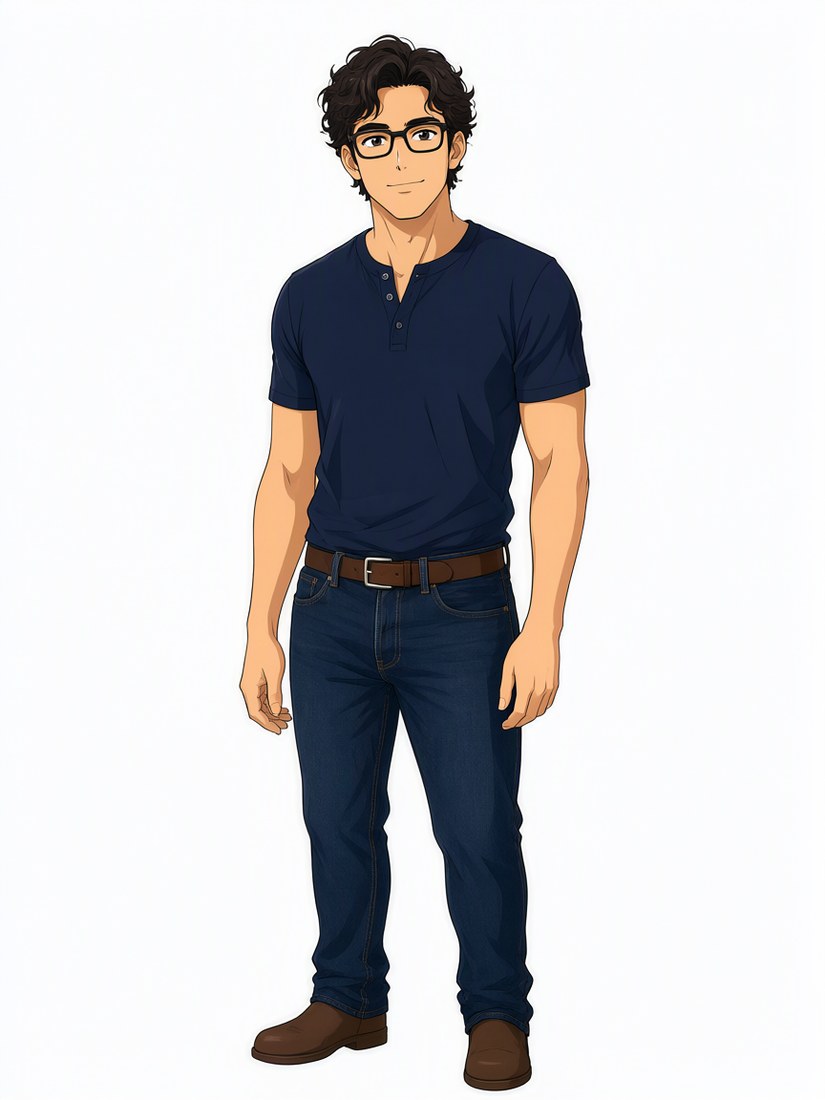
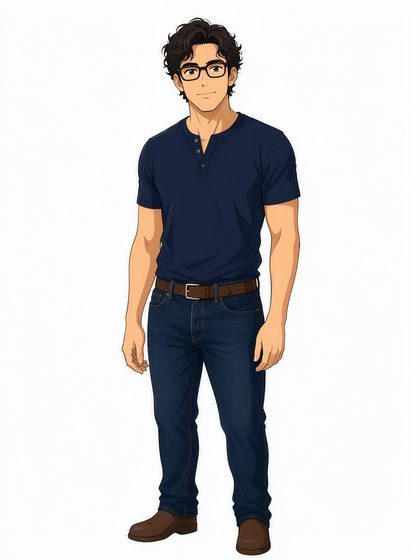 Picture 1
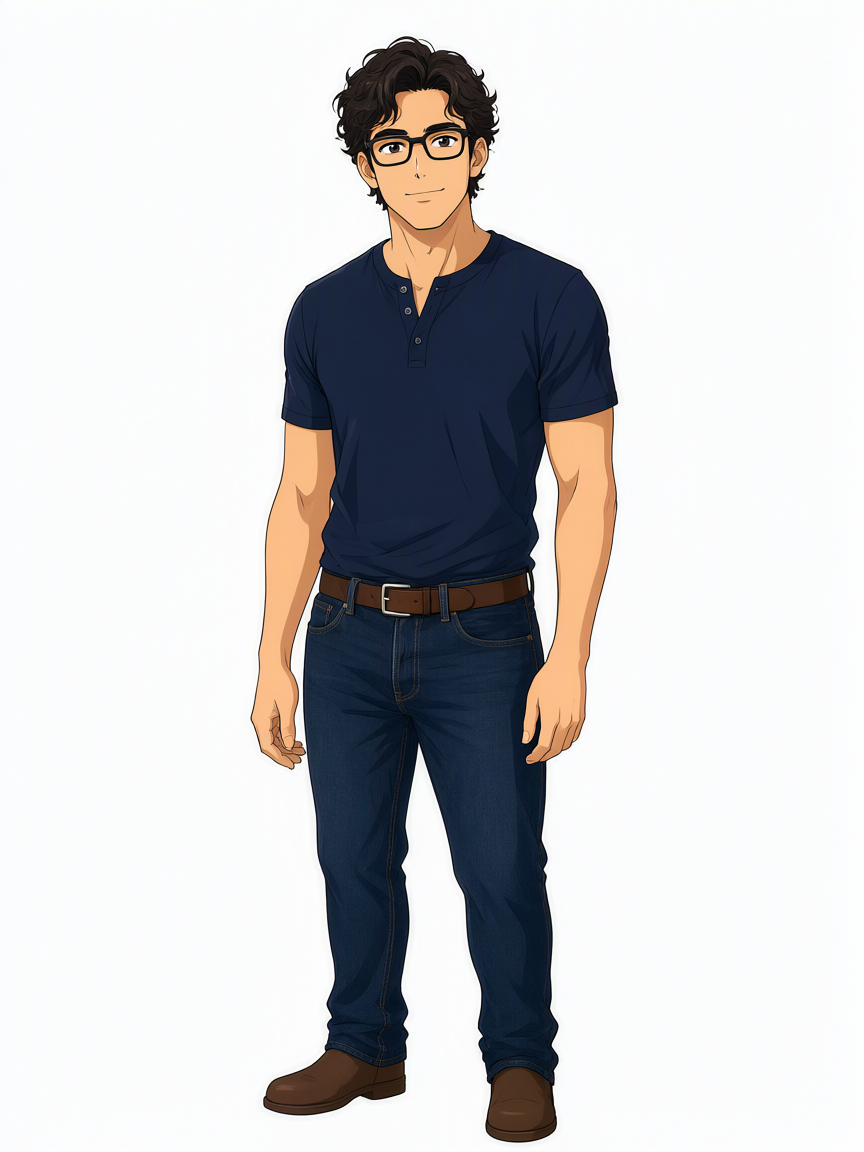
Mateo, anime characterAnime character drawn from the Mateo cast photo with the Qwen-Image 2.1 edit template (not MOSS)Download PNG0.9 MB
Verdict
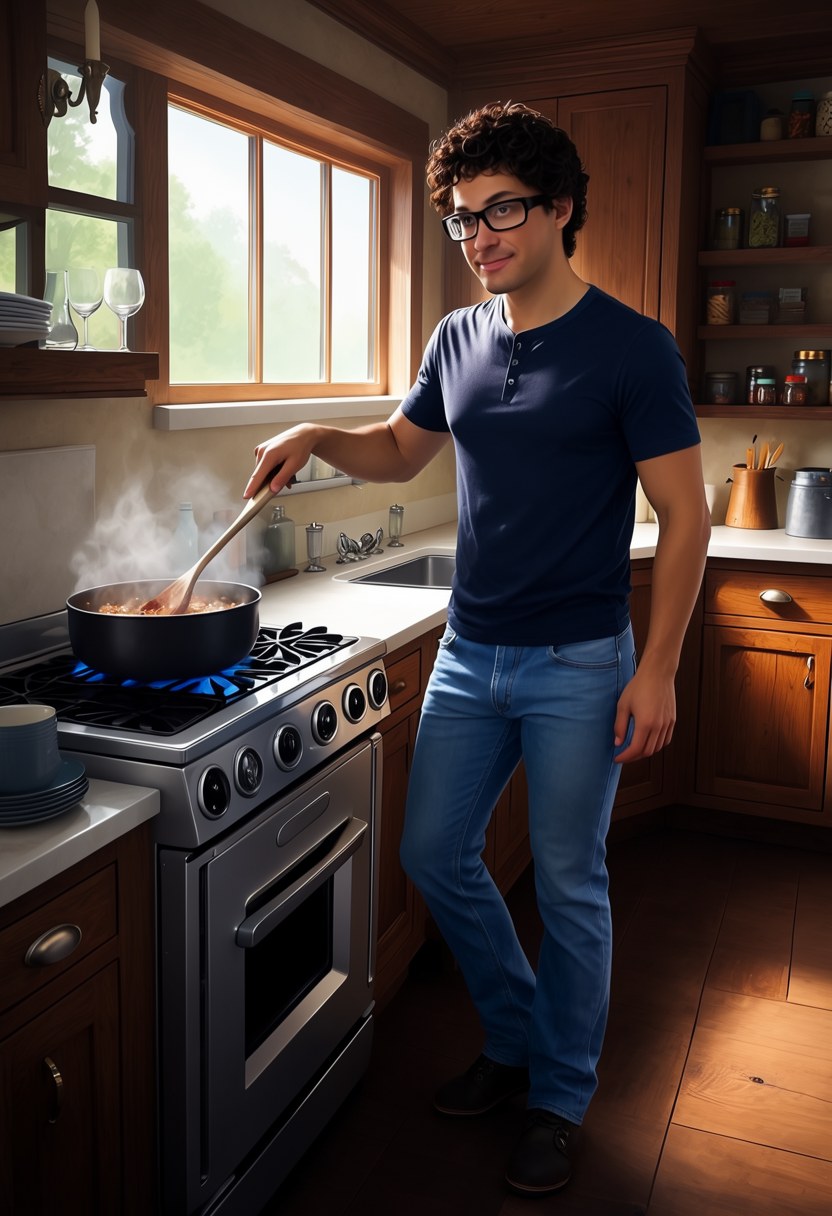
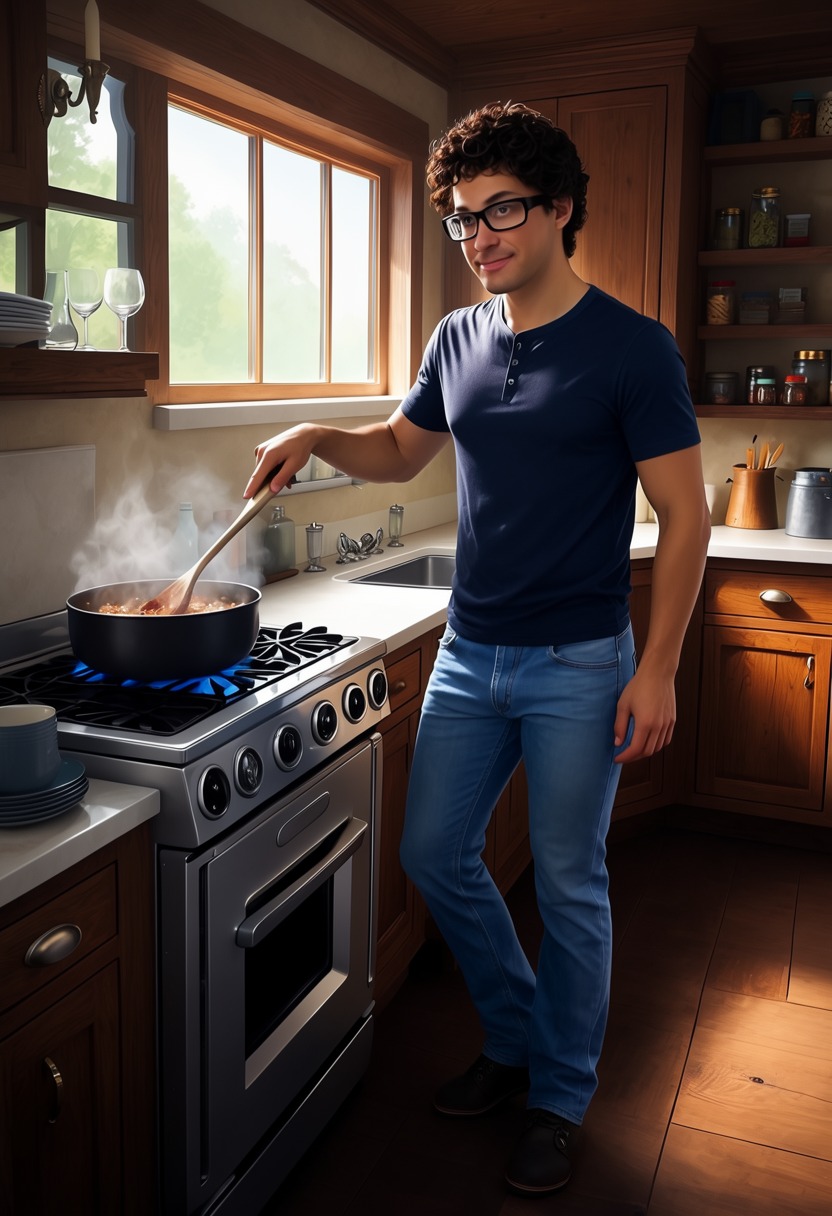
With the card's prompt the outfits and the hair came through, but the drawing style drifted. Once I named the style in the prompt, both characters stayed anime. The faces are a near match, not an exact one, but for a drawn character I'd use it.
Same character and art style as Picture 1. He is cooking at a stove in a rustic kitchen, stirring a steaming pan, morning light through the window. Curly dark hair, black rectangular glasses, navy henley shirt, blue jeans.
Same character and art style as Picture 1. He is cooking at a stove in a rustic kitchen, stirring a steaming pan, morning light through the window. Curly dark hair, black rectangular glasses, navy henley shirt, blue jeans. Anime illustration, cel shading, clean line art, flat colours.
Notes
Both images use the same reference, seed and settings. The second prompt adds the art style at the end.
Run it yourself
Download everything for this test (.zip, 0.9 MB). It holds the workflow, every input it loads and a README. Copy the inputs into ComfyUI/input, put the models below in place and drag the workflow onto ComfyUI.
| File | Put it in | Size |
|---|---|---|
| moss_image_base_int8_convrot.safetensors | models/diffusion_models | 5.4 GB |
| moss_image_charref_v2.safetensors | models/loras | 148.7 MB |
| qwen3.5_9b_w4a8_gptq.safetensors | models/text_encoders | 7.3 GB |
| flux2-vae_small.safetensors | models/vae | 249.5 MB |
No custom nodes. Every node is part of ComfyUI 0.43.1 (frontend 1.57.6, templates 0.11.100).