 Loop Forge
Depth control: a ballerina
Works, from MOSS-Image add-ons, tested locally
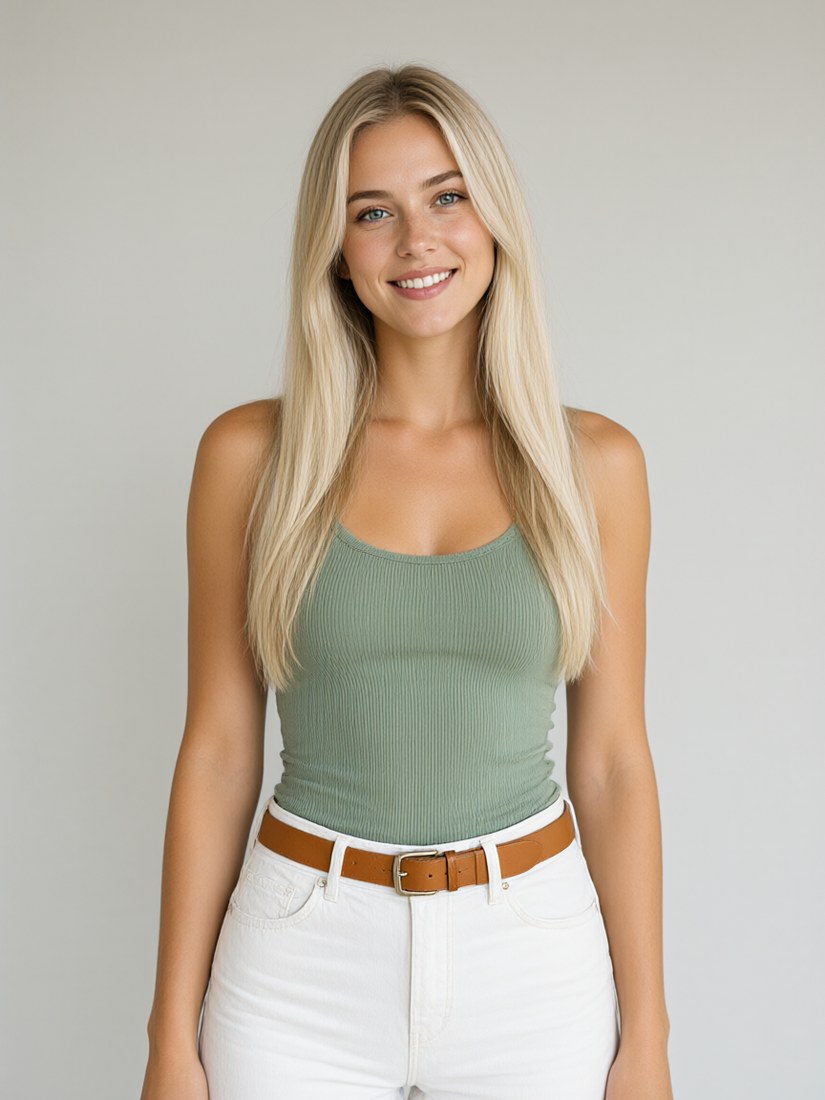
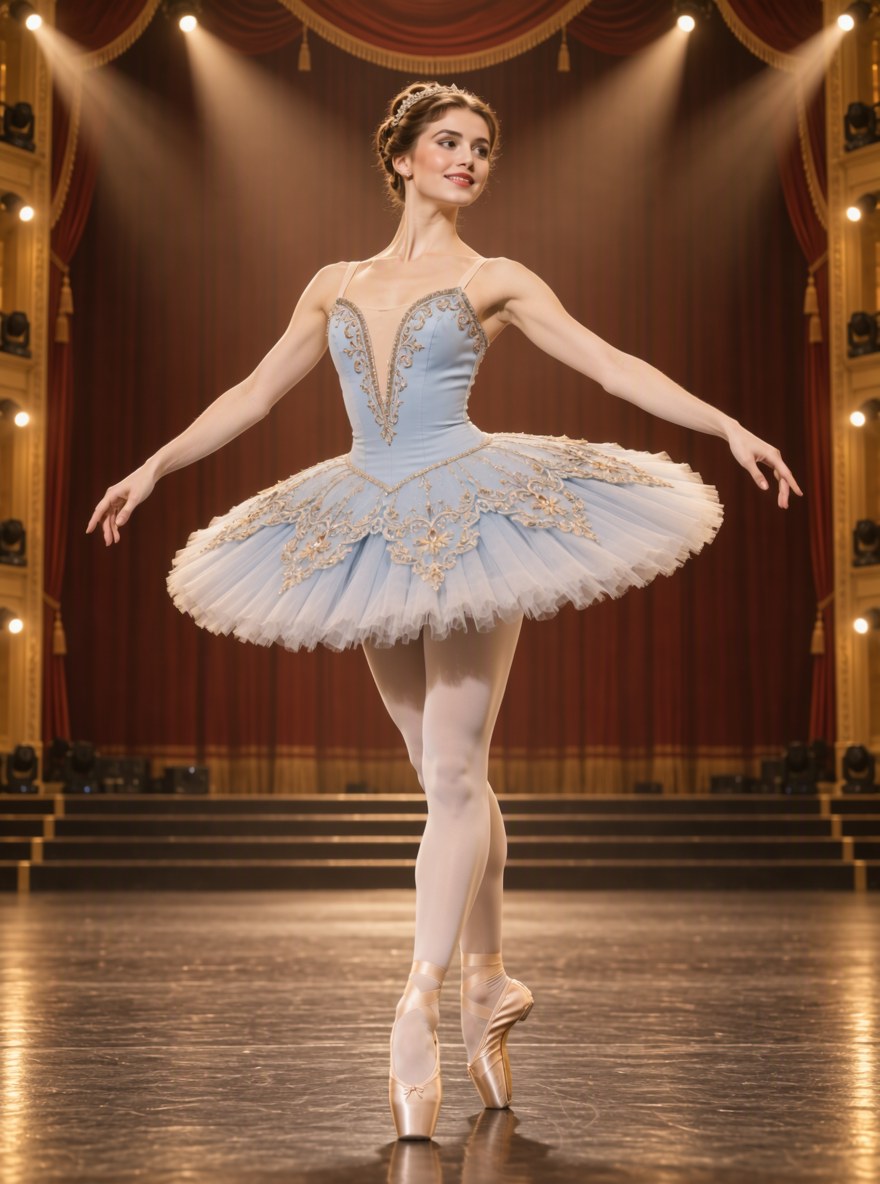
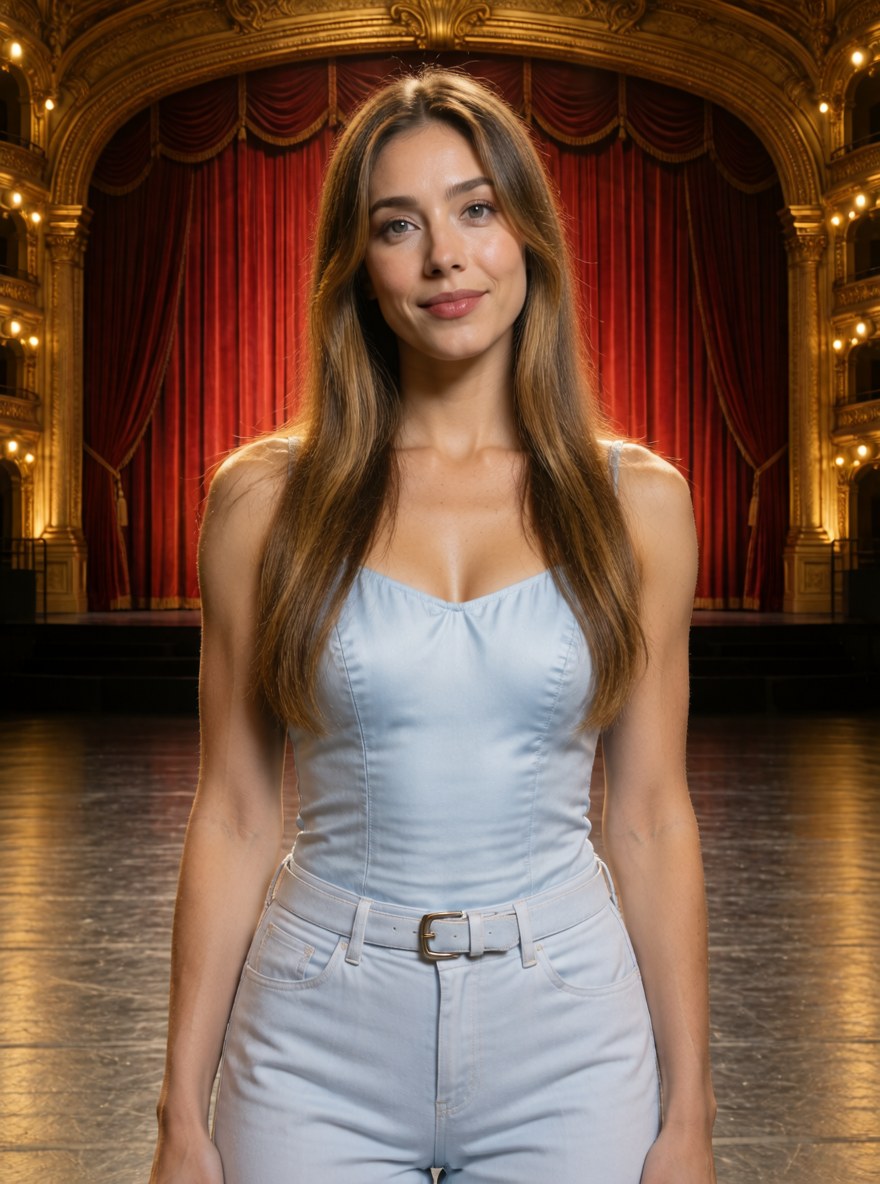
- Model
- MOSS-Image SFT (moss_image_sft_int8_convrot.safetensors)
- Output
- 880×1184
- Sampling
- 25 steps, CFG 3, er_sde (SamplerER_SDE) / simple
- Seed
- 42
- Without LoRA
- 48.0 s, peak VRAM 10.7 GiB
- Depth control
- 47.1 s, peak VRAM 10.6 GiB
- Ran on
- RTX 3060, 12GB (local)
What was wired in
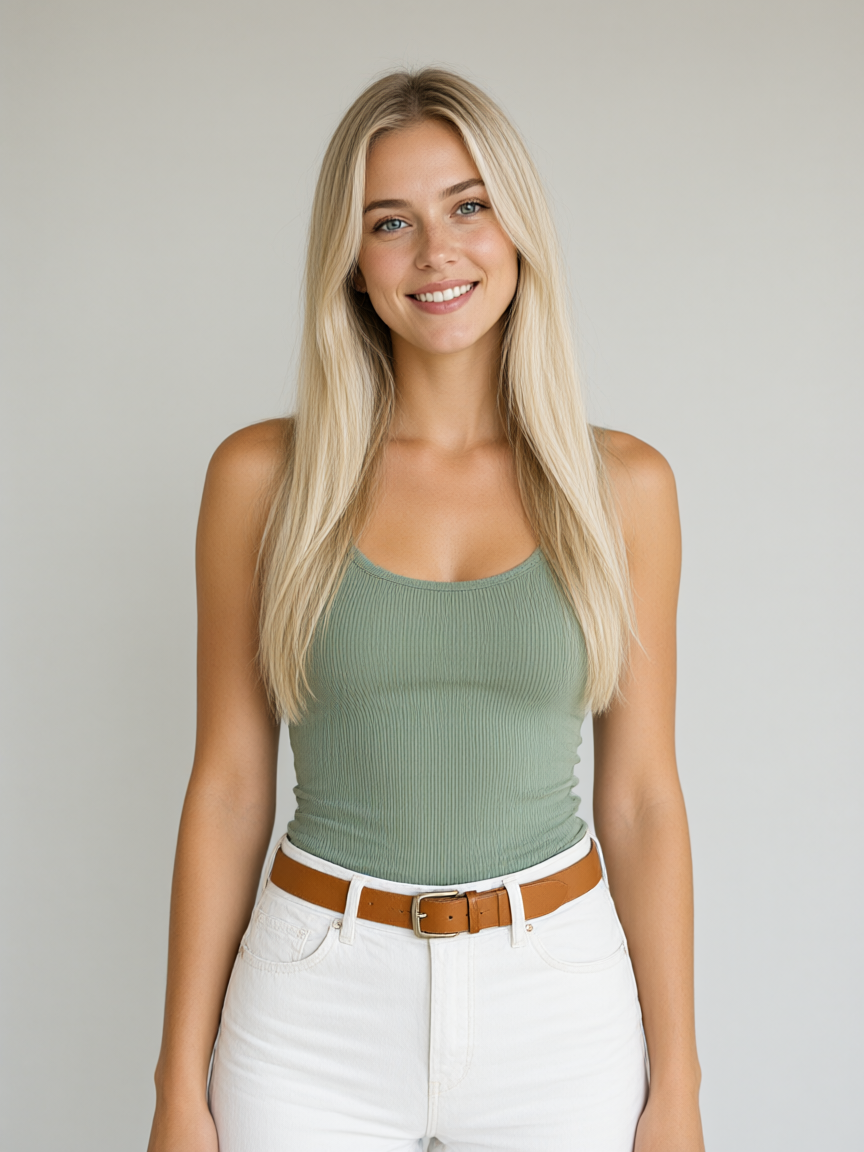
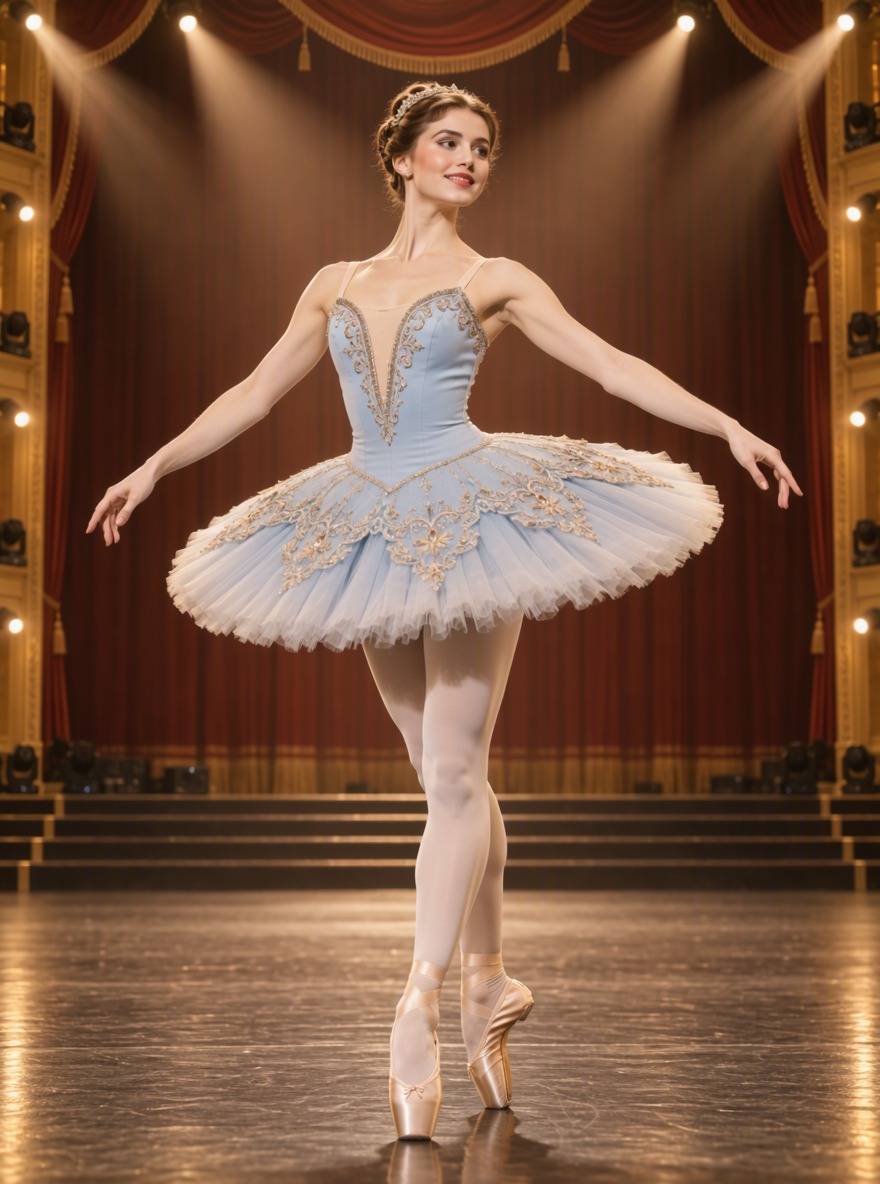
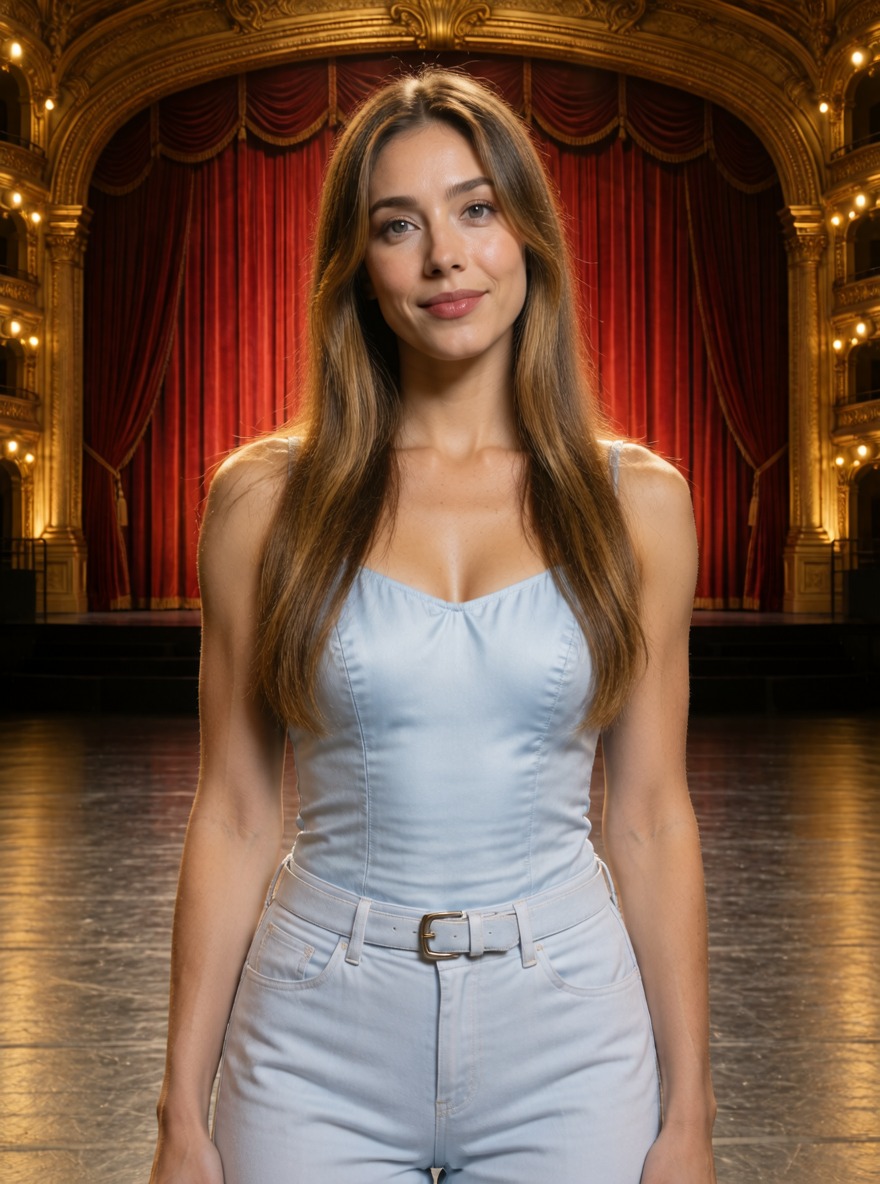
The pose follows the source every time, and the costume comes from the prompt. Without it, MOSS picks its own pose for the same prompt. This one just works.
Full-body photograph of a ballerina in a pale blue tutu and satin pointe shoes standing on a grand theatre stage under warm spotlights, red velvet curtains behind her.
nsfw, worst quality, bad anatomy, watermark, jpeg artifact
Notes
ComfyUI's colour/depth control template: MoGe makes a depth map from the photo, and the control LoRA makes the new image follow it. The text encoder is swapped to the w4a8 file I use everywhere else. Without LoRA is the same graph with the LoRA node bypassed.
darask0/MOSS-Image-color-depth-control on Hugging Face
Comfy-Org/MOSS-Image, with the repackaged LoRA
Comfy-Org workflow templates (the MOSS-Image templates ship with ComfyUI)
Run it yourself
Download everything for this test (.zip, 1.2 MB). It holds the workflow, every input it loads and a README. Copy the inputs into ComfyUI/input, put the models below in place and drag the workflow onto ComfyUI.
| File | Put it in | Size |
|---|---|---|
| moss_image_sft_int8_convrot.safetensors | models/diffusion_models | 5.4 GB |
| qwen3.5_9b_w4a8_gptq.safetensors | models/text_encoders | 7.3 GB |
| flux2-vae_small.safetensors | models/vae | 249.5 MB |
| moge_3_vitg_fp16.safetensors | models/geometry_estimation | 2.5 GB |
| moss_image_color_depth_control.safetensors | models/loras | 313.1 MB |
No custom nodes. Every node is part of ComfyUI 0.43.1 (frontend 1.57.6, templates 0.11.100).