 Loop Forge
DMD 8 steps: the travel poster
From MOSS-Image add-ons, tested locally


- Model
- MOSS-Image SFT (moss_image_sft_int8_convrot.safetensors)
- Output
- 1024×1024
- Seed
- 101
- Template, 25 steps
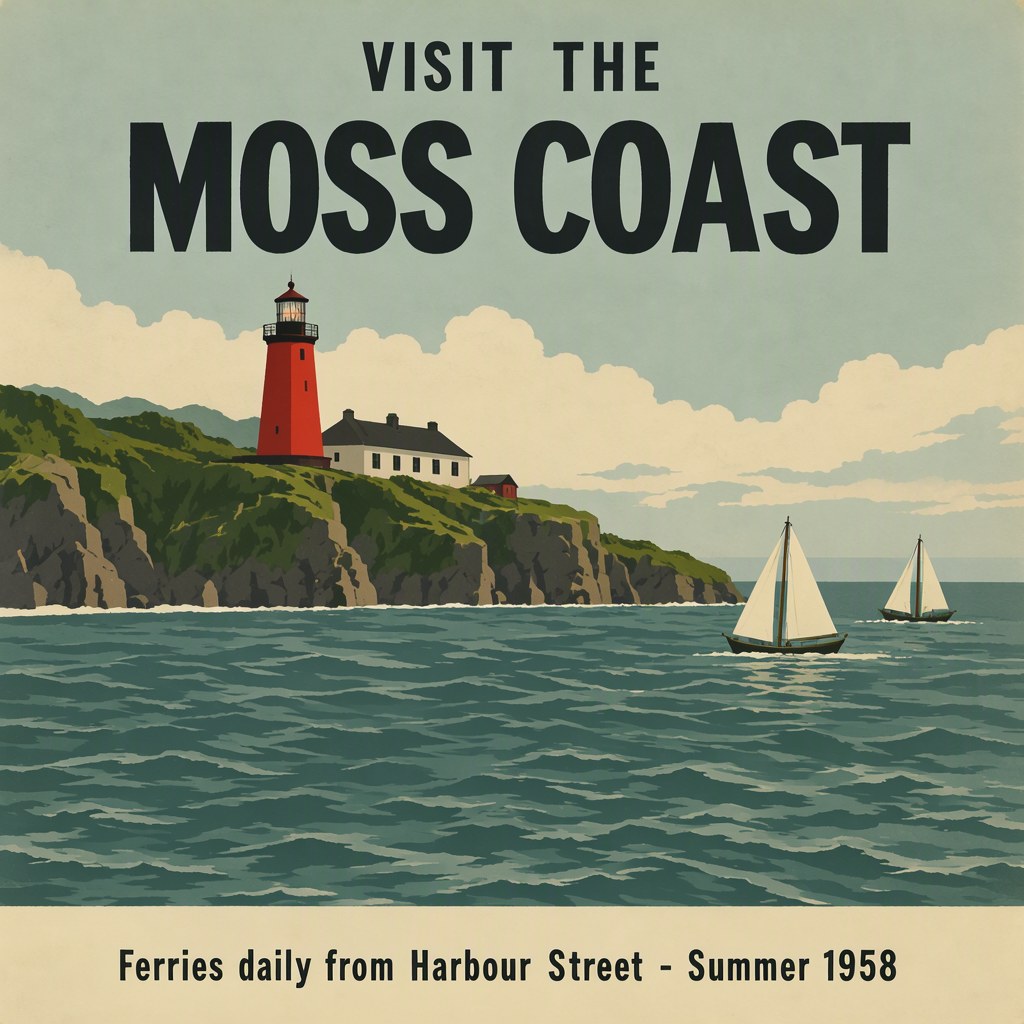
- 25 steps, CFG 2.5, er_sde / simple. 41.9 s, peak VRAM 10.4 GiB
- DMD LoRA, 8 steps
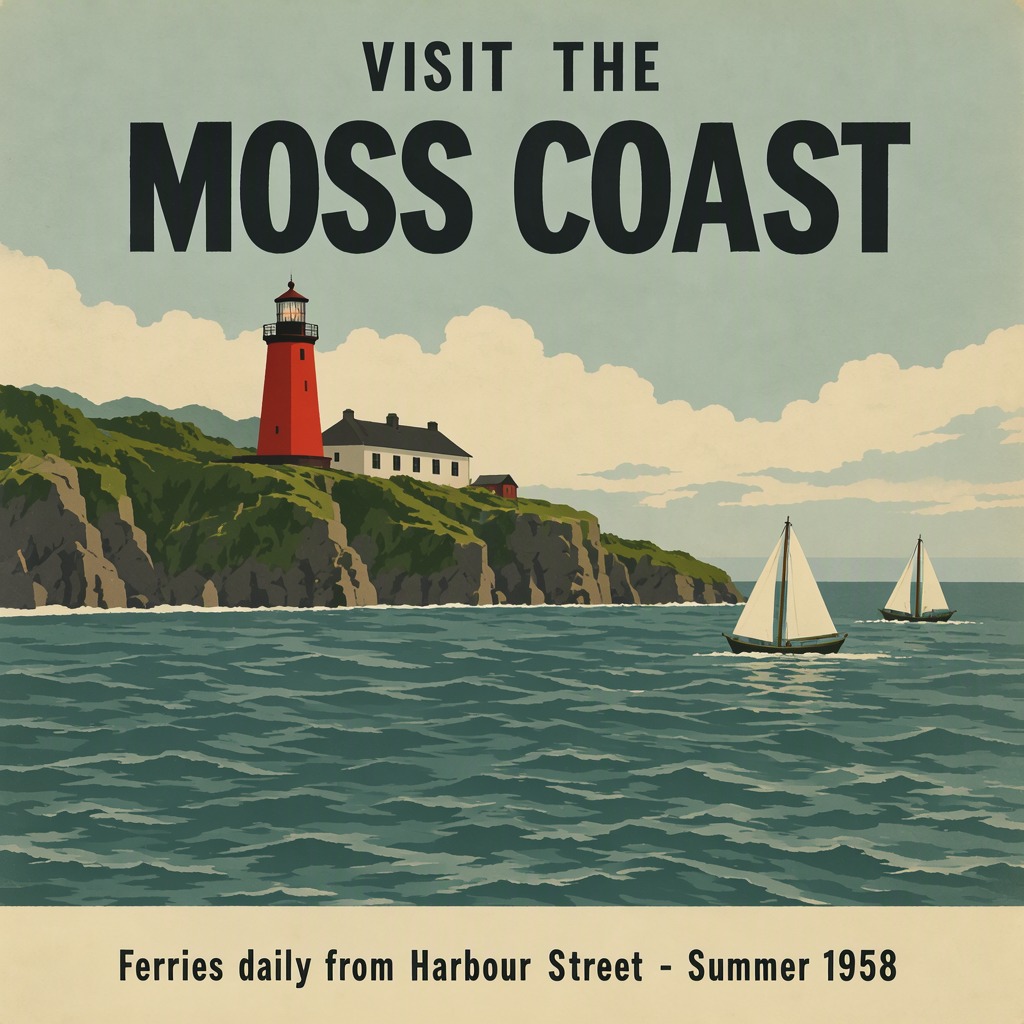
- 8 steps, CFG 1, er_sde / simple. 8.7 s, peak VRAM 10.3 GiB
- Ran on
- RTX 3060, 12GB (local)
Verdict
Almost five times faster. For drafts I'd use this every time; for a final image I'd still go back to the full steps.
A vintage travel poster in flat screen-print style. Top: large bold title "VISIT THE MOSS COAST". Middle: a red lighthouse on green cliffs above a teal sea with two sailing boats. Bottom band in cream with smaller text "Ferries daily from Harbour Street - Summer 1958". Limited palette of five colours.
nsfw, worst quality, bad anatomy, watermark, jpeg artifact
Notes
The official template with lodestones' DMD LoRA (lora.safetensors) at 1.0, 8 steps and CFG 1, next to the template's own 25 steps and CFG 2.5.
lodestones/MOSS-Image-SFT-8-steps-dmd on Hugging Face
Comfy-Org workflow templates (the MOSS-Image templates ship with ComfyUI)
Run it yourself
This test loads no input files. Put the models below in place and drag the workflow onto ComfyUI.
| File | Put it in | Size |
|---|---|---|
| moss_image_sft_int8_convrot.safetensors | models/diffusion_models | 5.4 GB |
| qwen3.5_9b_w4a8_gptq.safetensors | models/text_encoders | 7.3 GB |
| flux2-vae_small.safetensors | models/vae | 249.5 MB |
| moss_sft_8step_dmd.safetensors (published as lora.safetensors, renamed) | models/loras | 1.2 GB |
No custom nodes. Every node is part of ComfyUI 0.43.1 (frontend 1.57.6, templates 0.11.100).