 Loop Forge
Anime2Real: Freya
From MOSS-Image add-ons, tested locally
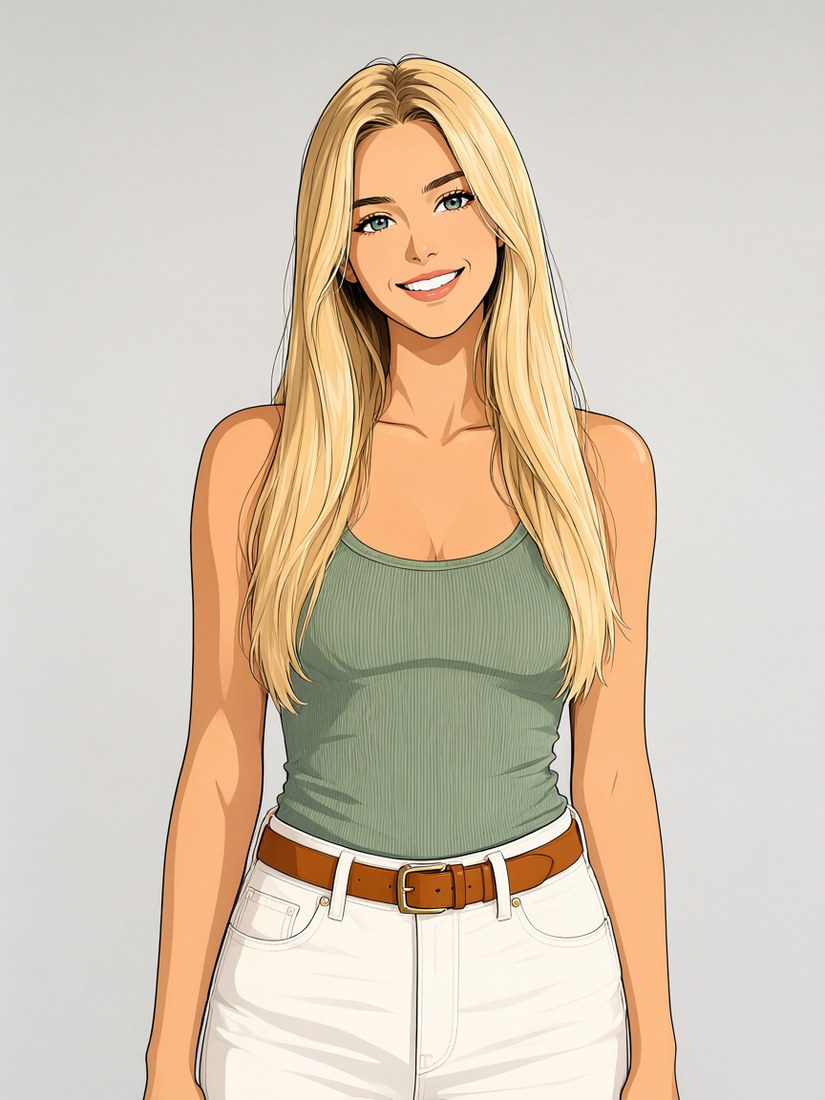
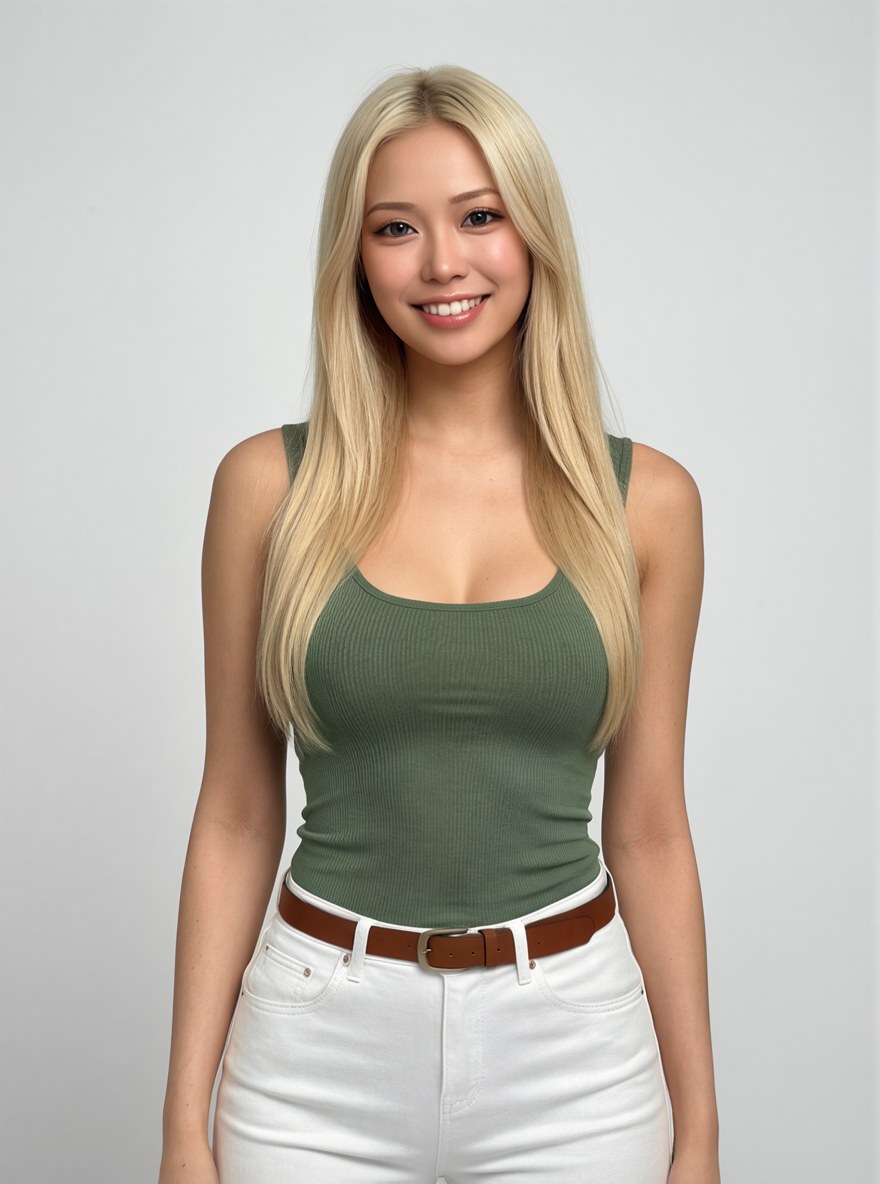
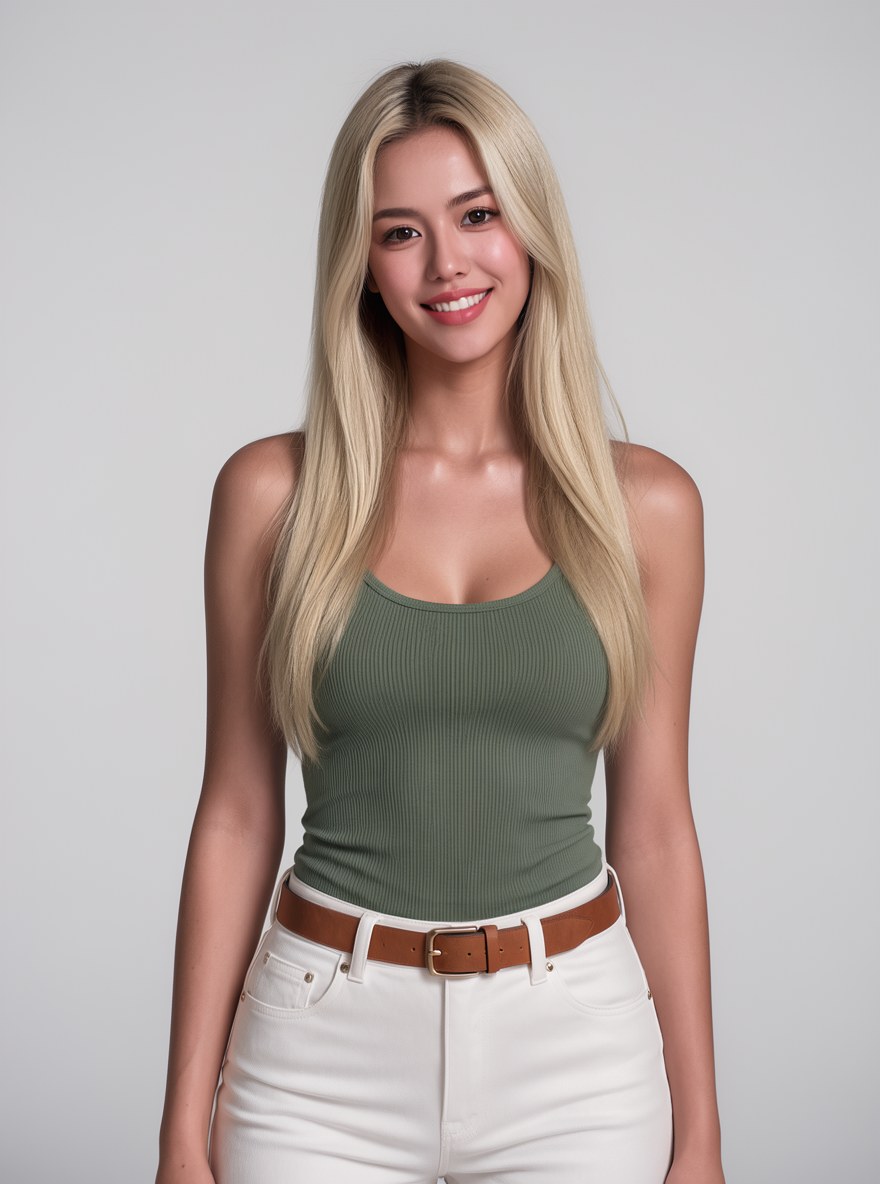
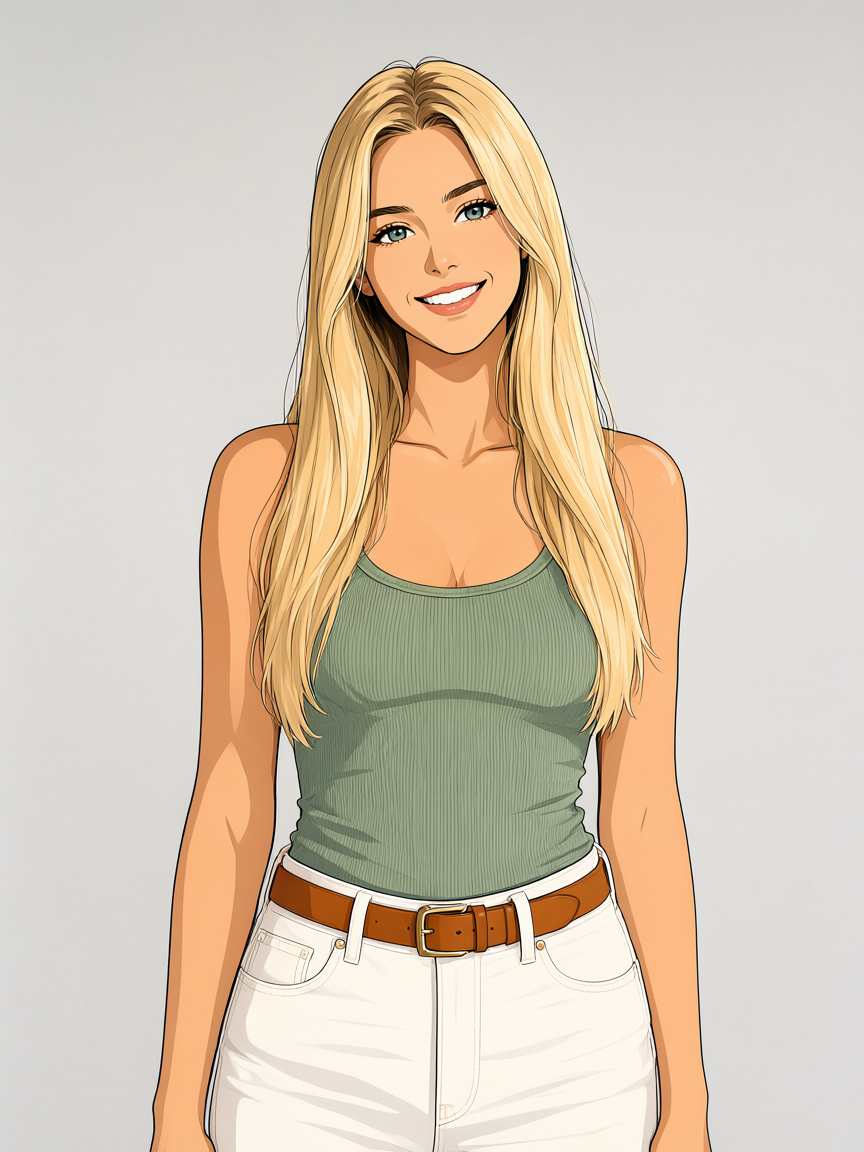
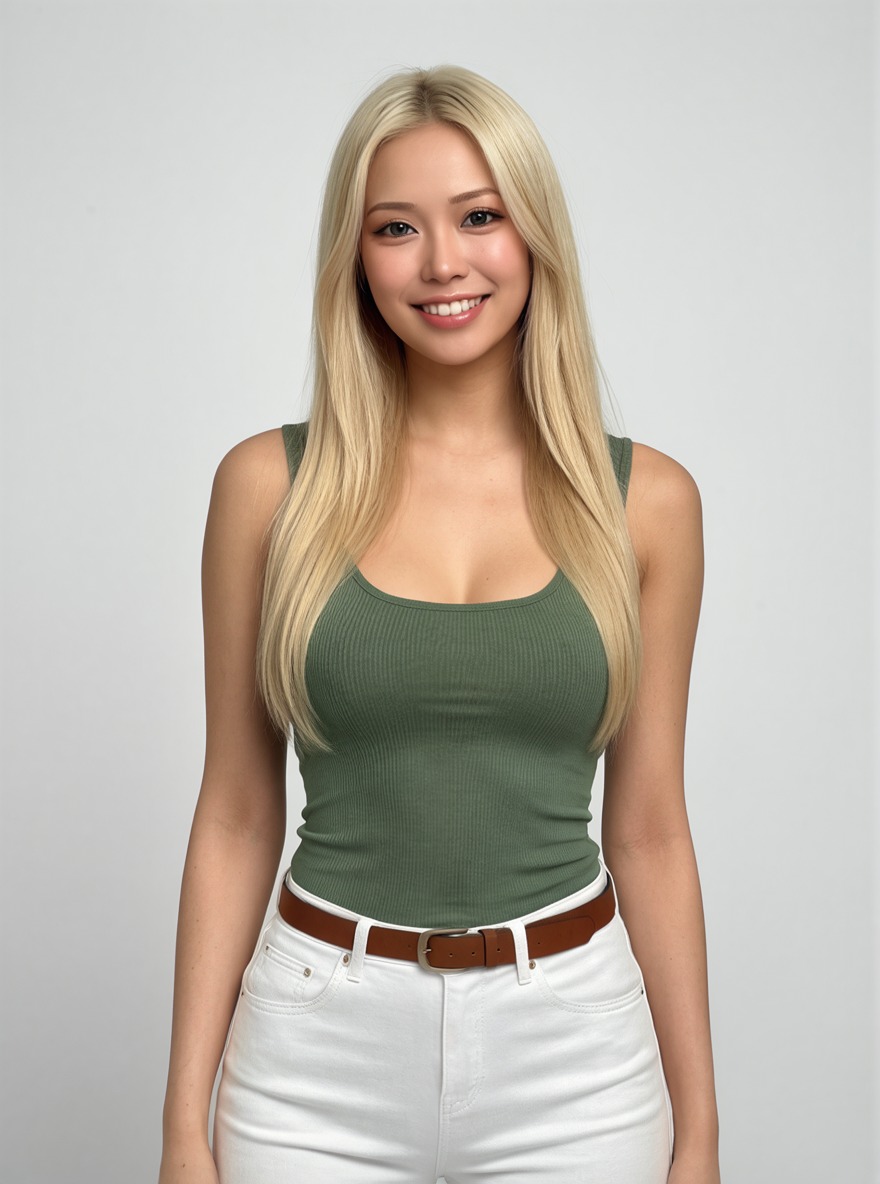
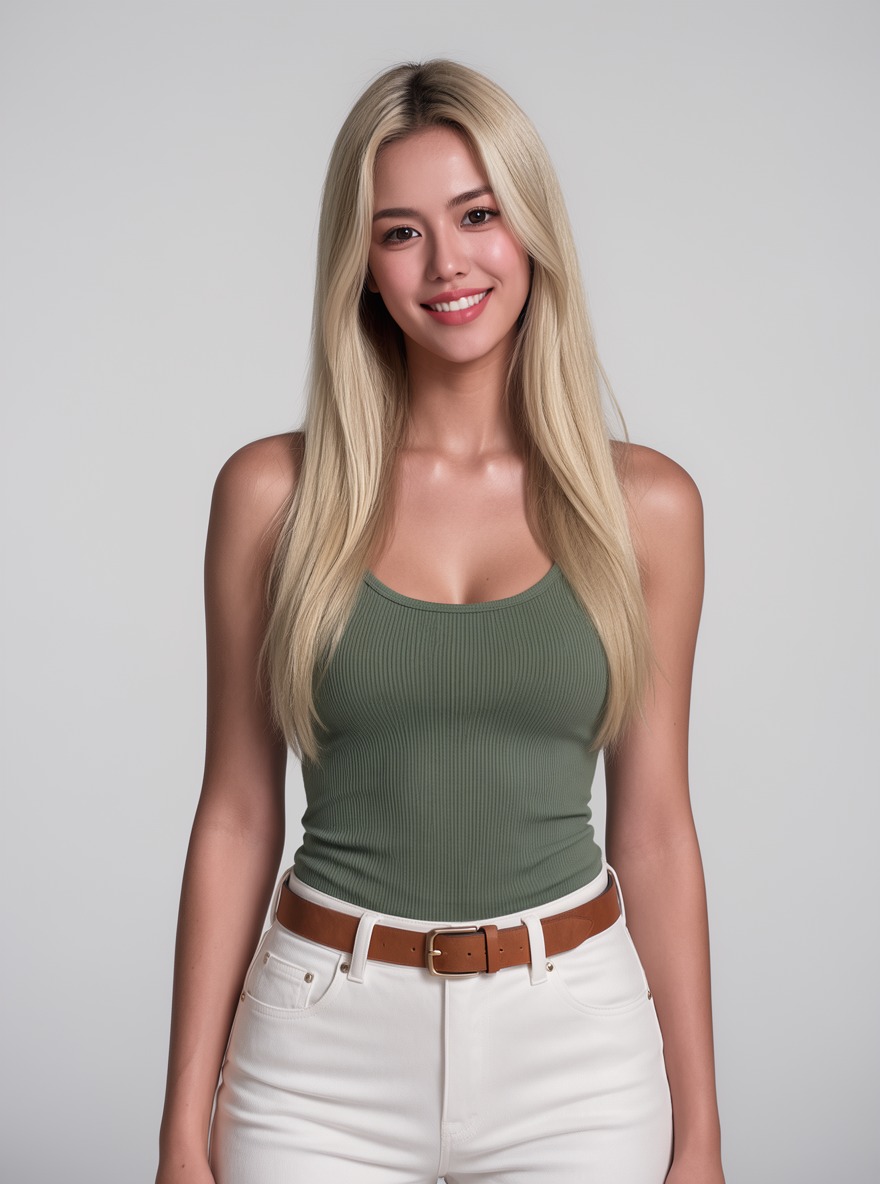
- Model
- MOSS-Image SFT (moss_image_sft_int8_convrot.safetensors)
- Output
- 880×1184
- Sampling
- 30 steps, CFG 3, euler / sgm_uniform
- Seed
- 42
- xmsthc v2
- 70.4 s, peak VRAM 10.5 GiB
- manba v1
- 69.9 s, peak VRAM 10.6 GiB
- Ran on
- RTX 3060, 12GB (local)
What was wired in
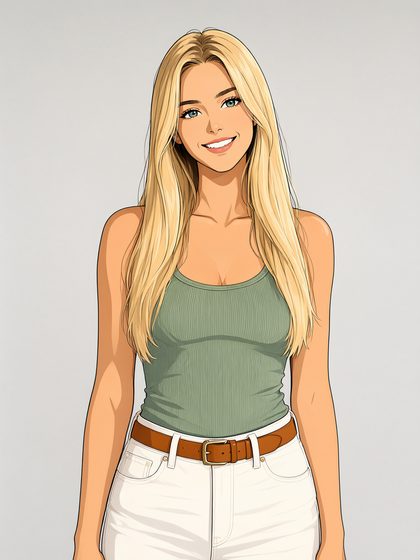 Image 1
Freya, animeAnime version of the Freya cast photo, made with the Qwen-Image 2.1 edit template (not MOSS)Download PNG1.2 MB
It won't give back the exact face from the photo, but manba's is a lot better. It keeps a structure and pose closer to the drawing than the other LoRA.
A2R. Turn this anime illustration into a realistic photograph of a real person. Keep the pose, hair, clothing and background; natural skin, photographic lighting.
Turn this anime illustration into a realistic photograph of a real person. Keep the pose, hair, clothing and background; natural skin, photographic lighting.
nsfw, worst quality, bad anatomy, watermark, jpeg artifact
Notes
The input is an anime version of the cast photo, made with Qwen-Image 2.1 so that MOSS never edits its own picture. Both LoRAs got the same input, prompt (xmsthc's with its trigger word first) and seed.
Anime to Realistic Edit v1.0 by manbaout1 on Civitai
[Moss Edit] Anime2Real v2.0 SFT by xmsthc on Civitai
Comfy-Org workflow templates (the MOSS-Image templates ship with ComfyUI)
Run it yourself
Download everything for this test (.zip, 1.2 MB). It holds the workflow, every input it loads and a README. Copy the inputs into ComfyUI/input, put the models below in place and drag the workflow onto ComfyUI.
| File | Put it in | Size |
|---|---|---|
| moss_image_sft_int8_convrot.safetensors | models/diffusion_models | 5.4 GB |
| Moss_SFT_Edit_A2R_v1_000006000.safetensors | models/loras | 290.3 MB |
| qwen3.5_9b_w4a8_gptq.safetensors | models/text_encoders | 7.3 GB |
| flux2-vae_small.safetensors | models/vae | 249.5 MB |
| manba_real2anime_a2r_v1.safetensors (published as real2anime.safetensors, renamed) | models/loras | 129.0 MB |
No custom nodes. Every node is part of ComfyUI 0.43.1 (frontend 1.57.6, templates 0.11.100).