 Loop Forge
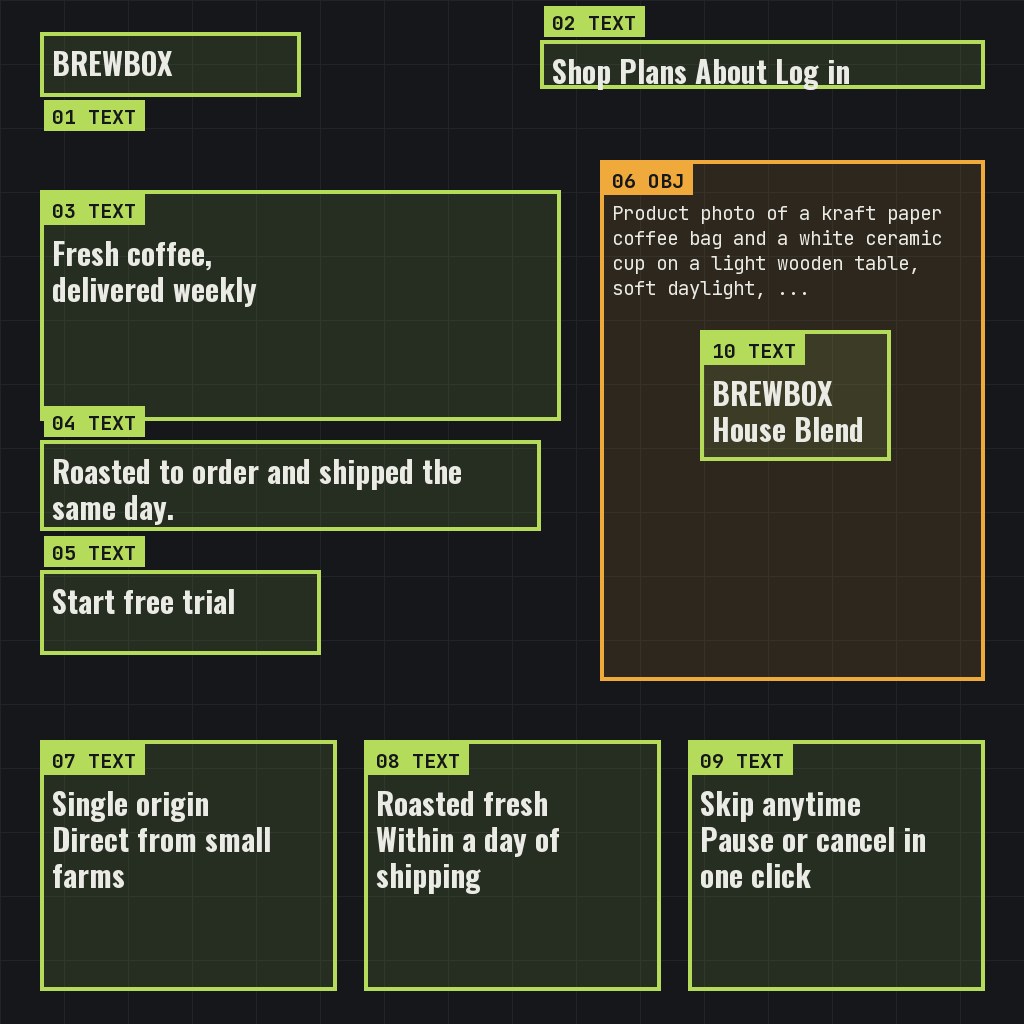
A landing page mockup from layout boxes
From MOSS-Image add-ons, tested locally
- Model
- MOSS-Image SFT (moss_image_sft_int8_convrot.safetensors)
- Output
- 1024×1024
- Sampling
- 25 steps, CFG 2.5, er_sde / simple
- Seed
- 7
- Layout result
- 43.0 s, peak VRAM 10.7 GiB
- Ran on
- RTX 3060, 12GB (local)
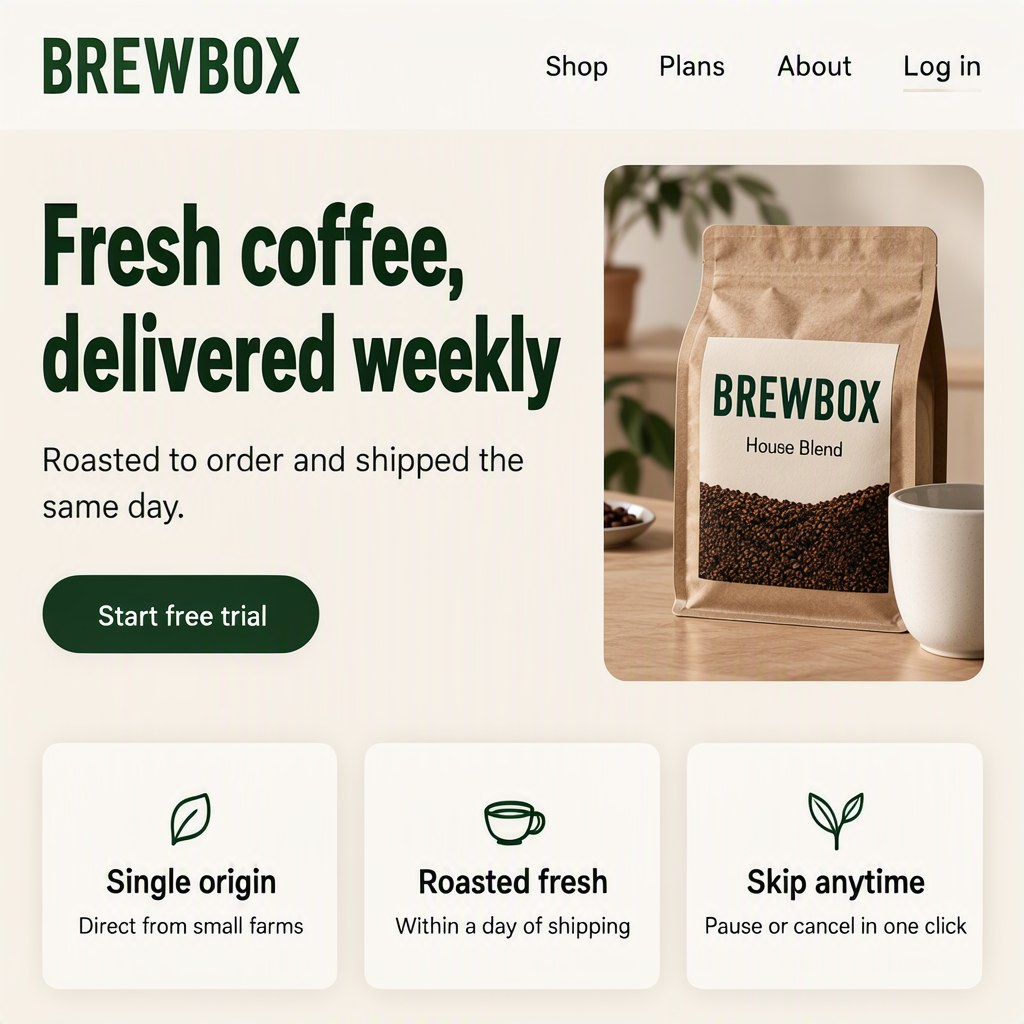
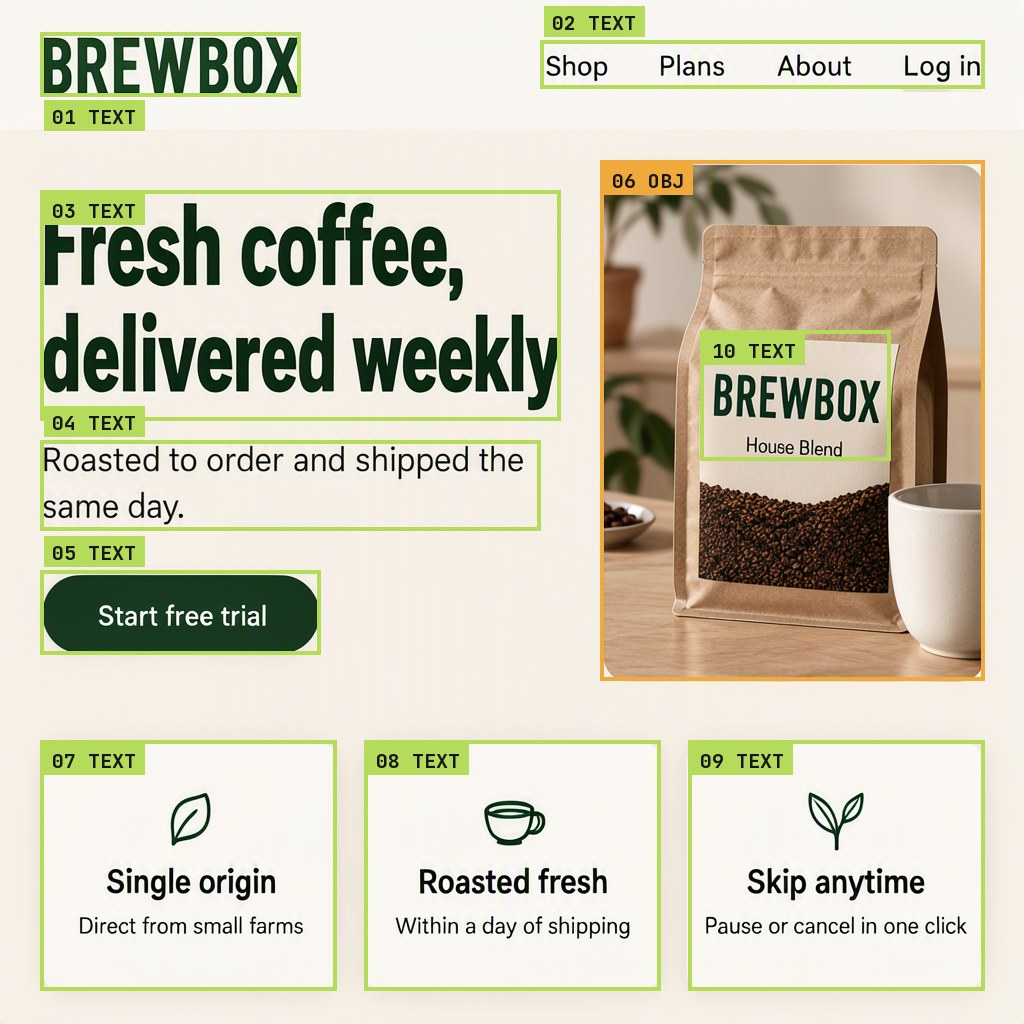
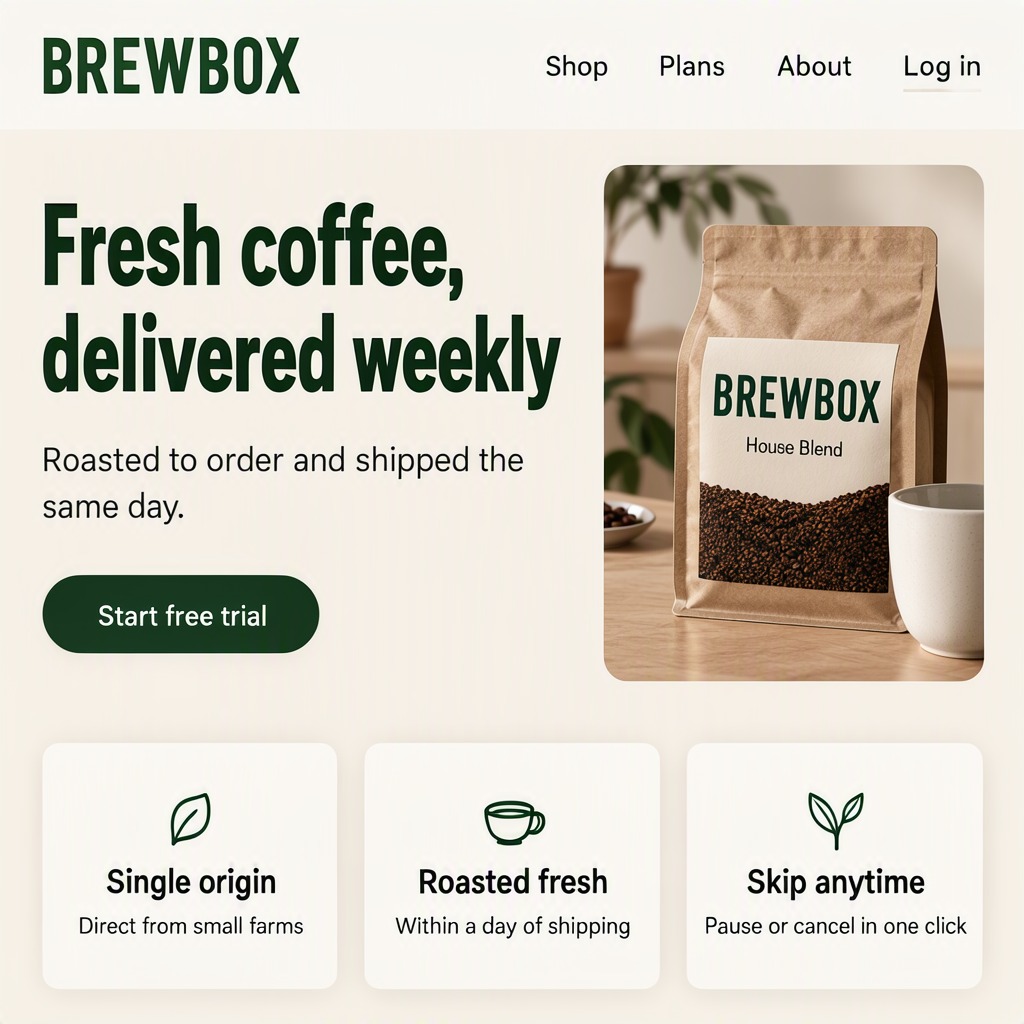
Quite acceptable for a mockup, and having control over where everything goes is useful. Even the label on the coffee bag came out readable.
Screenshot of a clean modern landing page for a small coffee subscription service: flat web UI design, warm cream background, deep green accents, crisp geometric sans-serif typography, generous white space, a product photo on the right, three feature cards along the bottom.
[
 {
  "x": 40,
  "y": 32,
  "width": 260,
  "height": 64,
  "metadata": {
   "type": "text",
   "text": "BREWBOX",
   "desc": "Bold deep green wordmark logo in the top-left corner of the navigation bar",
   "palette": []
  }
 },
 {
  "x": 540,
  "y": 40,
  "width": 444,
  "height": 48,
  "metadata": {
   "type": "text",
   "text": "Shop  Plans  About  Log in",
   "desc": "Small dark grey navigation links in a row, evenly spaced",
   "palette": []
  }
 },
 {
  "x": 40,
  "y": 190,
  "width": 520,
  "height": 230,
  "metadata": {
   "type": "text",
   "text": "Fresh coffee,\ndelivered weekly",
   "desc": "Very large bold dark green headline on two lines",
   "palette": []
  }
 },
 {
  "x": 40,
  "y": 440,
  "width": 500,
  "height": 90,
  "metadata": {
   "type": "text",
   "text": "Roasted to order and shipped the same day.",
   "desc": "One line of medium grey body text",
   "palette": []
  }
 },
 {
  "x": 40,
  "y": 570,
  "width": 280,
  "height": 84,
  "metadata": {
   "type": "text",
   "text": "Start free trial",
   "desc": "White label on a rounded deep green button",
   "palette": []
  }
 },
 {
  "x": 600,
  "y": 160,
  "width": 384,
  "height": 520,
  "metadata": {
   "type": "obj",
   "text": "",
   "desc": "Product photo of a kraft paper coffee bag and a white ceramic cup on a light wooden table, soft daylight, rounded corners",
   "palette": []
  }
 },
 {
  "x": 40,
  "y": 740,
  "width": 296,
  "height": 250,
  "metadata": {
   "type": "text",
   "text": "Single origin\nDirect from small farms",
   "desc": "A white feature card with a soft shadow and a small green line icon, a bold dark title and one line of grey text",
   "palette": []
  }
 },
 {
  "x": 364,
  "y": 740,
  "width": 296,
  "height": 250,
  "metadata": {
   "type": "text",
   "text": "Roasted fresh\nWithin a day of shipping",
   "desc": "A white feature card with a soft shadow and a small green line icon, a bold dark title and one line of grey text",
   "palette": []
  }
 },
 {
  "x": 688,
  "y": 740,
  "width": 296,
  "height": 250,
  "metadata": {
   "type": "text",
   "text": "Skip anytime\nPause or cancel in one click",
   "desc": "A white feature card with a soft shadow and a small green line icon, a bold dark title and one line of grey text",
   "palette": []
  }
 },
 {
  "x": 700,
  "y": 330,
  "width": 190,
  "height": 130,
  "metadata": {
   "type": "text",
   "text": "BREWBOX\nHouse Blend",
   "desc": "A printed label on the front of the coffee bag, dark green wordmark with a smaller line under it",
   "palette": []
  }
 }
]
nsfw, worst quality, bad anatomy, watermark, jpeg artifact
Notes
The boxes are drawn in the template's Create Bounding Boxes node. Each one is a text box (the exact words to spell and how they should look) or an object box (a description), and the MOSS-Image Layout Prompt node turns the caption and the boxes into the layout prompt the model was trained on. The Caption and Boxes tabs are exactly what those two nodes were given.
Comfy-Org workflow templates (the MOSS-Image templates ship with ComfyUI)
Run it yourself
This test loads no input files. Put the models below in place and drag the workflow onto ComfyUI.
| File | Put it in | Size |
|---|---|---|
| moss_image_sft_int8_convrot.safetensors | models/diffusion_models | 5.4 GB |
| qwen3.5_9b_w4a8_gptq.safetensors | models/text_encoders | 7.3 GB |
| flux2-vae_small.safetensors | models/vae | 249.5 MB |
No custom nodes. Every node is part of ComfyUI 0.43.1 (frontend 1.57.6, templates 0.11.100).