 Loop Forge
Spectrum on the template's 25 steps
From MOSS-Image add-ons, tested locally
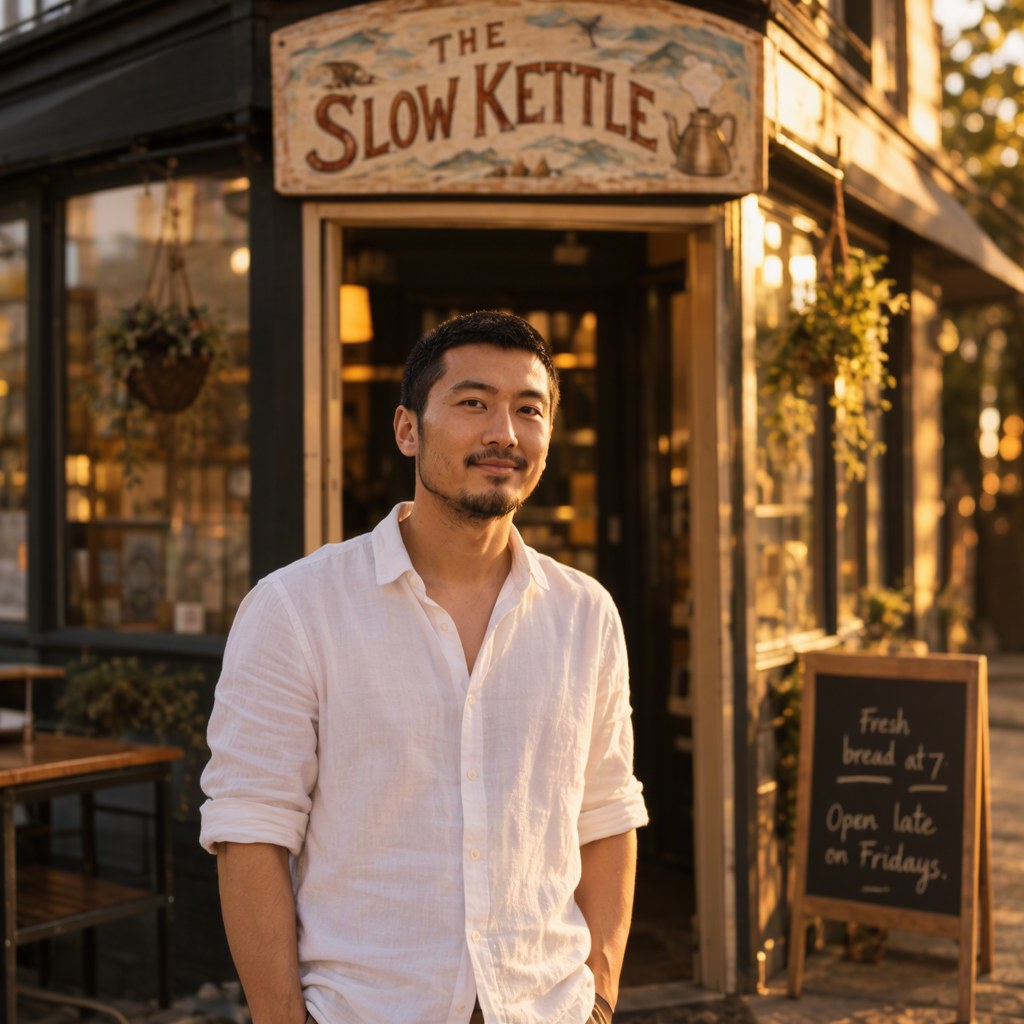
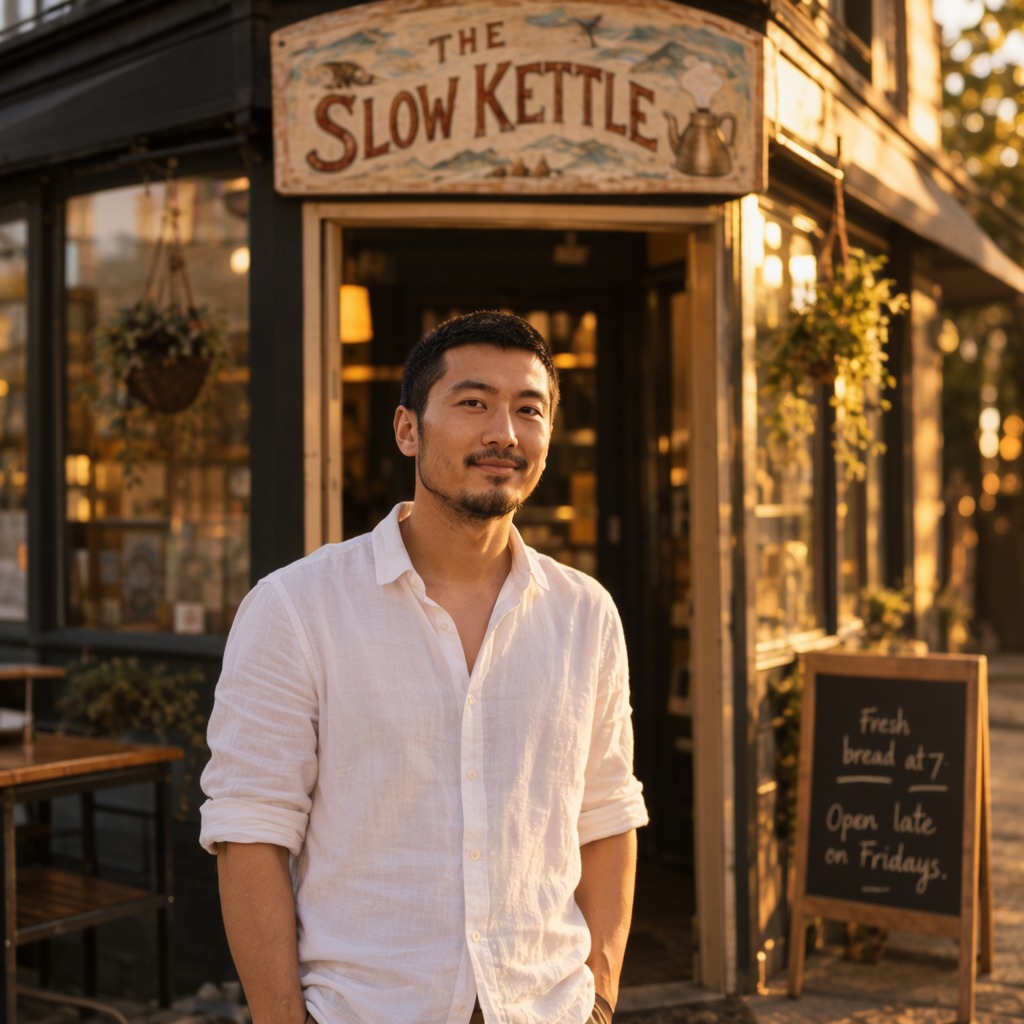
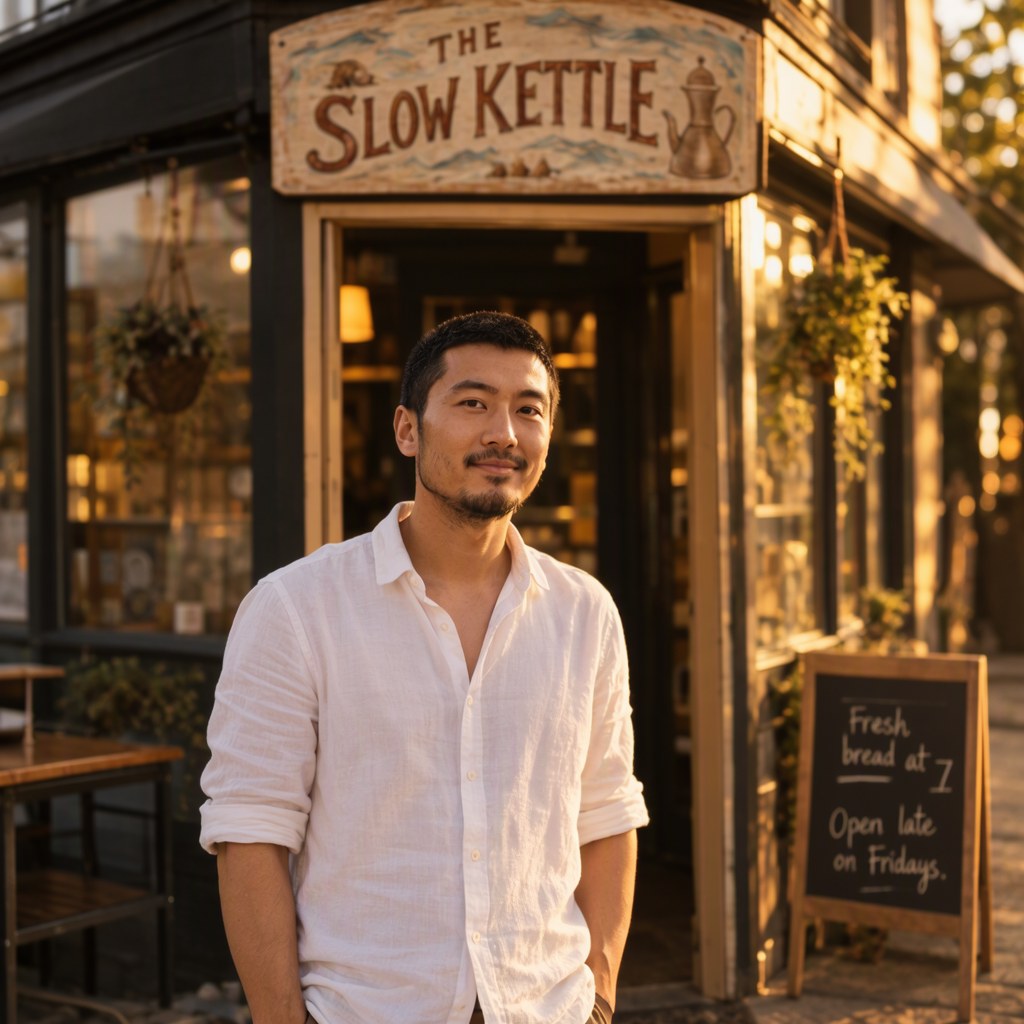
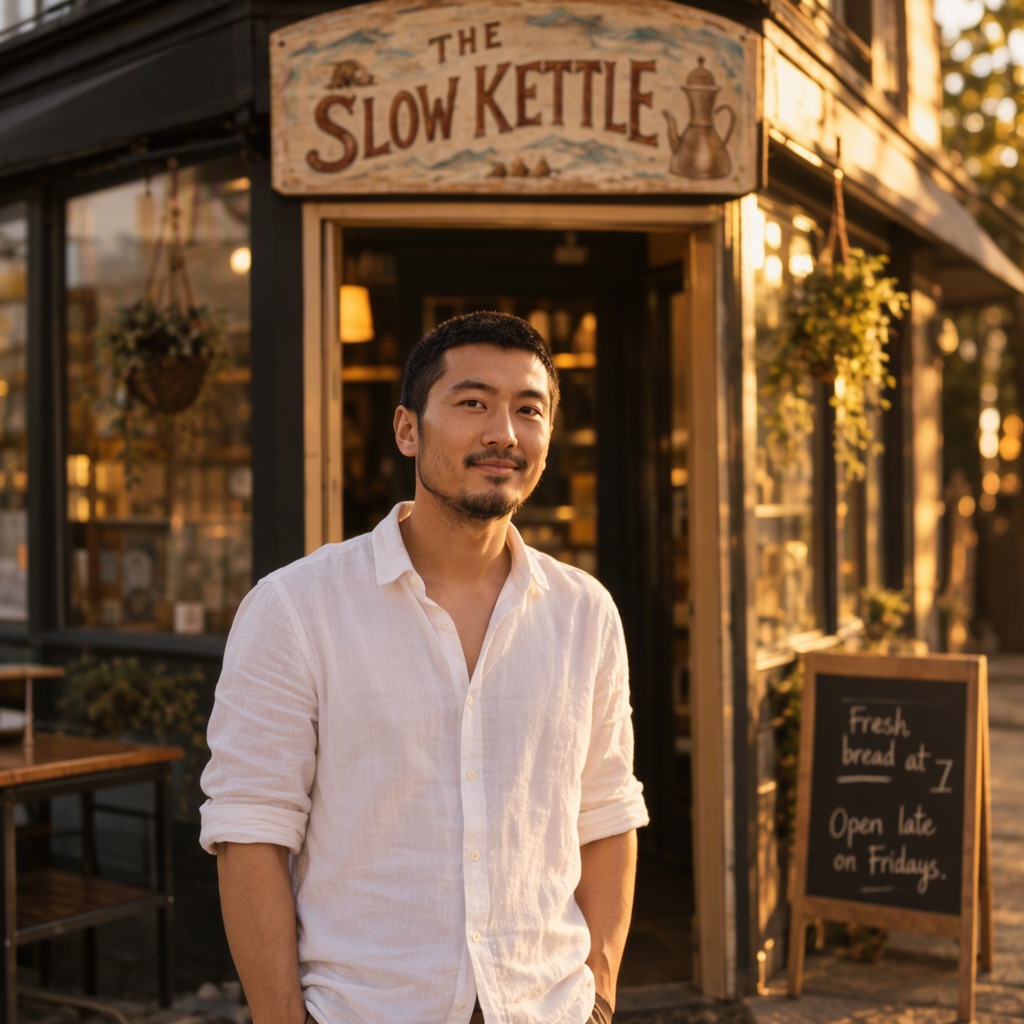
- Model
- MOSS-Image SFT (moss_image_sft_int8_convrot.safetensors)
- Output
- 1024×1024
- Sampling
- 25 steps, CFG 2.5, er_sde / simple
- Seed
- 101
- Template, 25 steps
- 41.9 s, peak VRAM 10.2 GiB
- Spectrum on 25 steps
- 29.8 s, peak VRAM 10.3 GiB
- Ran on
- RTX 3060, 12GB (local)
Verdict
The pictures came out very close to the full run, so I'd leave it on.
Photograph of a man with short black hair, a trimmed beard and a white linen shirt with rolled sleeves, standing in front of a small corner cafe at golden hour. Above the door a hand-painted wooden sign reads "THE SLOW KETTLE" and a chalkboard beside him reads "Fresh bread at 7. Open late on Fridays." Warm light, shallow depth of field, 35mm photo.
nsfw, worst quality, bad anatomy, watermark, jpeg artifact
Notes
The official template's own settings (25 steps, er_sde), with Spectrum at its defaults except max consecutive forecasts 1, the README's setting for er_sde.
ComfyUI-Spectrum-MOSS on GitHub
Comfy-Org workflow templates (the MOSS-Image templates ship with ComfyUI)
Run it yourself
This test loads no input files. Put the models below in place and drag the workflow onto ComfyUI.
| File | Put it in | Size |
|---|---|---|
| moss_image_sft_int8_convrot.safetensors | models/diffusion_models | 5.4 GB |
| qwen3.5_9b_w4a8_gptq.safetensors | models/text_encoders | 7.3 GB |
| flux2-vae_small.safetensors | models/vae | 249.5 MB |
Custom nodes: ComfyUI-Spectrum-MOSS version 0.8.1. Everything else is part of ComfyUI 0.43.1 (frontend 1.57.6, templates 0.11.100).