Loop Forge

13 September 2026

MiniMax H3 camera shots

MiniMax H3 documents twelve camera motions and no named shots. There is no dolly zoom button and no crash zoom button, so every named film shot has to be written as a sentence built out of those twelve. Most ways of doing that do not work. These fourteen do.

Each prompt is the exact file that produced the shot, with the camera and lens phrase and the camera clause marked. More than a hundred generations went into getting here.

Workflow
MiniMaxH3ReferenceToVideo, ref_image_size max, no background plate
Resolution
1344×768 on a rented RTX 5090, except the snorricam at 864×480 on an RTX 3060
Sampling
20 steps, res_multistep / simple, turbo LoRA off, seed 552013742
Prompt format
The six-section reference format from MiniMax's official guide
Watch on YouTube

MiniMax H3: 14 Camera Techniques. Opens on YouTube in a new tab.

What we found

How do you get real camera moves out of MiniMax H3?

H3 documents twelve camera motions and no named shots, so a dolly zoom or a crash zoom has to be written as a sentence built out of those twelve. Fourteen named shots work that way. Bullet time could not be done.

Settings decide whether the move happens at all. A 4-step turbo render suppresses camera motion almost entirely, whatever the prompt says; use 20 steps and at least 124 frames.

Lens and camera names do almost nothing. On the same seed, an 8mm lens rendered framing identical to a 50mm. Adding a background reference plate roughly halves the camera move.

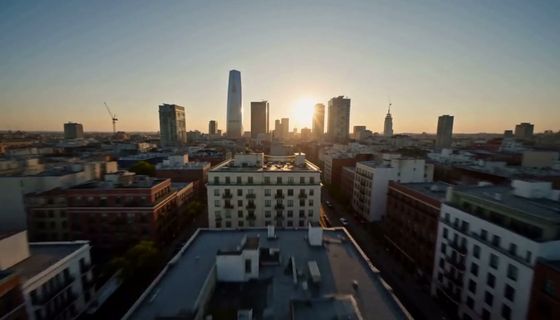
14 prompts

Zooms

Specialty shots

Pans and rolls

Tracking shots

Reference images

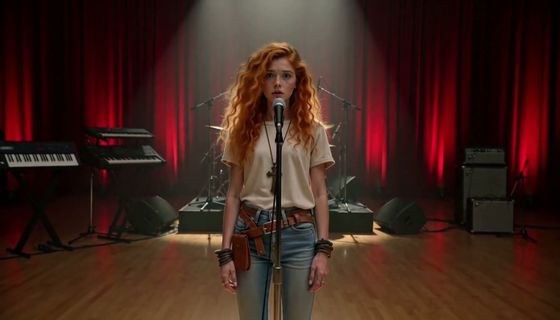
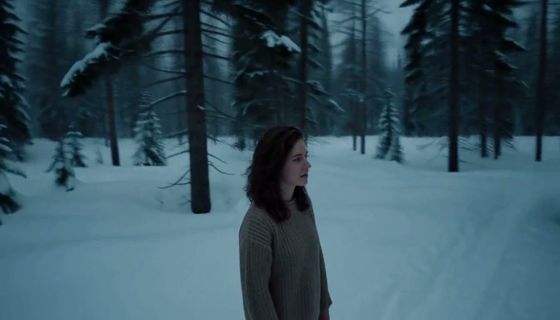
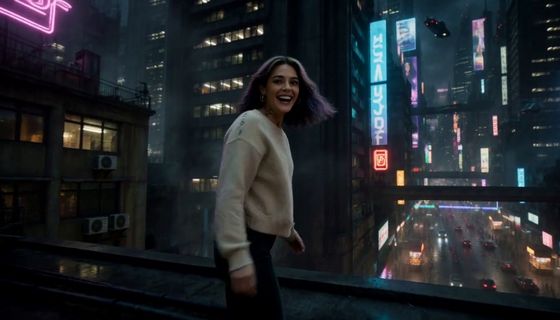
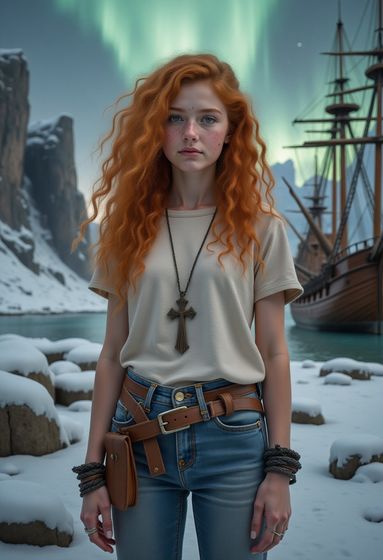
Amber, Character reference plate
AmberCharacter reference plate
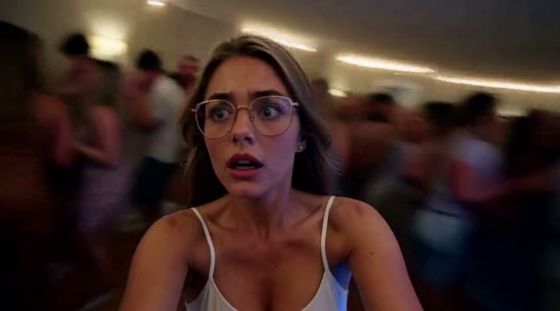
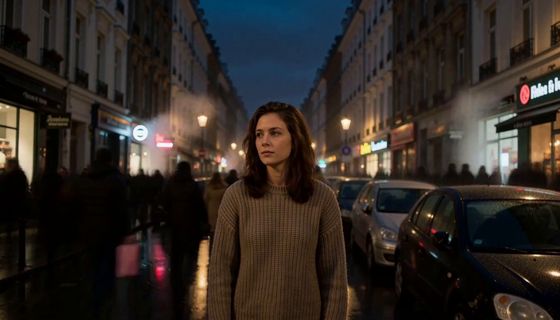
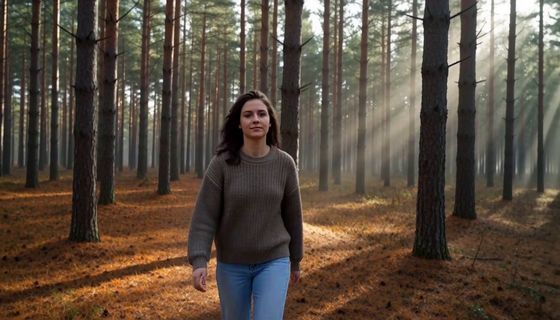
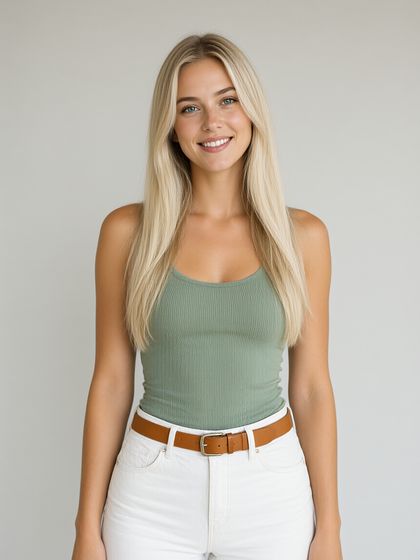
Kate, Character reference plate
KateCharacter reference plate
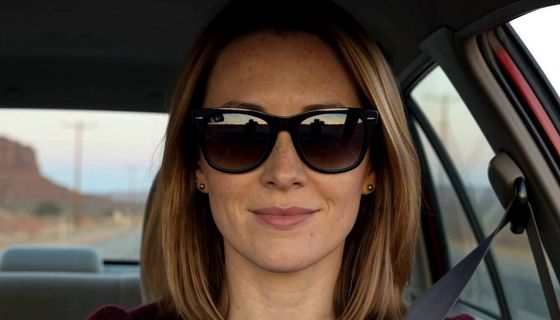
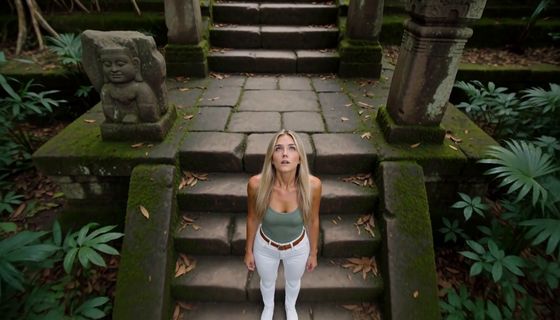
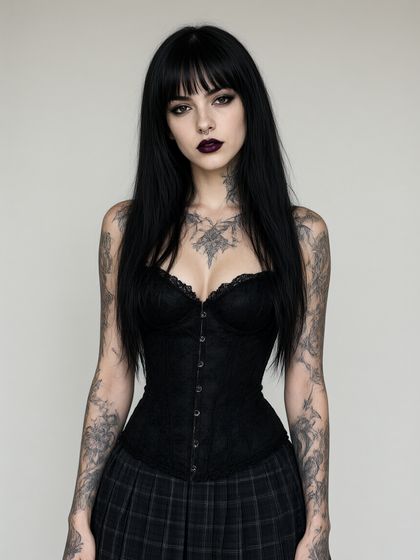
Sofia, Character reference plate
SofiaCharacter reference plate
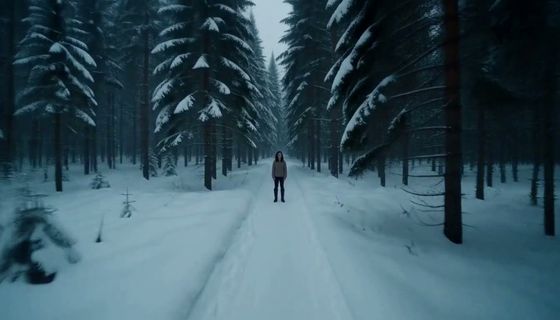
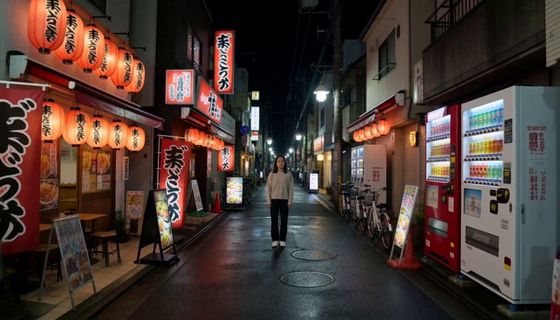
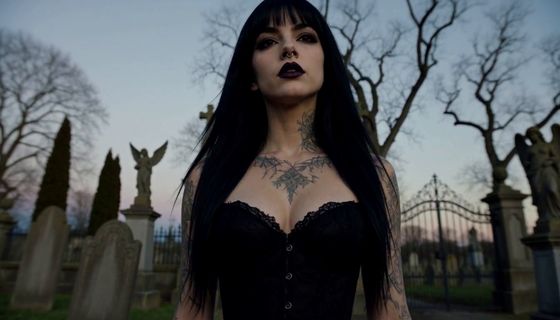
Allie, Character reference plate
AllieCharacter reference plate

Materials and links