 Loop Forge
11 October 2026
Qwen-Image 2.1 Turbo, run locally
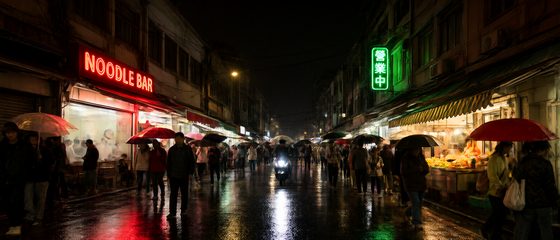
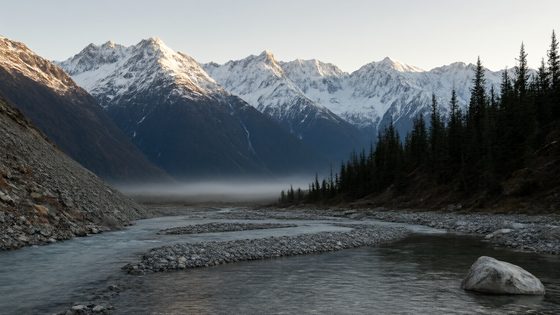
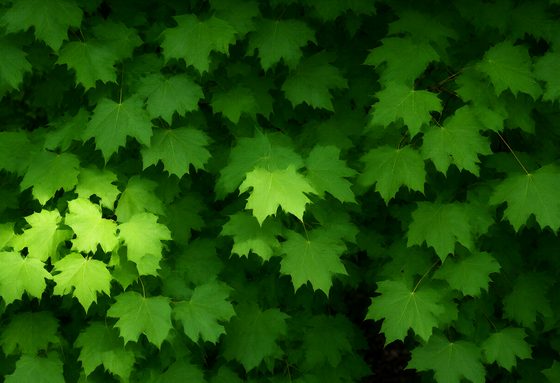
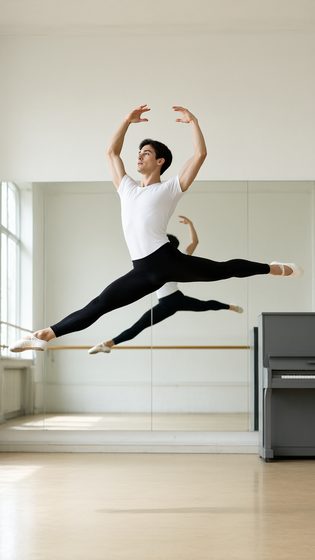
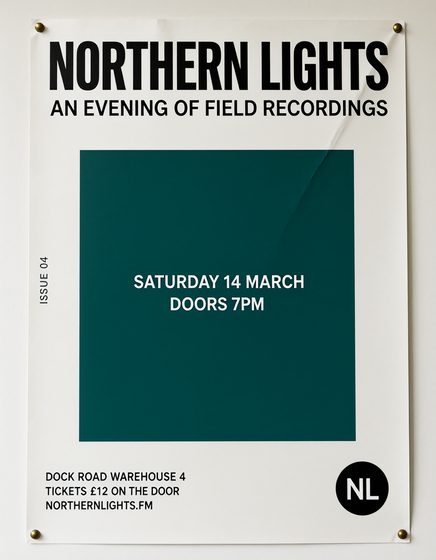
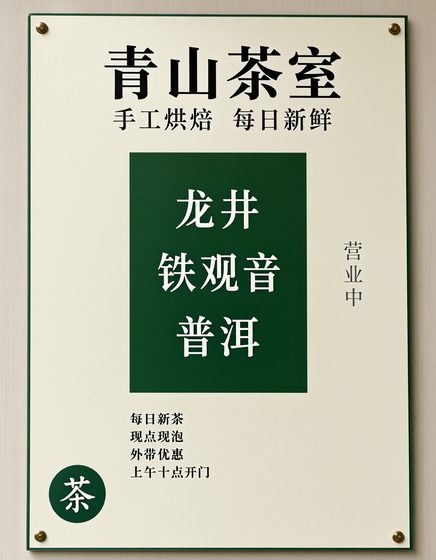
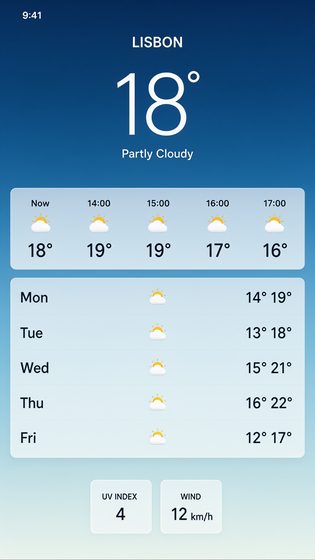
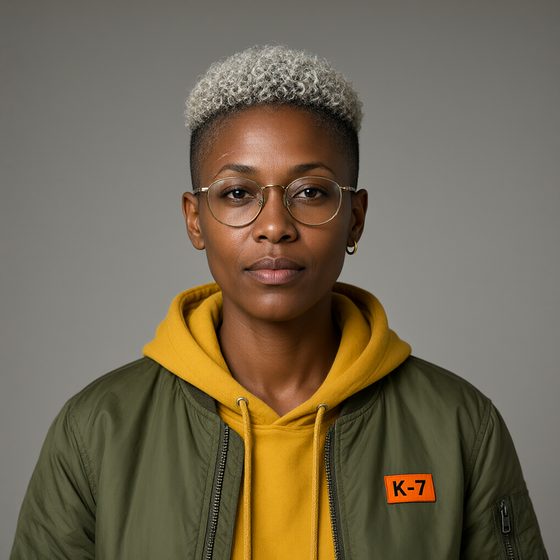
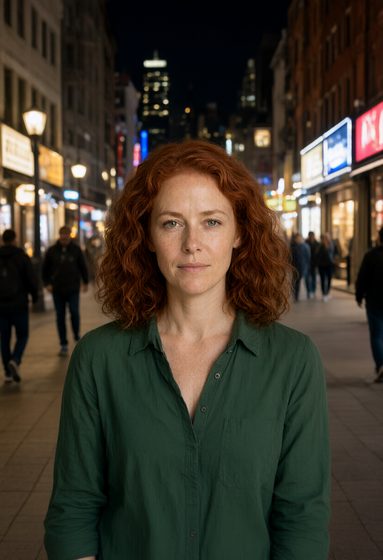
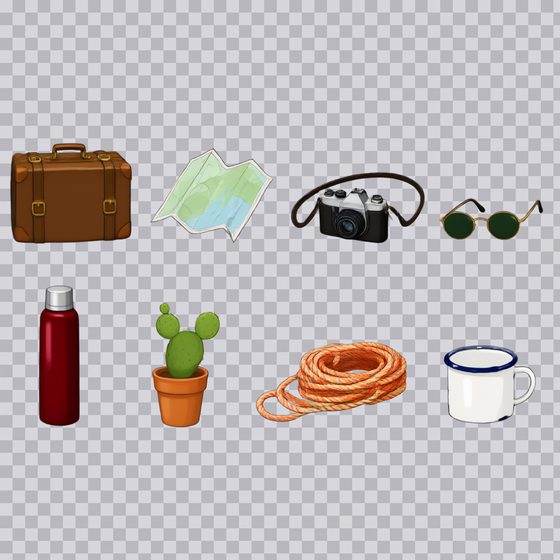
Qwen's 8-step version of Qwen-Image 2.1, next to the regular model on the same prompts. Each test shows both images, the prompt and the time on my RTX 3060.
23 prompts
Image quality
Text to image at about 1 MP. Times are for seed 1234, the first run of each prompt, so they include encoding it.



Text and interfaces
Following the prompt
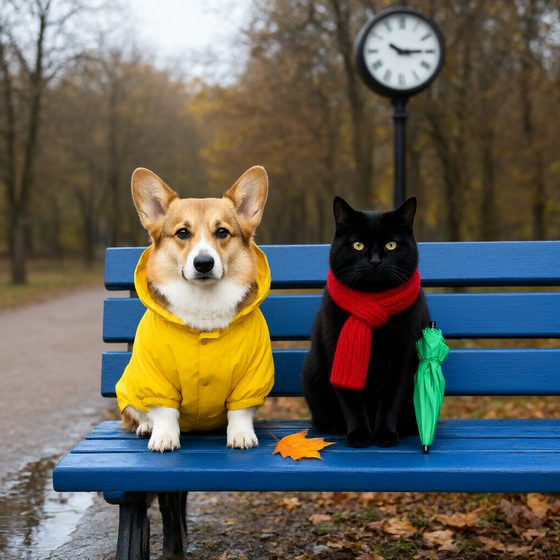
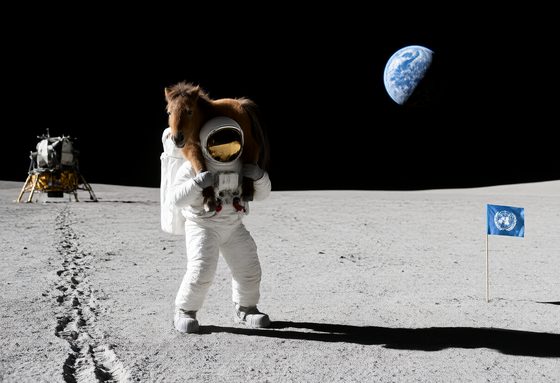
The same person again

Transparency
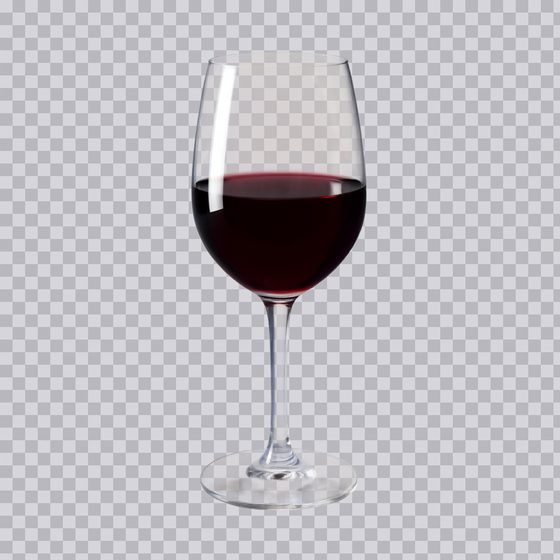
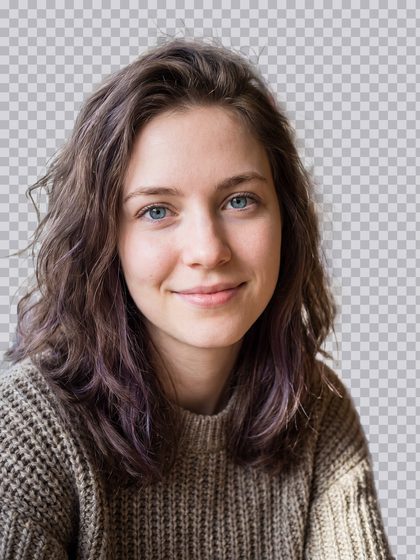

Sketch to photo and 360
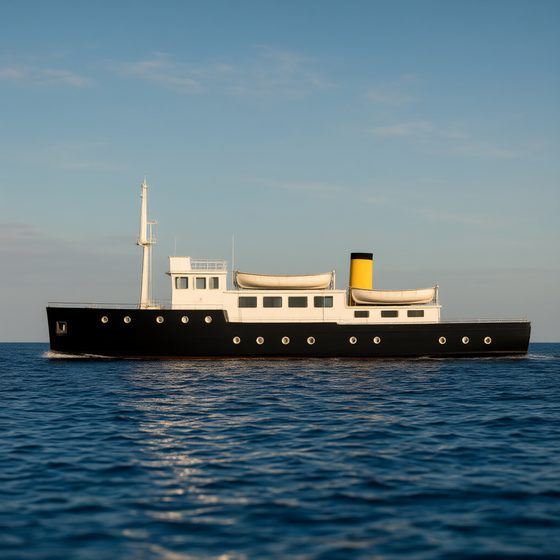
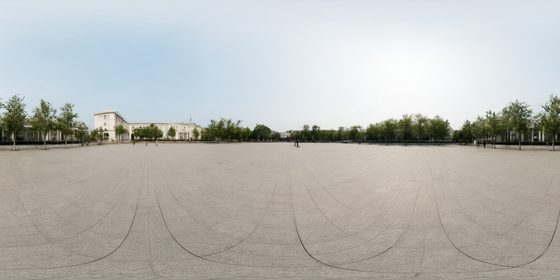
Run it yourself
The workflow on Civitai is ComfyUI's own Qwen-Image 2.1 template with two changes: the Turbo model file, and a SamplerCustom with Turbo's trained 8-step schedule in a ManualSigmas node. It needs ComfyUI 0.37.0 or newer.
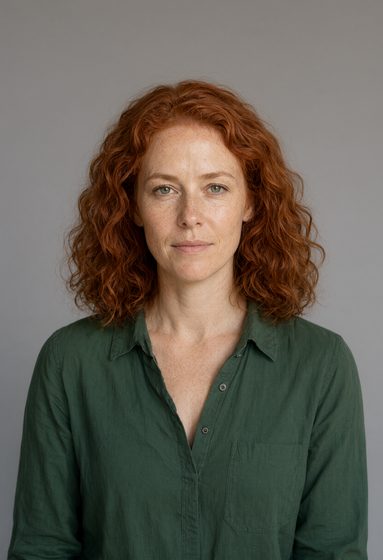
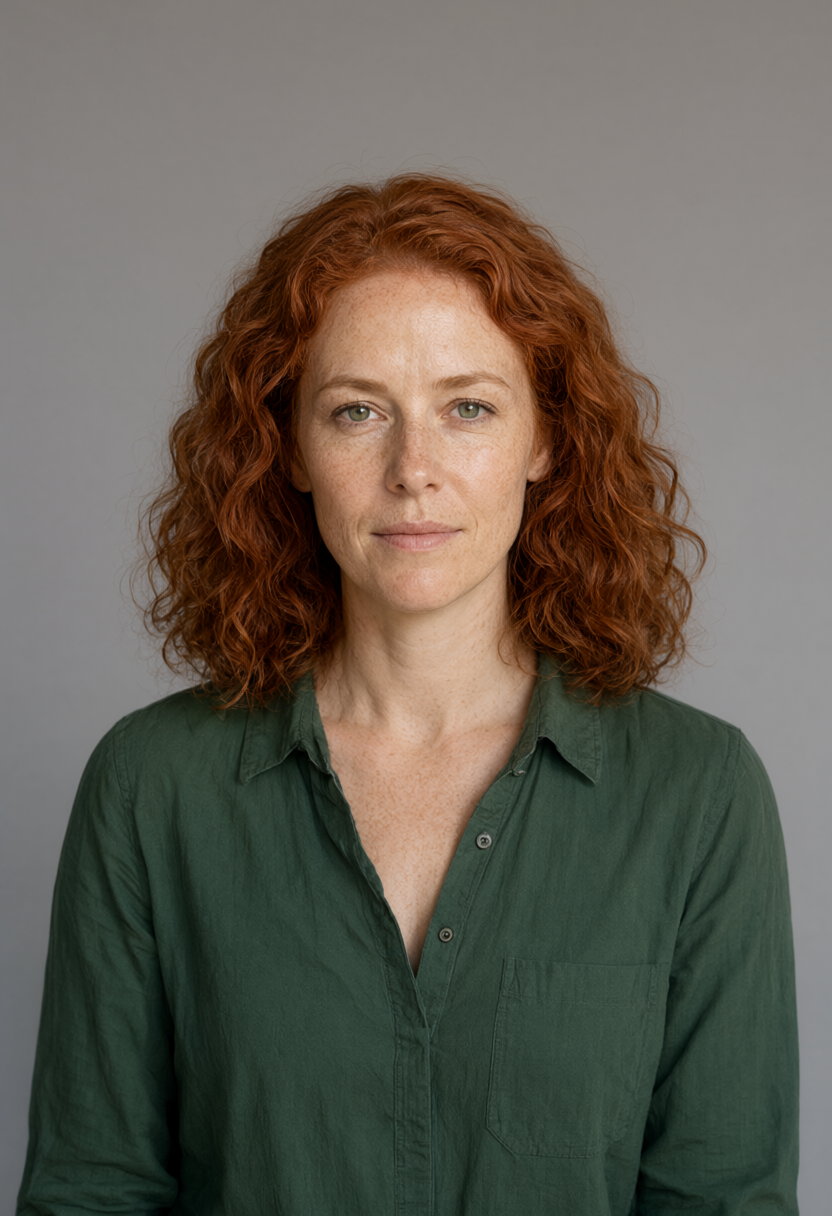
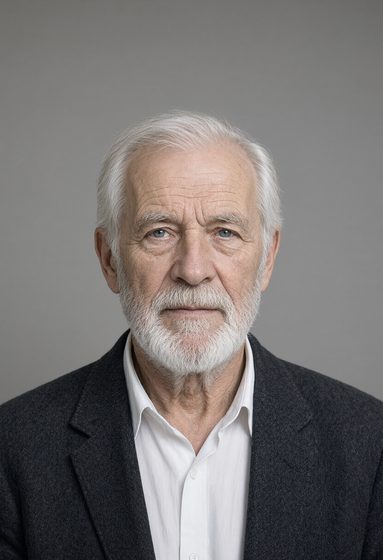
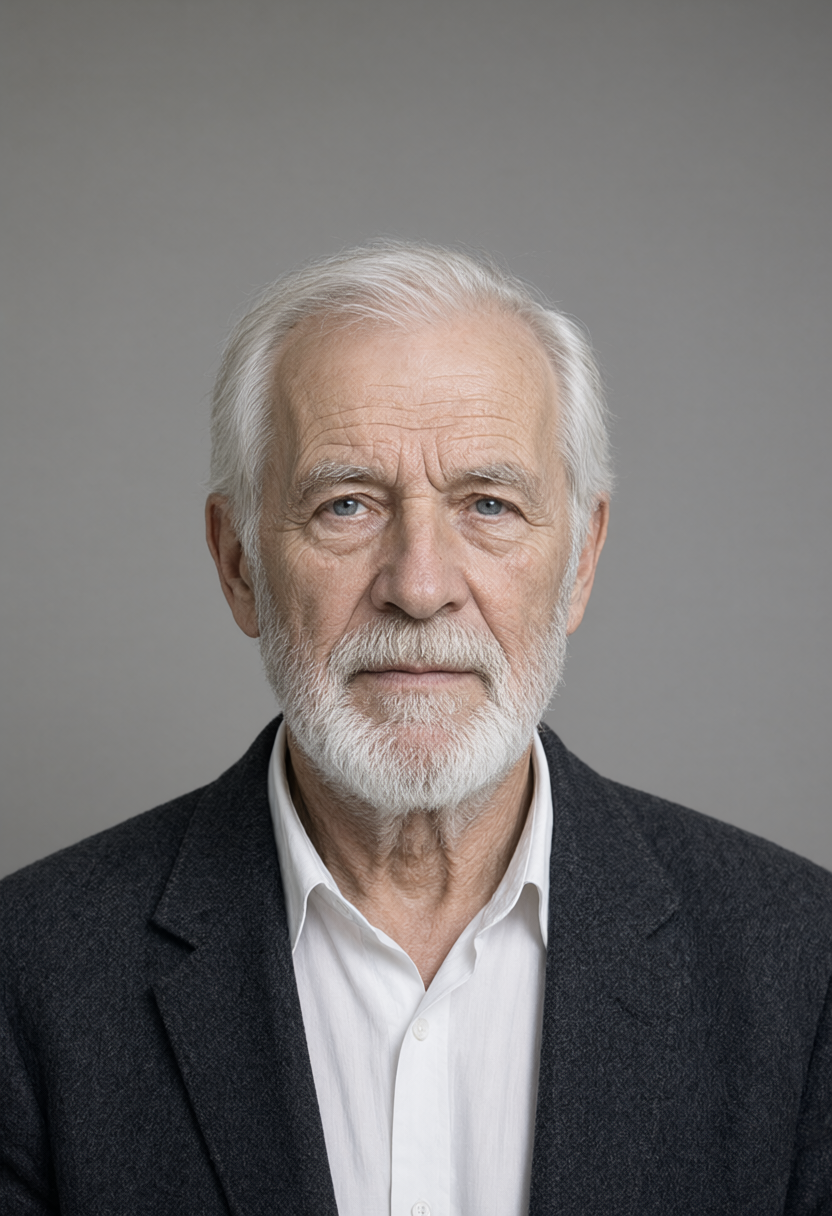
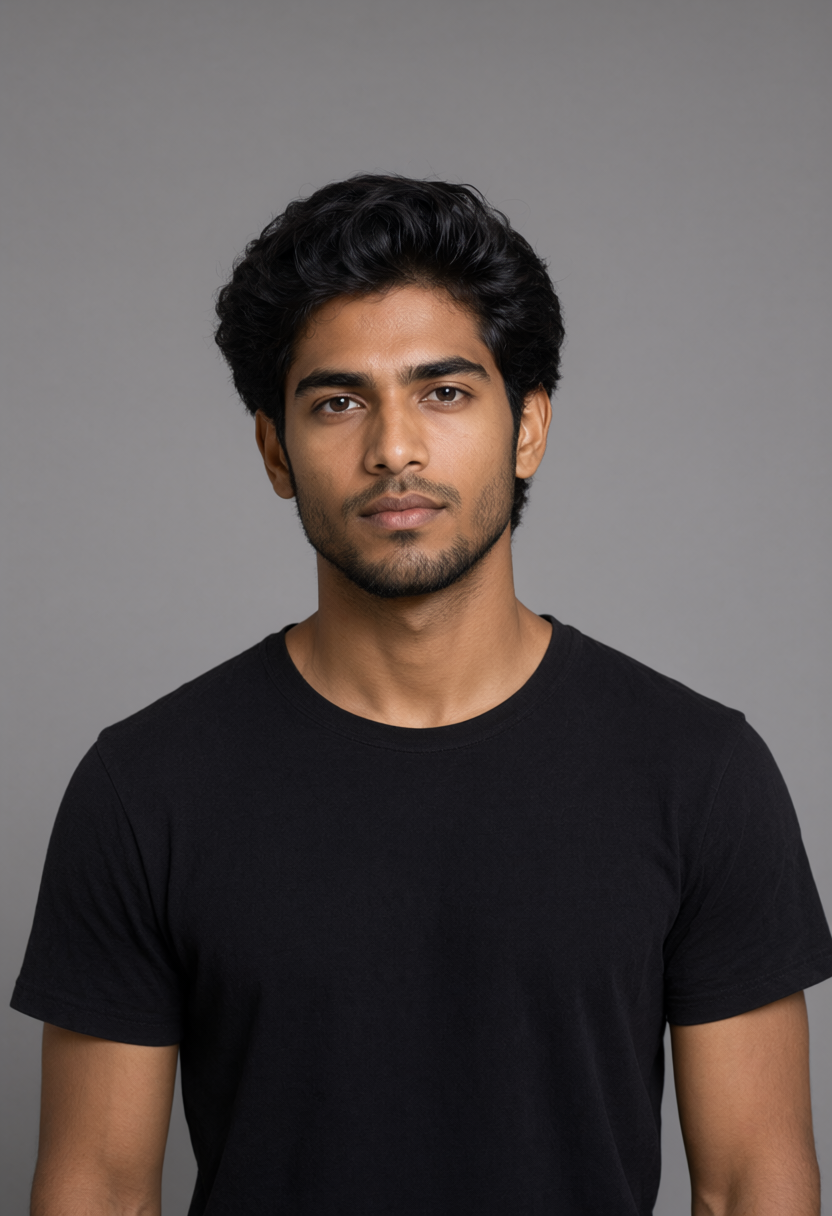
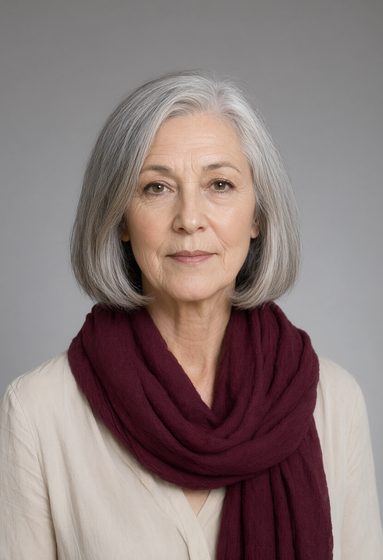
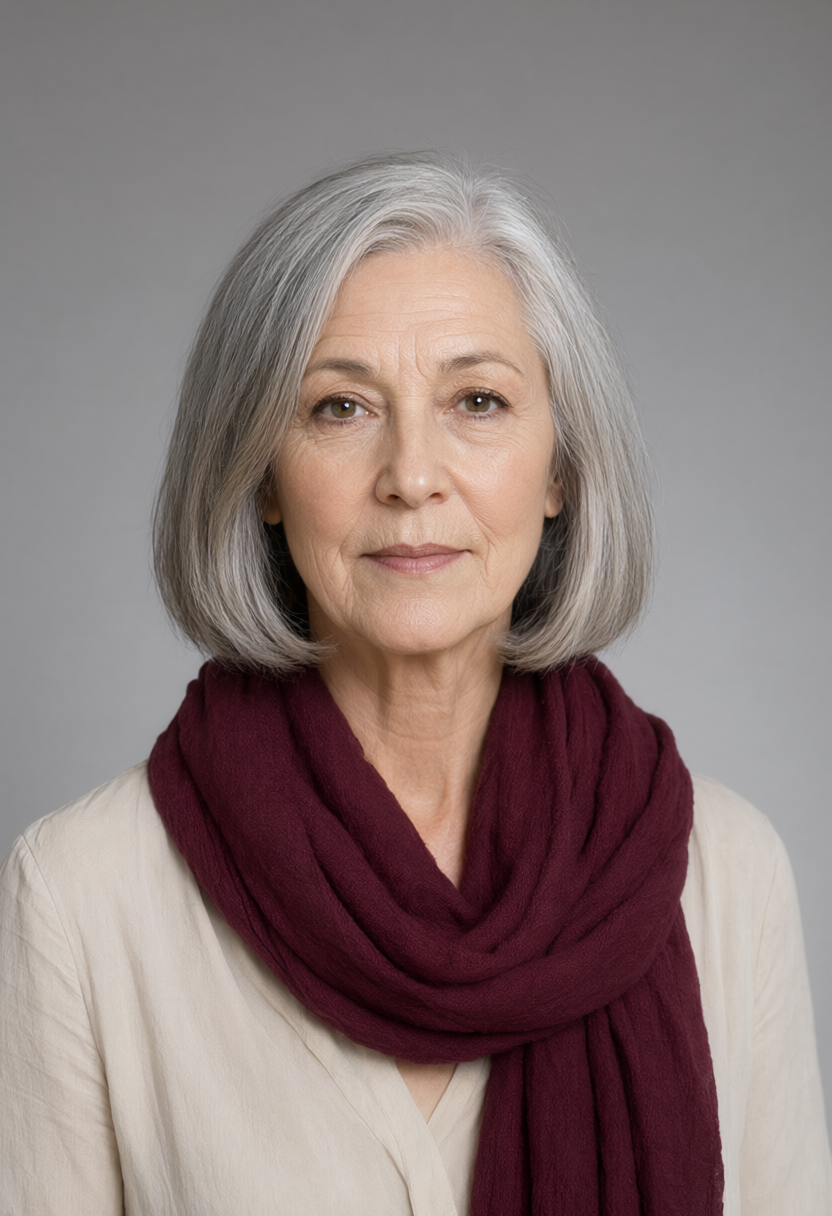
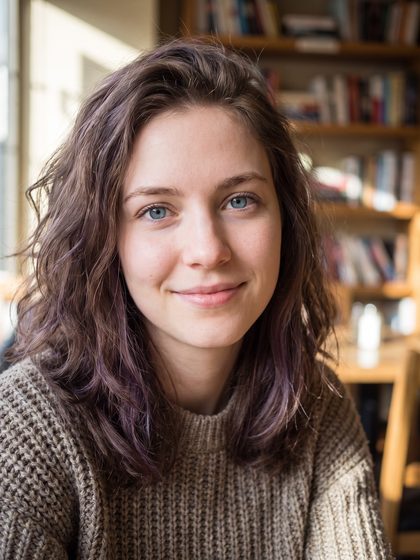
Every test below also has the workflow that produced it, in ComfyUI's API format, with the exact inputs it loaded published beside it. Copy the inputs into ComfyUI/input and drag the workflow onto ComfyUI.
The text encoder and VAE are the same files as base 2.1, so if you already run 2.1 you only need the Turbo file. The base file is only needed for the comparison images.
At cfg 1 the negative prompt has no effect. In my test the output was pixel-identical with and without one.
Software
Models
| File | Put it in | Size | Tests |
|---|---|---|---|
| qwen_image_2.1_turbo_int8_convrot.safetensors | models/diffusion_models | 7.3 GB | 23 |
| qwen3vl_8b_int8_convrot.safetensors | models/text_encoders | 9.4 GB | 23 |
| qwen_image_2.1_vae_bf16.safetensors | models/vae | 675.5 MB | 23 |
| qwen_image_2.1_int8_convrot.safetensors | models/diffusion_models | 7.3 GB | 23 |
Inputs
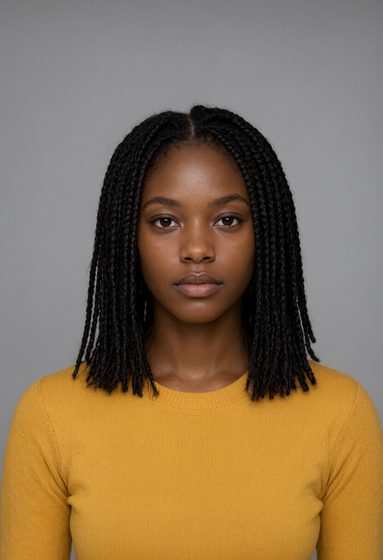
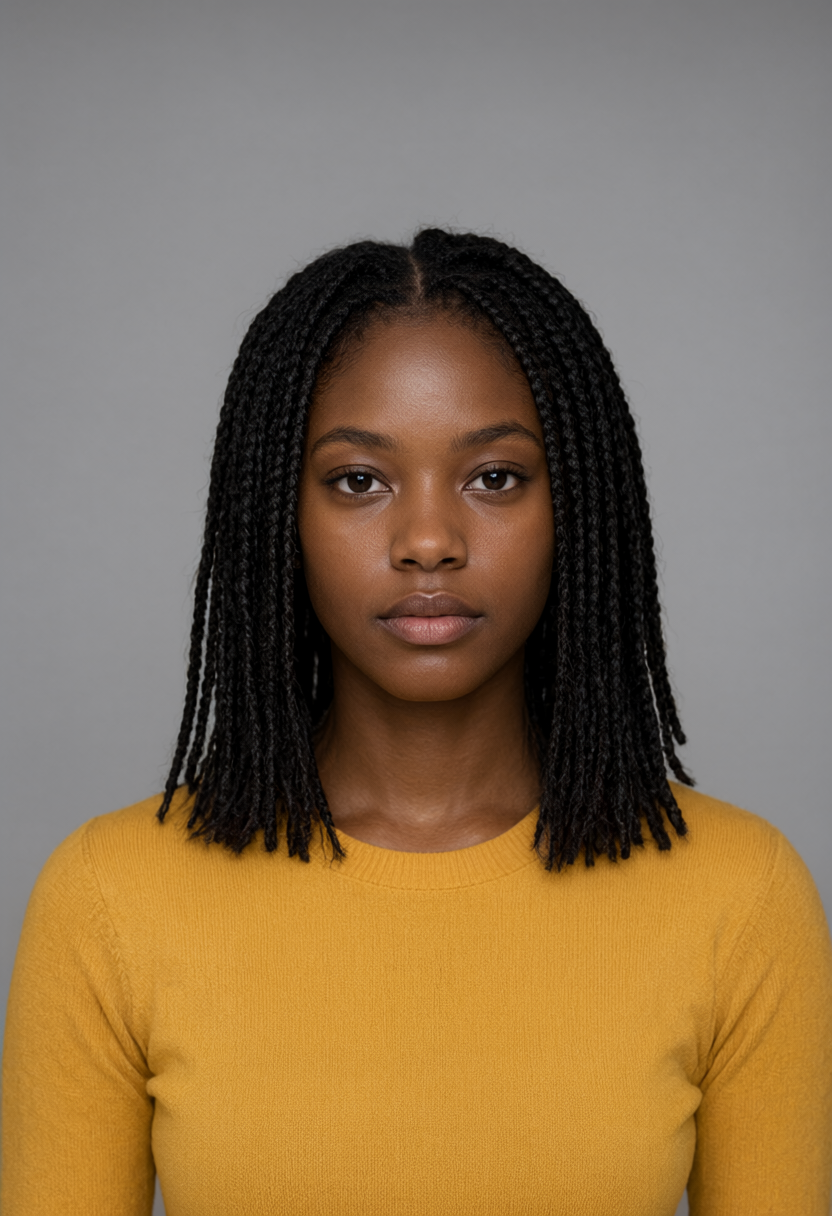

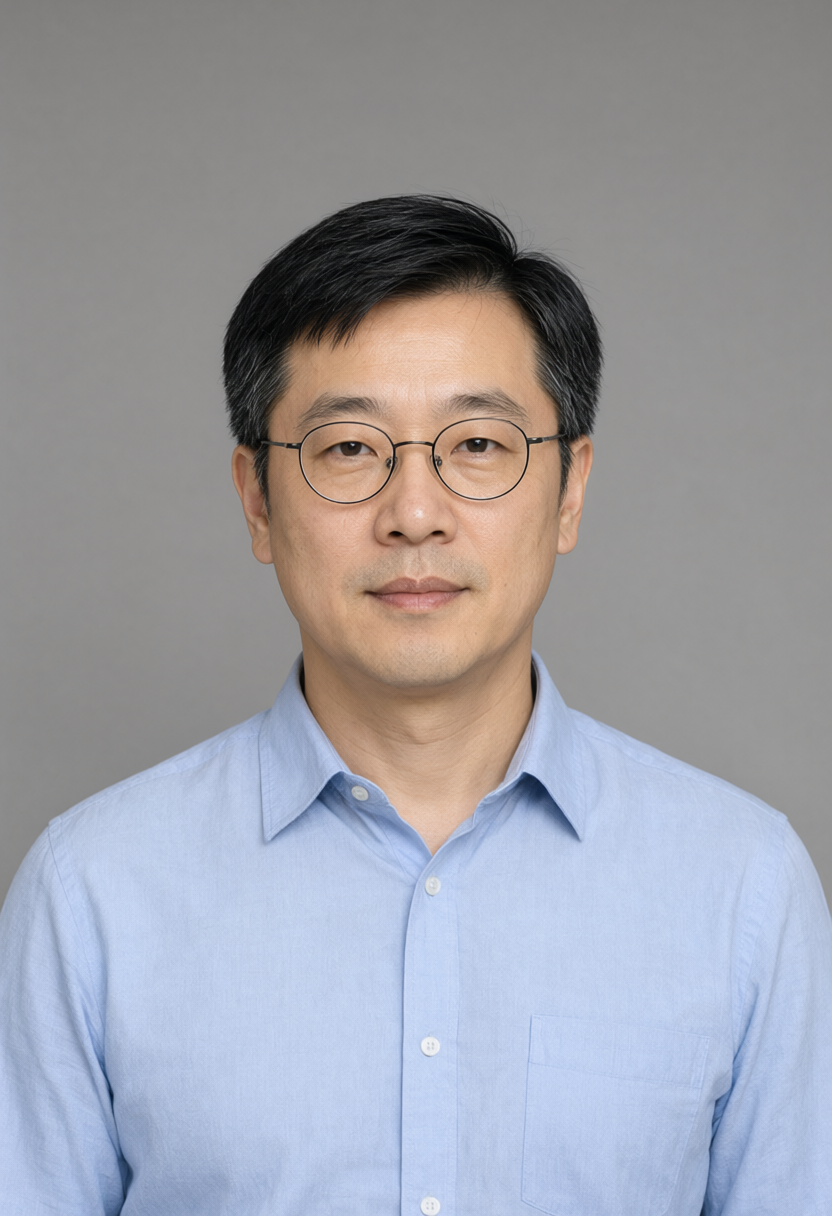
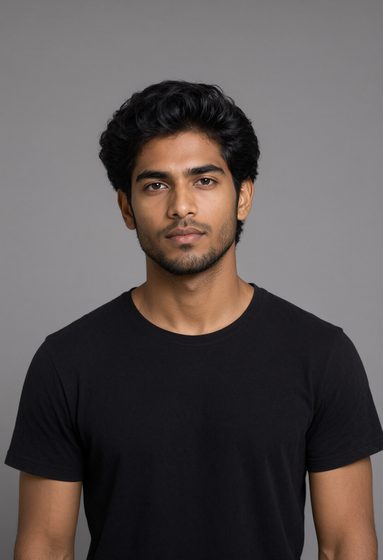
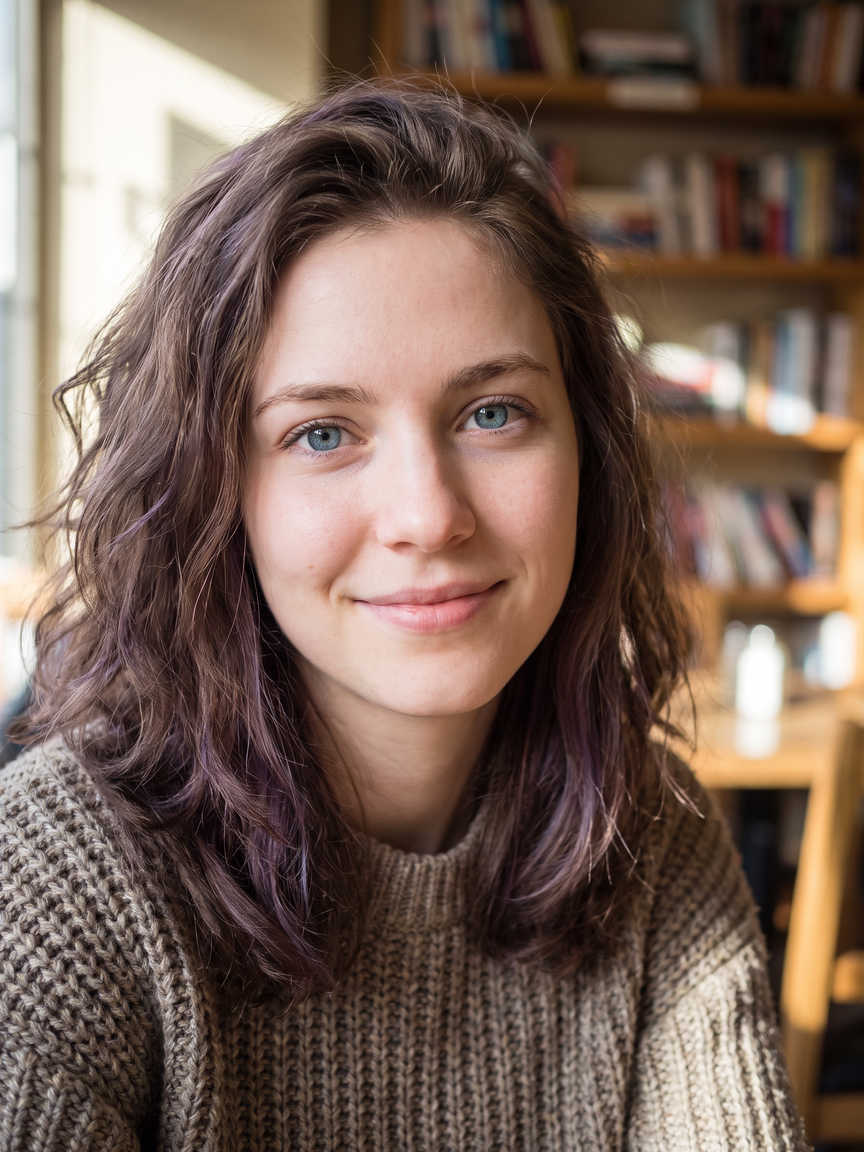


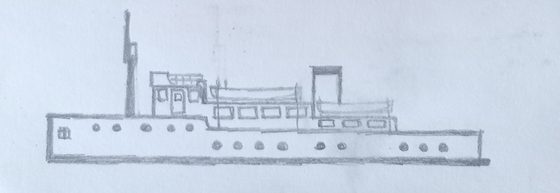
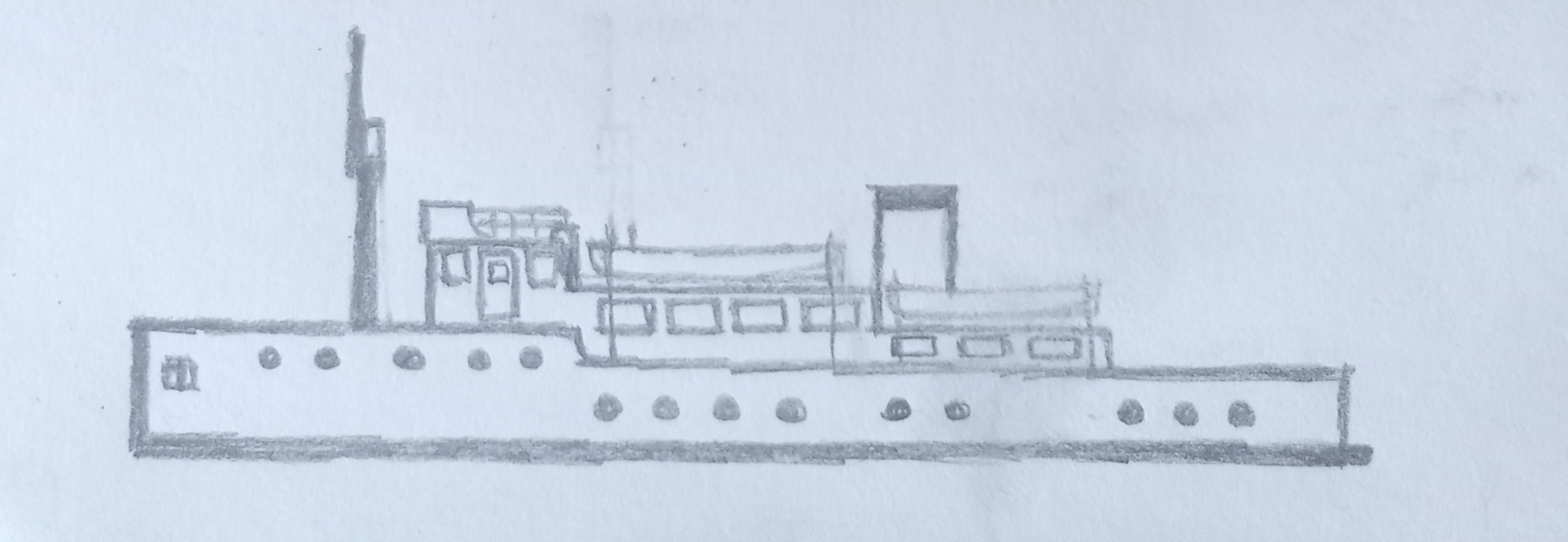
Speed
Seconds per image, by size
| Size | RTX 3060 Turbo | RTX 3060 base | RTX 5090 Turbo | RTX 5090 base |
|---|---|---|---|---|
| 1024×1024 | 15.0 s | 34.9 s | 2.0 s | 4.5 s |
| 2048×2048 | 66.9 s | 186.4 s | 8.9 s | 22.8 s |
| 3840×2160 | 180.5 s | 518.2 s | 23.2 s | 63.7 s |
One recorded run each, seed 1234, the same portrait prompt, against ComfyUI's stock 2.1 template at 25 steps. RTX 3060 times are a stopwatch from Run to the finished image. RTX 5090 (RunPod) times are ComfyUI's own, because the stopwatch there includes about 1.3 s of proxy round trip.
Average seconds per image, by test (RTX 3060)
| Test | Images | Turbo, 8 steps | Base, 40 steps |
|---|---|---|---|
| Text to image, 0.9 to 1.3 MP | 32 | 12.7 s | 49.8 s |
| One character in four shots | 8 | 14.0 s | 54.7 s |
| Edit from one reference photo | 6 | 23.5 s | 63.2 s |
| One edit from six references | 1 | 35.3 s | 94.3 s |
| Cut-out or removal from a photo | 10 | 18.6 s | 59.0 s |
| Transparent image from a prompt | 5 | 13.5 s | 48.3 s |
| Edit of a transparent image | 2 | 24.2 s | 65.4 s |
| Sketch to photo | 1 | 25.6 s | 69.0 s |
| 360 panorama | 1 | 26.9 s | 109.8 s |
Every image in the tests, both seeds, from queueing the job to the saved image. Base here is Qwen's pipeline default of 40 steps.
The model, and the machine
- Model
- Qwen-Image 2.1 Turbo, Qwen's 8-step version of Qwen-Image 2.1
- Turbo file
- qwen_image_2.1_turbo_int8_convrot.safetensors, 7.26 GB
- Turbo settings
- 8 steps, cfg 1, euler, with the trained sigmas in a ManualSigmas node: 1.0, 0.978453, 0.95418, 0.926626, 0.89508, 0.845148, 0.704534, 0.414568, 0.0
- Base settings
- 40 steps, euler / simple, cfg 1.0
- Text encoder and VAE
- qwen3vl_8b_int8_convrot.safetensors and qwen_image_2.1_vae_bf16.safetensors, the same as base 2.1
- Licence
- Qwen Research, non-commercial
- Software
- ComfyUI 0.37.0, PyTorch 2.11.0+cu130, sage attention
- Ran on
- RTX 3060, 12GB (local)
Materials and links
- Watch “Qwen-Image 2.1 Turbo - fastest model yet?” on YouTube
- My Qwen-Image 2.1 Turbo workflow on Civitai, 8 steps with the trained sigmas
- The same workflow, downloaded from here (ComfyUI UI format)
- Qwen-Image 2.1 Turbo on Hugging Face, the model card and the licence
- Comfy-Org/Qwen-Image-2.1, the repackaged files ComfyUI loads
- Qwen-Image 2.1, run locally: the earlier project on base 2.1
- ComfyUI
- Look around the Turbo 360 panorama