Loop Forge

21 August 2026

MiniMax H3 vs LTX 2.5

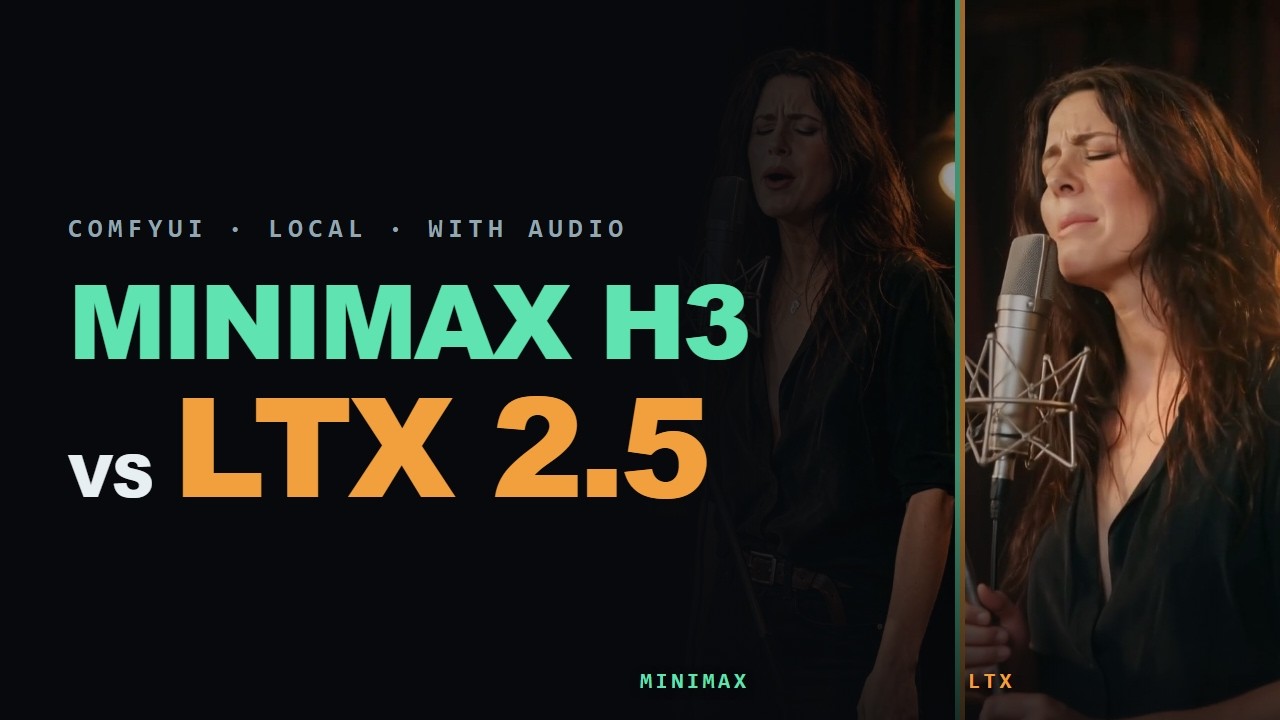
MiniMax H3 and LTX 2.5 are both open-weight image to video models, and both generate their own speech and audio in the same pass. They ran head to head on one desktop, nine rounds each, with a winner called on every one.

Each round has the prompt each model was given, taken from the metadata ComfyUI saved into the clip, plus a frame from both results. Final tally: MiniMax H3 five, LTX 2.5 three, plus a bonus round on turn-based speech outside the count.

MiniMax H3
6 steps with the Turbo LoRA, simple scheduler
LTX 2.5
The stock two-stage image to video template
Clips
Five seconds from a single still, 24fps, audio straight out of the model
Ran on
RTX 3060 with 12GB, i5-13400F, 32GB RAM, ComfyUI 0.33.0
Watch on YouTube

MiniMax H3 vs LTX 2.5 in ComfyUI. Opens on YouTube in a new tab.

What we found

How do you get speech and singing from a video model?

MiniMax H3 and LTX 2.5 both generate audio in the same pass as the picture. Write the spoken line into the prompt and the model produces the speech along with the lip movement, from one still image.

Turn the model's own music off in the prompt and score in the edit. Separately generated music will not line up across cuts or joins.

Size each render to the words it has to carry. Runtime with nothing scripted in it is where the model invents speech-shaped filler, and on speech the two models fail differently: one hallucinates dialogue nobody asked for, the other returns silence.

10 prompts

Reference images

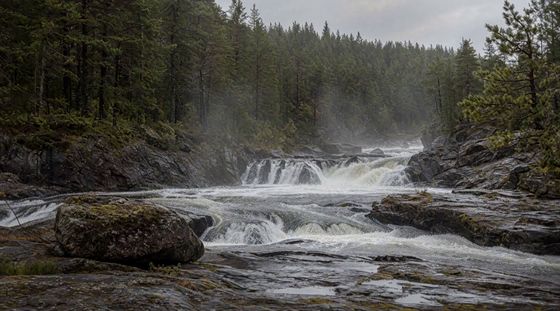
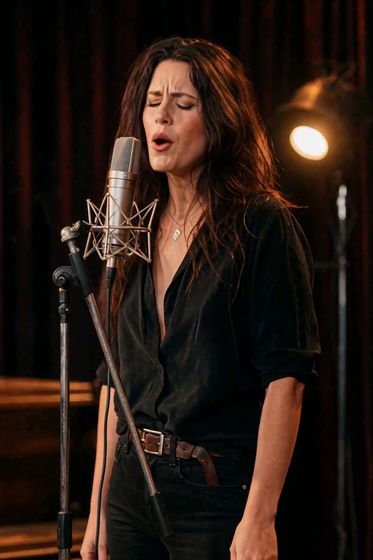
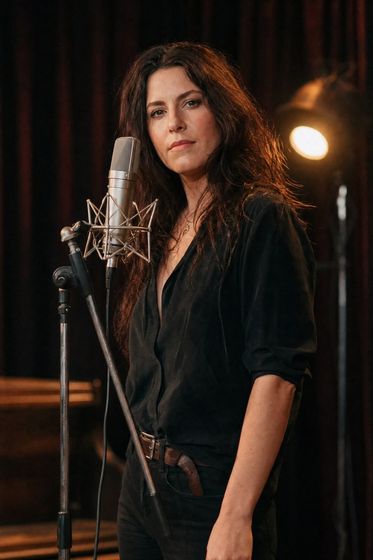
Start image, The one still image both models were given
Start imageThe one still image both models were given
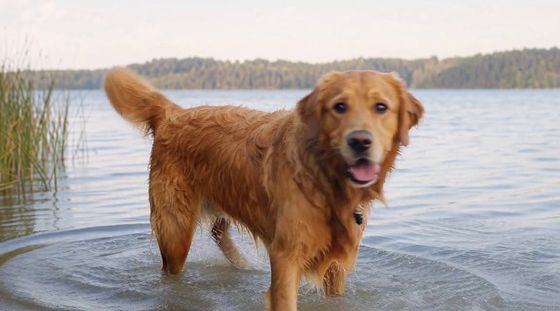
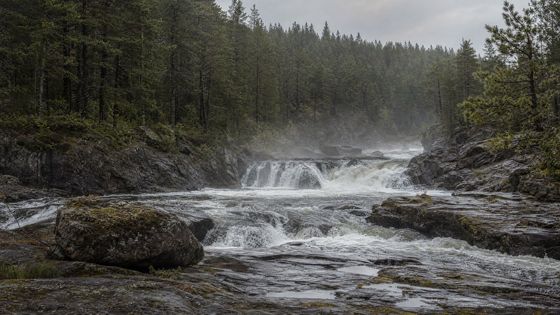
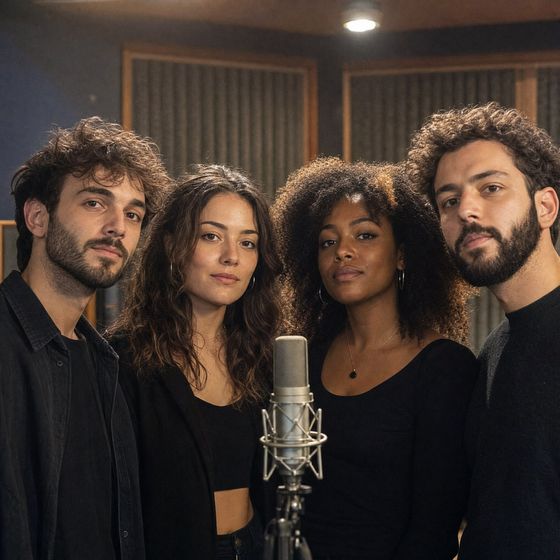
Start image, The one still image both models were given
Start imageThe one still image both models were given
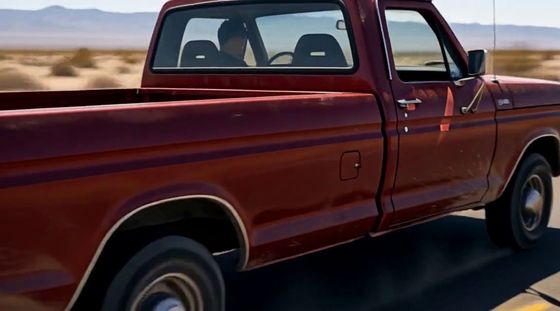
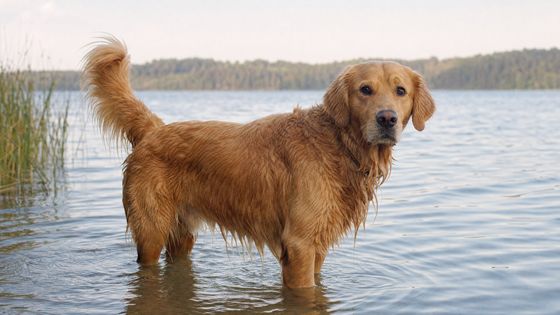
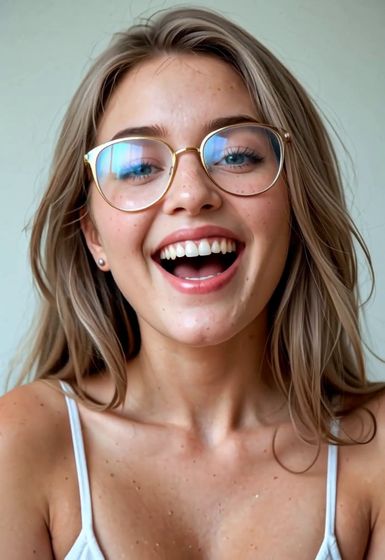
Start image, The one still image both models were given
Start imageThe one still image both models were given
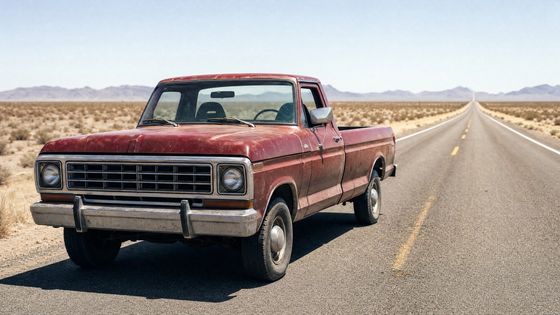
Start image, The one still image both models were given
Start imageThe one still image both models were given
Start image, The one still image both models were given
Start imageThe one still image both models were given
Start image, The one still image both models were given
Start imageThe one still image both models were given
Start image, The one still image both models were given
Start imageThe one still image both models were given
Start image, The one still image both models were given
Start imageThe one still image both models were given
Start image, The one still image both models were given
Start imageThe one still image both models were given

Materials and links