 Loop Forge
24 November 2026
GTA VI art style from your photos
Turn your own photos, or just a description, into the look of the GTA VI key art with Qwen-Image 2.1 in ComfyUI. There is no LoRA and no reference image: the style comes entirely from the written prompt, so you can build that prompt right here, copy it, and use it in any Qwen-Image 2.1 workflow.
Build a prompt
Pick a theme and describe each person, then copy the prompt into a Qwen-Image 2.1 workflow. This page writes the same prompt the ComfyUI nodes write, word for word.
Use it in ComfyUI
With the prompt from this page
- Open any Qwen-Image 2.1 image workflow that uses
TextEncodeQwenImage21. - Paste the prompt into its prompt box, and set the canvas to the width and height shown above the prompt.
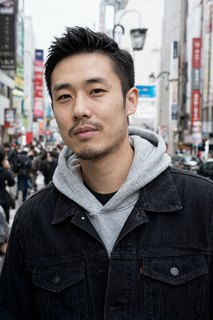
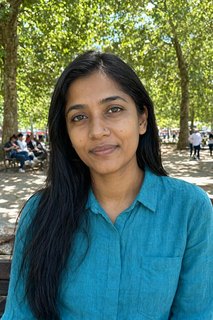
- For photos, connect them in the order of the people list: person 1 is image 1, person 2 is image 2. Text only needs no image.
- Use the base model at 40 steps (euler, simple, cfg 1). Turbo gave softer, anime-leaning faces in testing.
Photos with busy backgrounds or dappled sunlight leak into the illustration. The workflows below first redo each photo on a plain studio background with an 8-step Turbo pass. You can do the same with any background-replacement edit before pasting the prompt.
With the node pack
The same choices as dropdowns, with the studio clean-up built in. In ComfyUI Manager choose
Install via Git URL and paste https://github.com/loopforge0/comfyui-gta6-style, or git clone it into ComfyUI/custom_nodes/.
Restart ComfyUI, then open a workflow. No extra Python packages.
- One photo One person from one photo.
- Two photos Two people, one photo each, in one scene.
- Group from photos Up to four people, one photo each. For three, delete photo 4 and its nodes.
- Text only No photo. Describe each person in their details field.
Every PNG in the showcase also carries its workflow: drop it onto ComfyUI to get the exact settings.
Time on an RTX 3060 12 GB
- Text only
- about 50 s
- One photo
- 95 to 145 s, including the clean-up pass and model swaps
- Two photos
- about 185 s
- Three photos
- about 205 s
- Four photos
- 450 to 490 s
Base 2.1 int8, 40 steps, 1248x832, measured end to end on my desktop. A faster card should do better.
37 tests
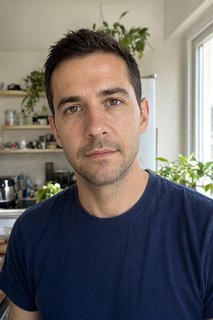
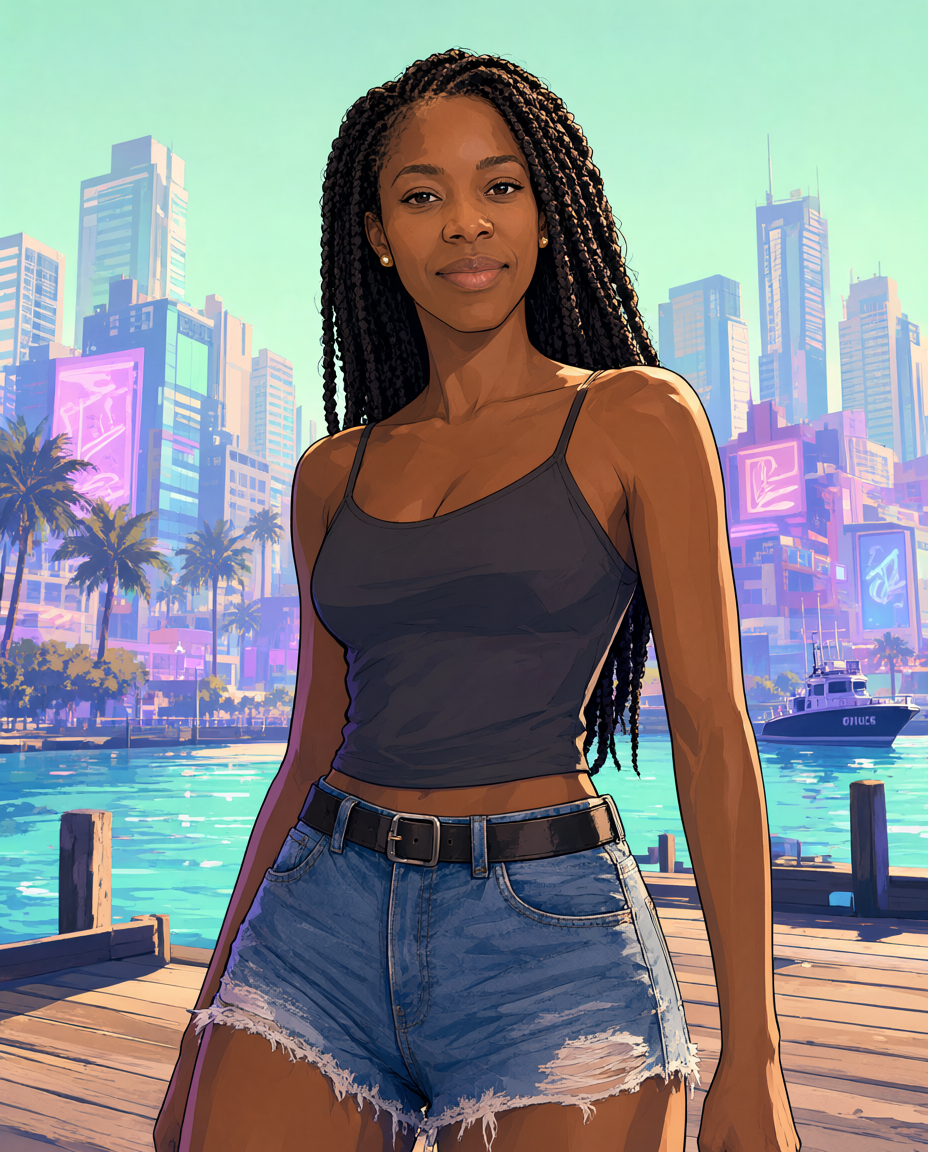
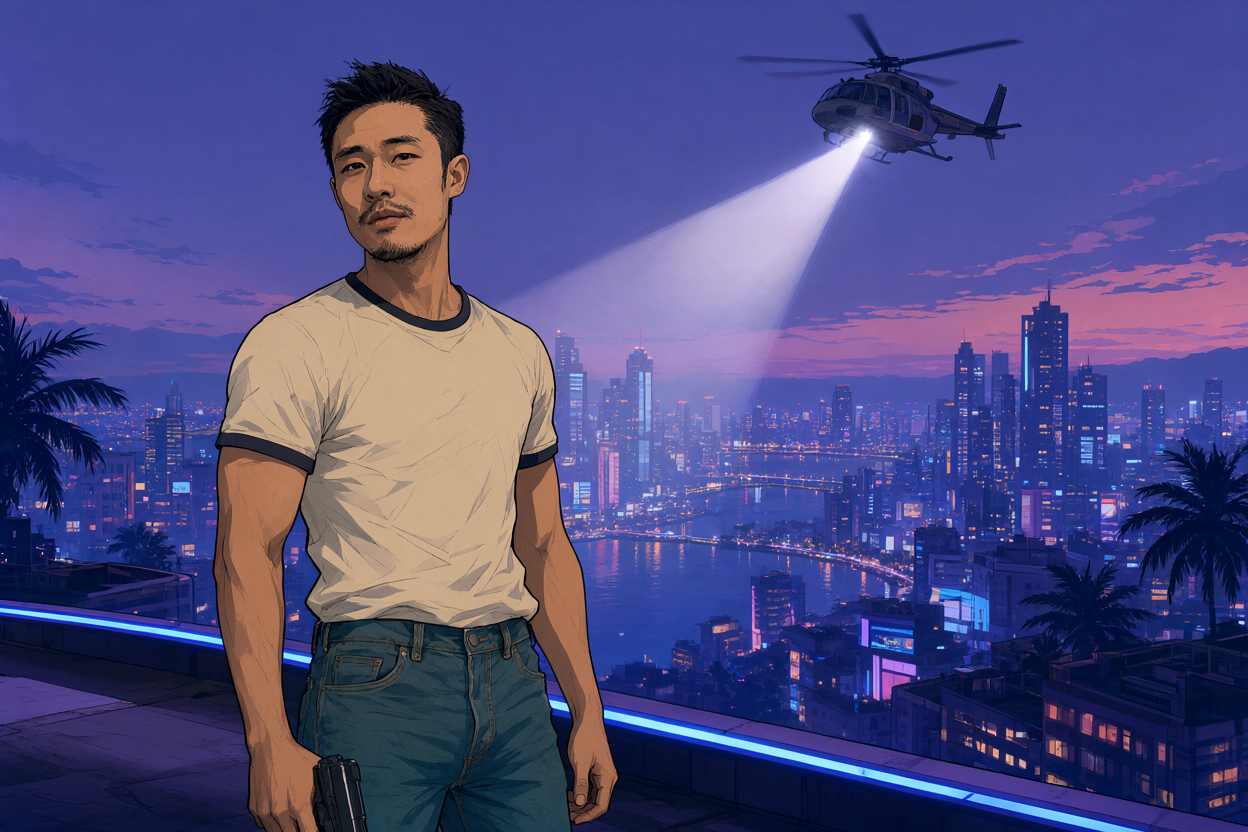
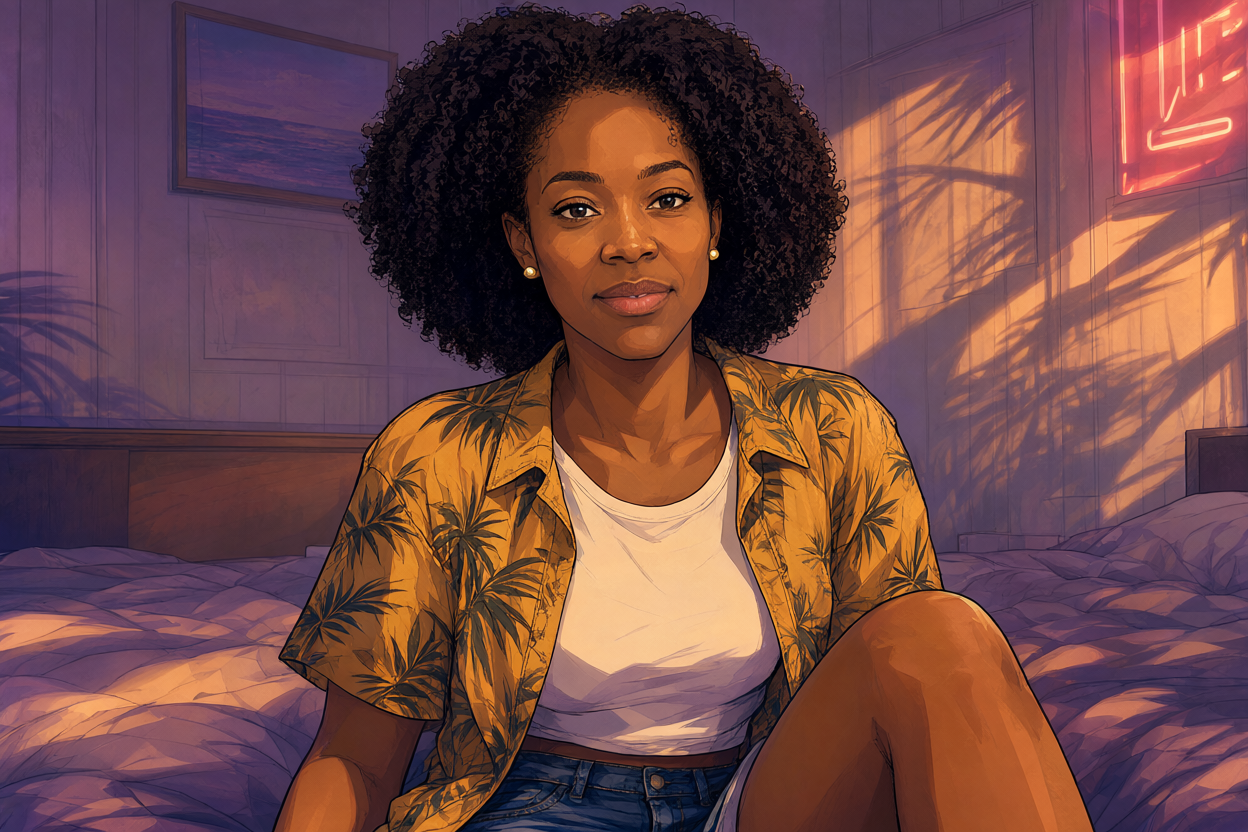
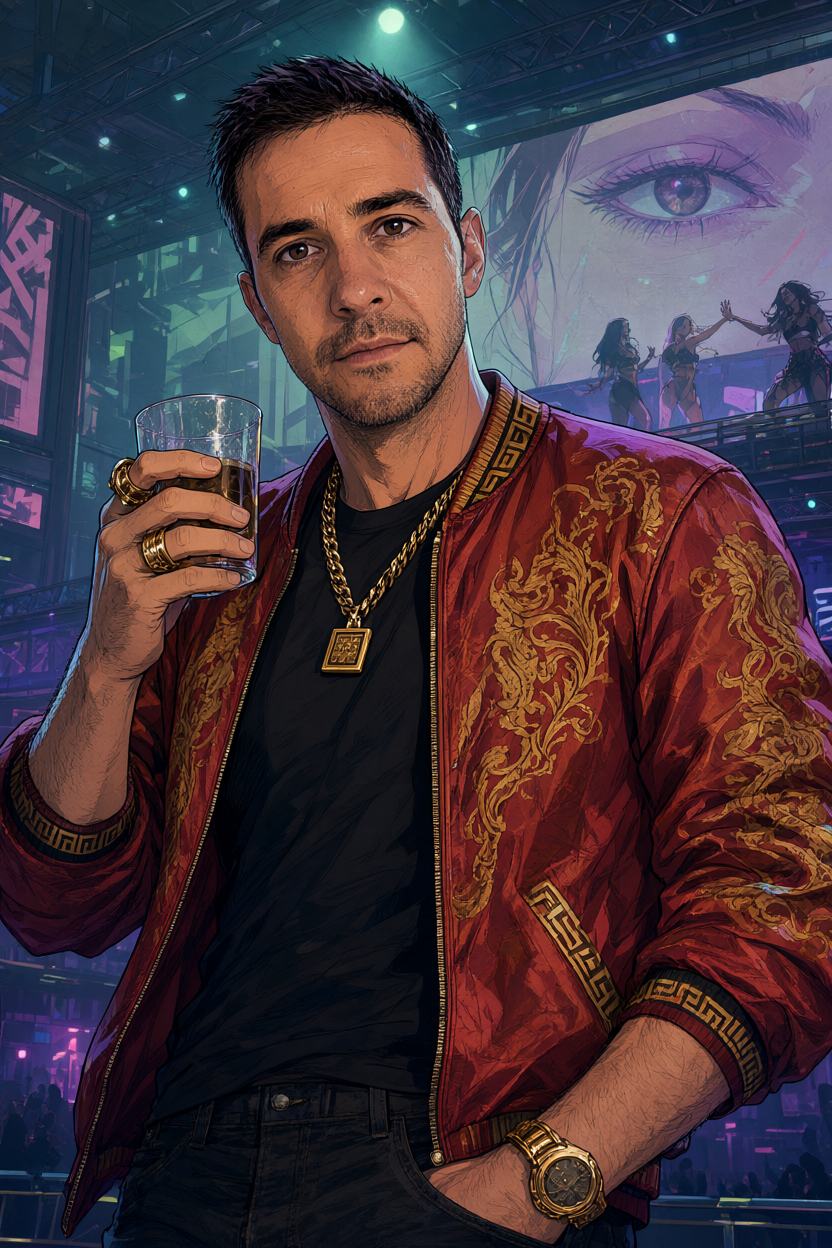
Every theme, background, style, hue and aspect ratio, with one person, two, three and four, and from text alone. The people in the photos are AI-generated. Load any test's settings into the builder above.
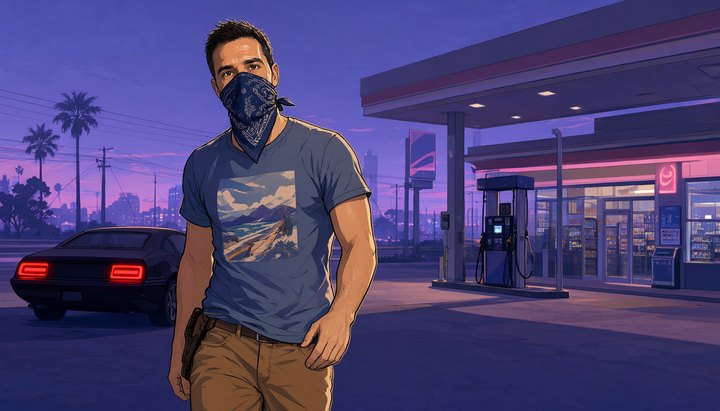
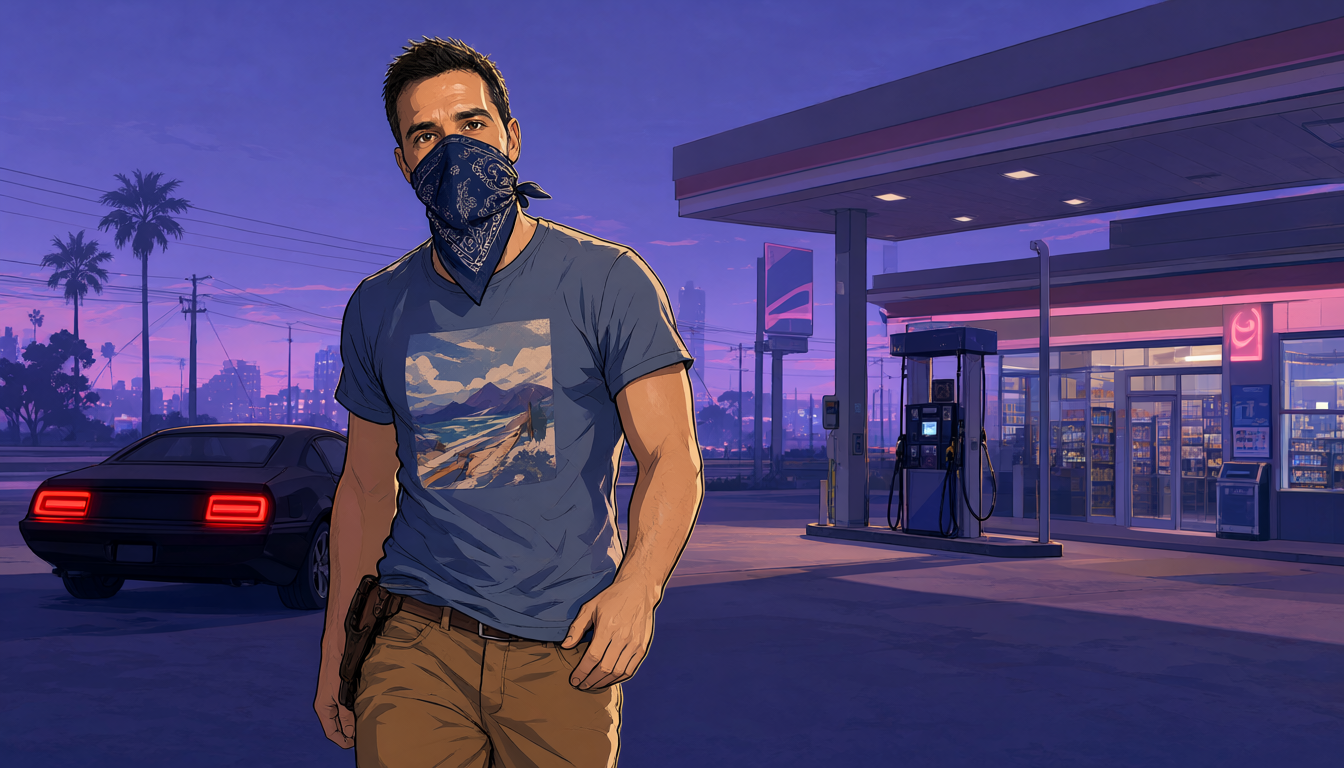
Dusk heist · Black fastback, red tail lights
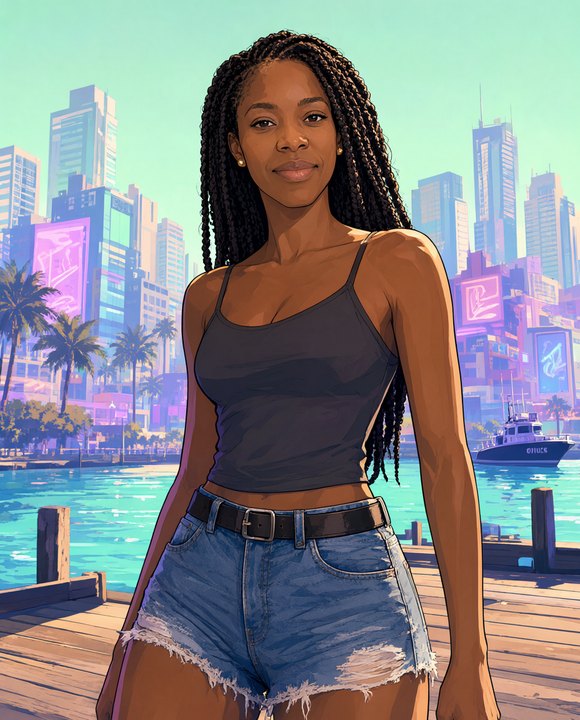
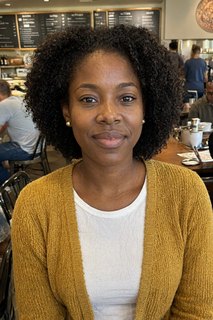
Daytime marina
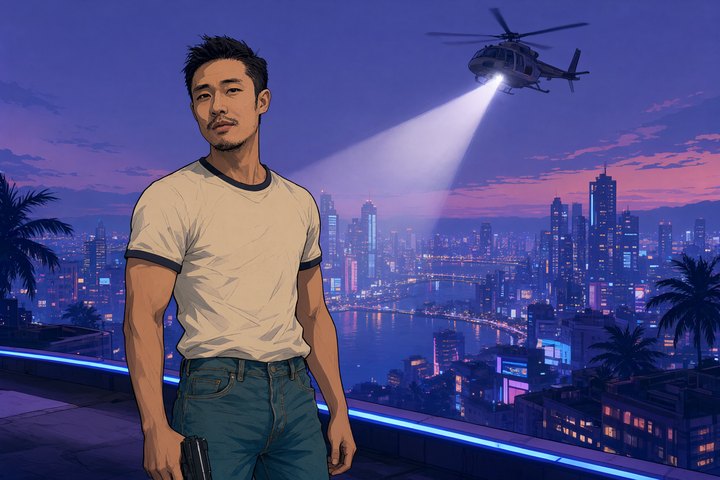
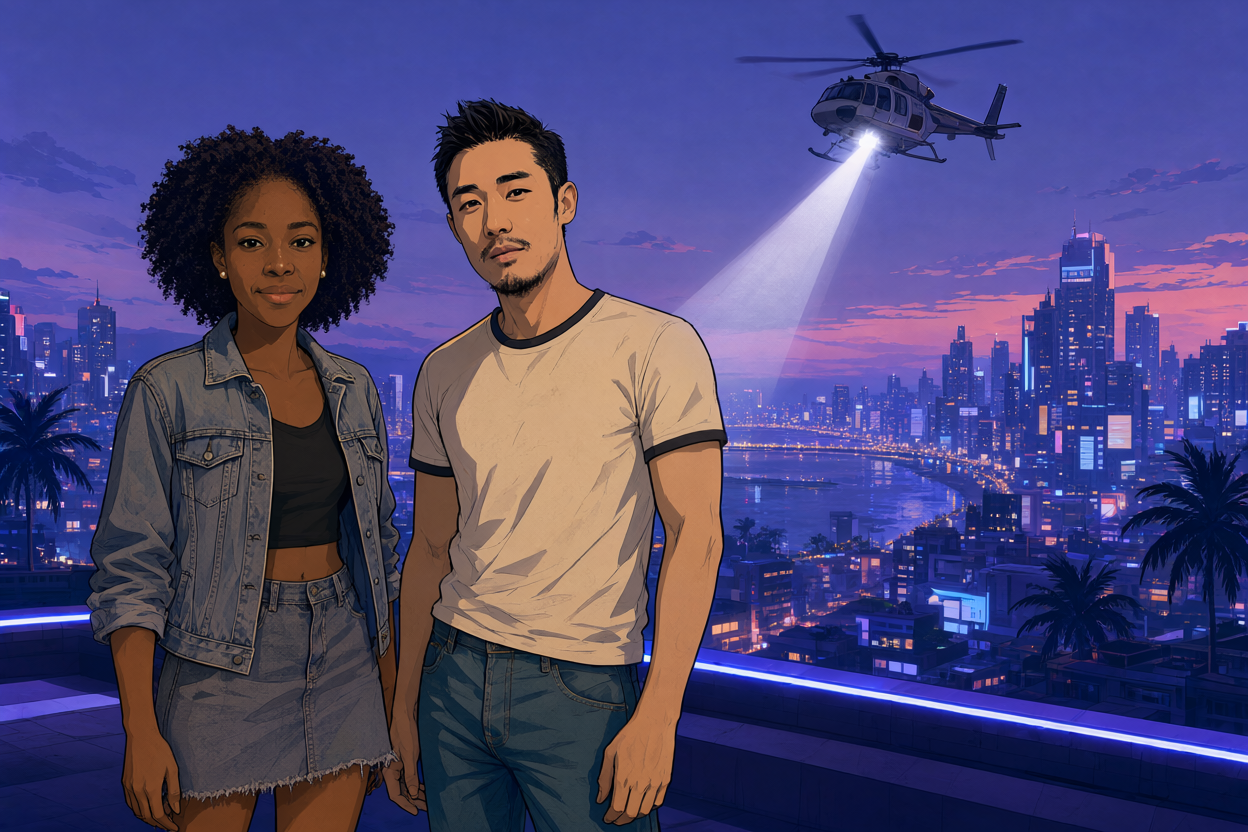
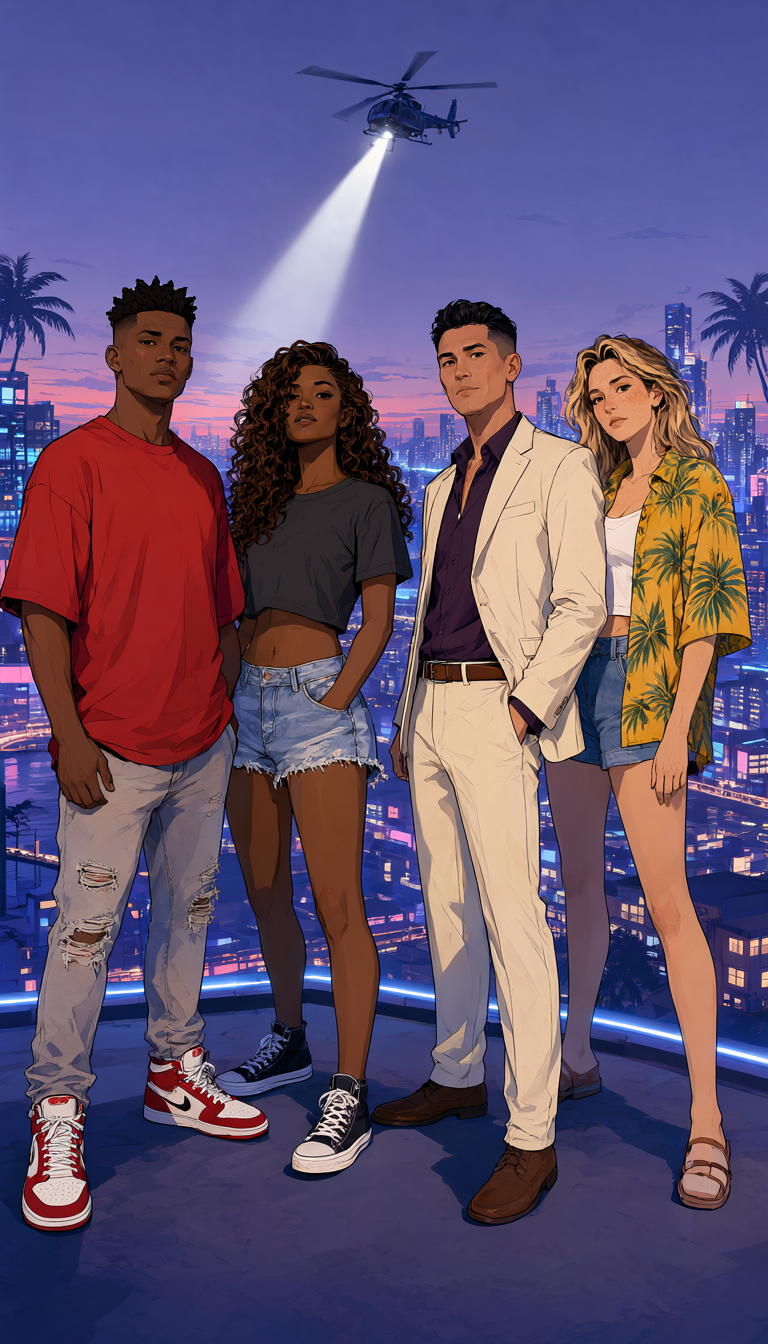
Rooftop searchlight · Police helicopter + searchlight
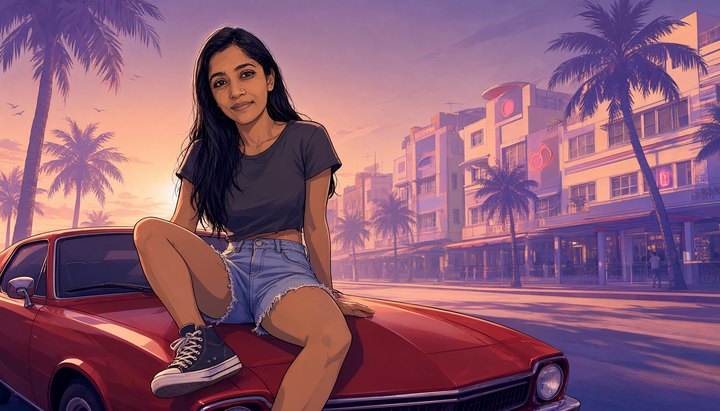
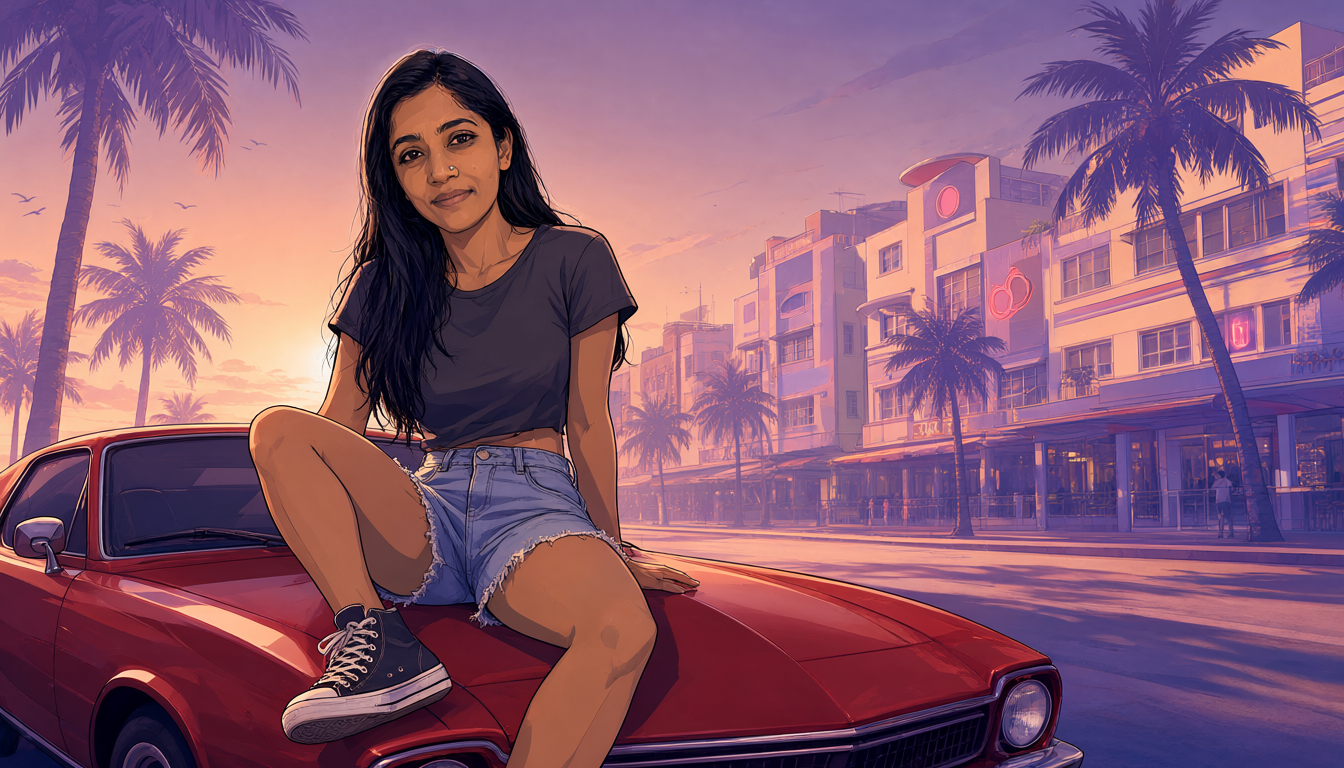
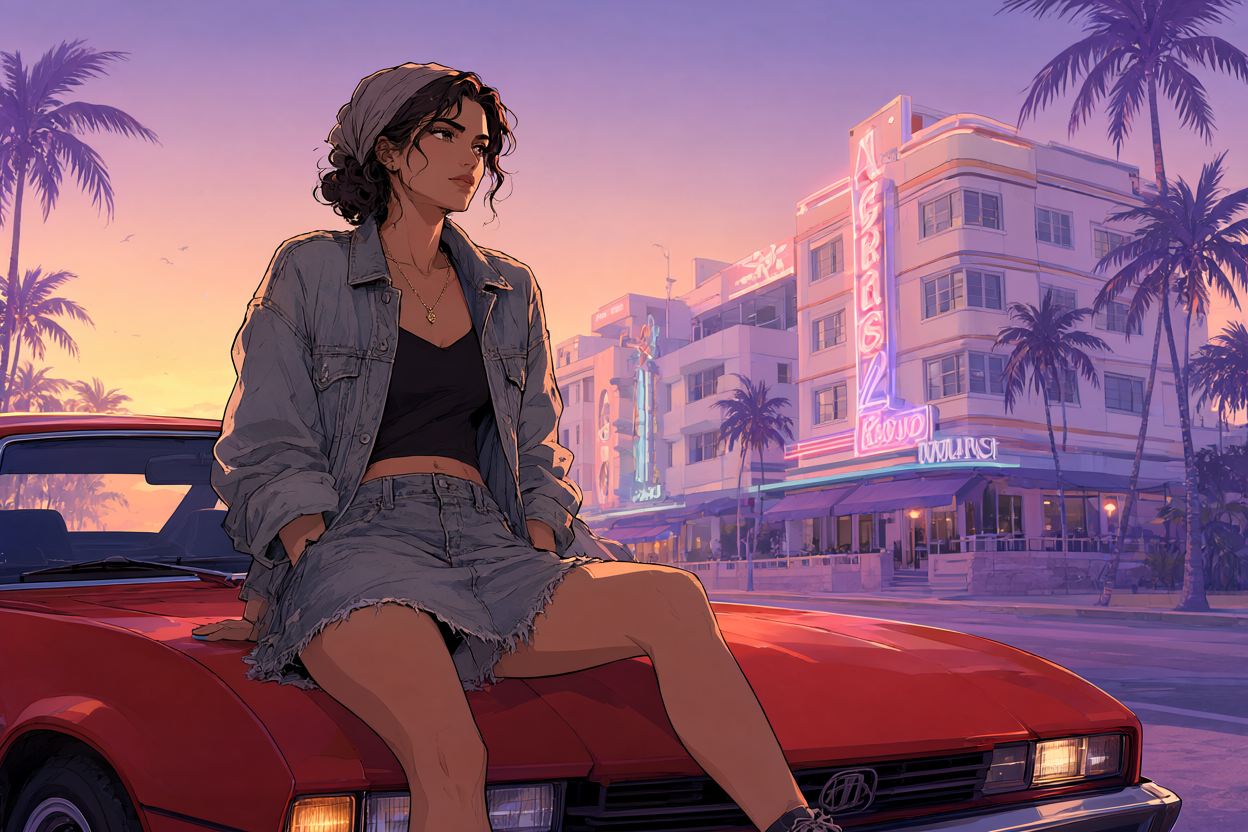
Golden hour backlight · Red 70s sports coupe
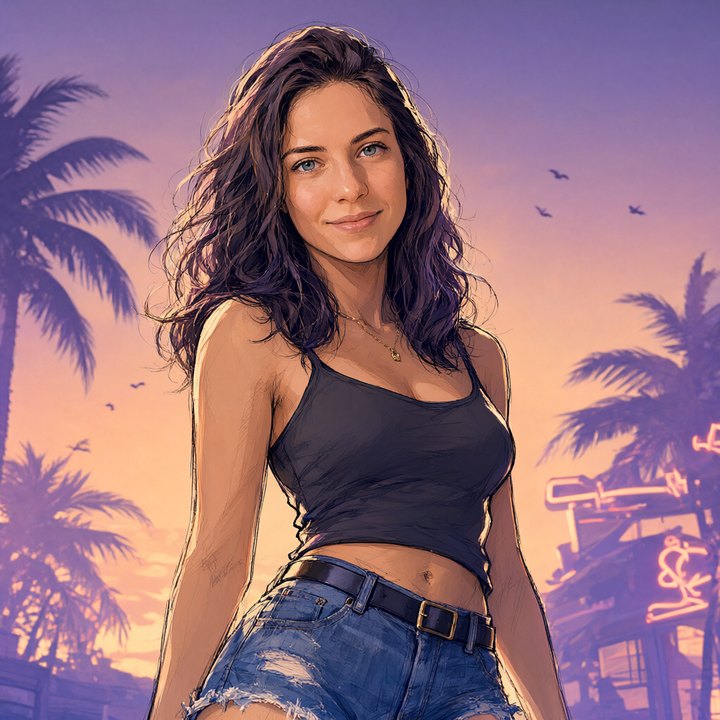
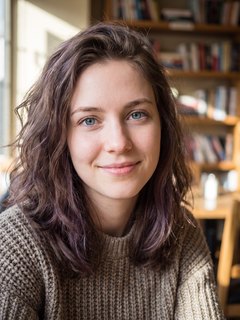
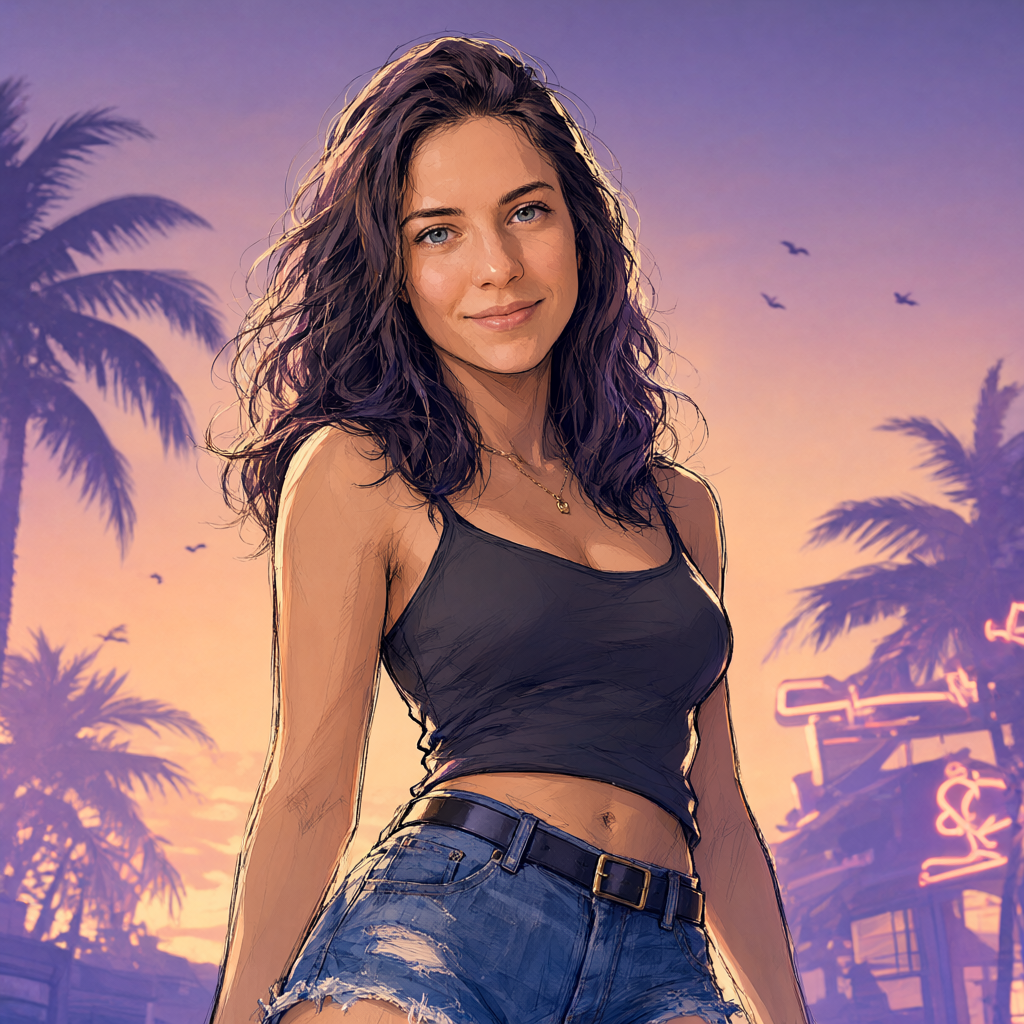
Romance close-up · Sketchy ink
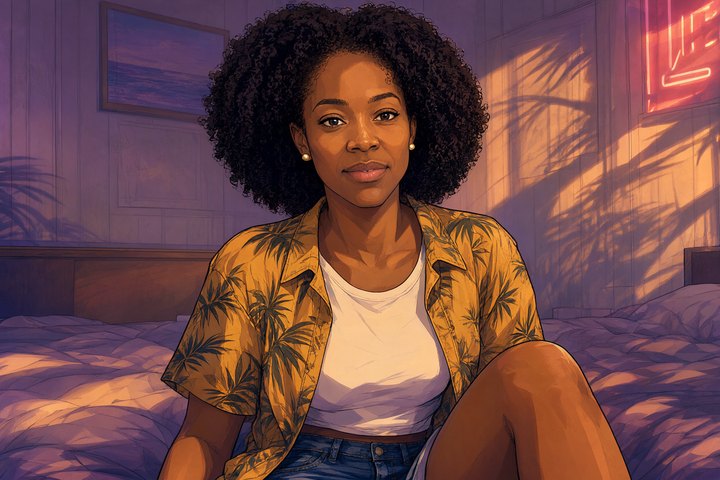
Motel hideout
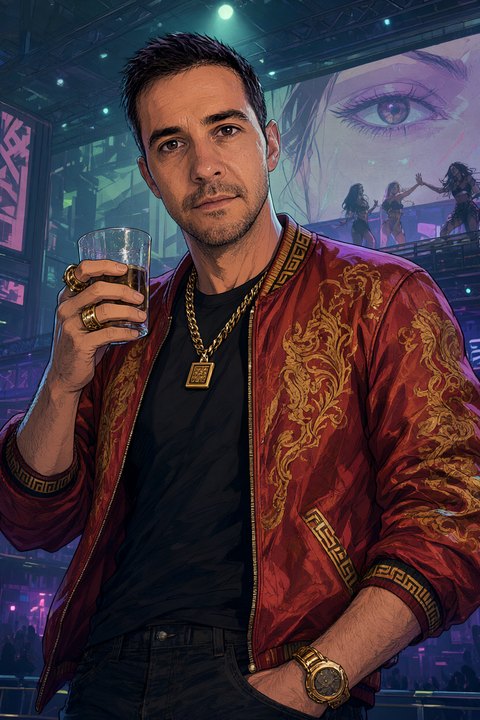
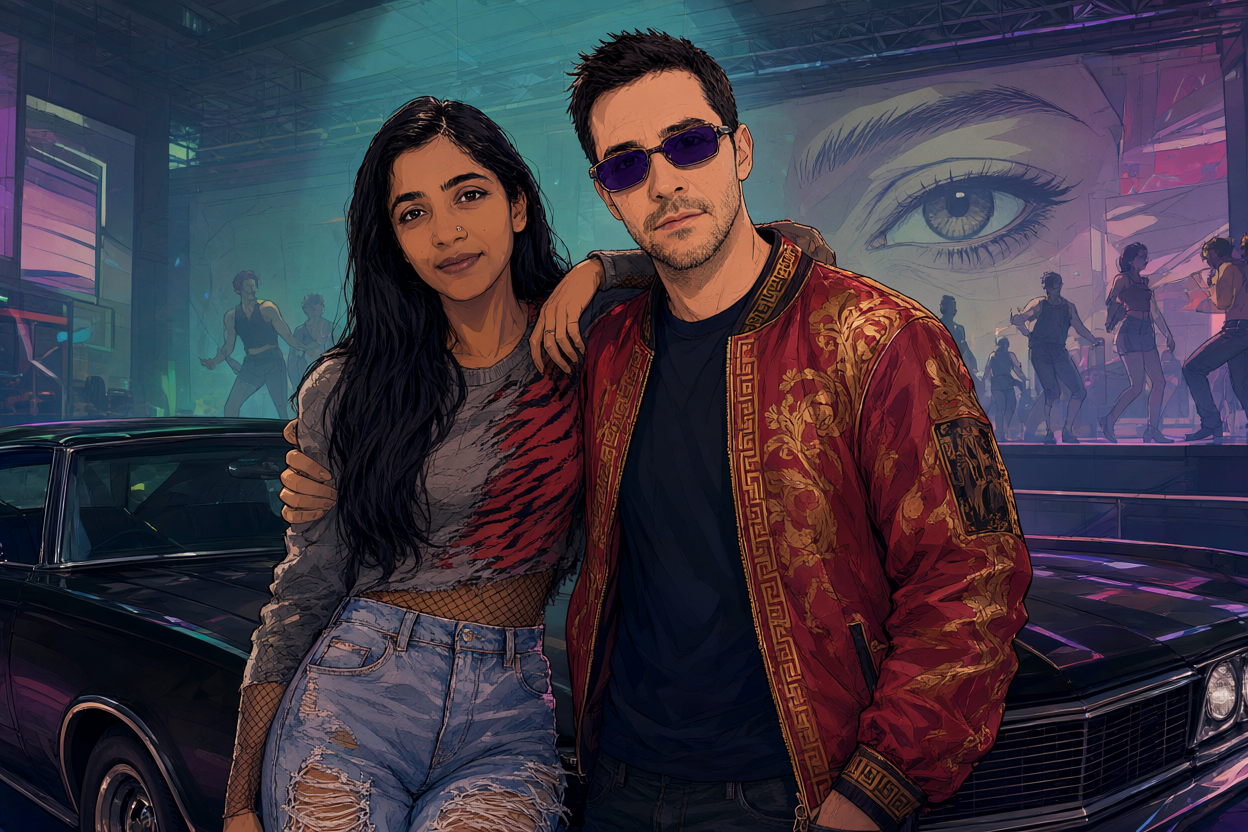
Nightclub · Character loading screen (gritty)
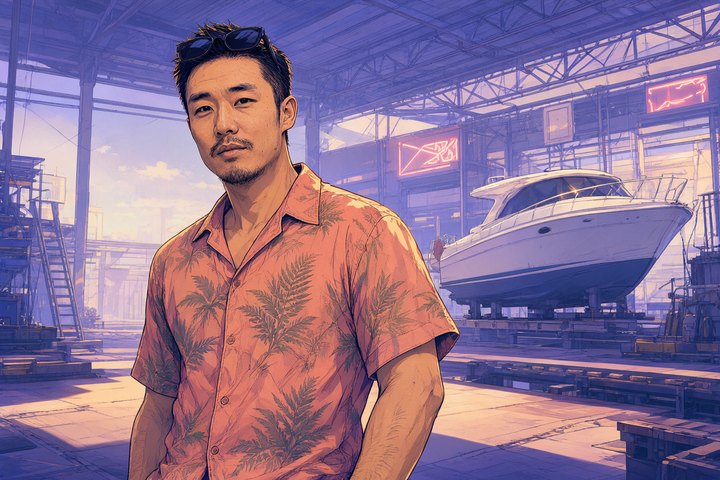
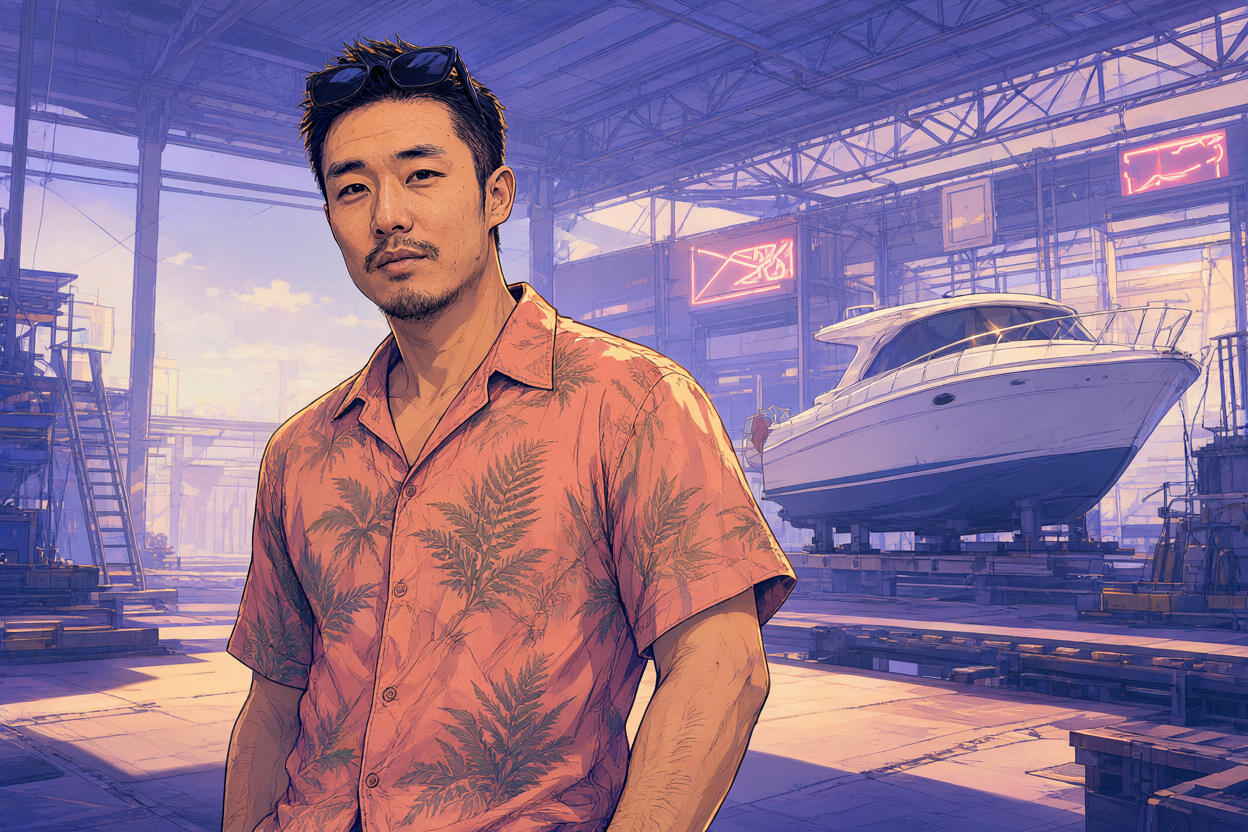
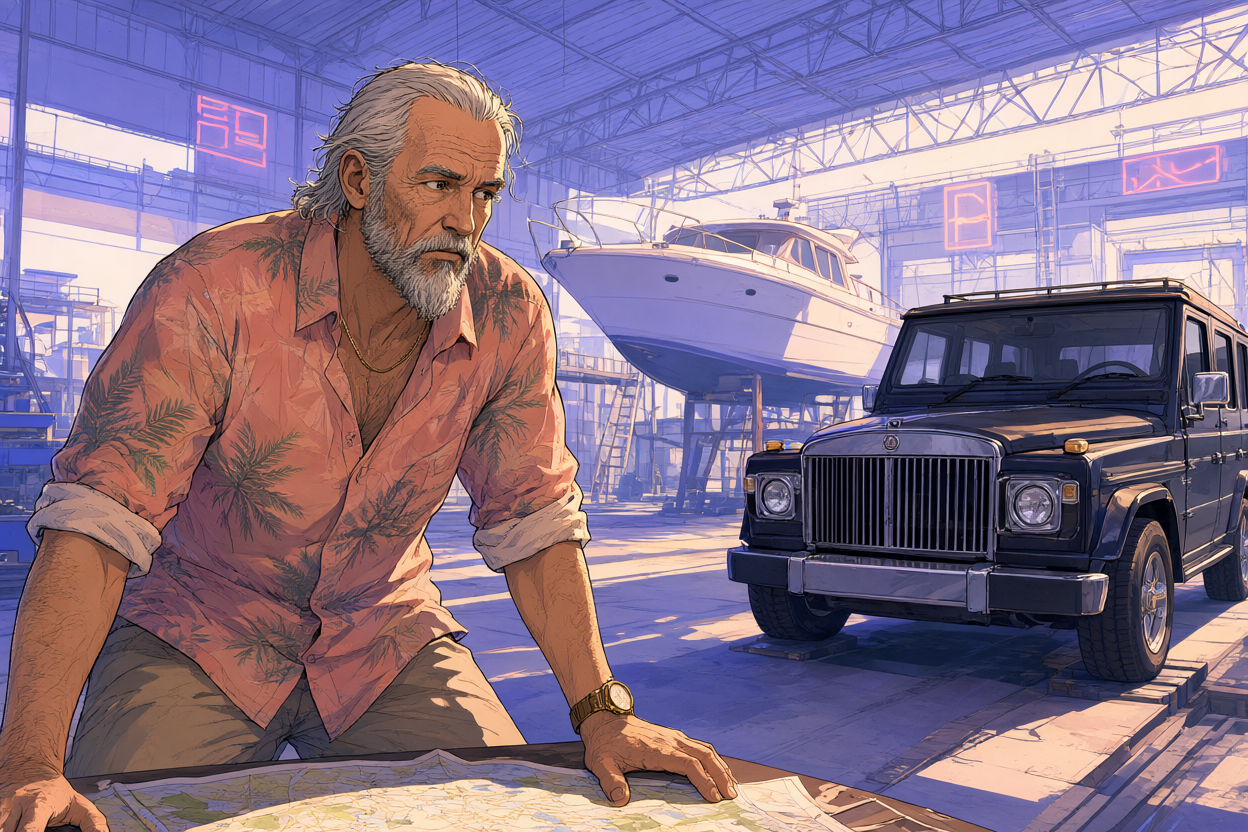
Boatyard · Character loading screen (gritty)
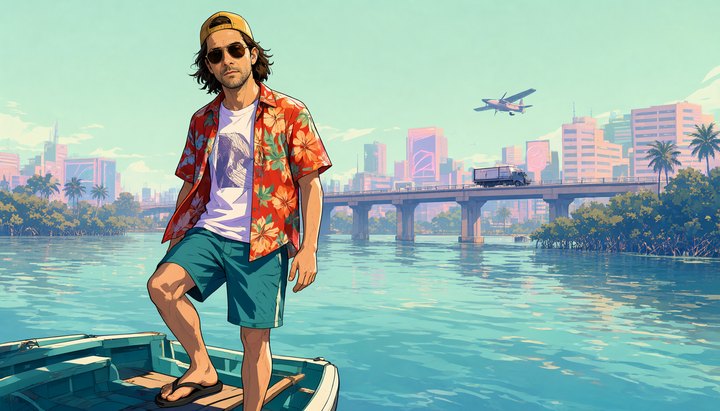
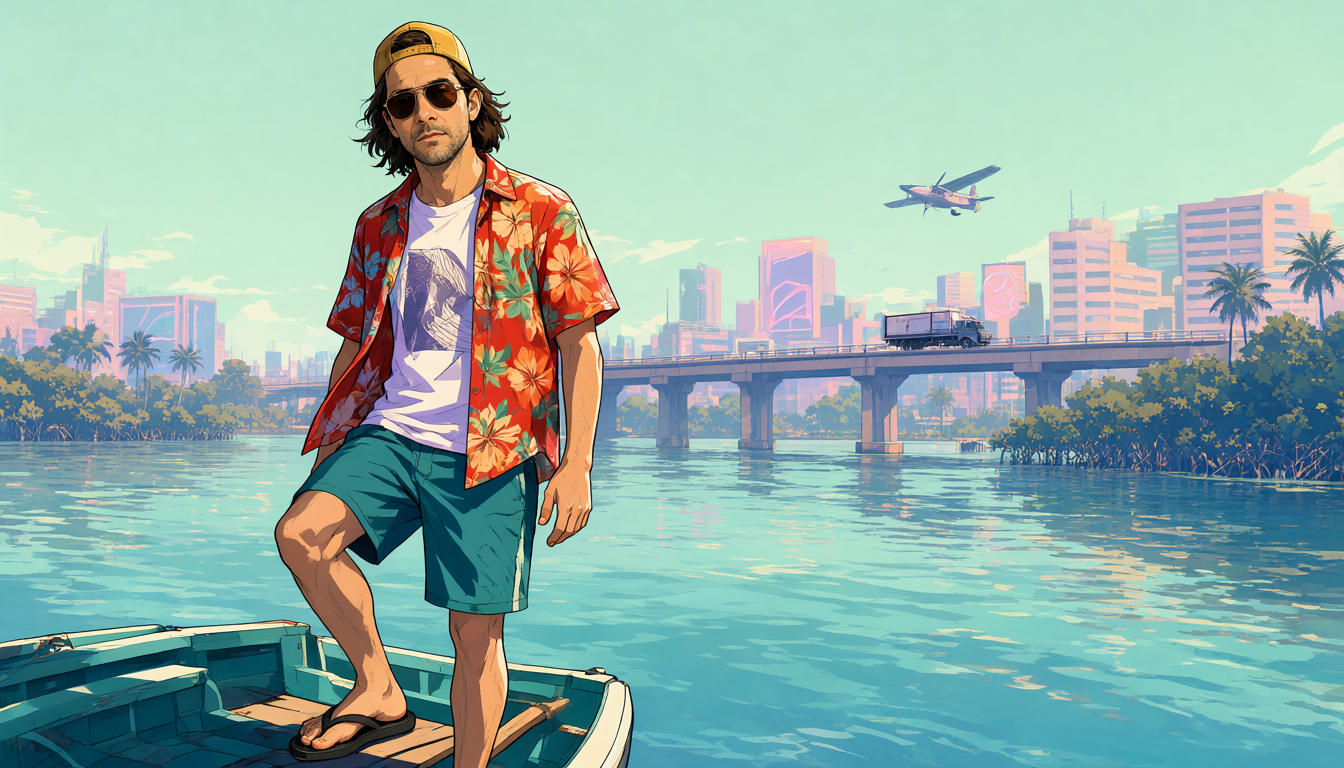
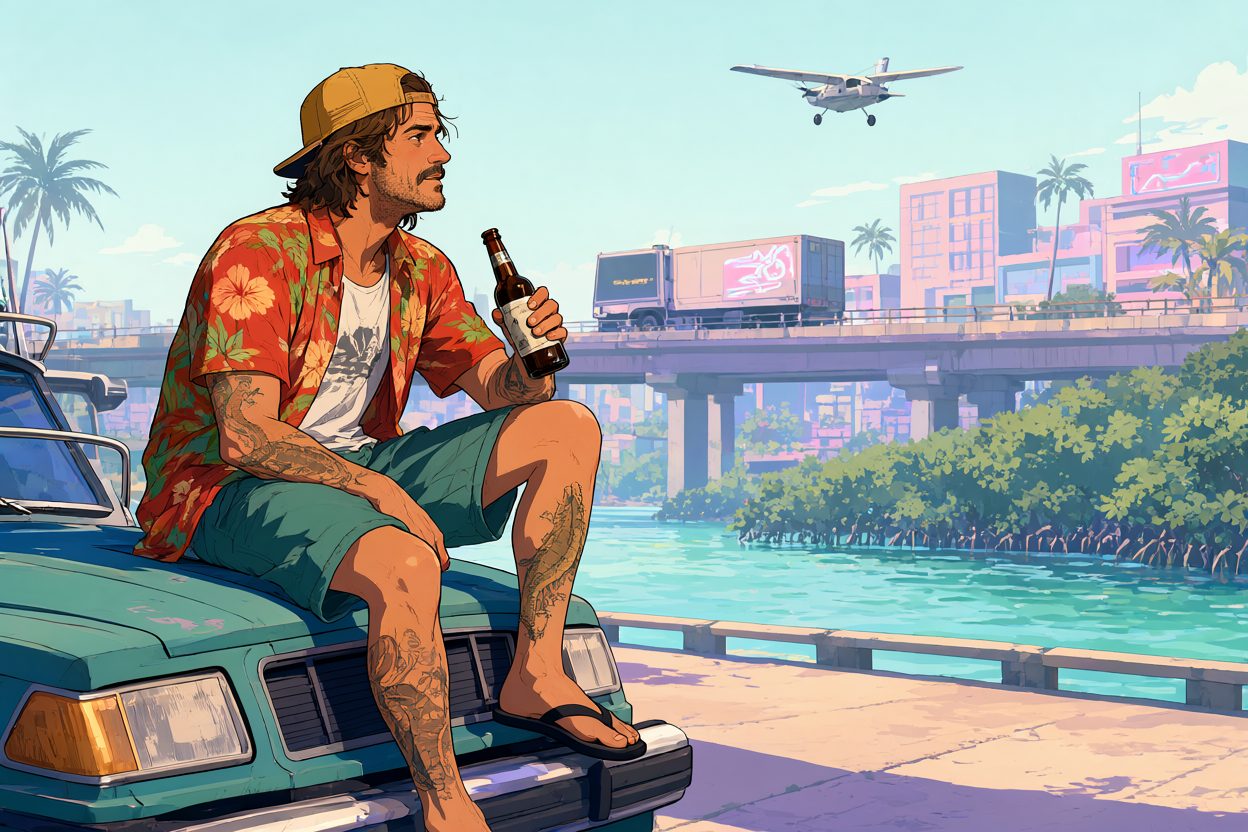
Day on the water · Small fishing boat
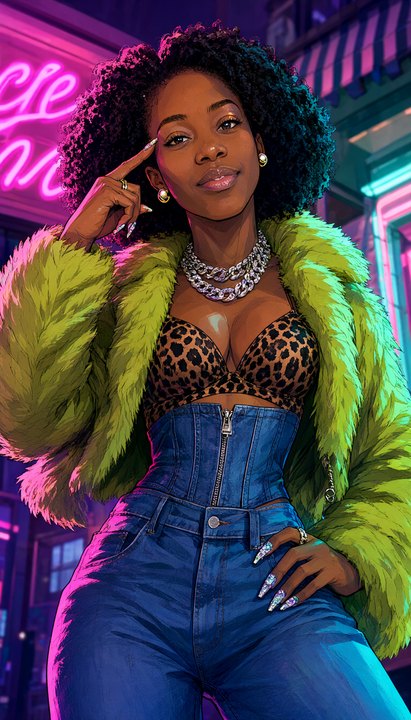
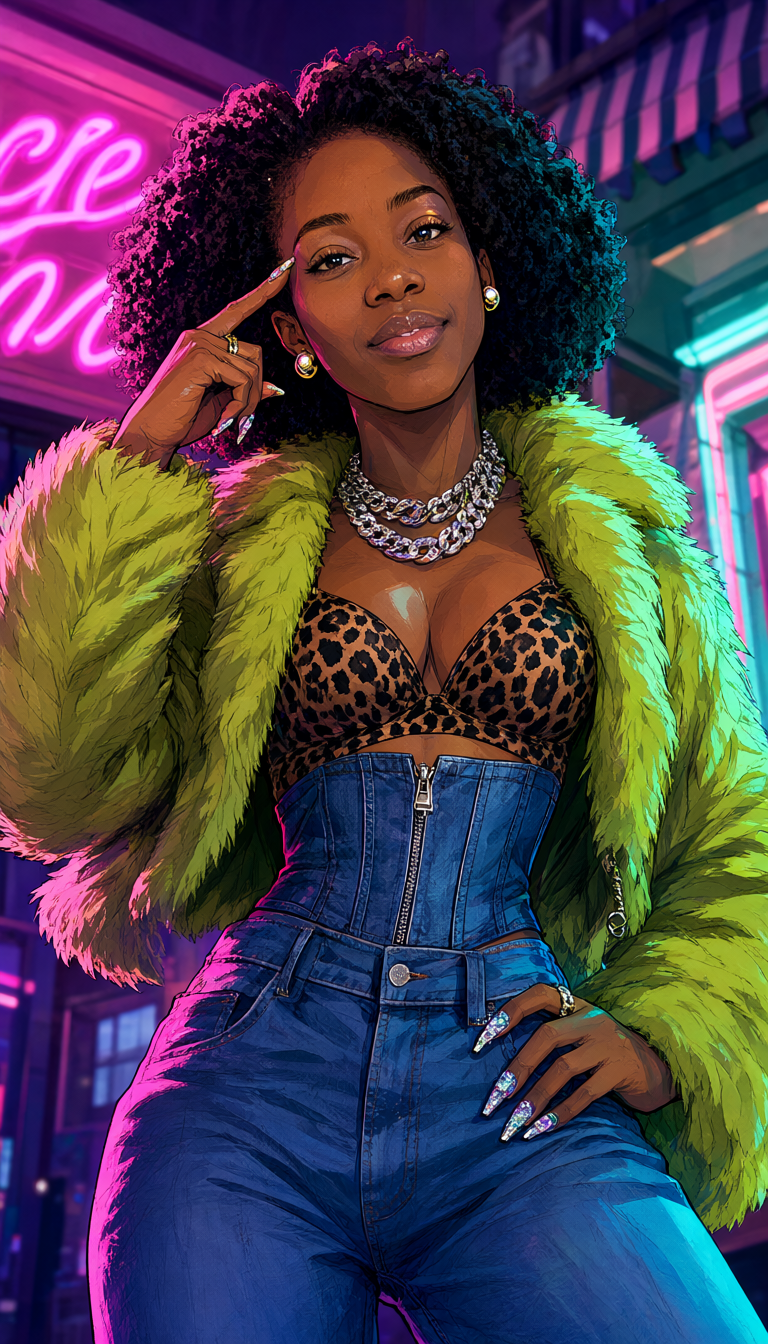
Neon night street · Glam (cover art)
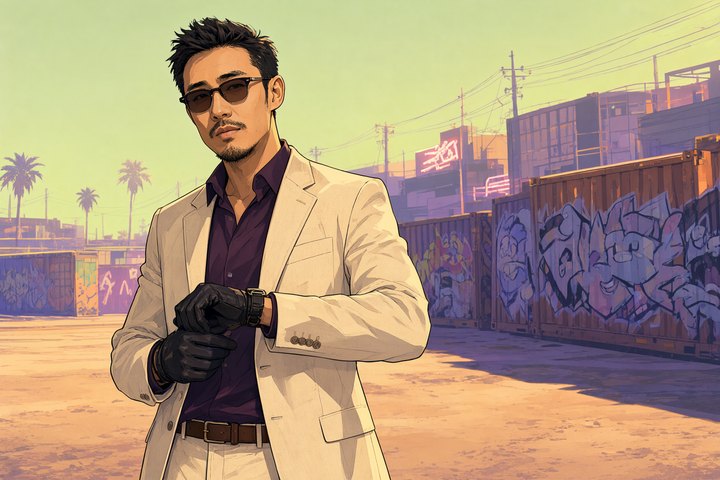
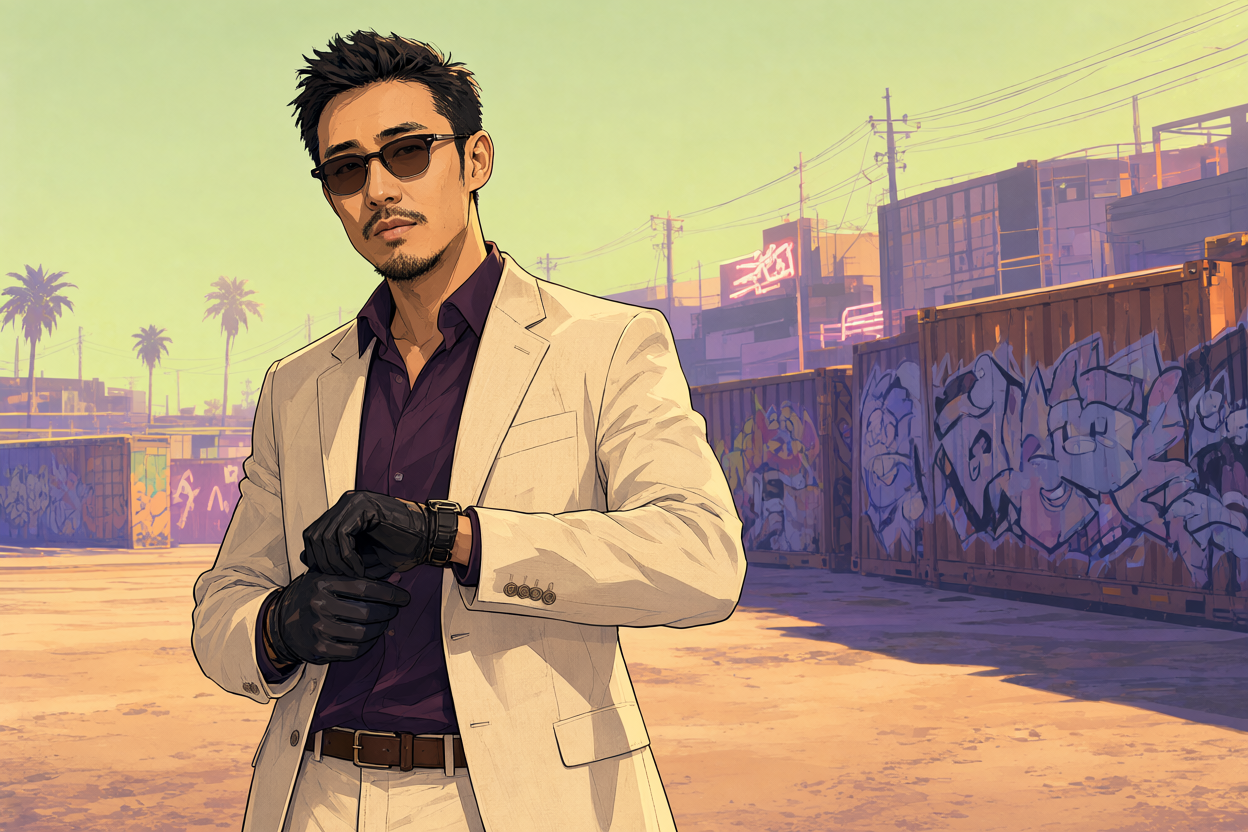
Industrial heat haze
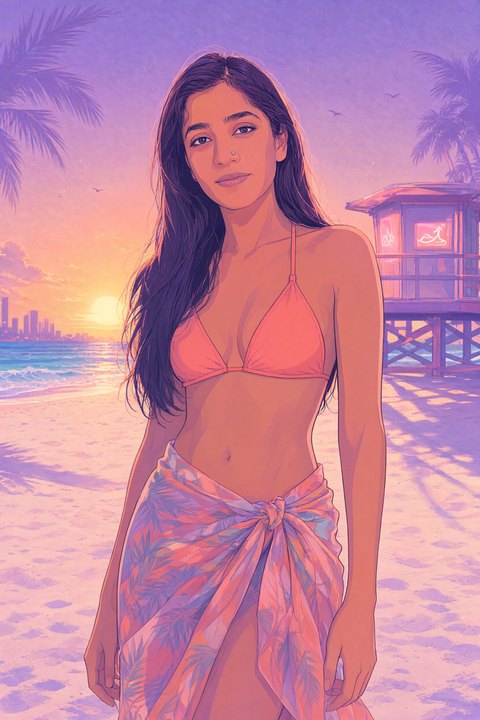
Synthwave beach · Synthwave album (flat)
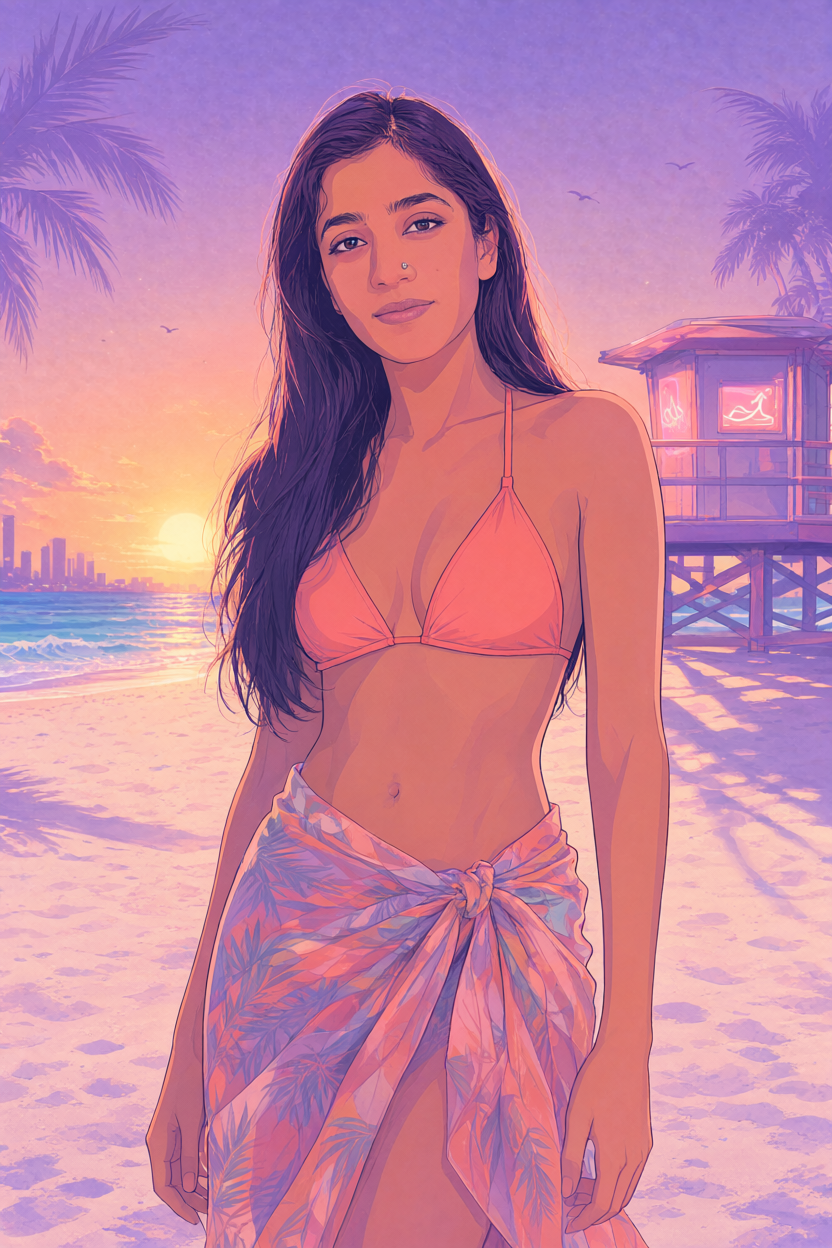
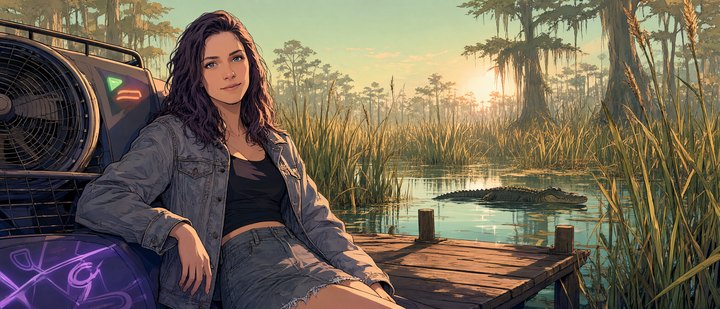
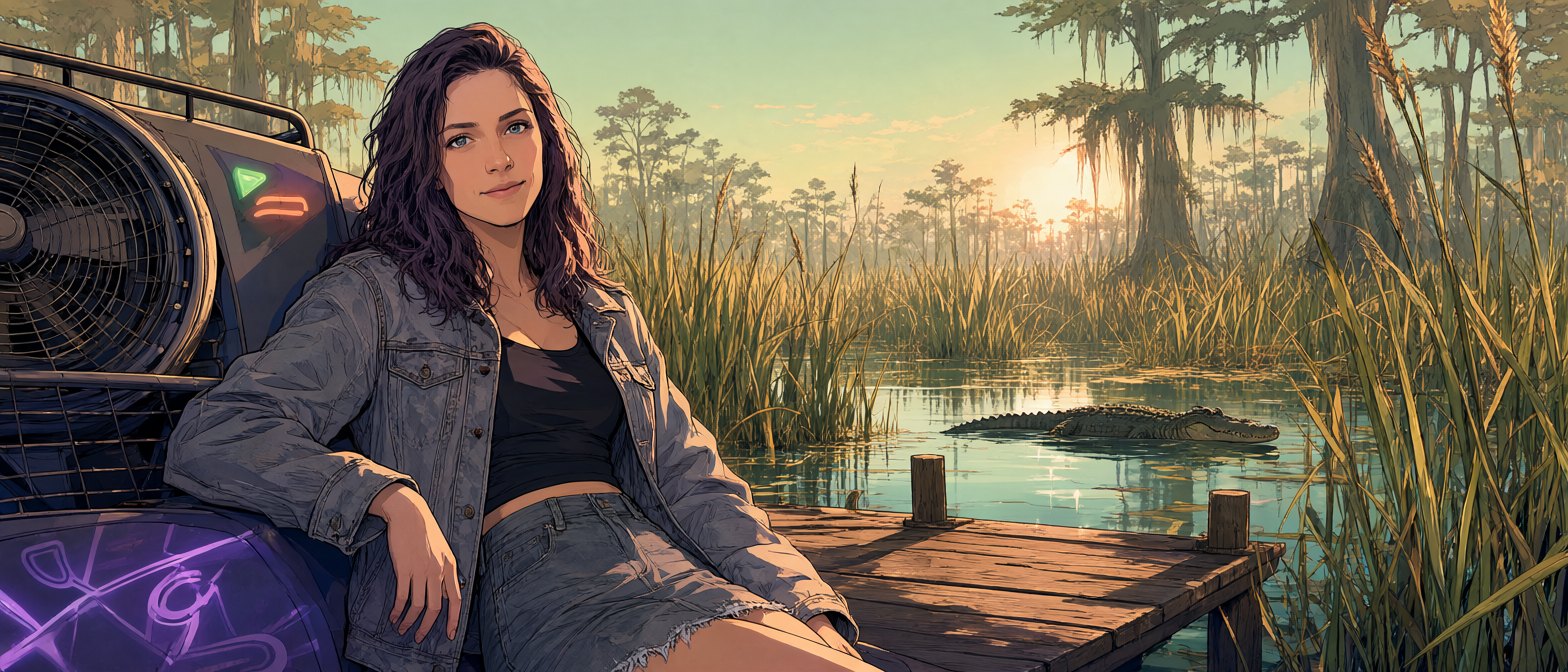
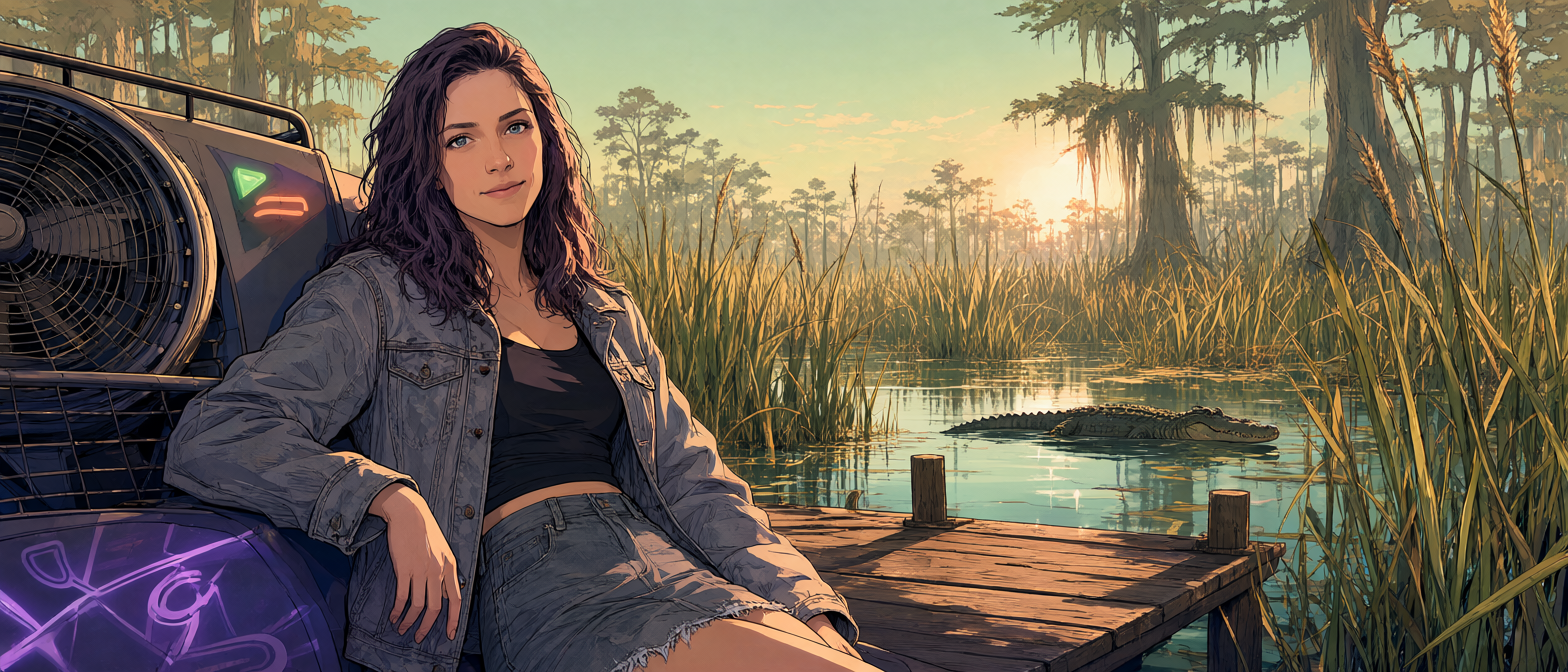
Swamp run · Airboat
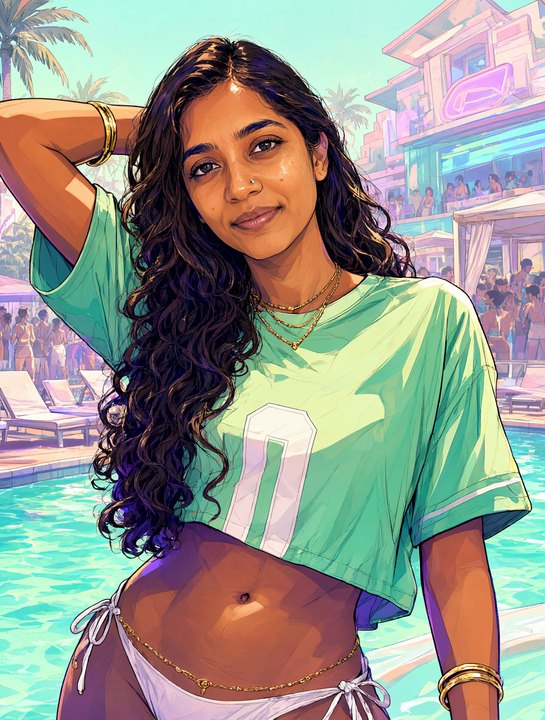
Pool party · Glam (cover art)
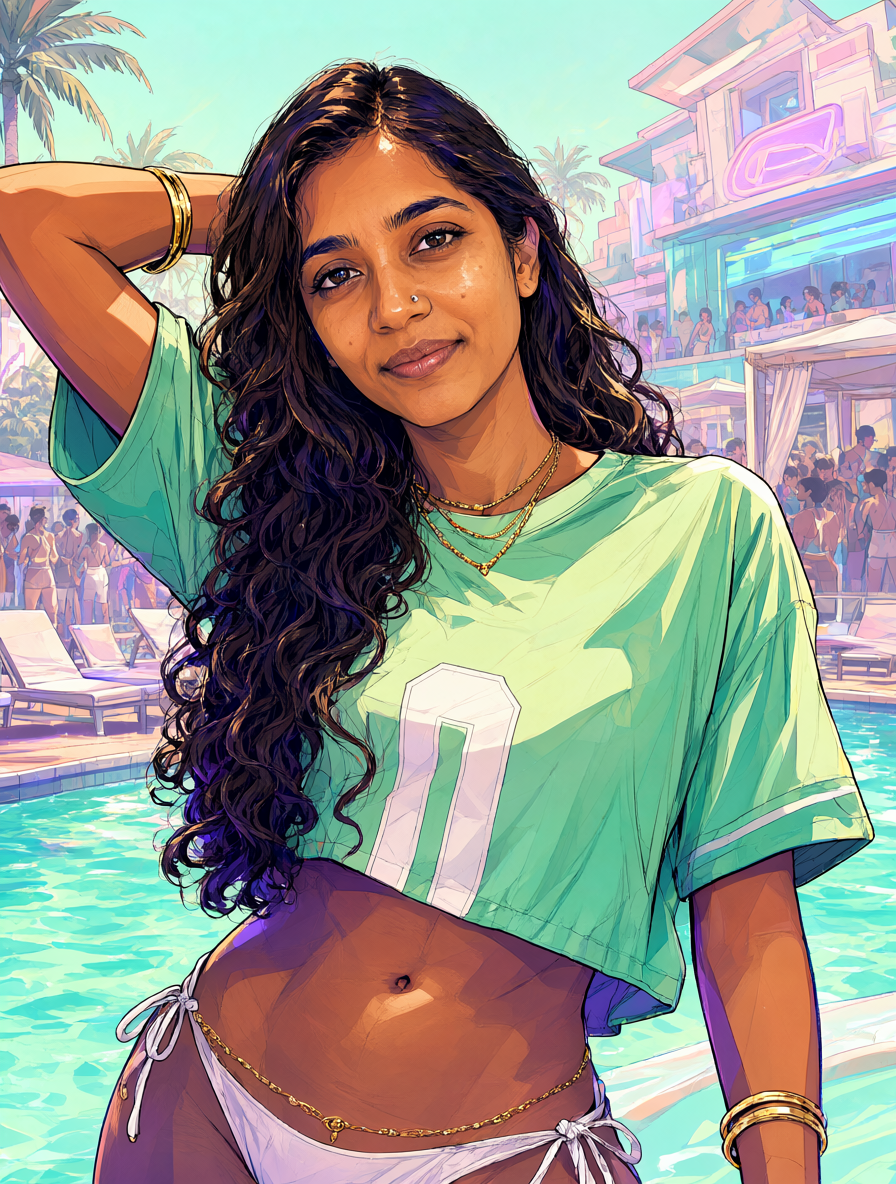
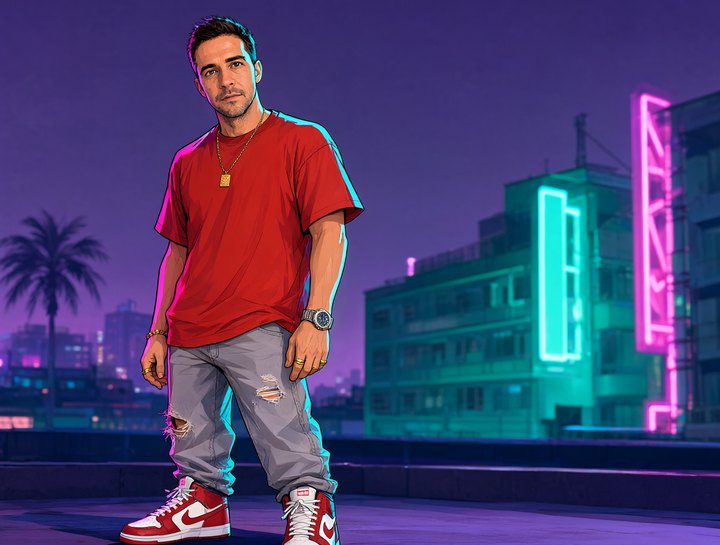
Neon night street · Neon street block
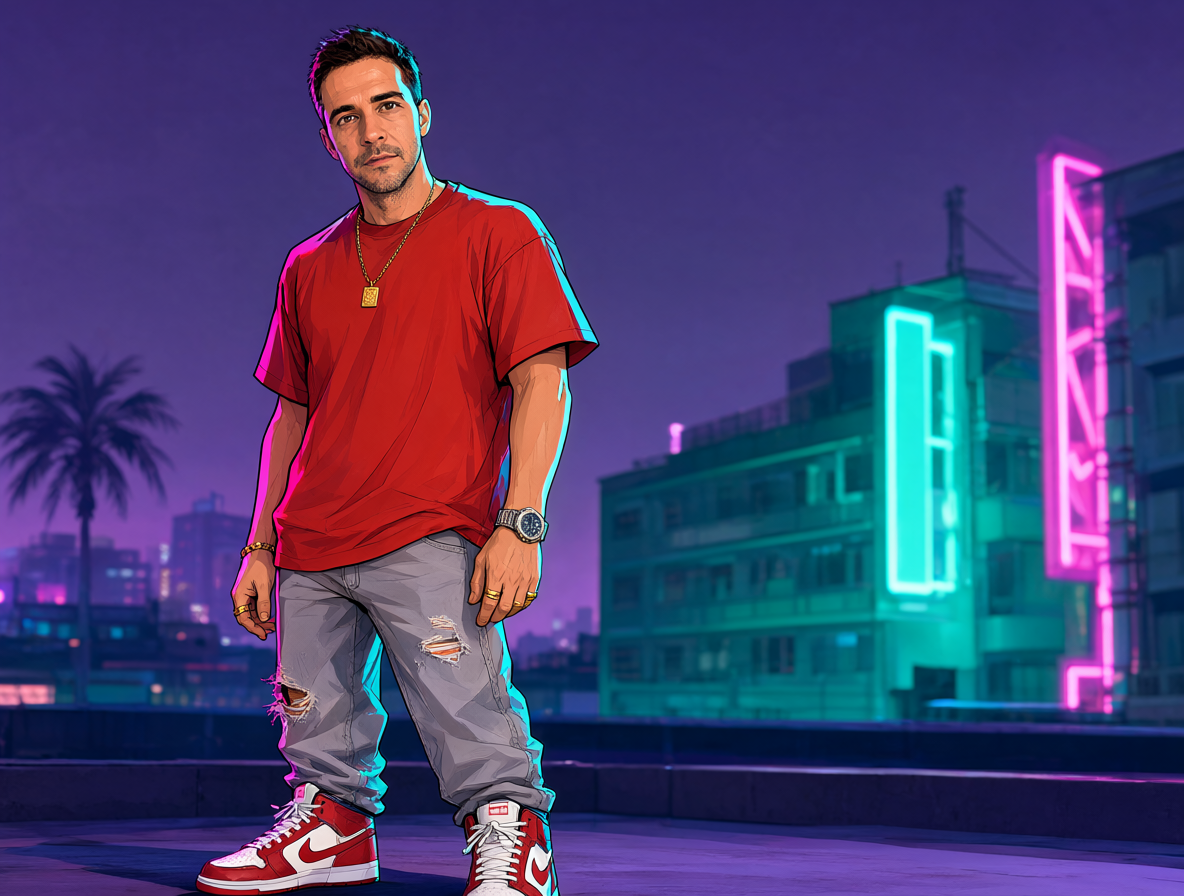
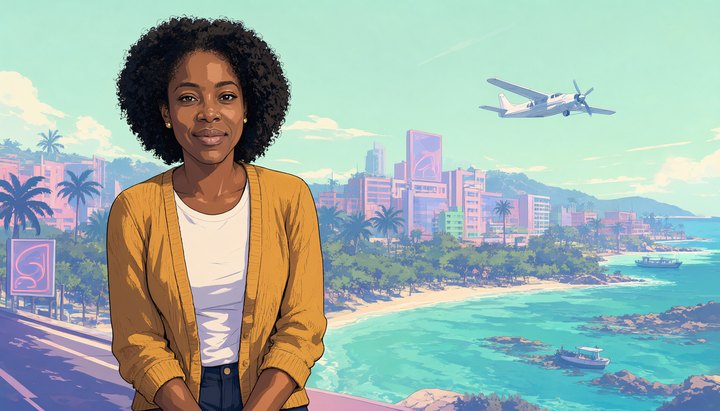
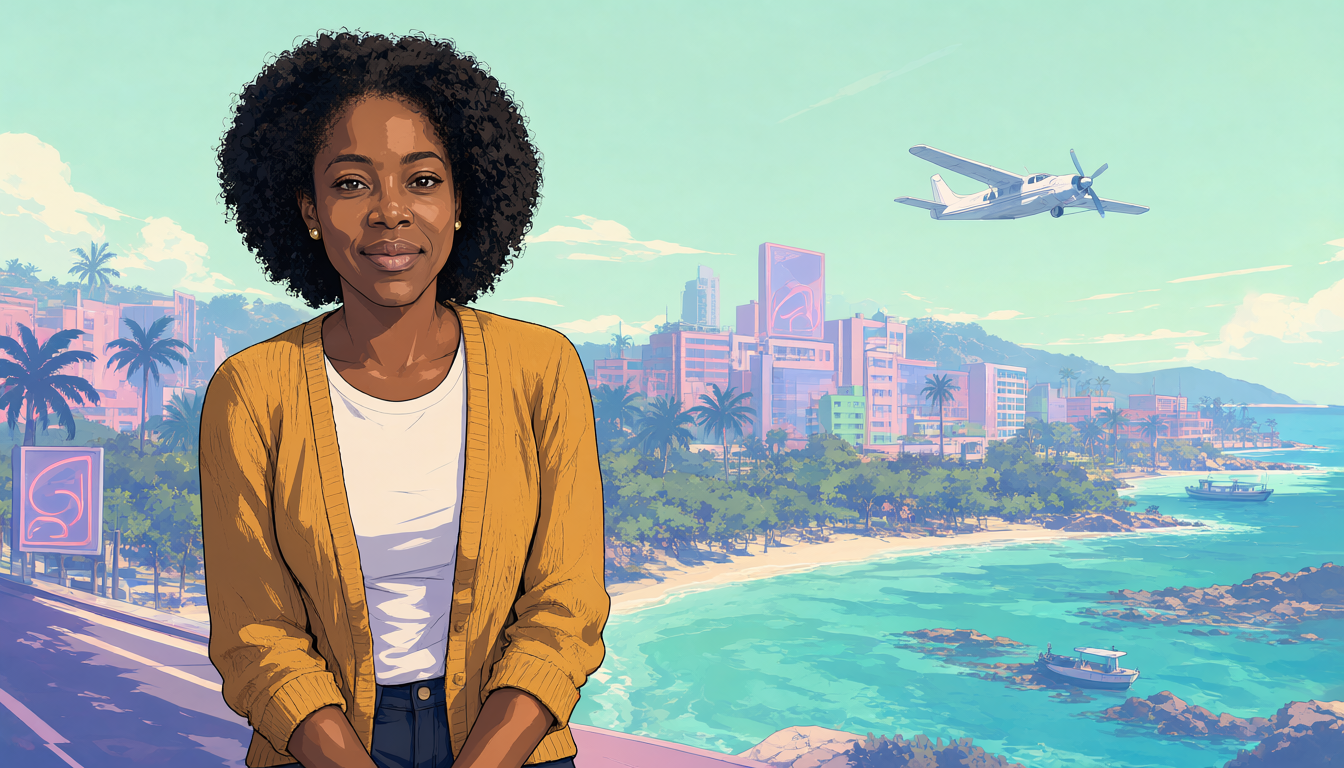
Daytime marina · Island keys shoreline · Seaplane
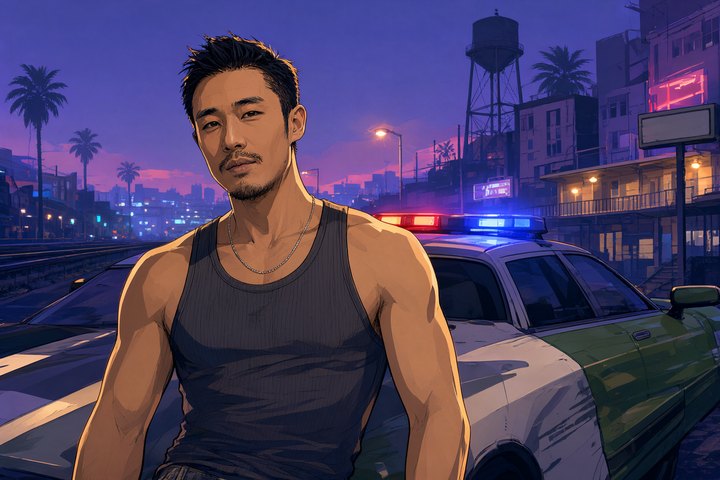
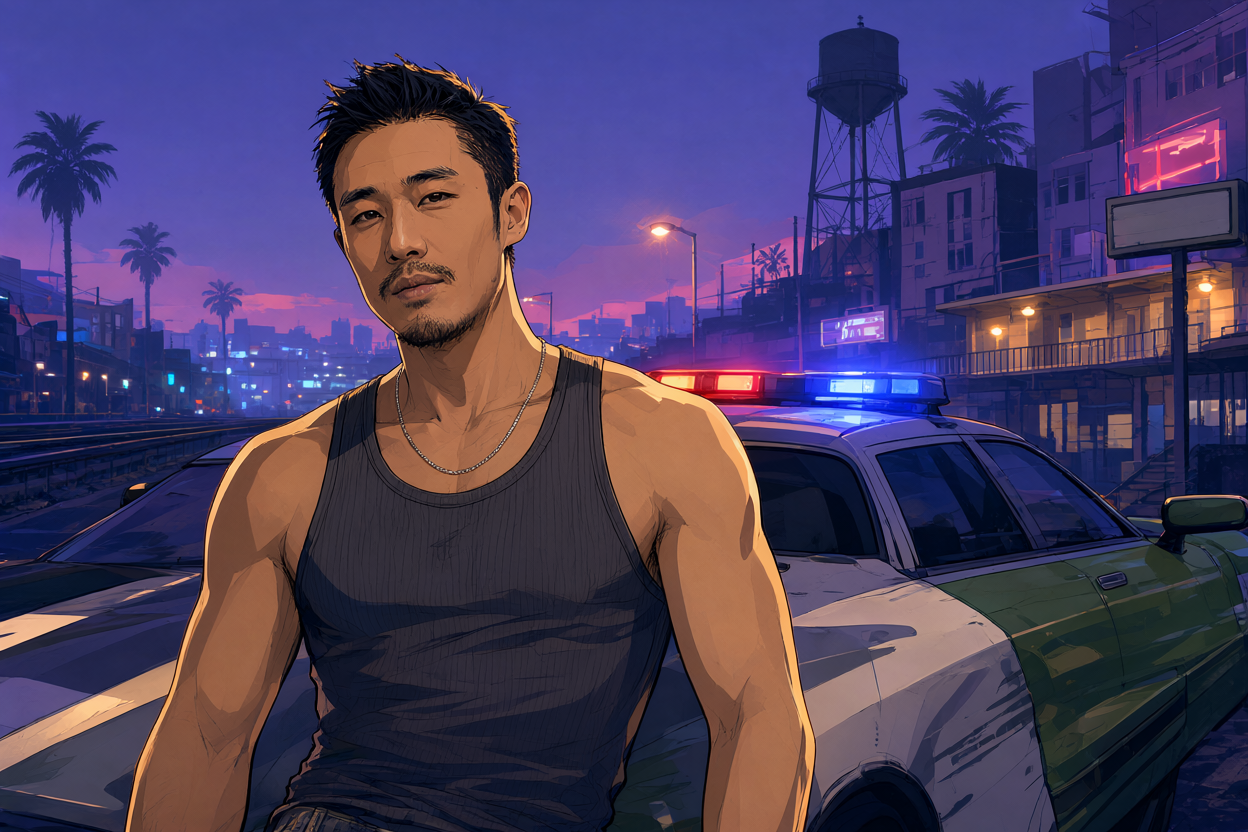
Dusk heist · Port town at night · Police cruiser, lights on
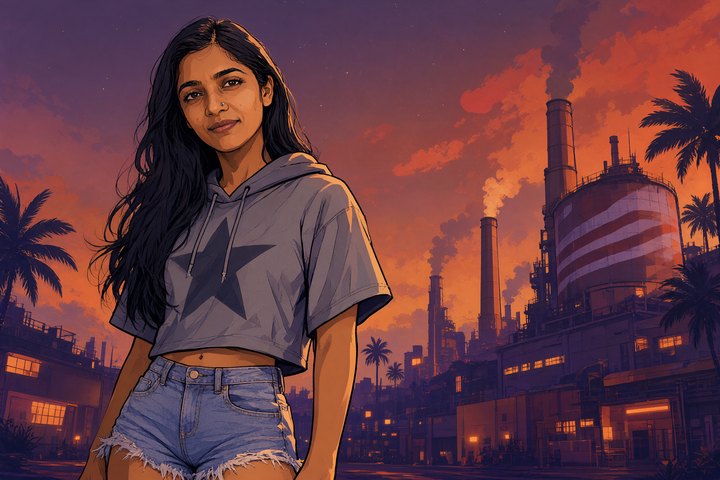
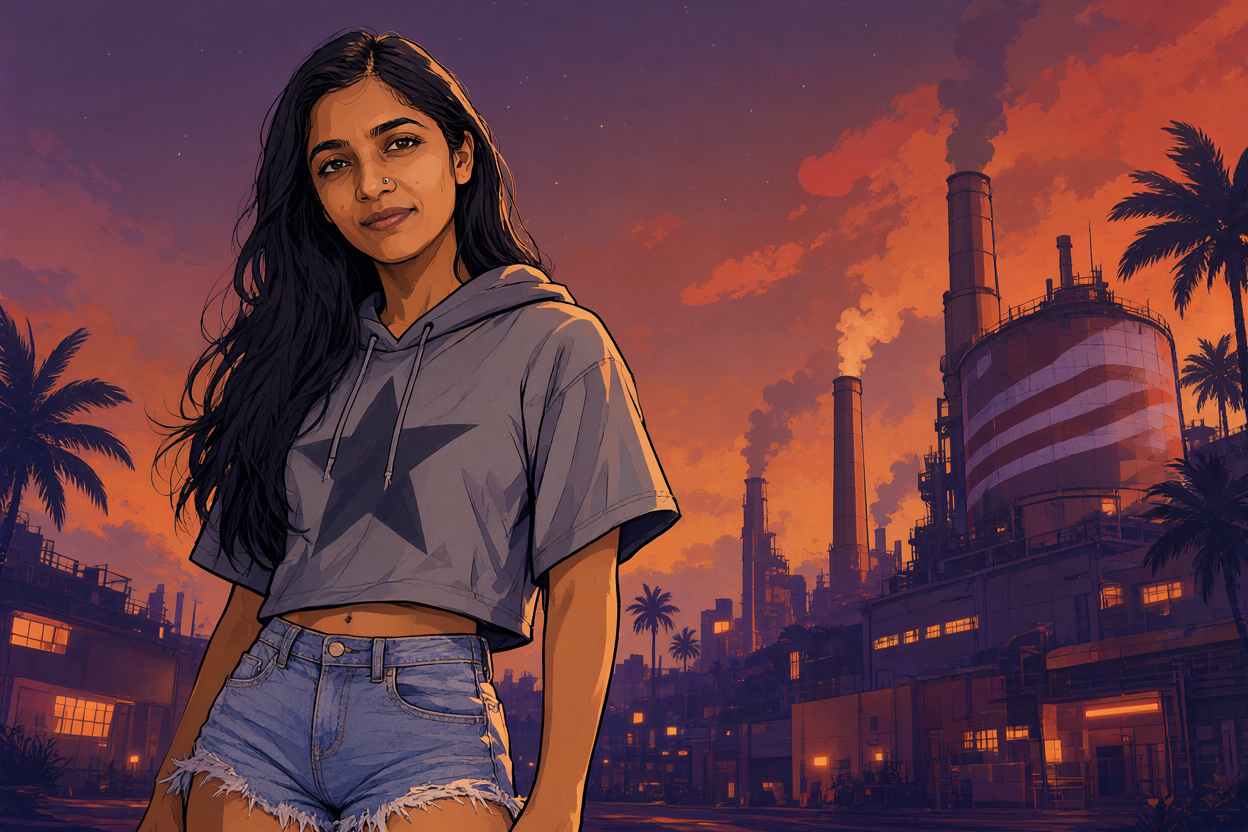
Industrial heat haze · Refinery town · Smog orange + ember
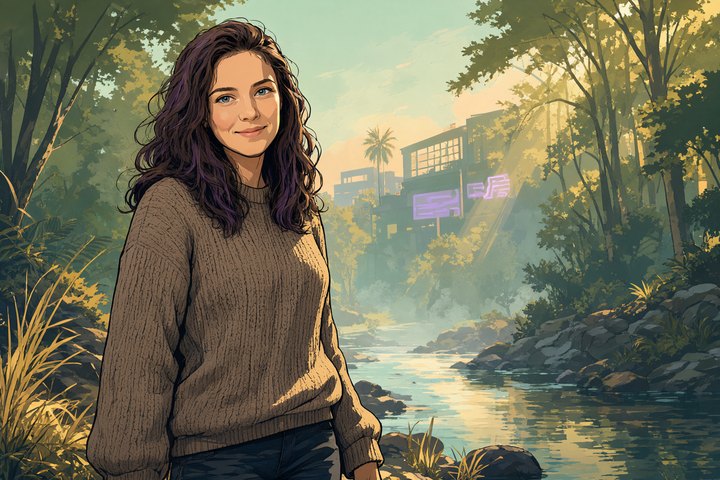
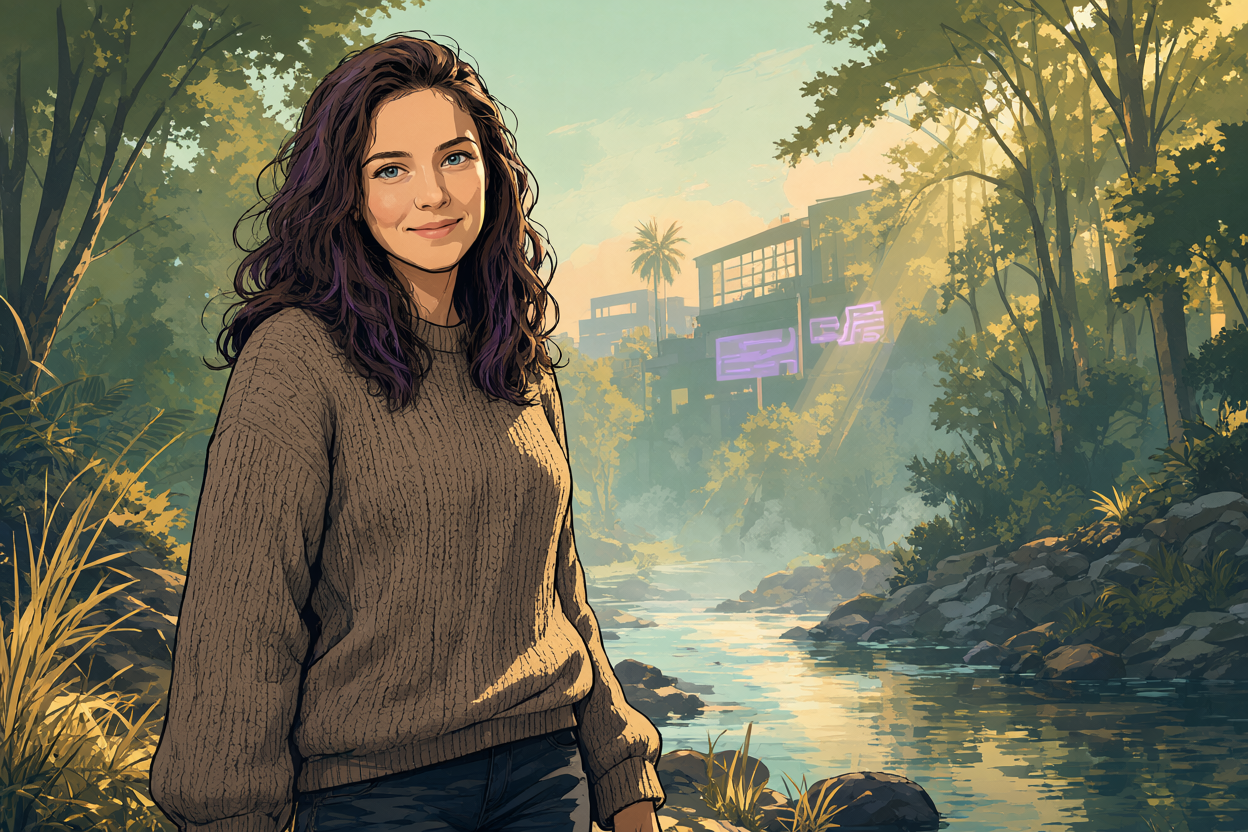
Day on the water · Forest river · Swamp green + gold
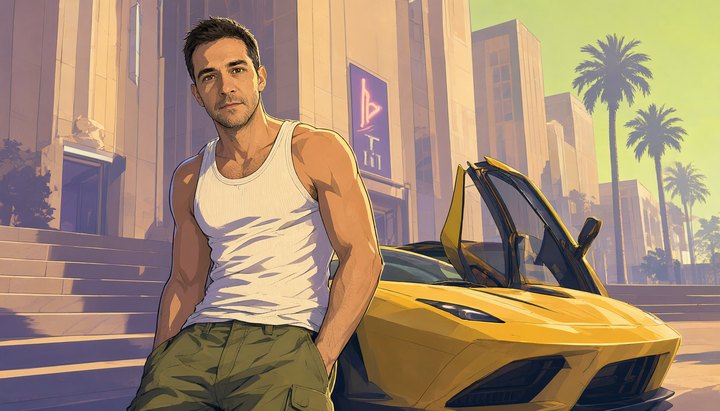
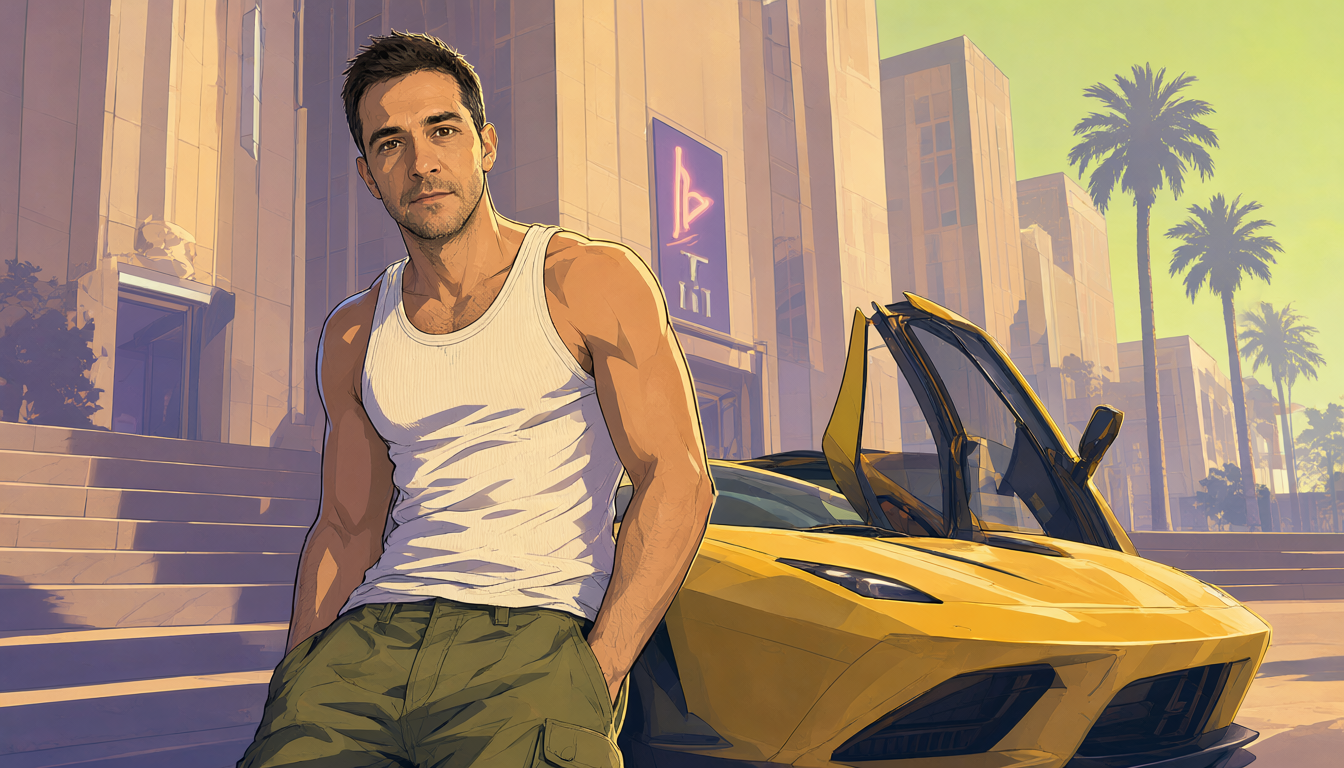
Sunset key art · Bank exterior · Hazy lime + sand · Yellow supercar, scissor doors
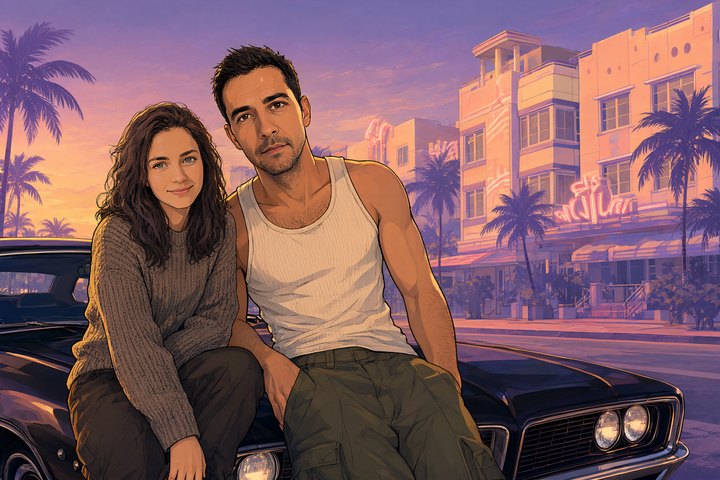
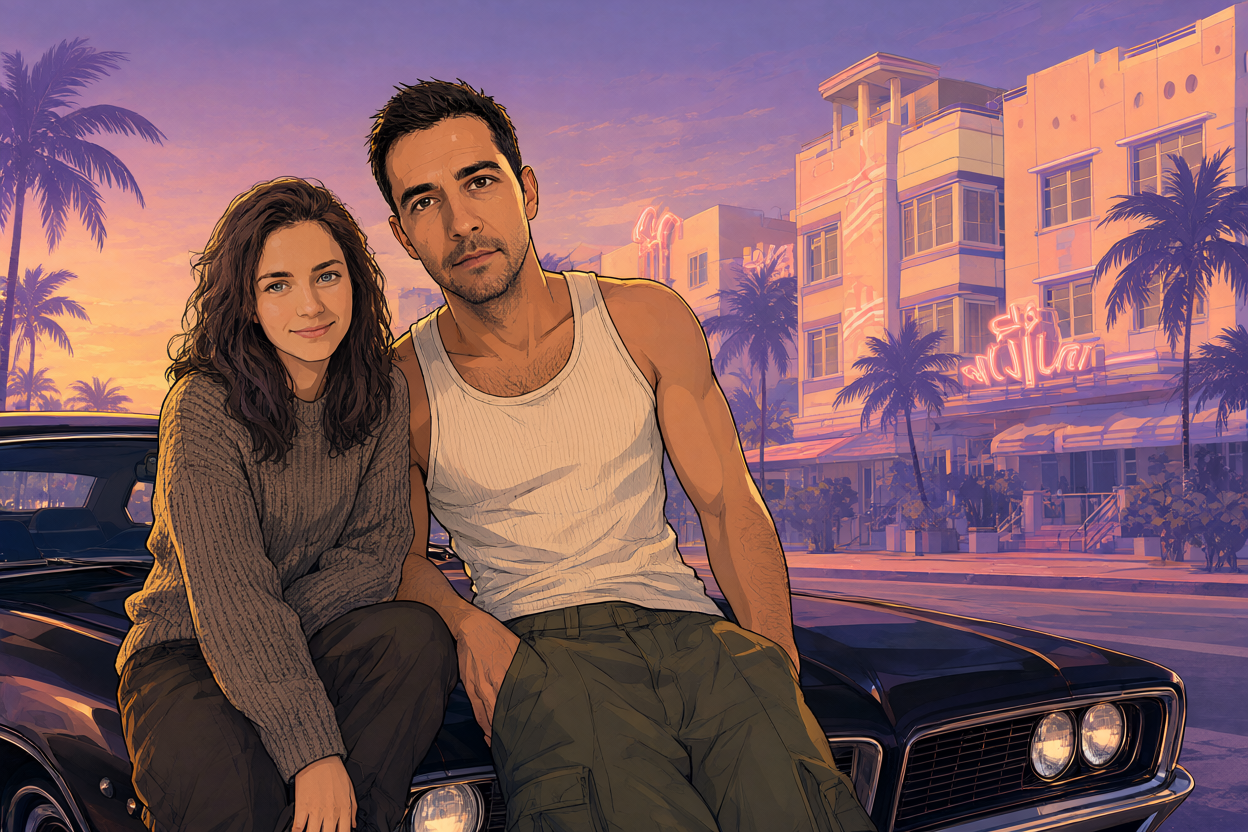
Sunset key art · Black 70s muscle car
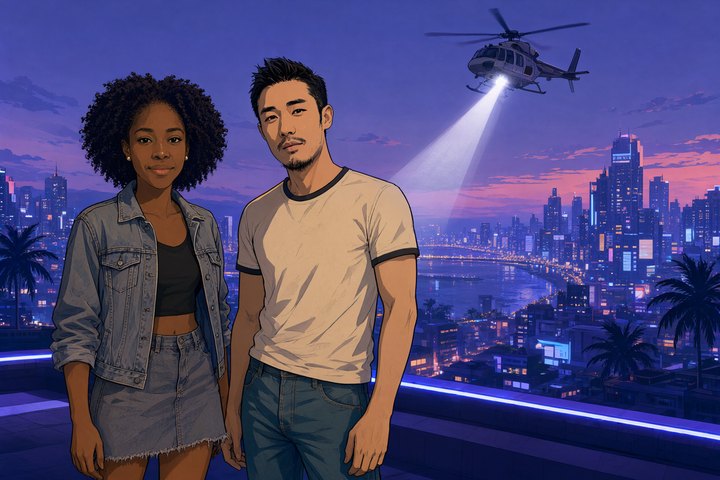
Rooftop searchlight · Police helicopter + searchlight
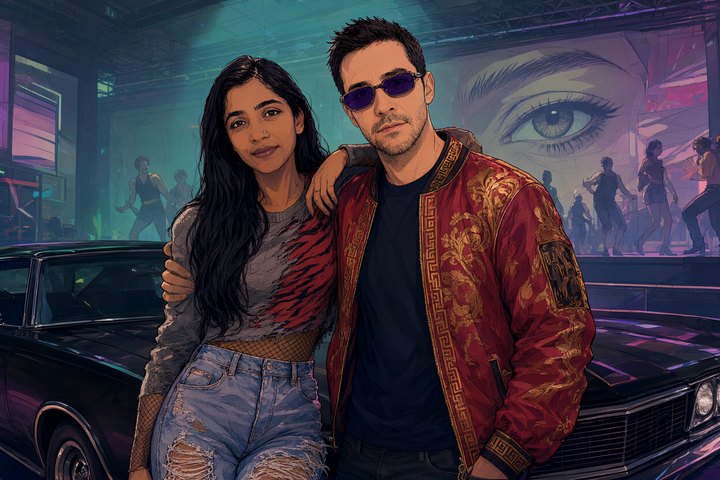
Nightclub
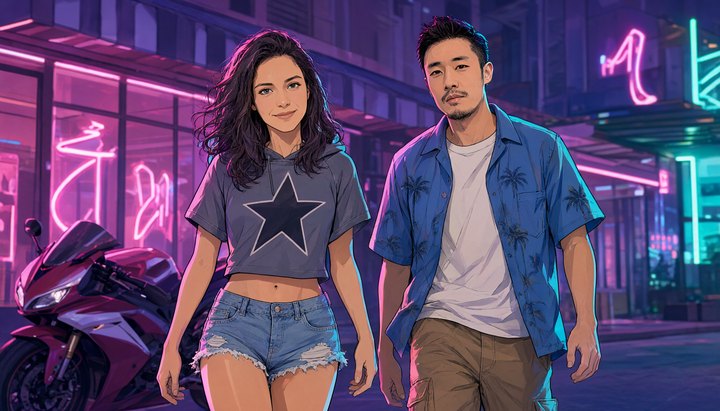
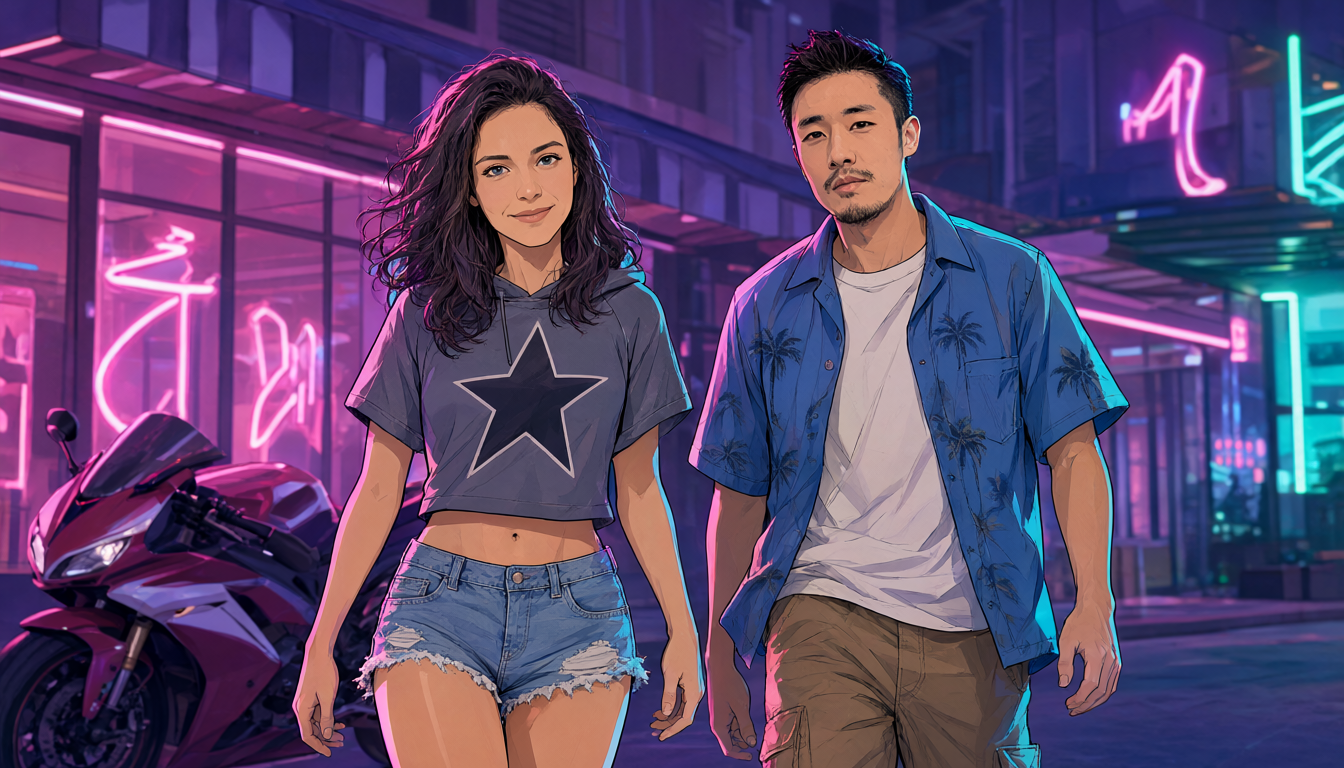
Neon night street · Pink sportbike
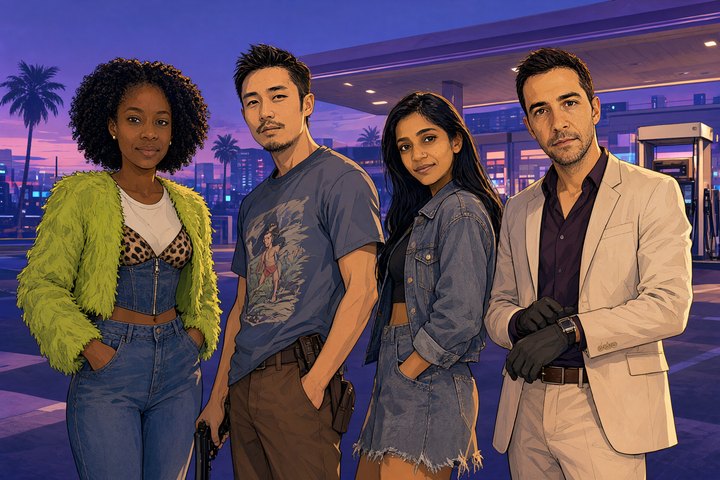
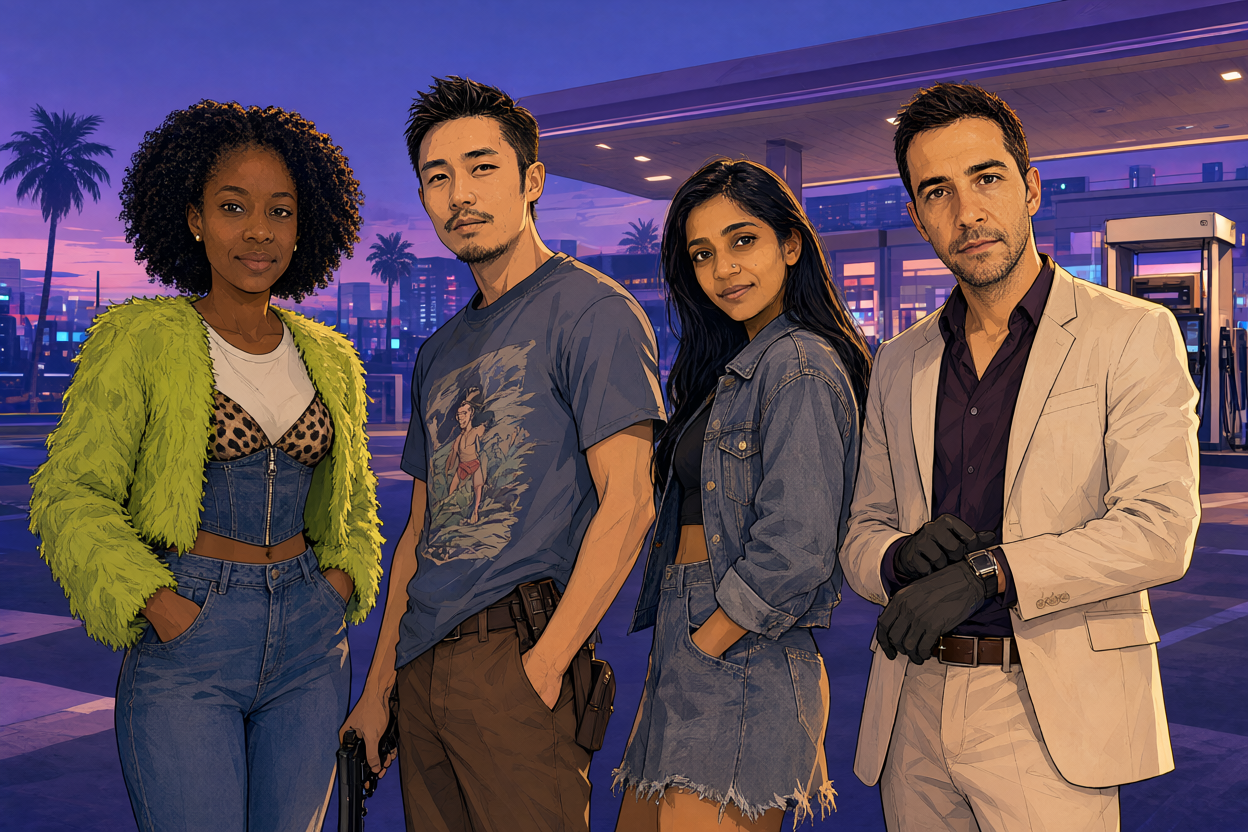
Dusk heist
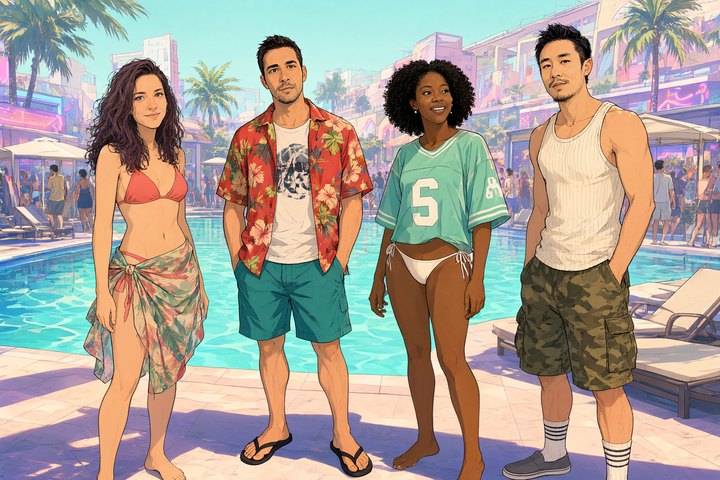
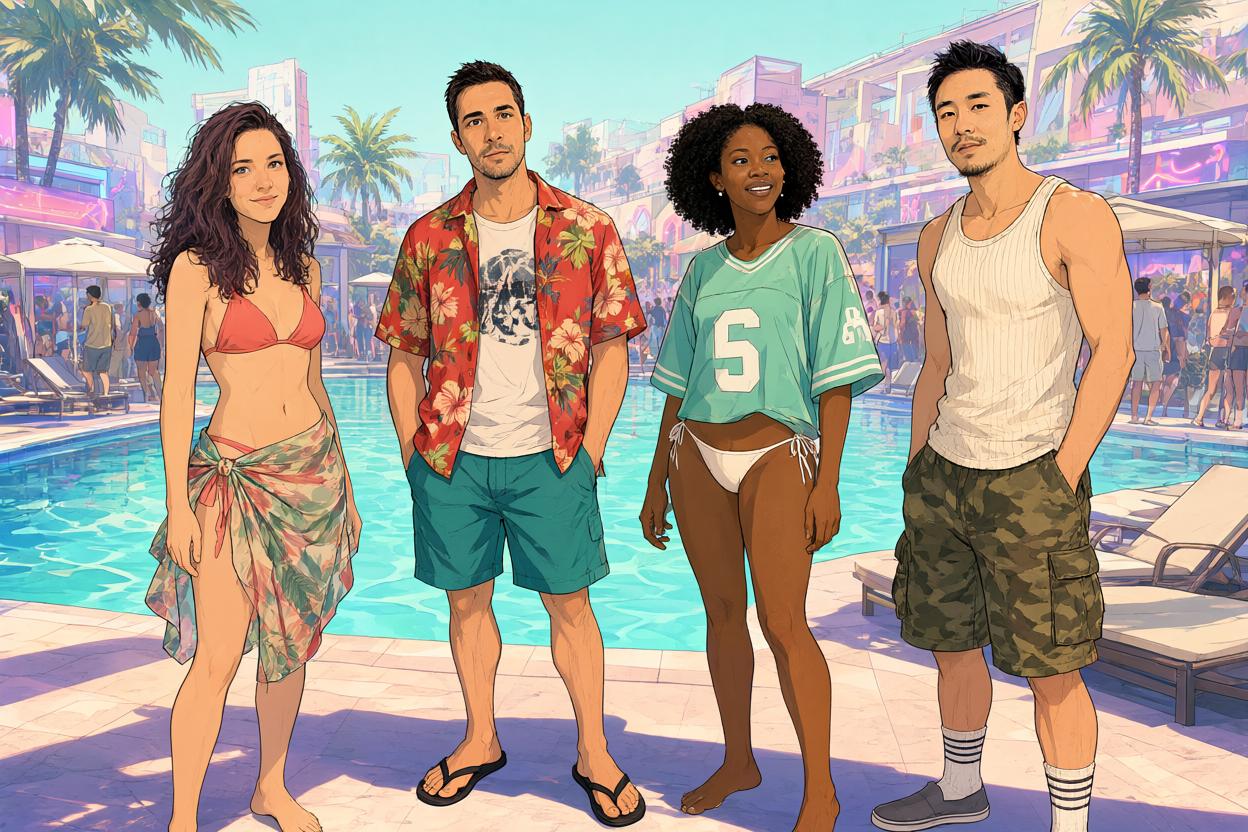
Pool party
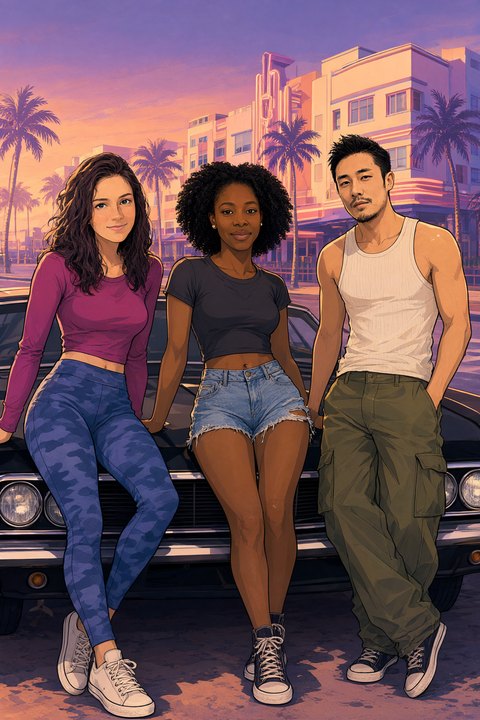
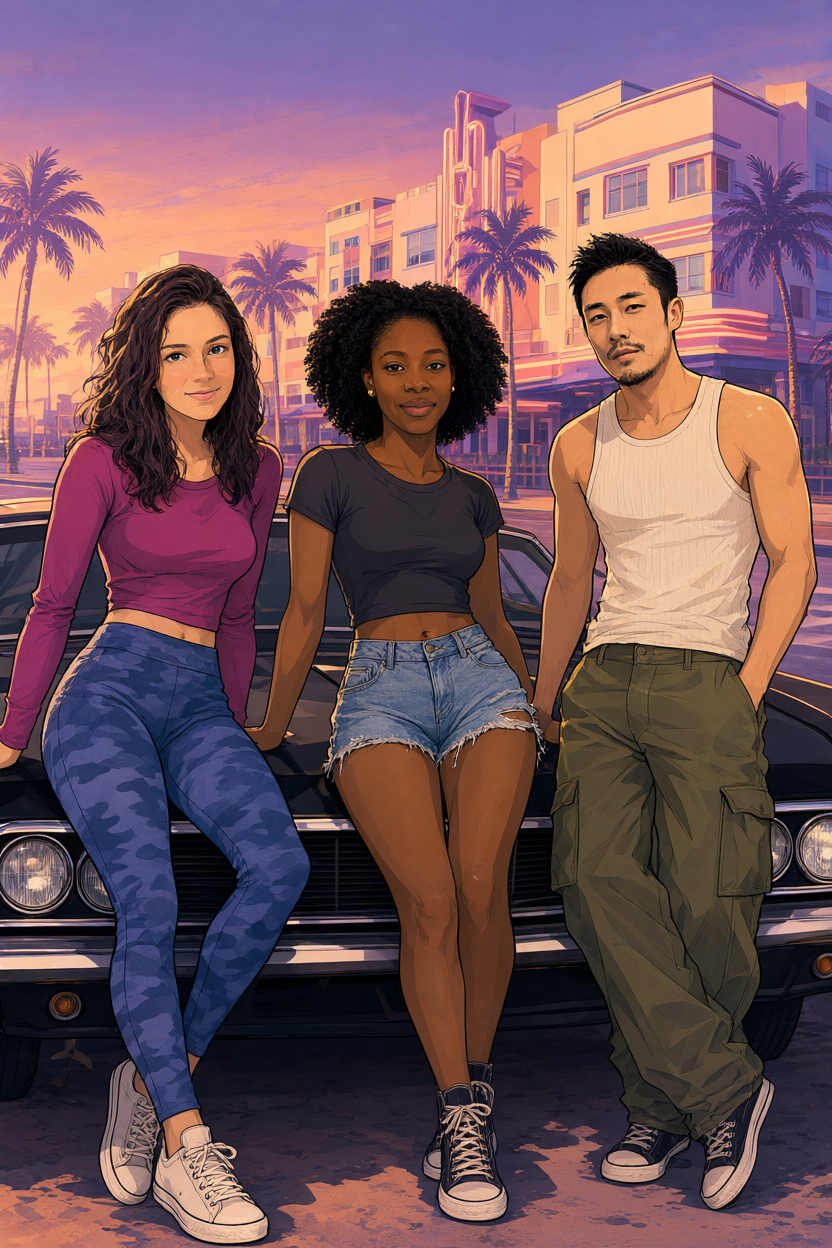
Sunset key art · Black 70s muscle car
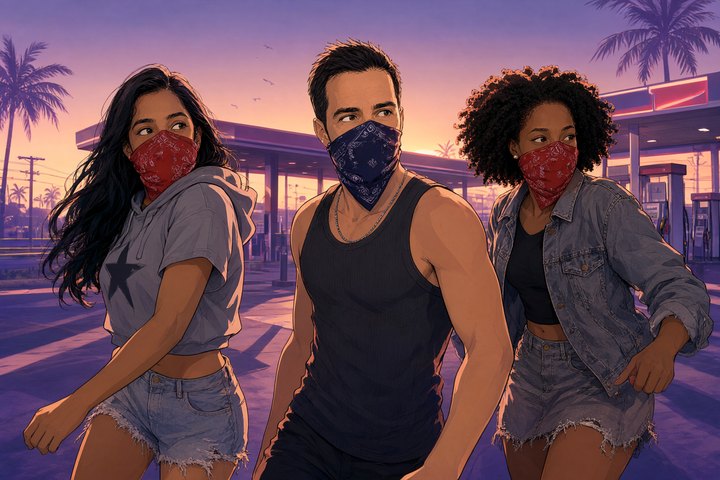
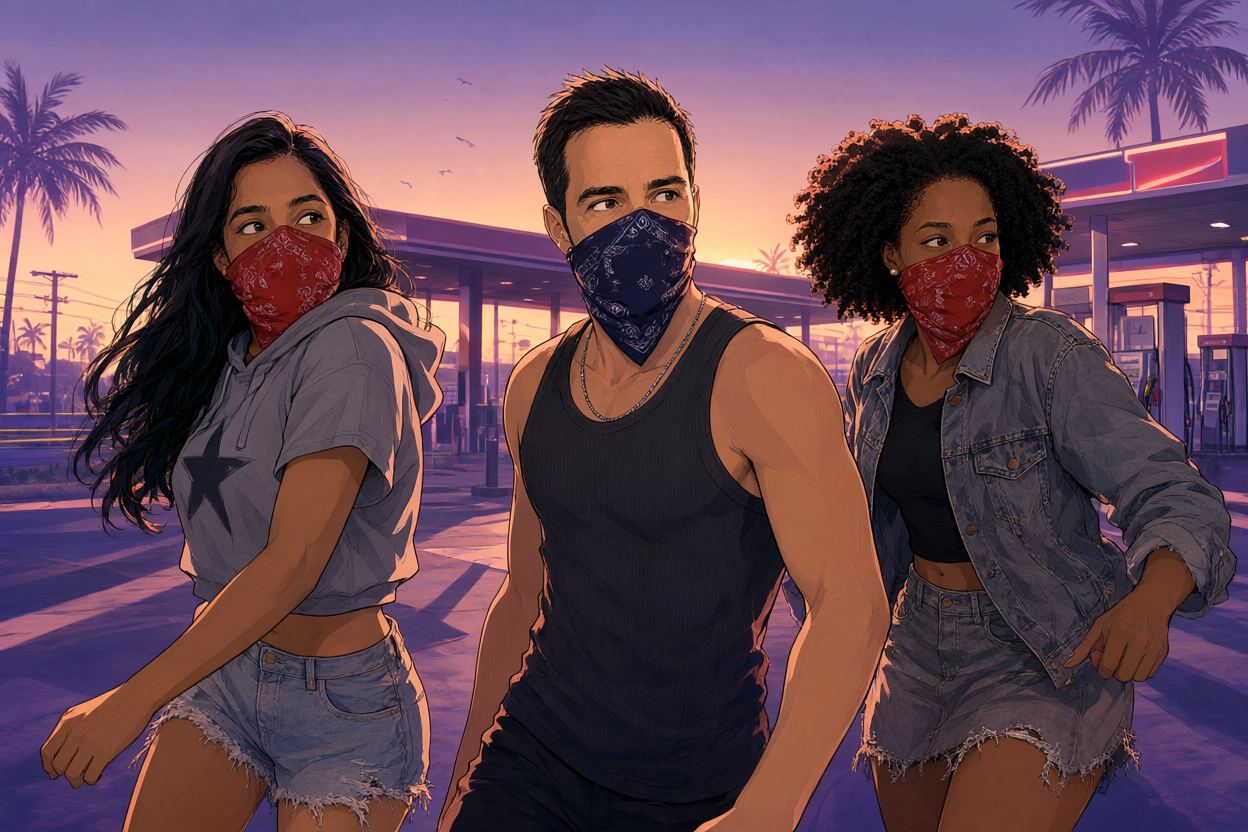
Golden hour backlight · Roadside gas station
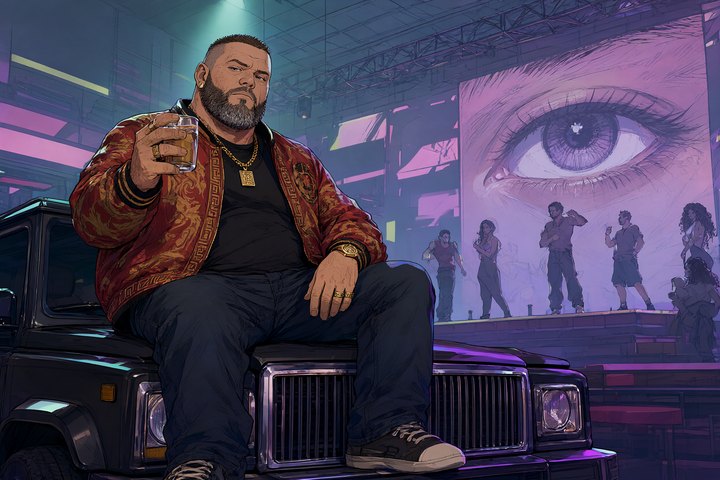
Nightclub · Character loading screen (gritty)
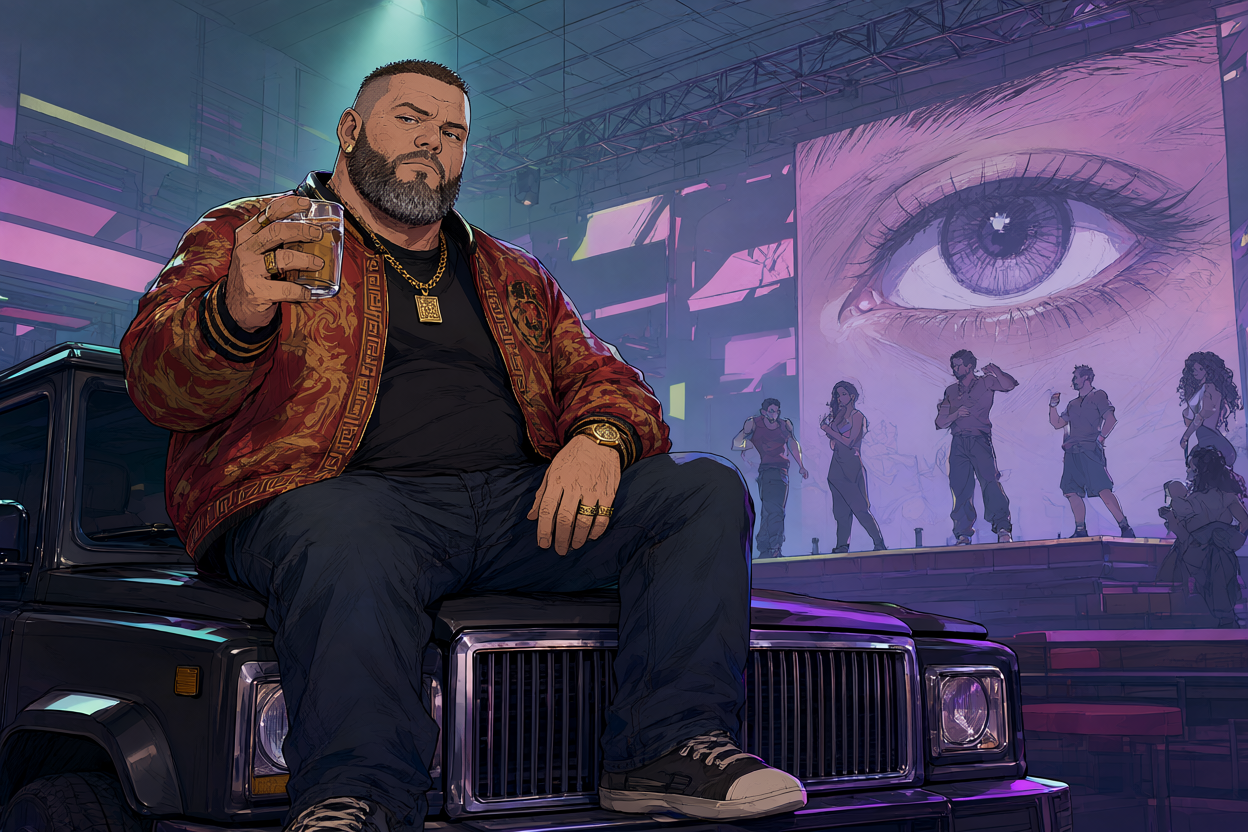
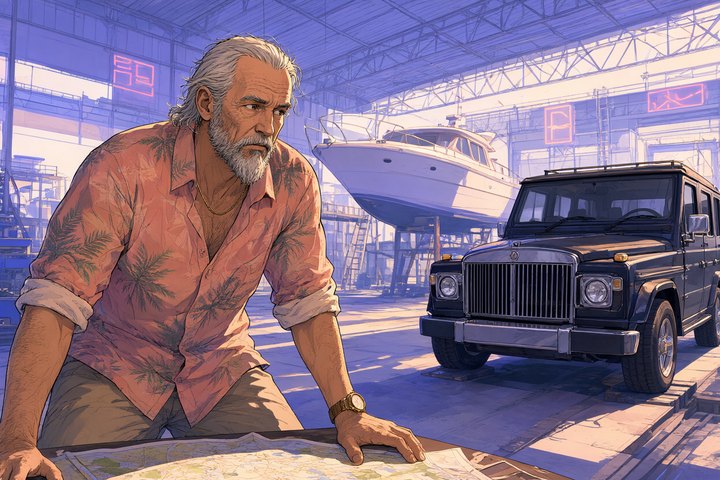
Boatyard · Character loading screen (gritty)
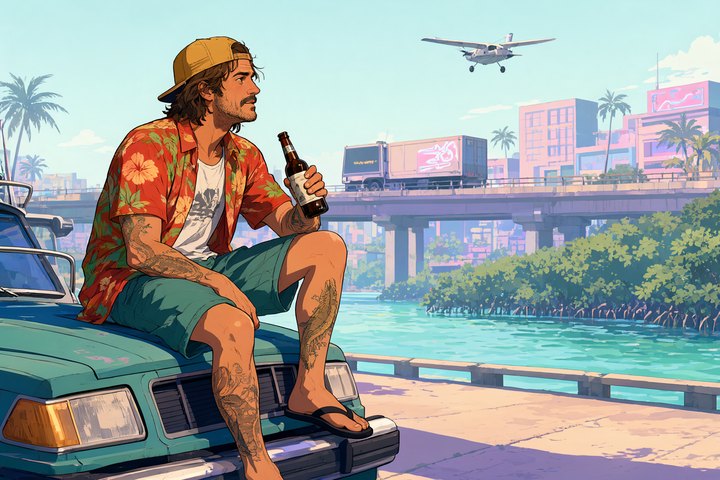
Day on the water · Small fishing boat
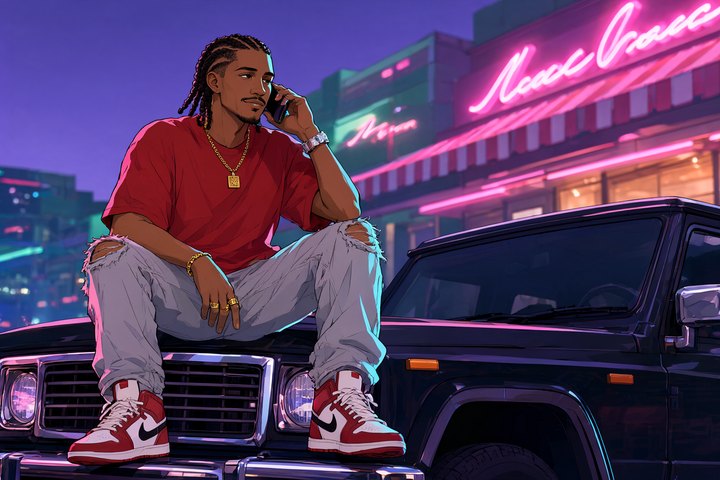
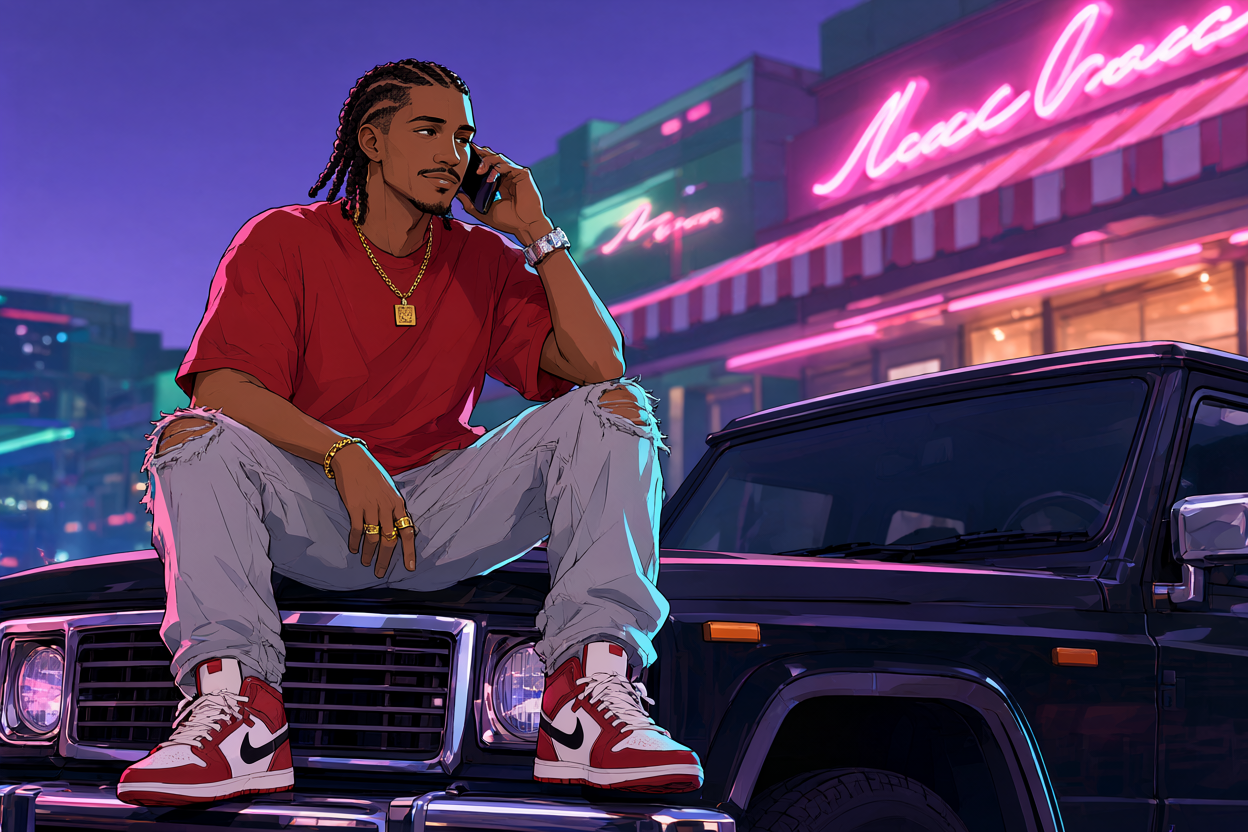
Neon night street · Black luxury box SUV
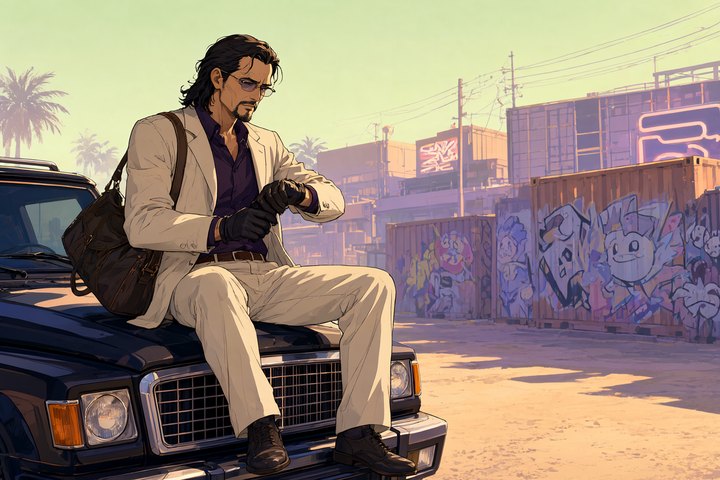
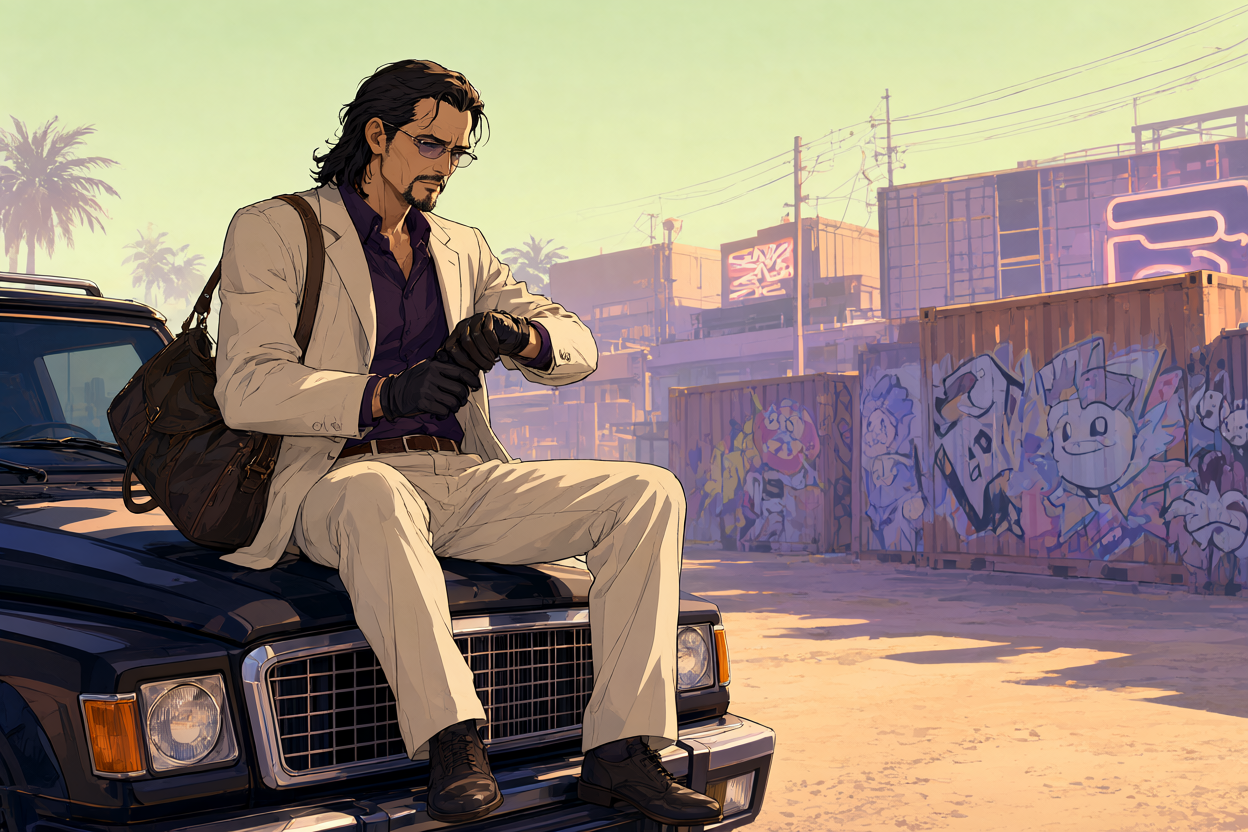
Industrial heat haze
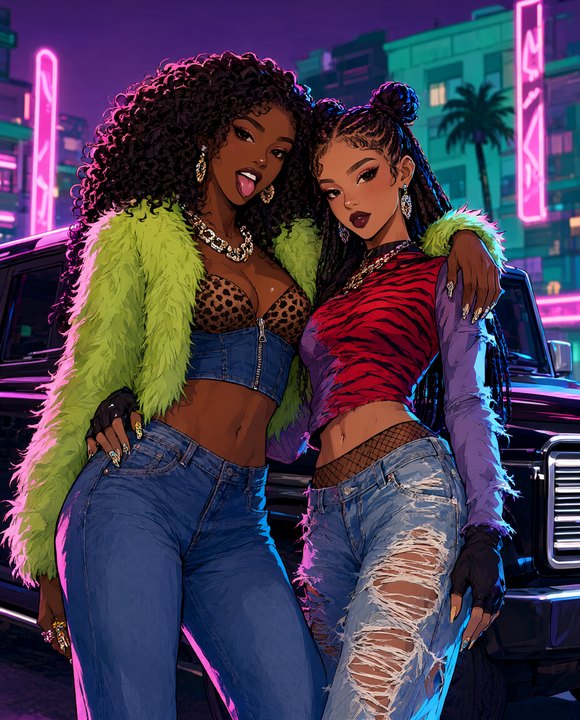
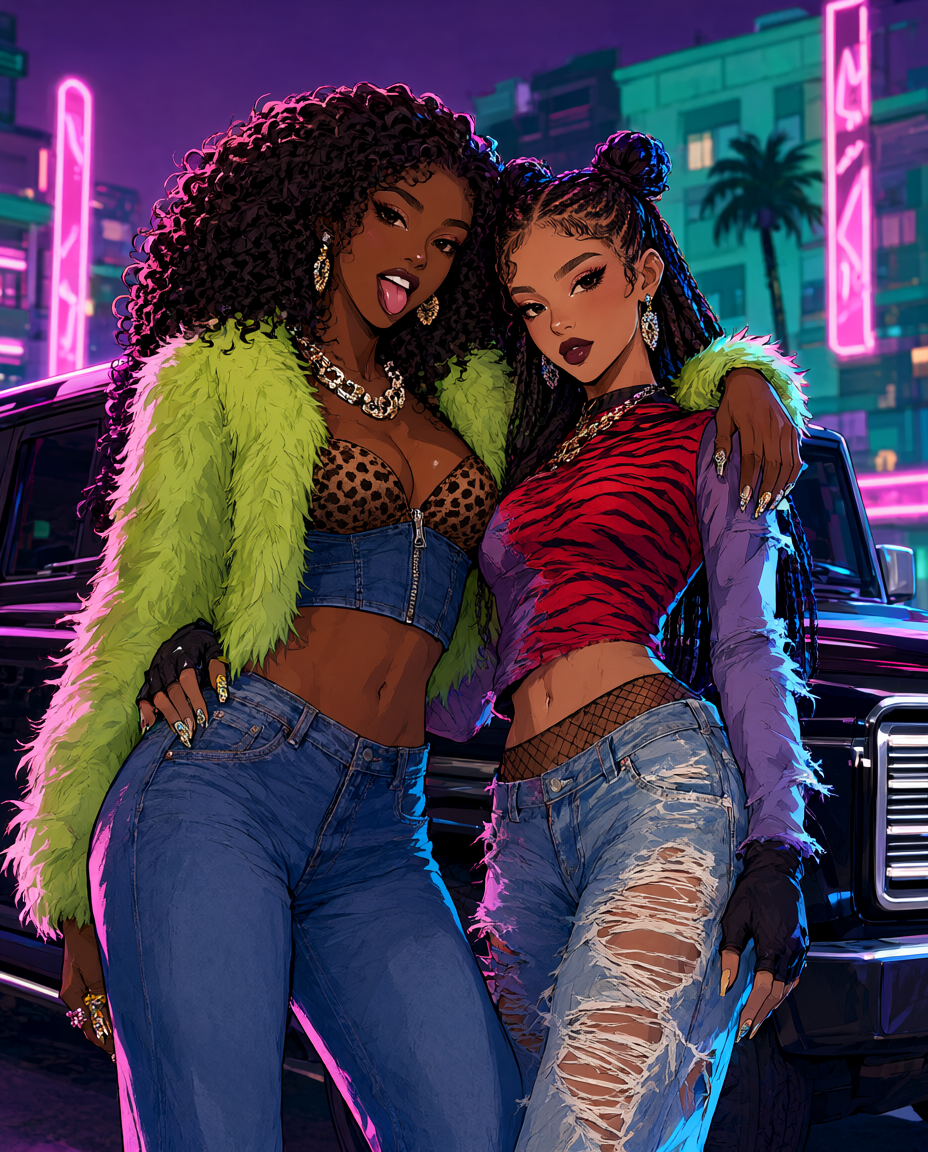
Neon night street · Neon street block · Glam (cover art)
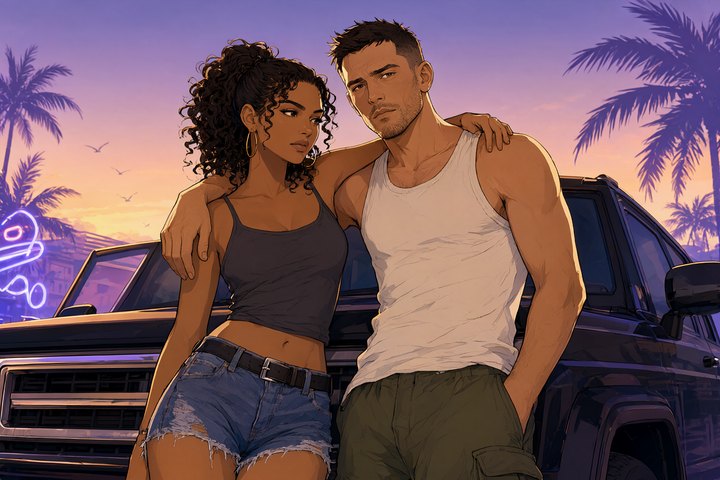
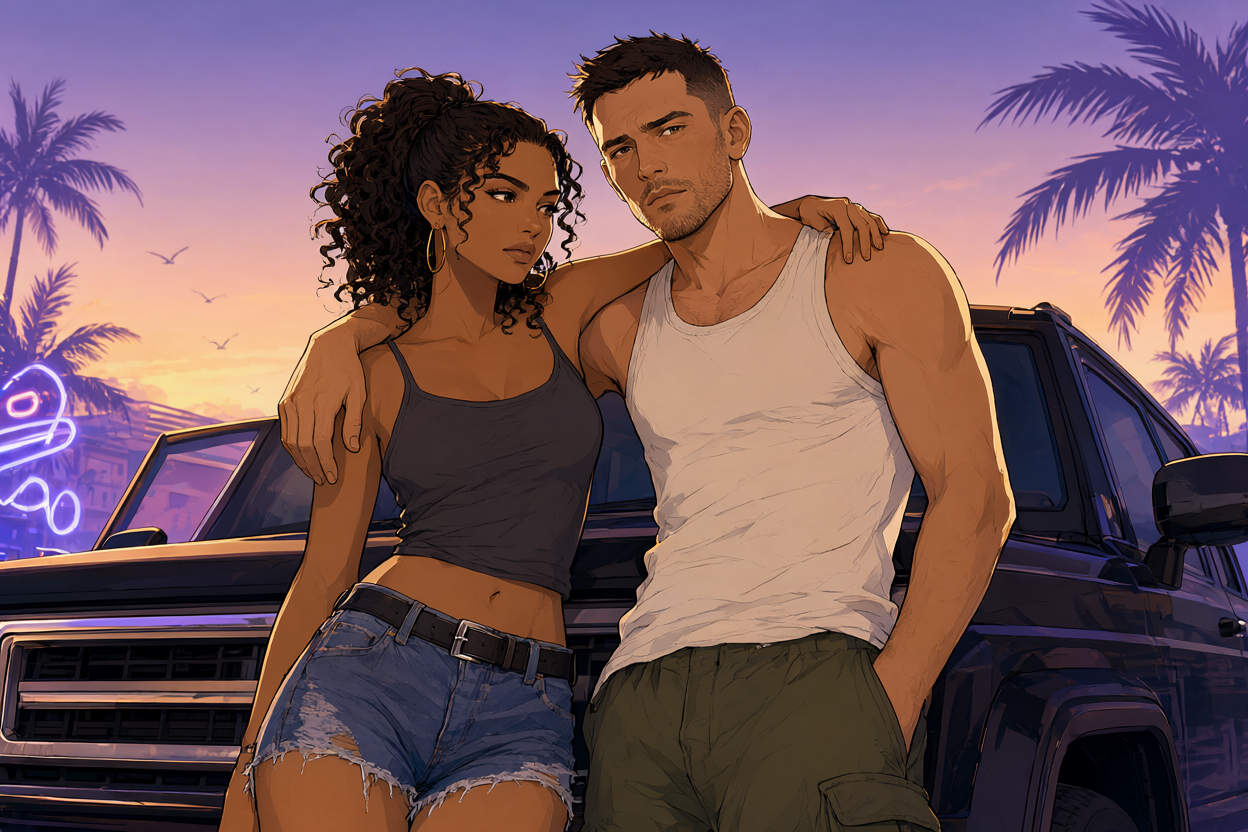
Romance close-up
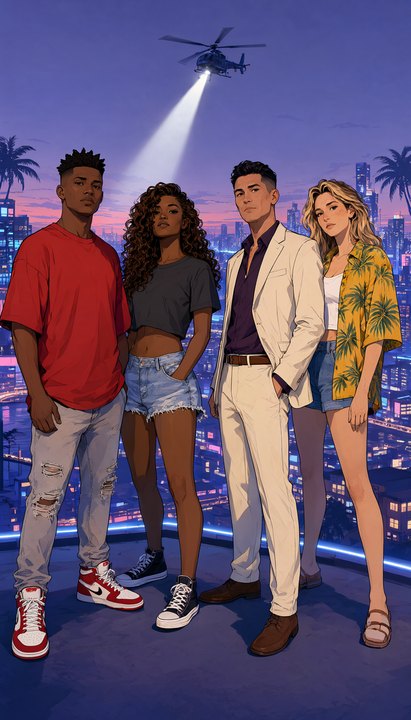
Rooftop searchlight · Police helicopter + searchlight
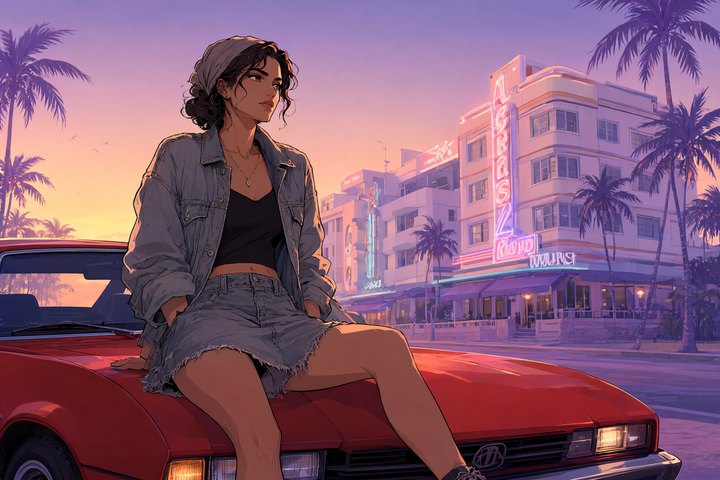
Golden hour backlight · Red 70s sports coupe
GTA VI is a trademark of Take-Two Interactive. This project is not affiliated with Rockstar Games. The presets describe the style of the official artwork in words; no artwork is shipped or used as an input.