 Loop Forge
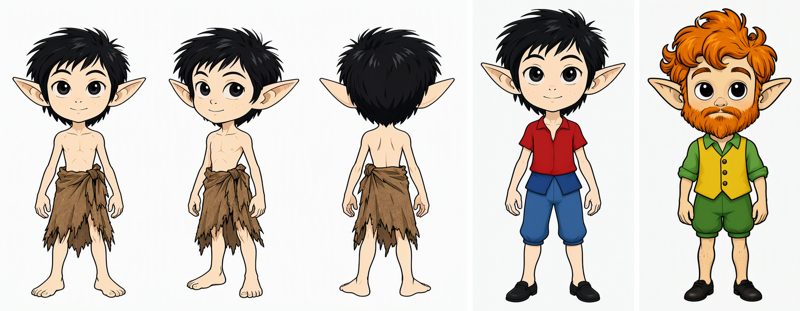
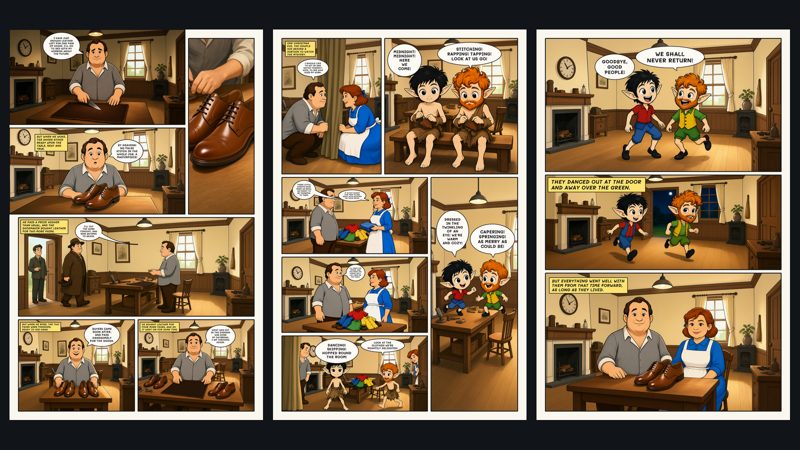
The same cast in every panel
Every character gets a turn-around sheet first, and every panel is drawn with those sheets as references. A change of clothes is drawn as an edit of the original, so the face carries over.

Give it a short story and get back a lettered comic book. An LLM writes the script, ComfyUI image models draw the cast and every panel, and code letters the balloons, all on your own PC.
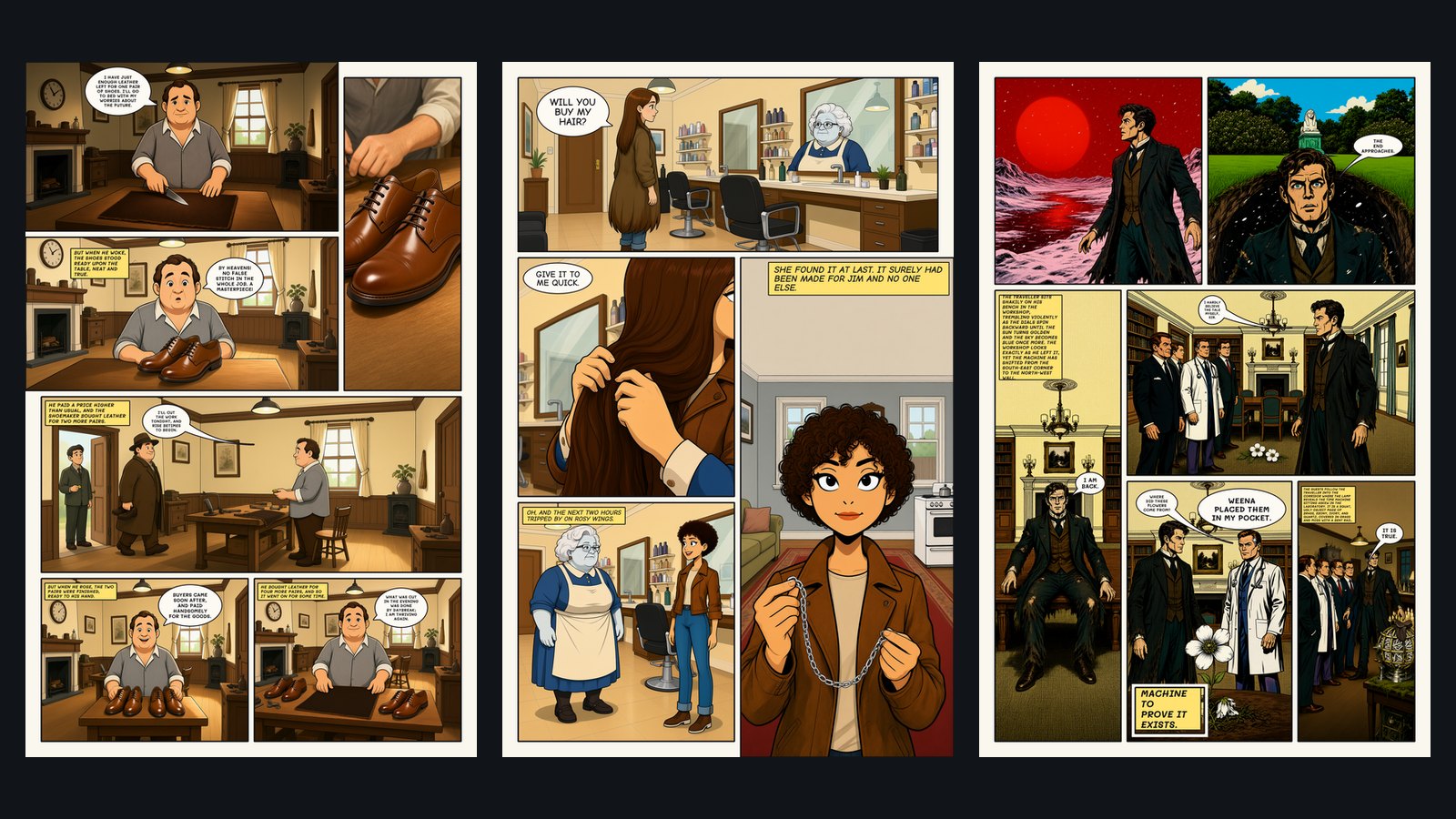
comicgen is a Python program that drives your own ComfyUI. The model files aren't included: the table under Set it up links each one, about 32 GB in all.
Every character gets a turn-around sheet first, and every panel is drawn with those sheets as references. A change of clothes is drawn as an edit of the original, so the face carries over.
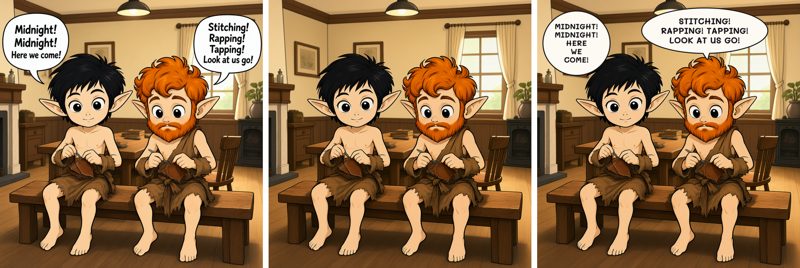
The model draws each panel with balloons so the picture leaves room for them. SAM finds them, an edit removes them, and code letters the script's exact words back in.
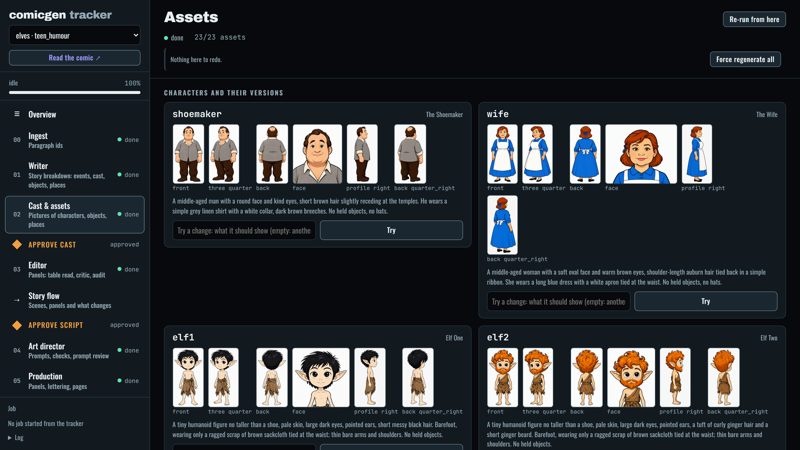
Every character, version and view in one place. Try a different look in plain words before any panel is drawn.
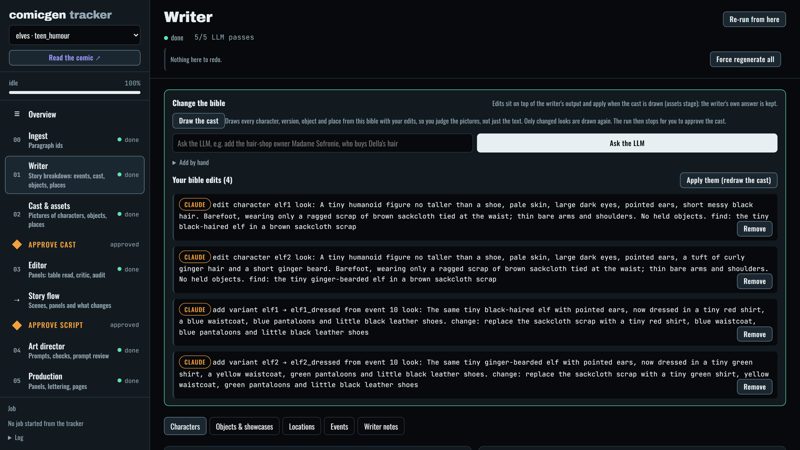
Ask the LLM to change the cast, or edit it by hand. Only the pictures whose look changed are drawn again.
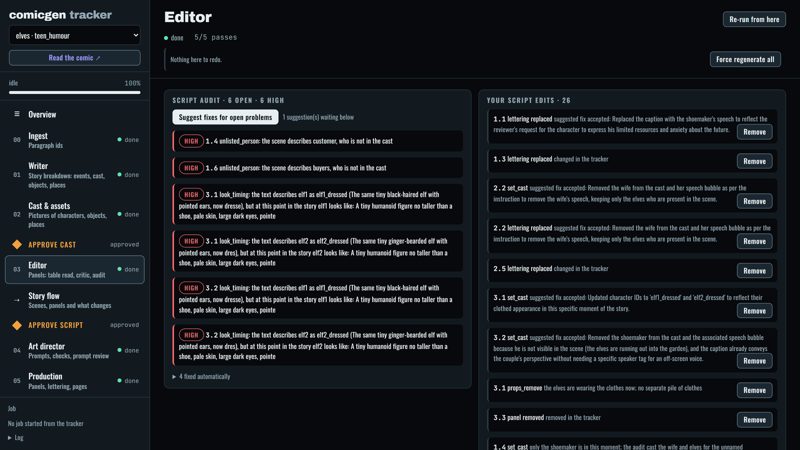
The script audit lists open problems. Fix them yourself or ask the LLM, panel by panel, then approve the script.
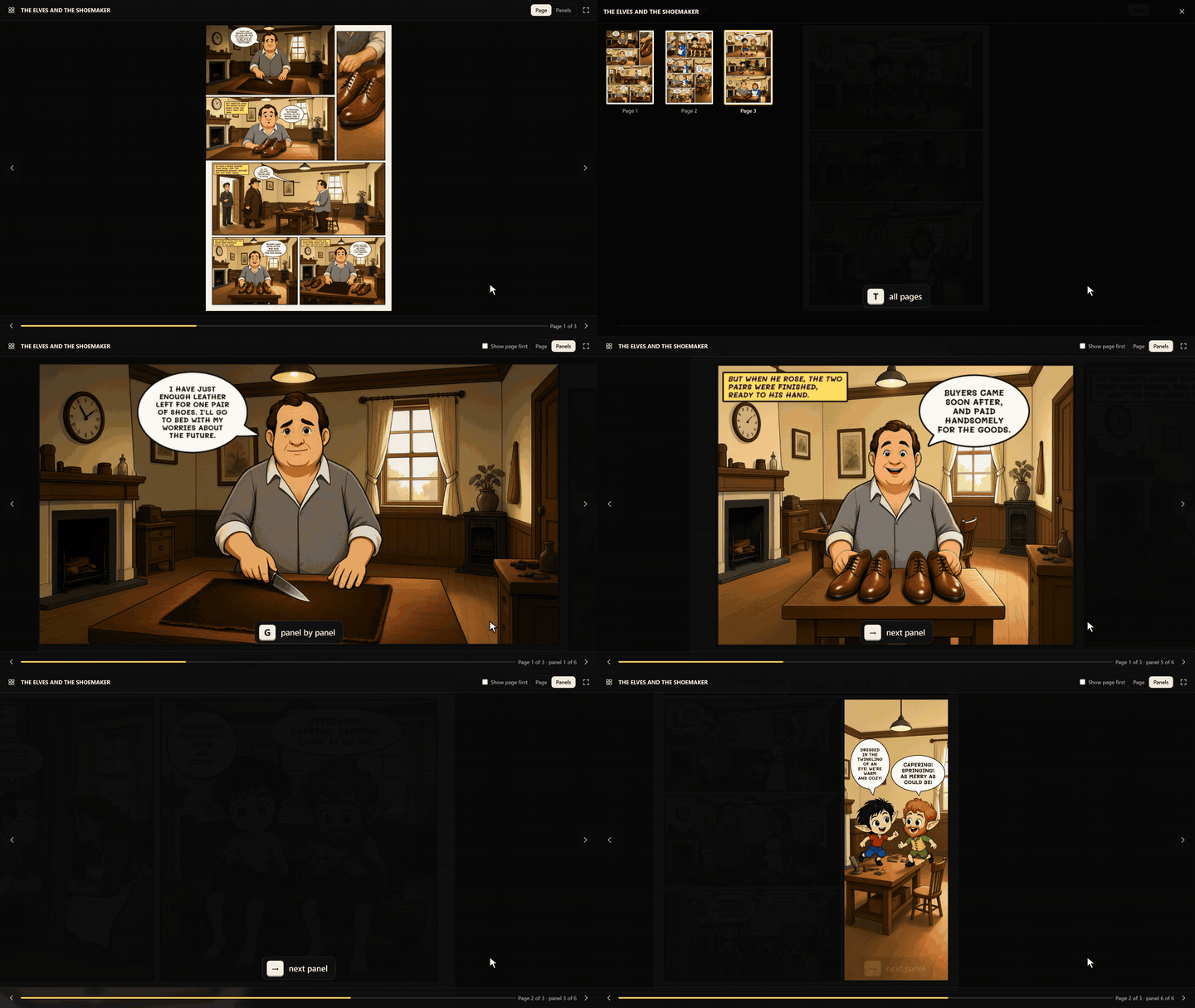
Read it page by page or panel by panel. It's written as a folder that opens offline in any browser.
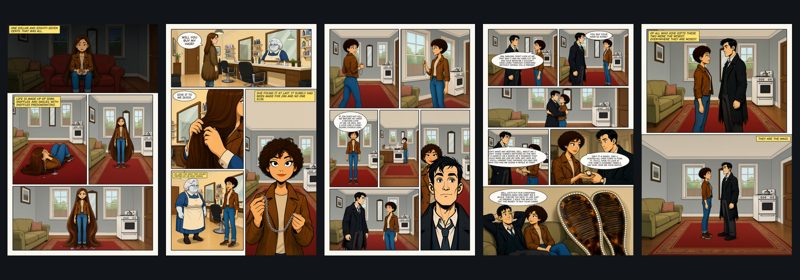
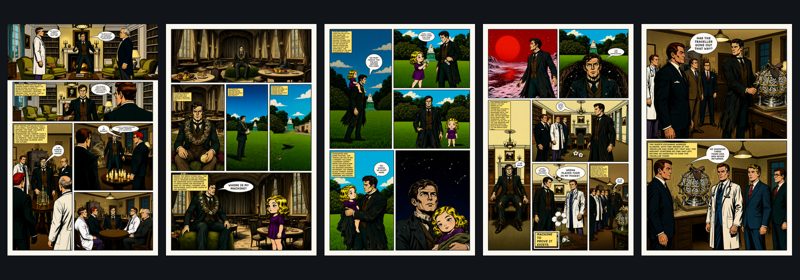
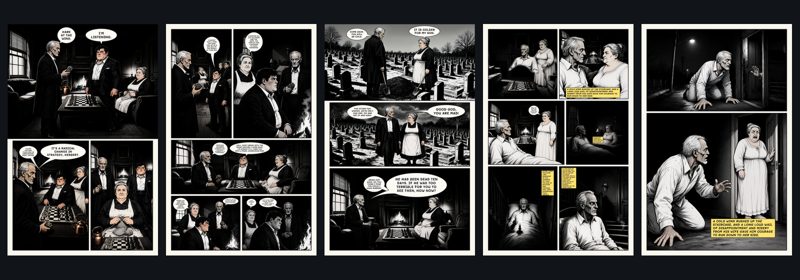
Clone the repository and install its Python packages.
git clone https://github.com/loopforge0/comicgen.git
cd comicgen
pip install -r requirements.txtDownload each file into the ComfyUI models folder shown, then start ComfyUI. It has to be listening on 127.0.0.1:8188.
| File | Put it in | Size |
|---|---|---|
| qwen_image_2.1_turbo_int8_convrot.safetensors | models/diffusion_models | 7.3 GB |
| qwen_image_2.1_vae_bf16.safetensors | models/vae | 675.5 MB |
| qwen3vl_8b_int8_convrot.safetensors | models/text_encoders | 9.4 GB |
| moss_image_sft_int8_convrot.safetensors | models/diffusion_models | 5.4 GB |
| flux2-vae_small.safetensors | models/vae | 249.5 MB |
| qwen3.5_9b_w4a8_gptq.safetensors | models/text_encoders | 7.3 GB |
| sam3.1_multiplex_fp16.safetensors | models/checkpoints | 1.7 GB |
This asks ComfyUI which nodes and model files it has, and lists anything missing with the folder it goes in.
python -m comicgen checkCreate a project from a story, then run, review and approve it in the tracker at http://127.0.0.1:8765. Four public-domain stories come with the code.
python -m comicgen new elves --story stories/elves_and_the_shoemaker.txt --style teen_humour
python -m comicgen uiOne command from story to finished pages, with no stops and no LLM call leaving your PC. The pages land in projects/elves/pages/.
python -m comicgen new elves --story stories/elves_and_the_shoemaker.txt --auto-approve --local-only